Get 10% back in Relic Coins on every order
Shiny Digital Deluxe Edition cover

SteamGlobal· Key

Shiny Digital Deluxe Edition

€2.28

+€0.23 cashback eligibility in Relic Coins

Check before you play

Platform
Steam
Region
Global
Product type
Key
Developer
Garage227 Studios
Supplier release date
2016-08-31
Genres
Action, Indie, Platformer

About this product

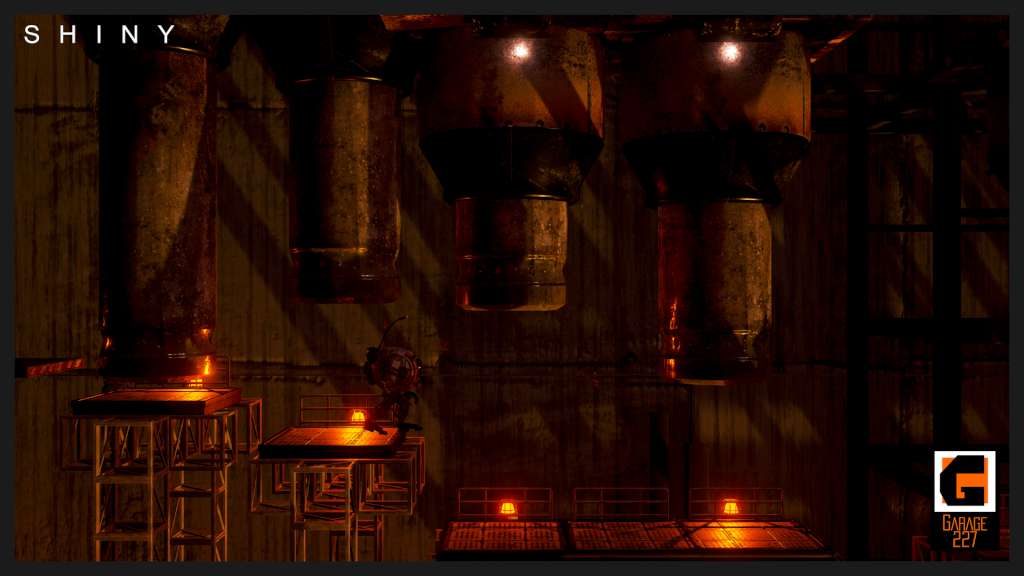
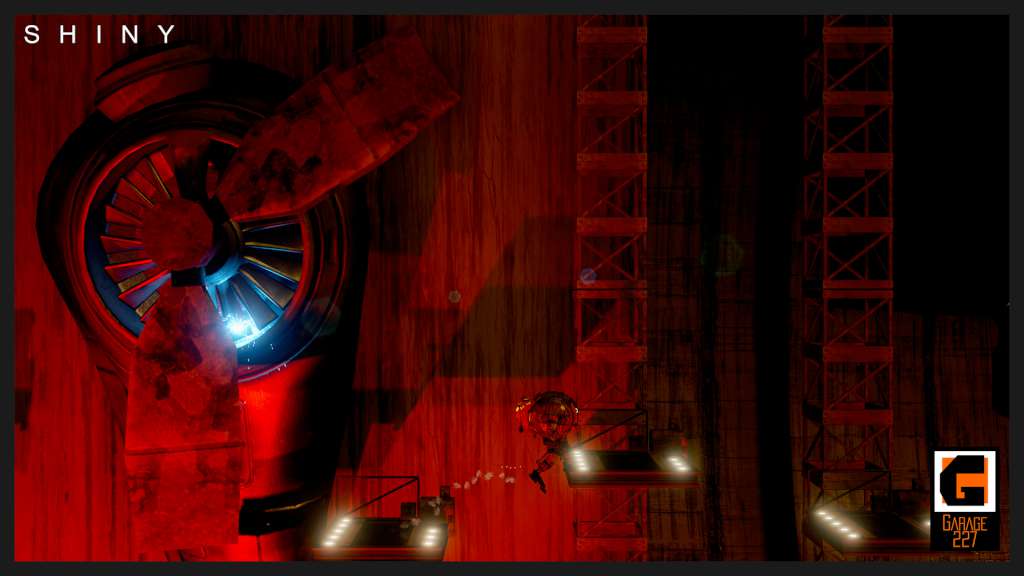
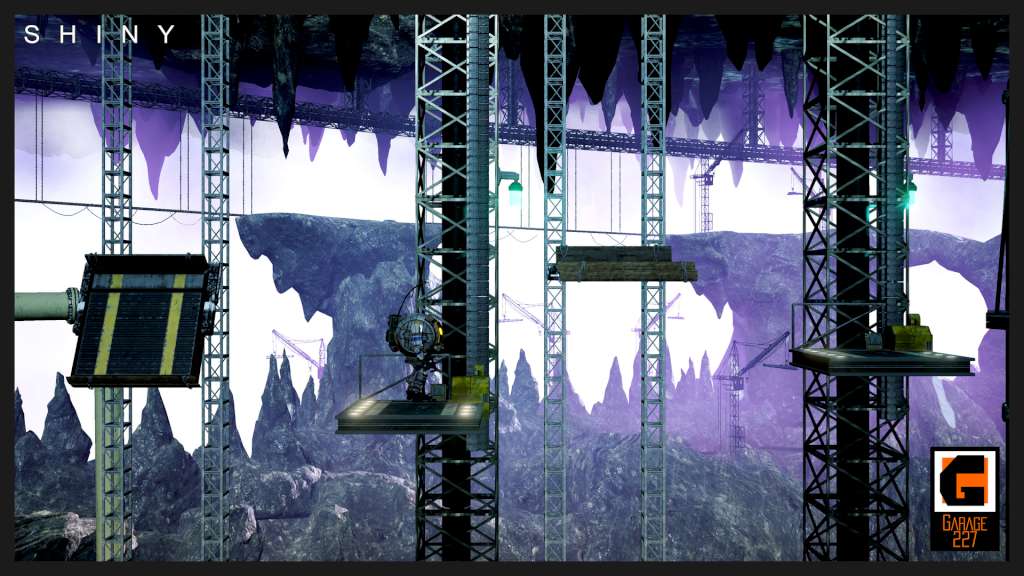
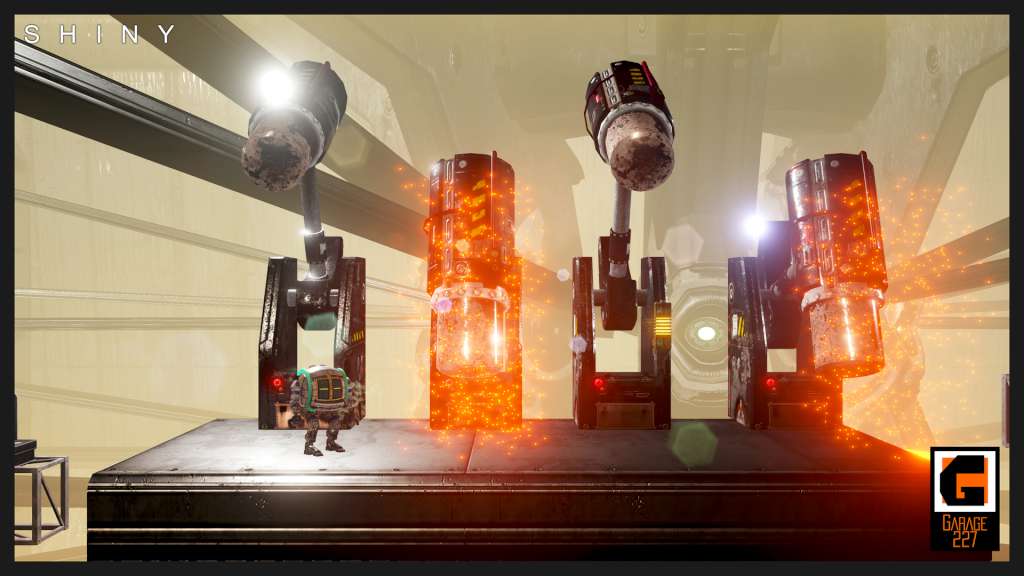
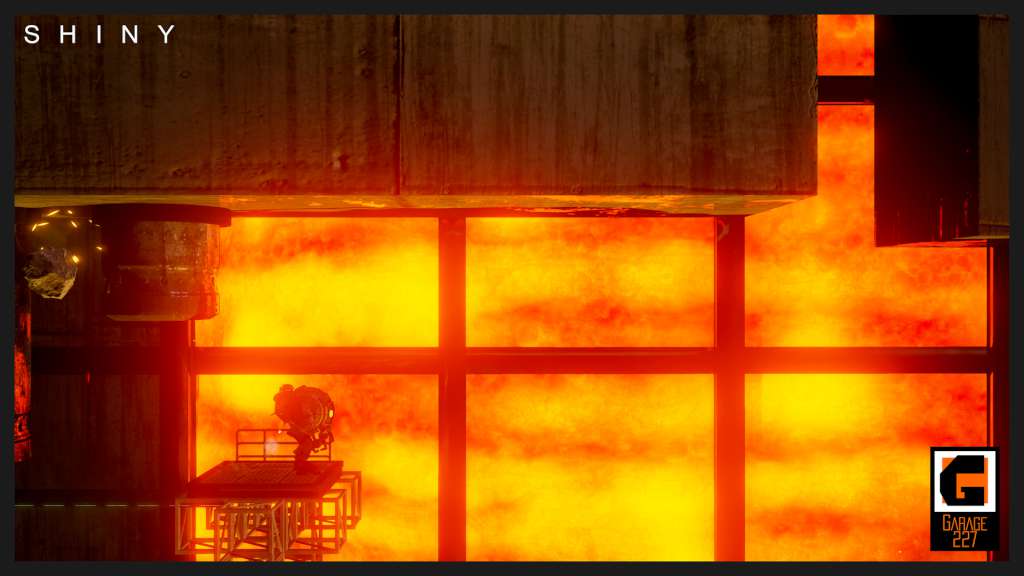
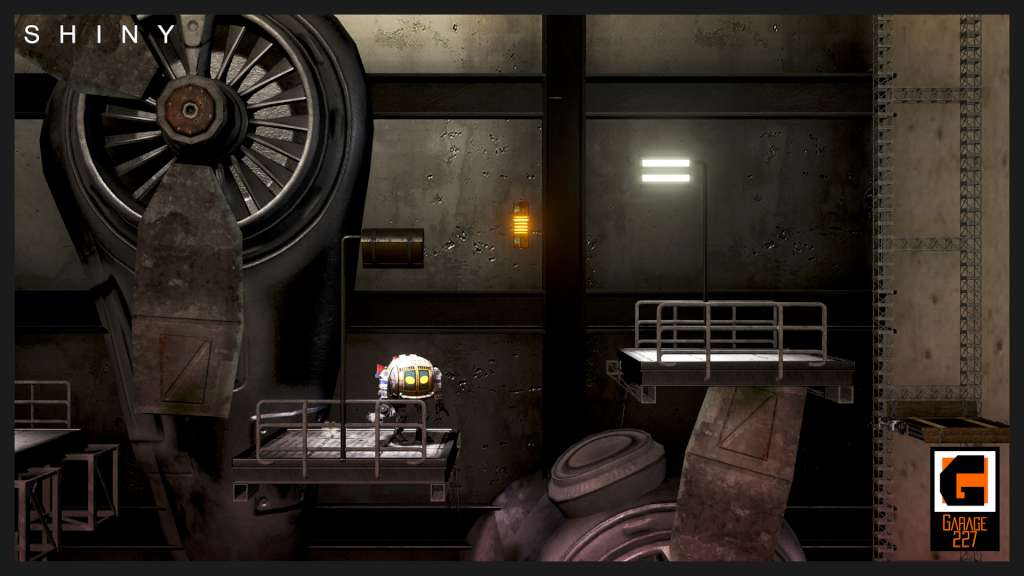
Includes 3 items: Shiny, Shiny - Official Soundtrack, Shiny - Digital Artbook. Robots can have a heart! Left to fend for himself after mankind abandoned the doomed planet Aurora, robot Kramer 227 must find a way to harvest energy and rescue his robotic friends before Aurora crashes into its sun. In his journey, Kramer will probe the planet itself and overcome challenging obstacles, all while trying to conserve his limited life energy to power himself and his friends on their way to safety. Kramer will gather and share energy with his fellow robots, helping them escape dire situations and predicaments. He will have to jump and explore every platform in every corner of the 20 extensive levels to find all of his friends. Energy is running low on Aurora, so Kramer will have to collect batteries or use generators to recharge, as every action drains his power. Various power-ups collected along the way, such as jetpacks, energy spheres and temperature regulators, can help him on this crucial journey. Shiny is about saving lives, so it contains no blood or violence. Features Enjoy non-violent, platforming action Explore 20 extensive levels. Manage your energy levels – the robots’ source of life! Make use of cool power-ups found along the way.


Shiny Digital Deluxe Edition screenshotShiny Digital Deluxe Edition screenshotShiny Digital Deluxe Edition screenshotShiny Digital Deluxe Edition screenshotShiny Digital Deluxe Edition screenshotShiny Digital Deluxe Edition screenshot

How to redeem

  1. 1Check your Steam account and the listed region before purchasing.
  2. 2Find your code and supplier activation instructions in your confirmed order.
  3. 3Open the redeem-code section on Steam, enter the code and follow the platform’s prompts.

Supplier instructions

Go to: http://store.steampowered.com/ and download STEAM client Click "Install Steam" (from the upper right corner) Install and start application, login with your Account name and Password (create one if you don't have). Please follow these instructions to activate a new retail purchase on Steam: Launch Steam and log into your Steam account. Click the Games Menu. Choose Activate a Product on Steam... Follow the onscreen instructions to complete the process. After successful code verification go to the "MY GAMES" tab and start downloading.

You might also like