Get 10% back in Relic Coins on every order
Space Conflict - Legends of Azulgar cover

SteamGlobal· Key

Space Conflict - Legends of Azulgar

€4.65

+€0.47 cashback eligibility in Relic Coins

Check before you play

Platform
Steam
Region
Global
Product type
Key
Developer
Lusorion Creatives
Publisher
Lusorion Creatives
Supplier release date
2017-08-31
Genres
Action, Adventure, RPG, Simulation, Indie

About this product

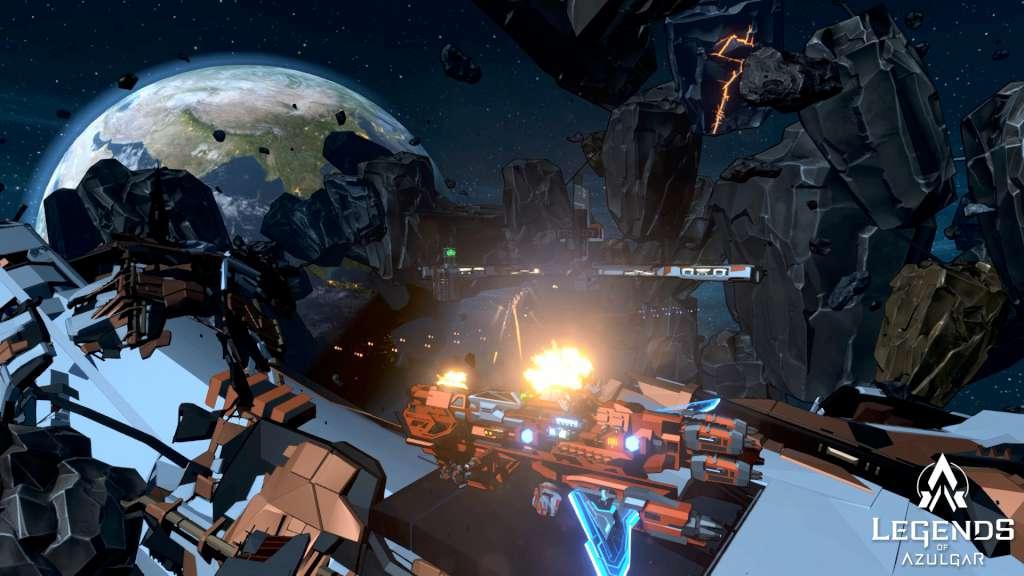
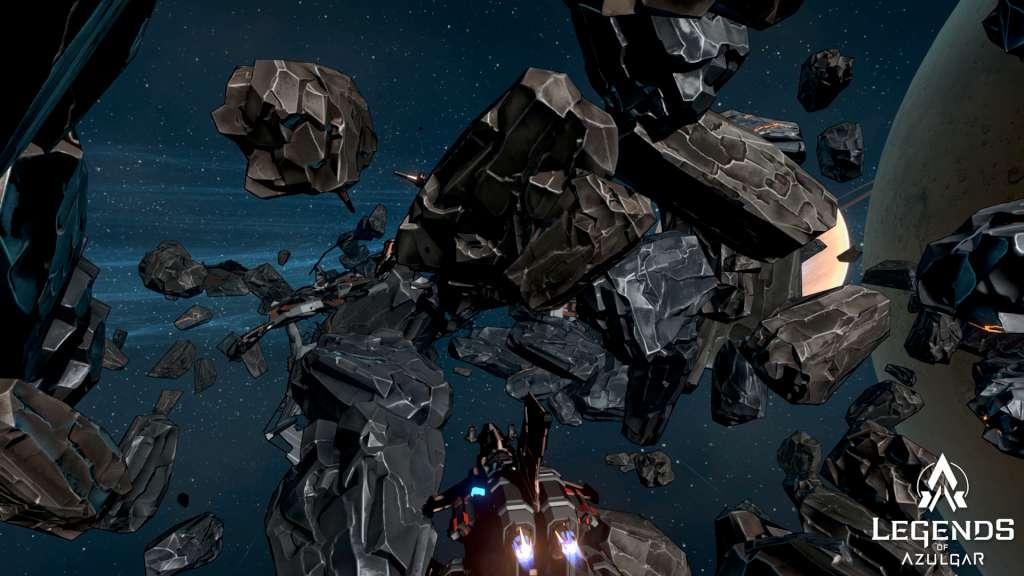
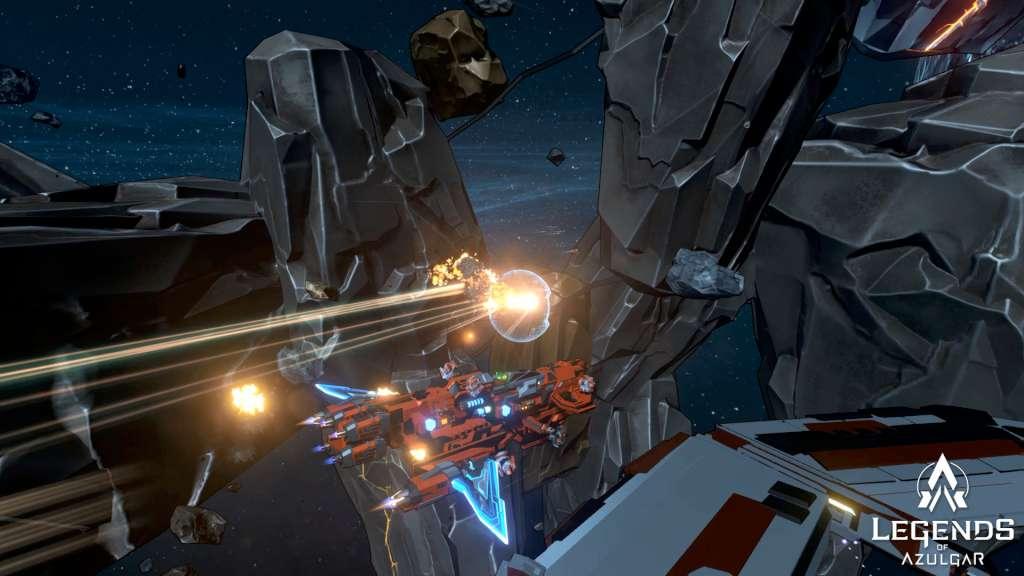
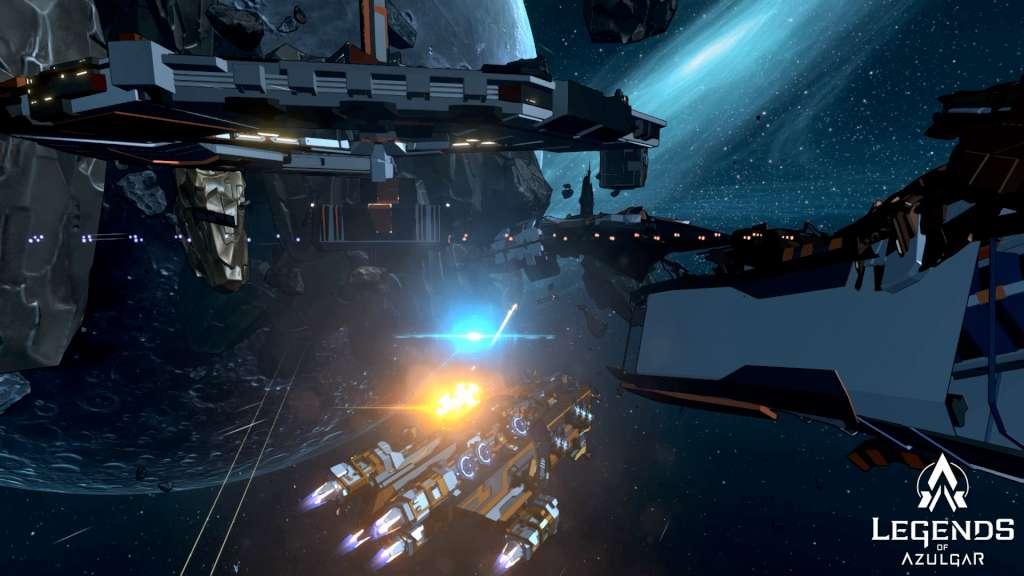
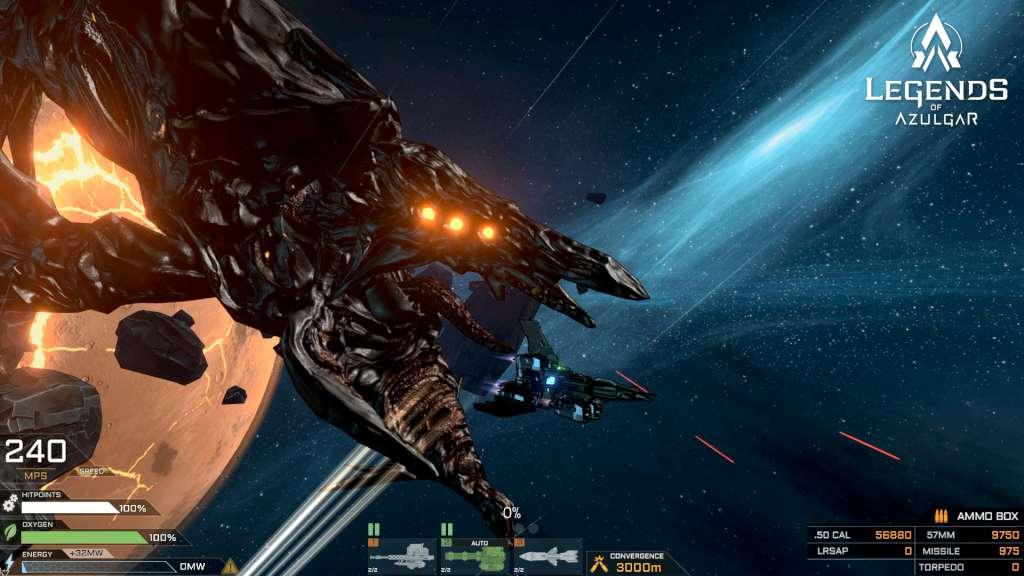
Legends of Azulgar- Space Conflict is a Sci-Fi Action oriented Sandbox Roleplaying game with strategic elements that puts you in command of a space ship, space station and a fleet in a massive sandbox universe. The game immerses the player in a fully interactive environment and a world rich in lore and Legends. In 2XXX a terrestrial observatory on earth detected traces of an ancient signal from the distant solar system of Auriga. As the world's top scientists investigated, it started to become clear that this signal did not originate from a celestial anomaly - but from an artificial source. With the signal now partially deciphered you are tasked with exploring this new and strange solar system and discovering the secrets of Azulgar and it’s mysterious signal. Every shot matters - Legends of Azulgar is inspired by naval combat and focuses heavily on player ability with every weapon in action mode aimed and controller directly by the player. Carefully line up a torpedo strike to inflict maximum damage, lead your targets to ensure a crippling shell impact or charge in for close range combat.


Space Conflict - Legends of Azulgar screenshotSpace Conflict - Legends of Azulgar screenshotSpace Conflict - Legends of Azulgar screenshotSpace Conflict - Legends of Azulgar screenshotSpace Conflict - Legends of Azulgar screenshot

How to redeem

  1. 1Check your Steam account and the listed region before purchasing.
  2. 2Find your code and supplier activation instructions in your confirmed order.
  3. 3Open the redeem-code section on Steam, enter the code and follow the platform’s prompts.

Supplier instructions

Go to: http://store.steampowered.com/ and download STEAM client Click "Install Steam" (from the upper right corner) Install and start application, login with your Account name and Password (create one if you don't have). Please follow these instructions to activate a new retail purchase on Steam: Launch Steam and log into your Steam account. Click the Games Menu. Choose Activate a Product on Steam... Follow the onscreen instructions to complete the process. After successful code verification go to the "MY GAMES" tab and start downloading.

You might also like