Get 10% back in Relic Coins on every order
Soldiers of the Universe cover

SteamGlobal· Key

Soldiers of the Universe

€4.20

+€0.42 cashback eligibility in Relic Coins

Check before you play

Platform
Steam
Region
Global
Product type
Key
Developer
Rocwise Entertainment
Publisher
Rocwise Entertainment
Supplier release date
2017-09-14
Genres
Action, Adventure, Indie

About this product

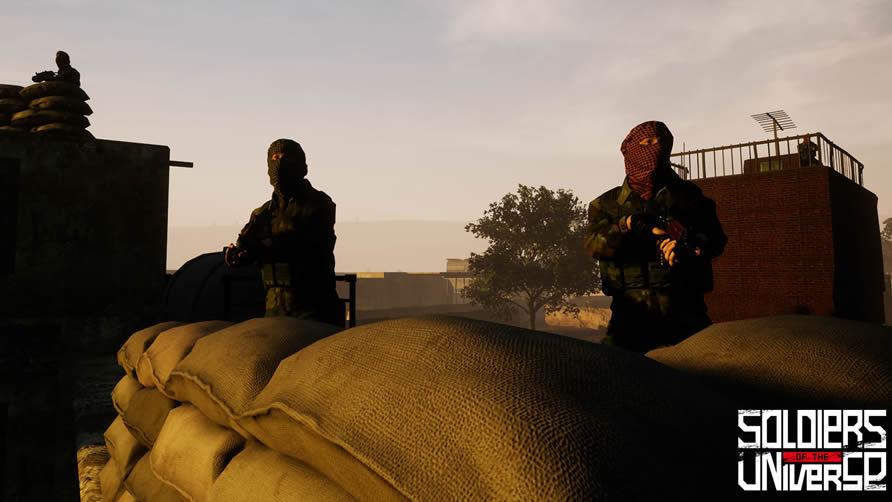
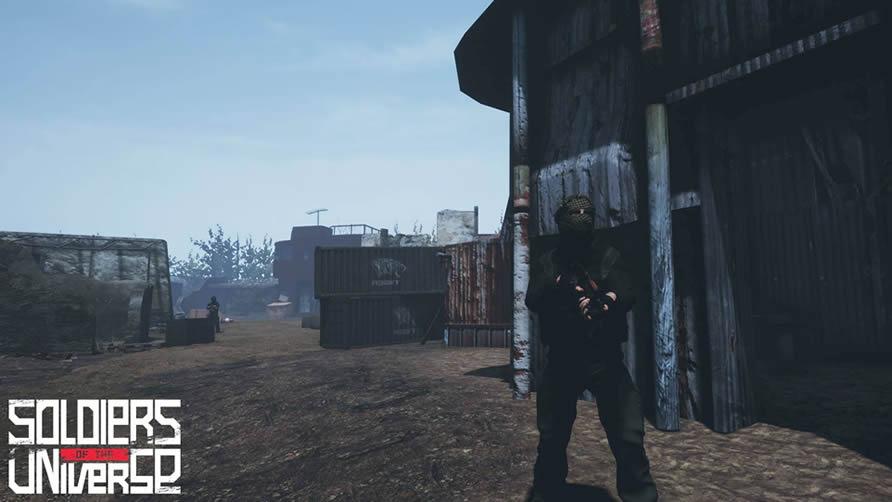
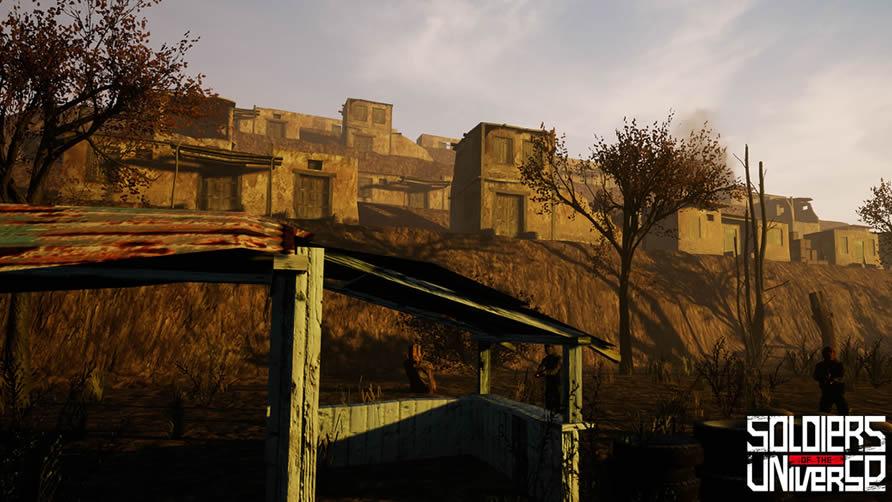
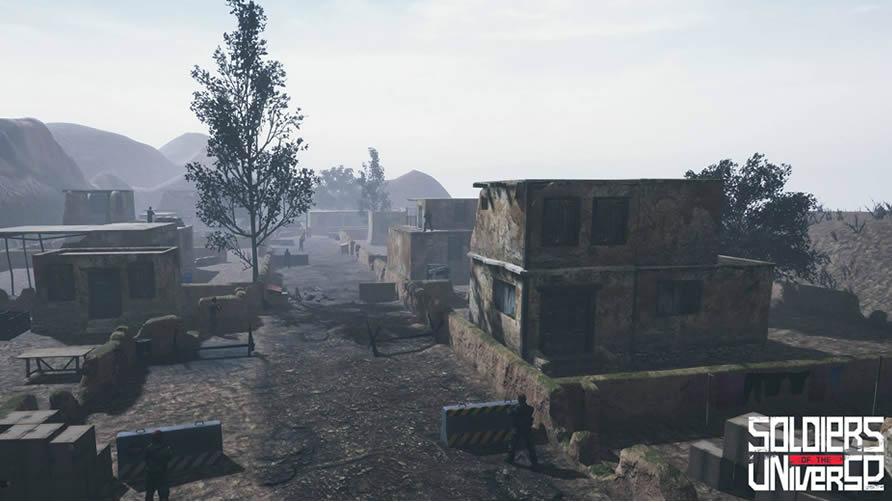
Soldiers of the Universe is a story-driven first person shooter game that tells the story of a group of soldiers fighting against terrorist organizations in the Middle-East.The Republic of Turkey has a secret organization called "Akinci Warriors" who specializes in secret military operations. Our hero Hakan takes over his father Selim Kahraman’s place as "The Toyga" of Akinci Warriors. He will lead military operations to take his father’s revenge and he will fight against the enemies of the state. Having trained in military and various branches of science for many years Hakan will be fighting a relentless struggle against terrorists along with three other heroes that joined to his side. After meeting Mr. Barbaros and Akıncı warriors, a lot will change in Hakan's life. He will learn what "patriotism" really means and he will understand the importance of fighting for his own country but not for his personal devils. With the intelligence gathered by Republic of Turkey, The Military and Akinci Warriors; our heroes will carry out operations against various terror organizations at Southeast Anatolia, Northern Syria and Istanbul.

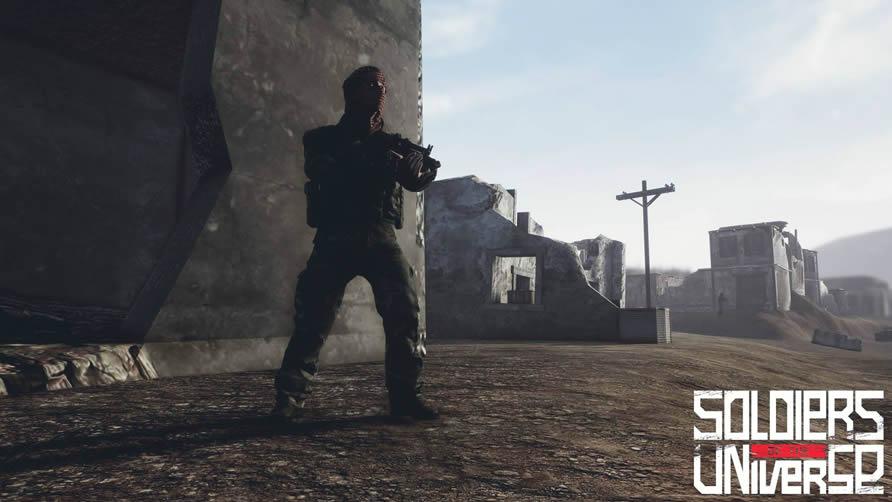
Soldiers of the Universe screenshotSoldiers of the Universe screenshotSoldiers of the Universe screenshotSoldiers of the Universe screenshotSoldiers of the Universe screenshotSoldiers of the Universe screenshot

How to redeem

  1. 1Check your Steam account and the listed region before purchasing.
  2. 2Find your code and supplier activation instructions in your confirmed order.
  3. 3Open the redeem-code section on Steam, enter the code and follow the platform’s prompts.

Supplier instructions

Go to: http://store.steampowered.com/ and download STEAM client Click "Install Steam" (from the upper right corner) Install and start application, login with your Account name and Password (create one if you don't have). Please follow these instructions to activate a new retail purchase on Steam: Launch Steam and log into your Steam account. Click the Games Menu. Choose Activate a Product on Steam... Follow the onscreen instructions to complete the process. After successful code verification go to the "MY GAMES" tab and start downloading.

You might also like