Get 10% back in Relic Coins on every order
Deep Ones cover

SteamGlobal· Key

Deep Ones

€0.25

+€0.03 cashback eligibility in Relic Coins

Check before you play

Platform
Steam
Region
Global
Product type
Key
Developer
BURP! Games
Publisher
BURP! Games
Supplier release date
2017-09-02
Genres
Action, Adventure, Indie

About this product

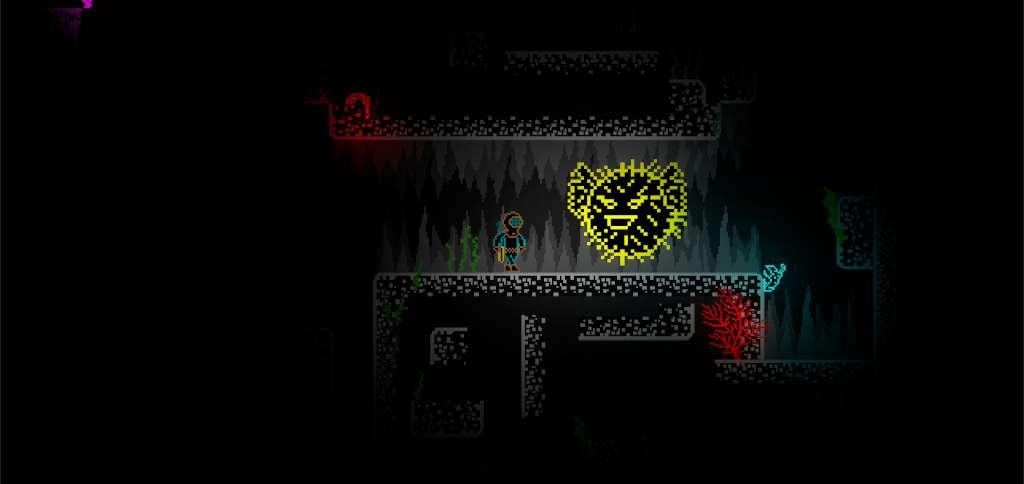
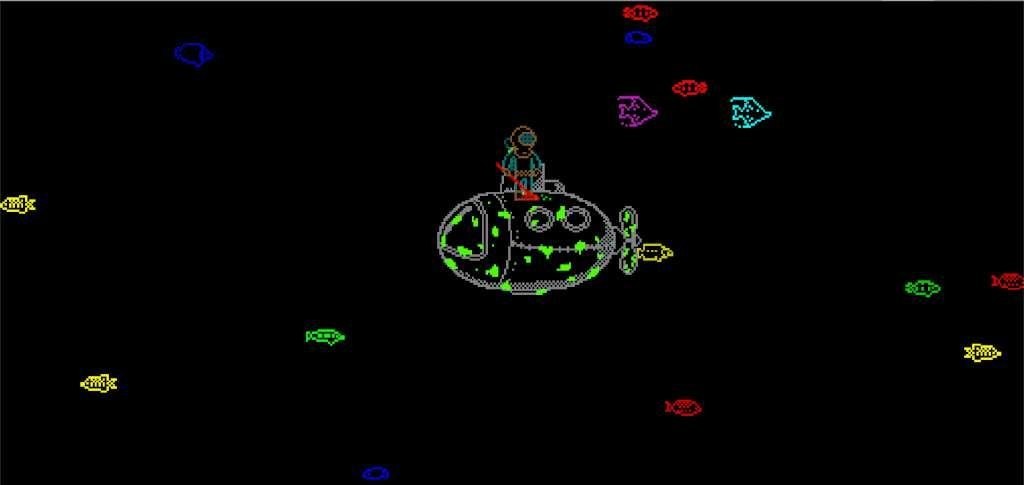
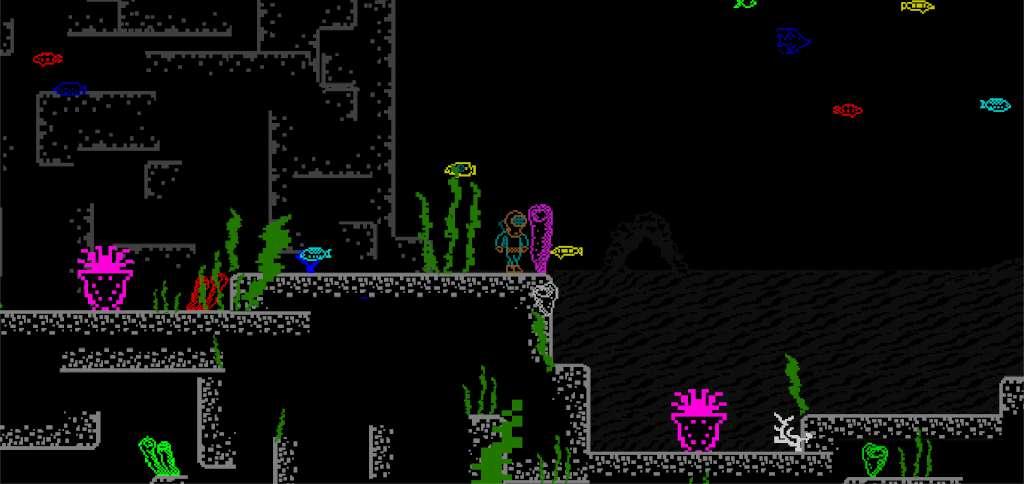
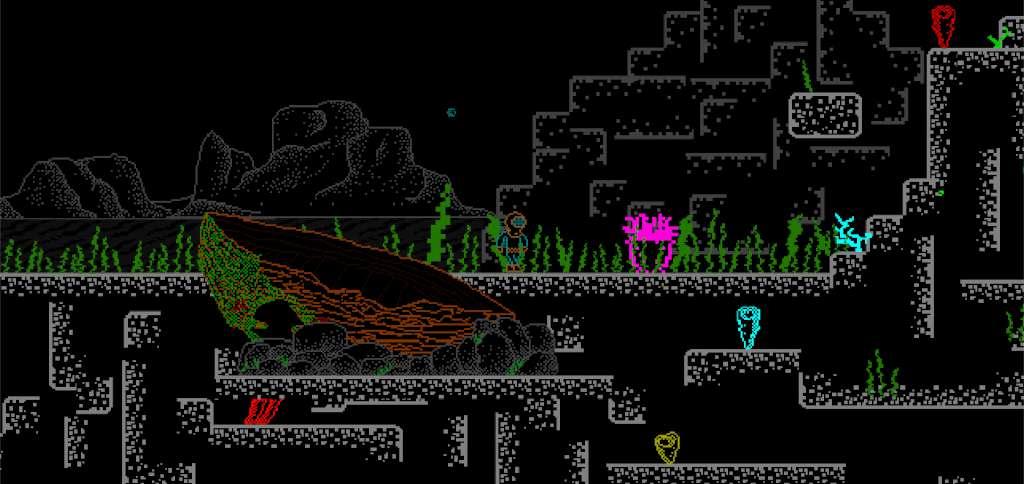
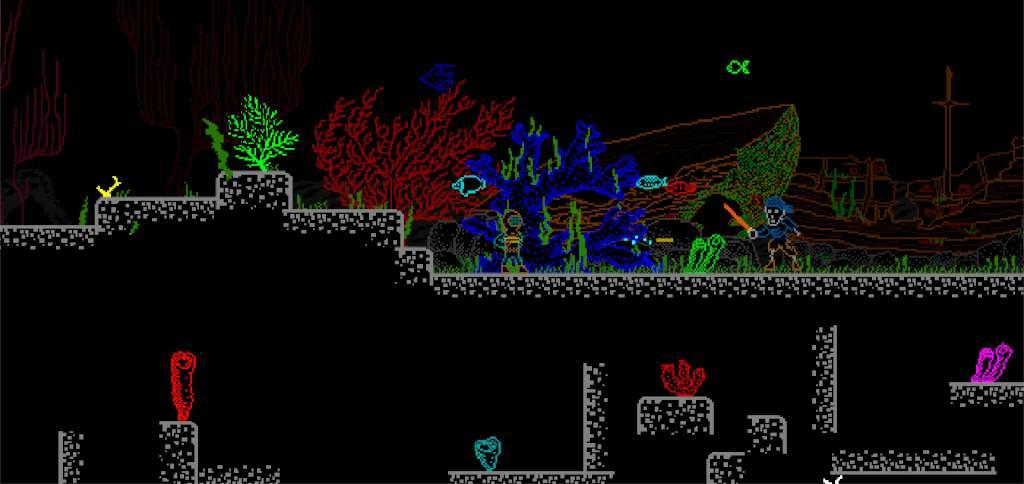
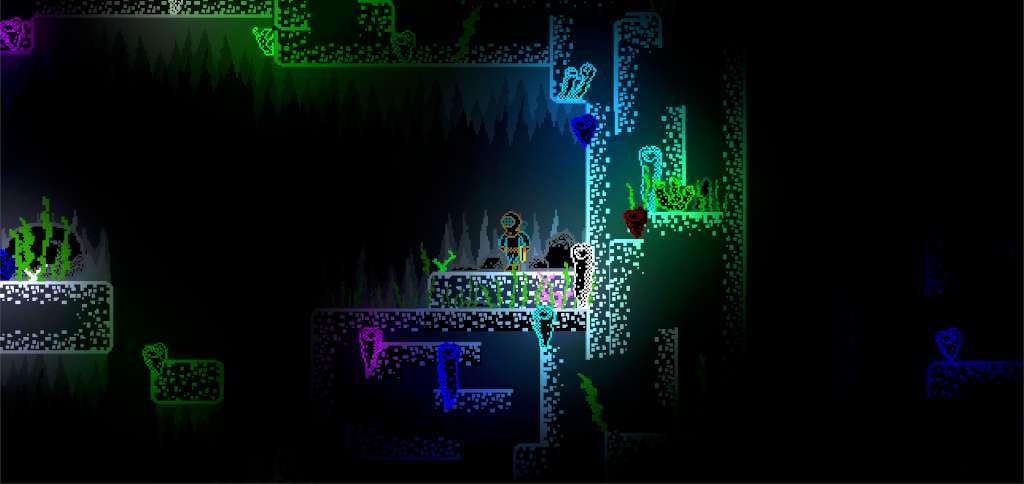
The main protagonist of this story suffers a crash on his submarine. The great red octopus is the reason of this, his will of destroying every traveler that he encounters may seem unbeatable, but Diver isn't exactly as simple as he looks. He is encouraged to walk along the bottom of the ocean, plunge into the depths of the darkest corners, to rip and tear through the thick plants of sea weed and fight with the most unknown creatures of the world that is beneath, just to get his submarine back in his command. On his path, he will witness many beautiful landscapes of the scenery and will acquire many trustworthy allies, all of which will also enrich his stories that will be worthy of telling about... That is, of course, if you'll be able to help him survive and triumph over the evil. Features Compeling and philosophical storyline Unsual visual presentation of the game, inspired by the ZX Spectrum Classic arcade gameplay Diffirent genre entries, for example, "shoot 'em up" genre will make it's way into the game, at a certain point. Peculiar soundtrack of calm, but rythmical synth sounds


Deep Ones screenshotDeep Ones screenshotDeep Ones screenshotDeep Ones screenshotDeep Ones screenshotDeep Ones screenshot

How to redeem

  1. 1Check your Steam account and the listed region before purchasing.
  2. 2Find your code and supplier activation instructions in your confirmed order.
  3. 3Open the redeem-code section on Steam, enter the code and follow the platform’s prompts.

Supplier instructions

Go to: http://store.steampowered.com/ and download STEAM client Click "Install Steam" (from the upper right corner) Install and start application, login with your Account name and Password (create one if you don't have). Please follow these instructions to activate a new retail purchase on Steam: Launch Steam and log into your Steam account. Click the Games Menu. Choose Activate a Product on Steam... Follow the onscreen instructions to complete the process. After successful code verification go to the "MY GAMES" tab and start downloading.

You might also like