

SteamGlobal· Key
Cloudborn
€0.43
+€0.04 cashback eligibility in Relic Coins
Check before you play
- Platform
- Steam
- Region
- Global
- Product type
- Key
- Developer
- Logtown Studios AB
- Supplier release date
- 2017-09-26
- Genres
- Adventure, Indie, VR Games
SteamGlobal· Key
€0.43
+€0.04 cashback eligibility in Relic Coins
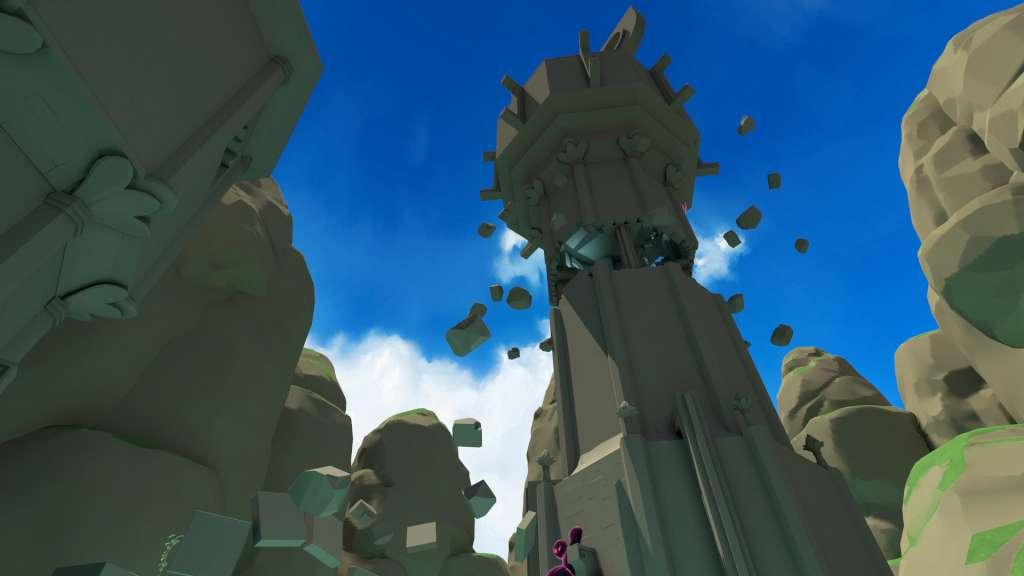
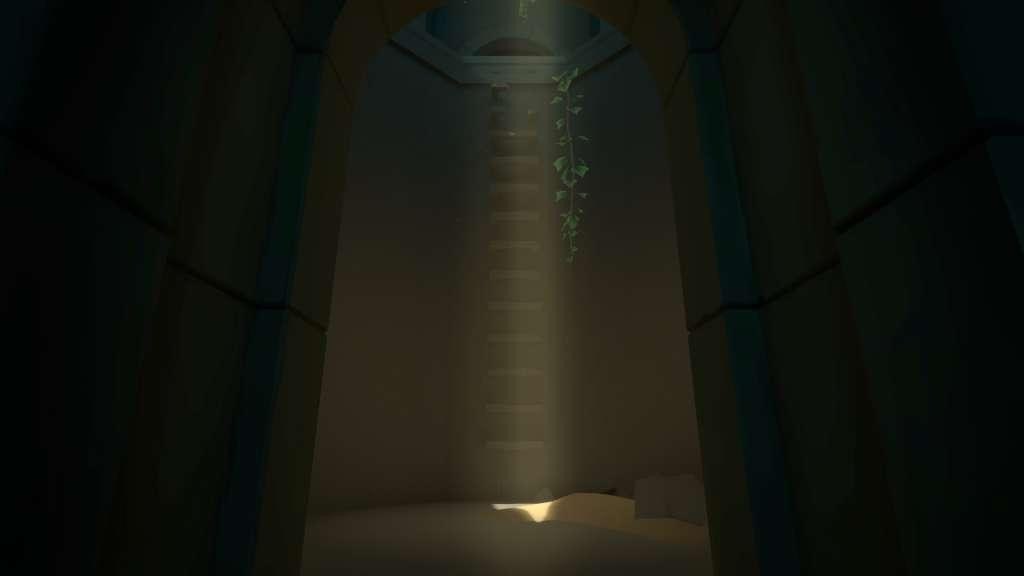
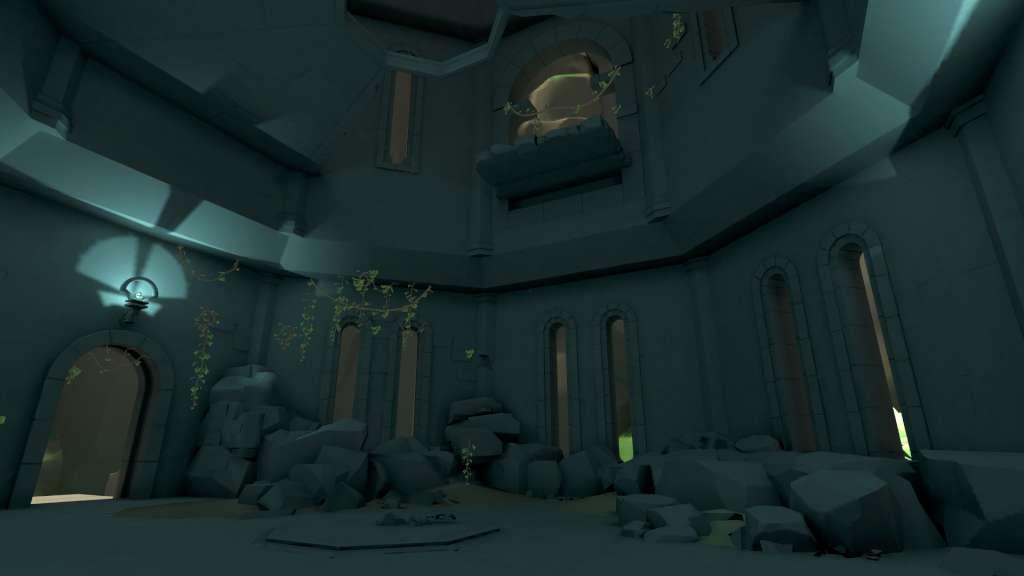
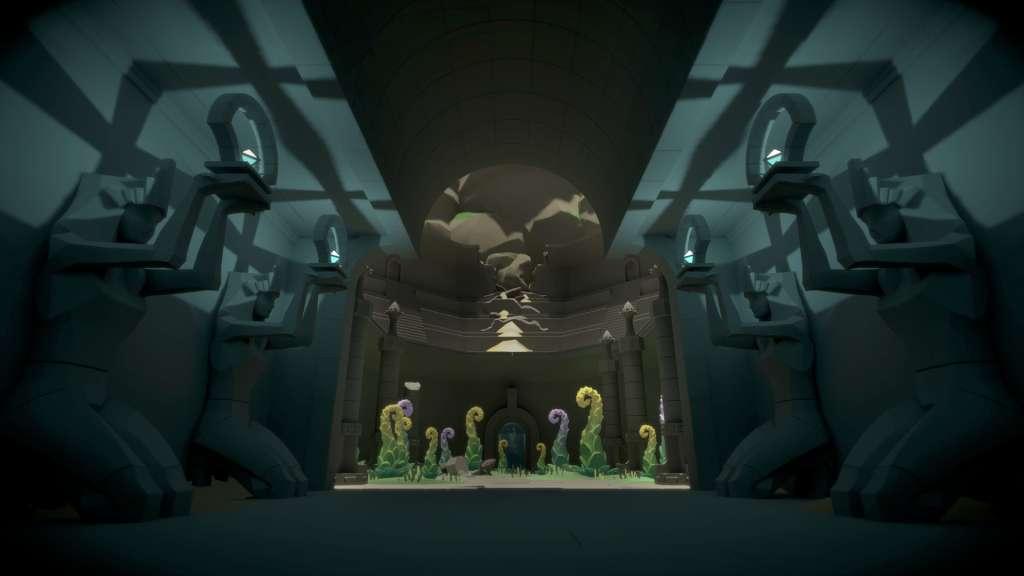
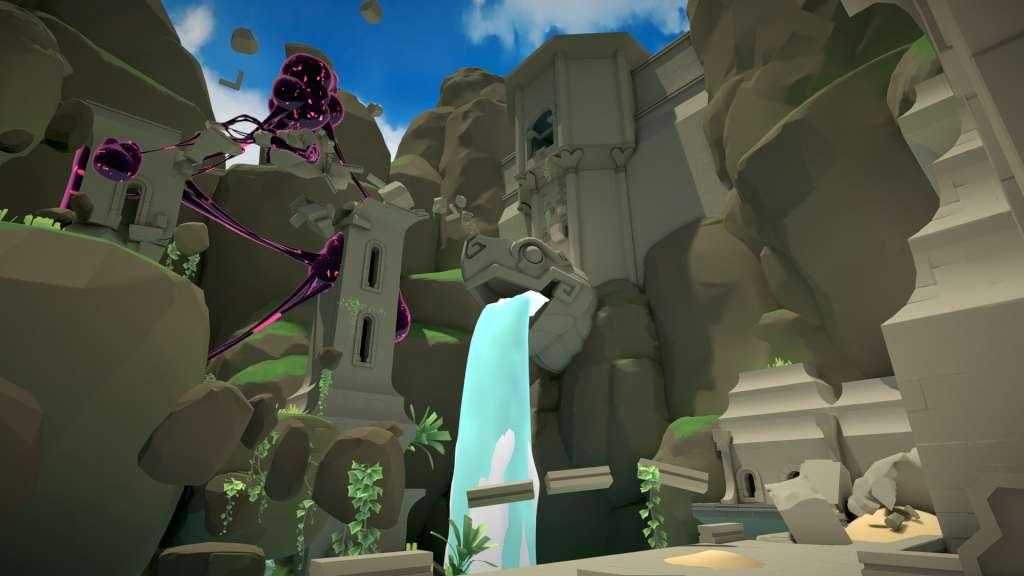
Cloudborn is set in another world and another time. It’s a place of wonder and awe but also melancholy and loneliness. What do you do when a civilization has dug too deep and taken more than its share and left you to carry the burden of responsibility?Cloudborn is an immersive learning Virtual Reality experience of humanity’s insatiable greed and our inability to learn from our mistakes . The game’s world is not our own, but it’s fate could still be. Features Momentum movement system - To increase immersion we have created a revolutionary locomotion system that allow you to move freely through the world using armswinging action and where all player actions such as grabbing, climbing and throwing yourself affect your momentum. Scale buildings, cliffs and vegetation to find your way through the remains of a broken world. The momentum-system allows skilled players to throw themselves between handholds to traverse faster and faster. Do you dare to risk it? A serene, bright yet mysterious setting creates an unforgettable audio-visual experience. Using the latest research in motion sickness mitigation Cloudborn allows an intense focus and emotional immersion in the experience of climbing and exploring the game’s world. Masterful aesthetics - Cloudborn has a bright, colorful art-style inspired by Miyazaki movies and watercolors.
Go to: http://store.steampowered.com/ and download STEAM client Click "Install Steam" (from the upper right corner) Install and start application, login with your Account name and Password (create one if you don't have). Please follow these instructions to activate a new retail purchase on Steam: Launch Steam and log into your Steam account. Click the Games Menu. Choose Activate a Product on Steam... Follow the onscreen instructions to complete the process. After successful code verification go to the "MY GAMES" tab and start downloading.