Get 10% back in Relic Coins on every order
The Walking Vegetables cover

SteamGlobal· Key

The Walking Vegetables

€1.30

+€0.13 cashback eligibility in Relic Coins

Check before you play

Platform
Steam
Region
Global
Product type
Key
Developer
Still Running
Publisher
Merge Games
Supplier release date
2017-09-27
Genres
Action, Indie

About this product

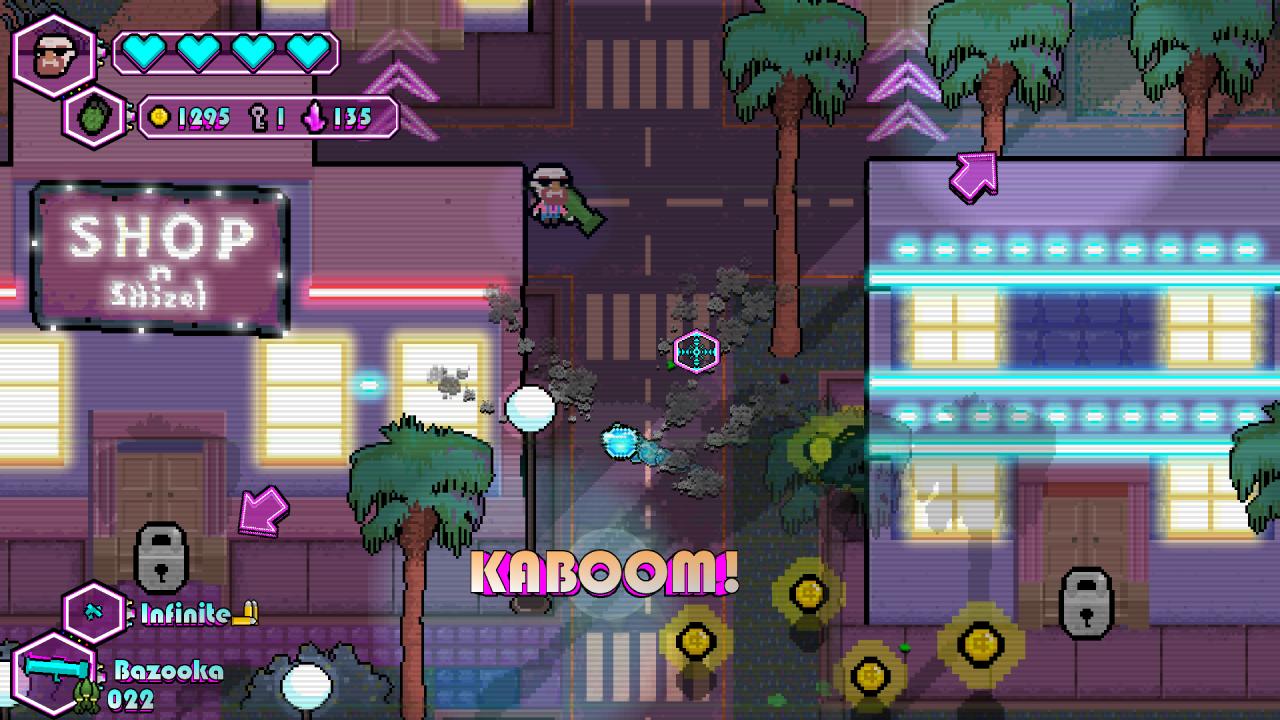
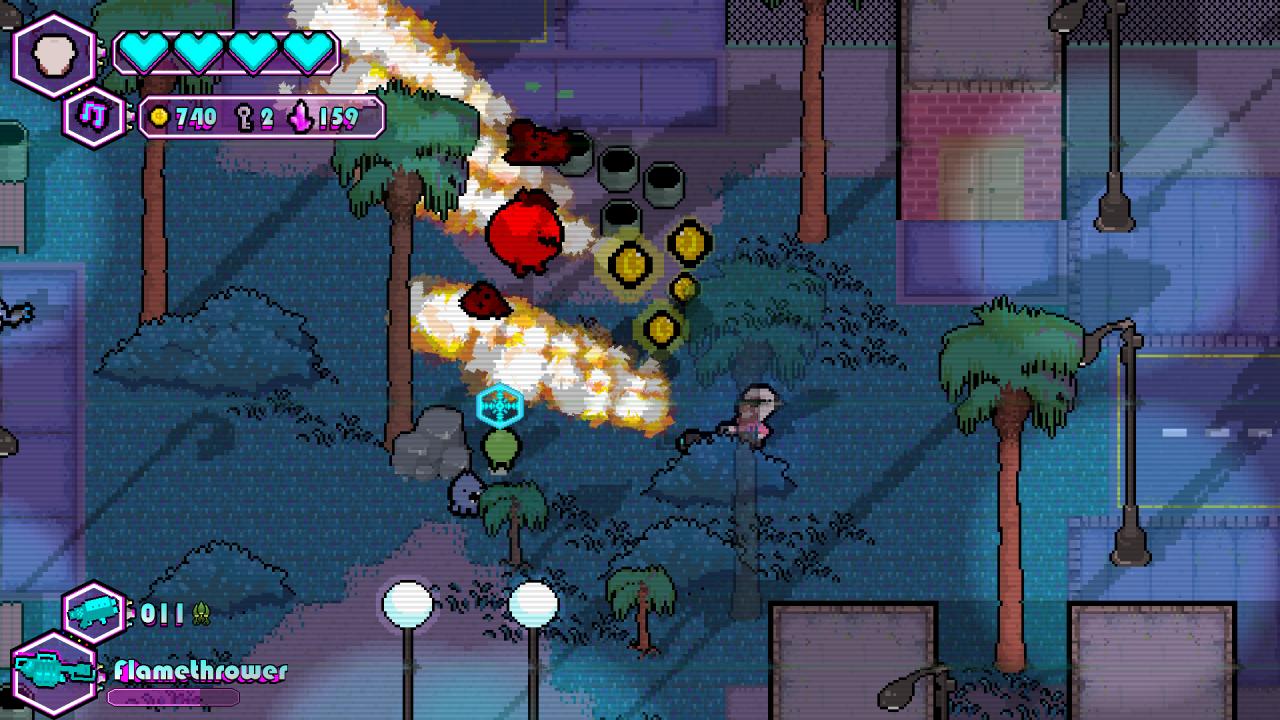
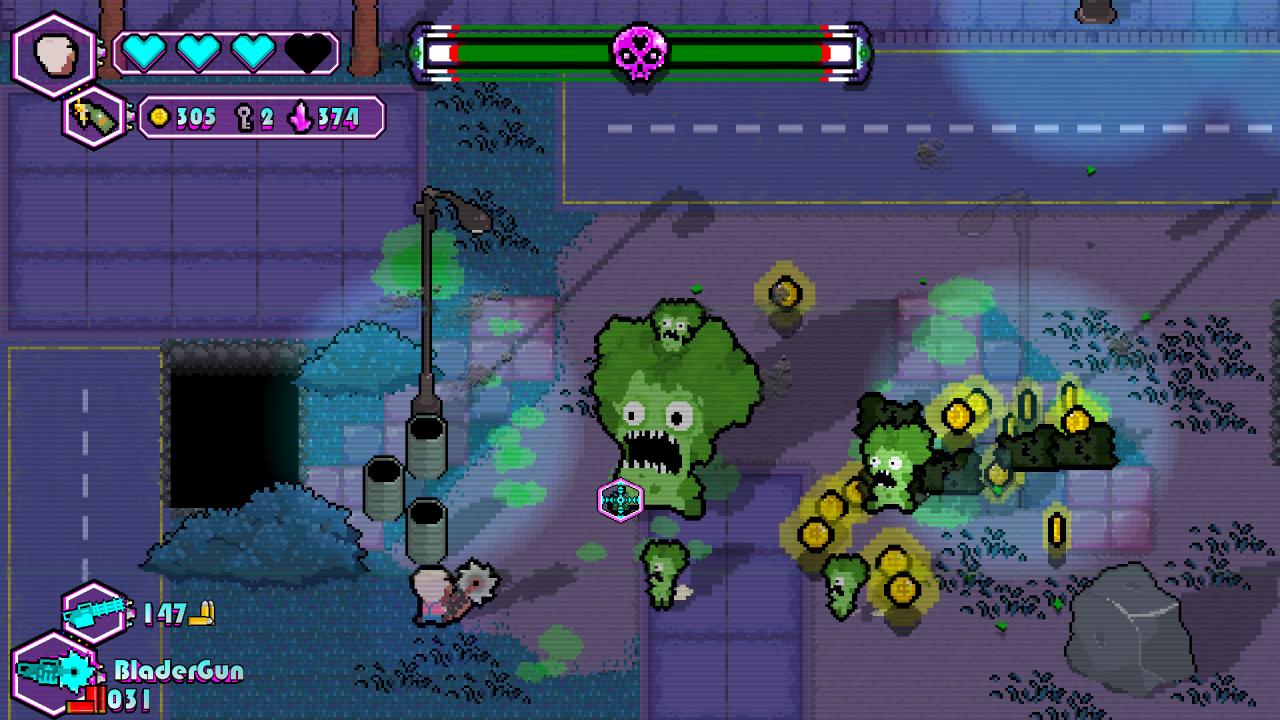
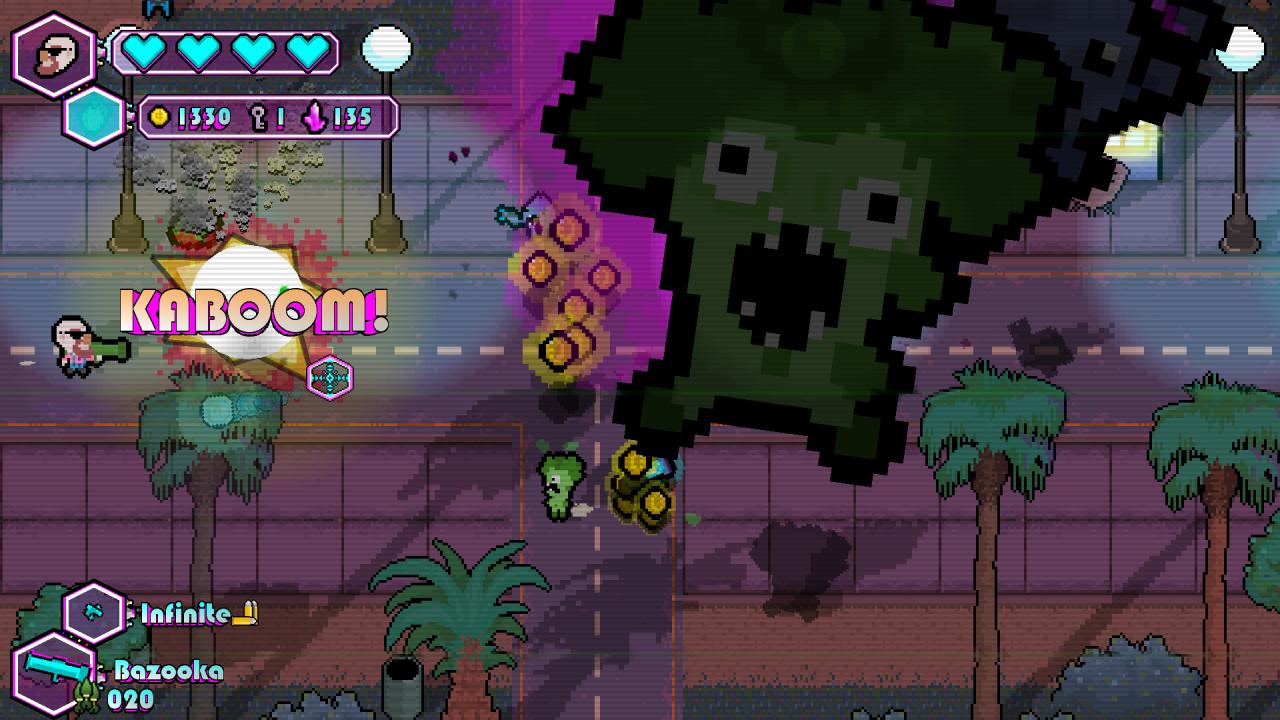
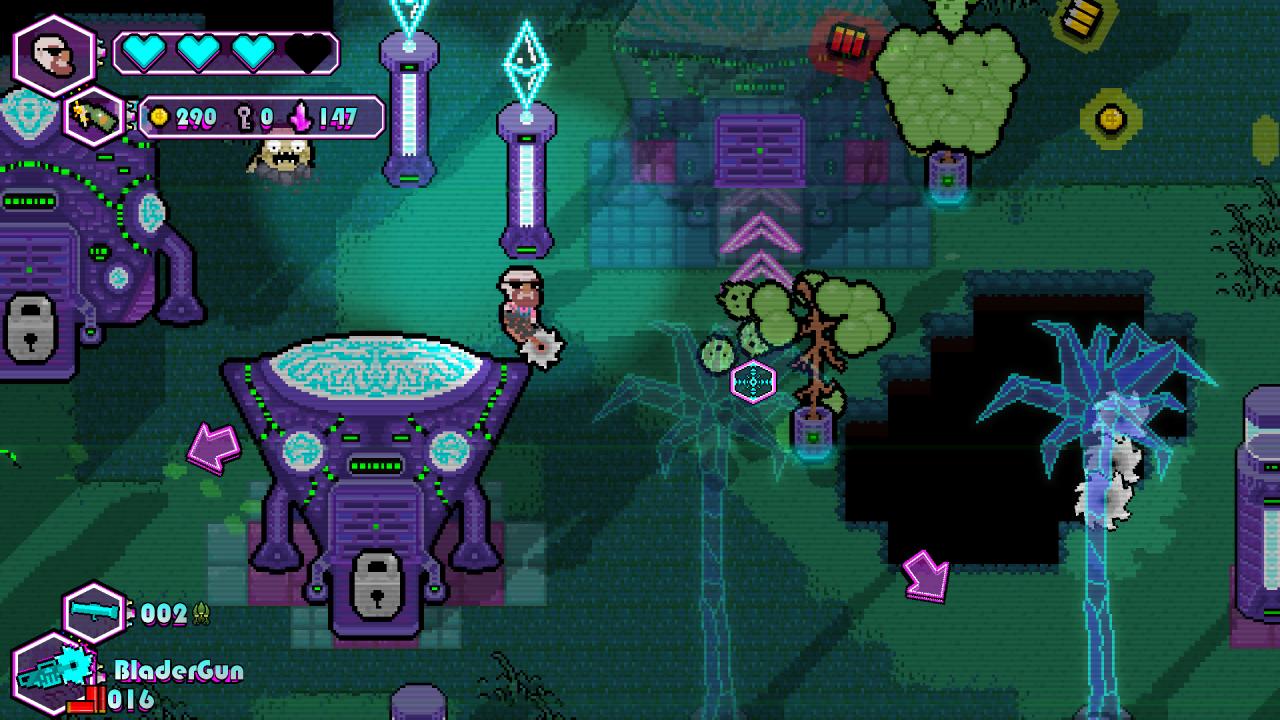
Whilst storming from City to City, looting buildings and suburbs for loads of Glorious Guns, Gadgets, Goodies and Gold, you must always stay alert and trigger-happy. Because The Walking Vegetables is the most Radically Rapid Turbo Paced Top Down Shooting Veggie-Zombie Mayhem you’ll ever experience! Features Awesome unlockablesBy obtaining Radrocks from the Vegetable Kingpins, you may unlock dozens of devastating Guns, Gadgets and Melee Weapons, to help you battle on towards the ominous vegetable-ridden alien headquarters, and the dreaded formidable Mothership. Crazy enemiesAs if the vegetables alone weren’t enough, the Alien Vegeneration Ray has also affected the fruits and mushrooms. Thus over 20 freshly squeezed organic and unique enemies are eager to have a taste of your humany flavour.... And if by chance you manage to survive the unending onslaught of said Ripe Ravenous Ravagers, the several Epic Boss Fights are sure to put an end to your measly rebellion... and existence. Muahahahahaaa! Custom skillsBuild up your character creating powerful effect combinations by choosing from more than 20 unique Skills, including such game changers as Big Game Hunter, Pulpinator, Akimbo, Tongue of Steel and more!


The Walking Vegetables screenshotThe Walking Vegetables screenshotThe Walking Vegetables screenshotThe Walking Vegetables screenshotThe Walking Vegetables screenshotThe Walking Vegetables screenshot

How to redeem

  1. 1Check your Steam account and the listed region before purchasing.
  2. 2Find your code and supplier activation instructions in your confirmed order.
  3. 3Open the redeem-code section on Steam, enter the code and follow the platform’s prompts.

Supplier instructions

Go to: http://store.steampowered.com/ and download STEAM client Click "Install Steam" (from the upper right corner) Install and start application, login with your Account name and Password (create one if you don't have). Please follow these instructions to activate a new retail purchase on Steam: Launch Steam and log into your Steam account. Click the Games Menu. Choose Activate a Product on Steam... Follow the onscreen instructions to complete the process. After successful code verification go to the "MY GAMES" tab and start downloading.

You might also like