Get 10% back in Relic Coins on every order
Fallout 4 - Anniversary Edition Upgrade DLC cover

SteamRest of the world· DLC

Fallout 4 - Anniversary Edition Upgrade DLC

€27.48

+€2.75 cashback eligibility in Relic Coins

Check before you play

Platform
Steam
Region
Rest of the world
Product type
DLC

Check the required base game and edition before purchasing this add-on.

Developer
Bethesda Game Studios
Publisher
Bethesda Softworks
Supplier release date
2025-11-10
Genres
RPG, Action, Adventure, Story rich
About this product

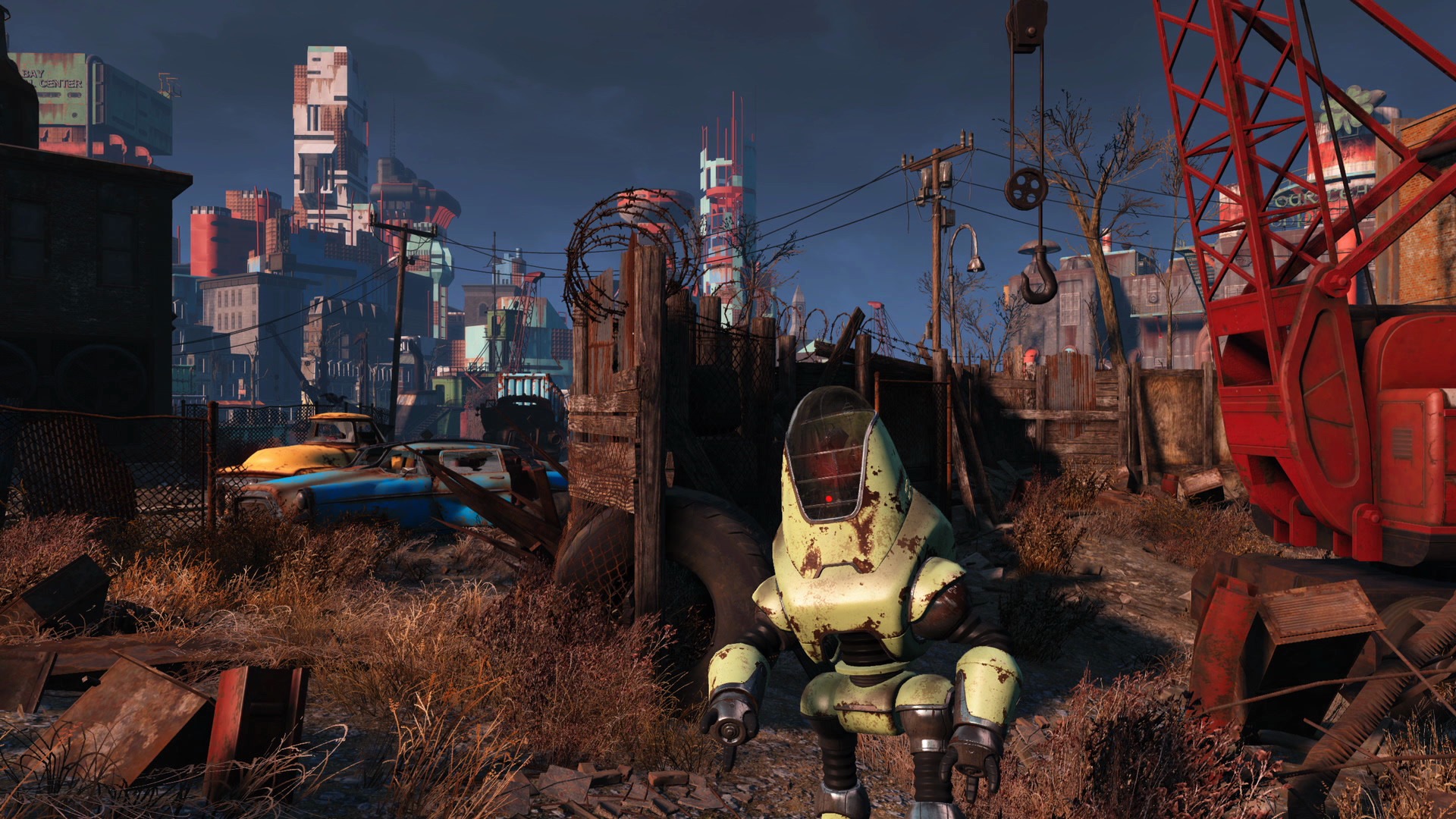
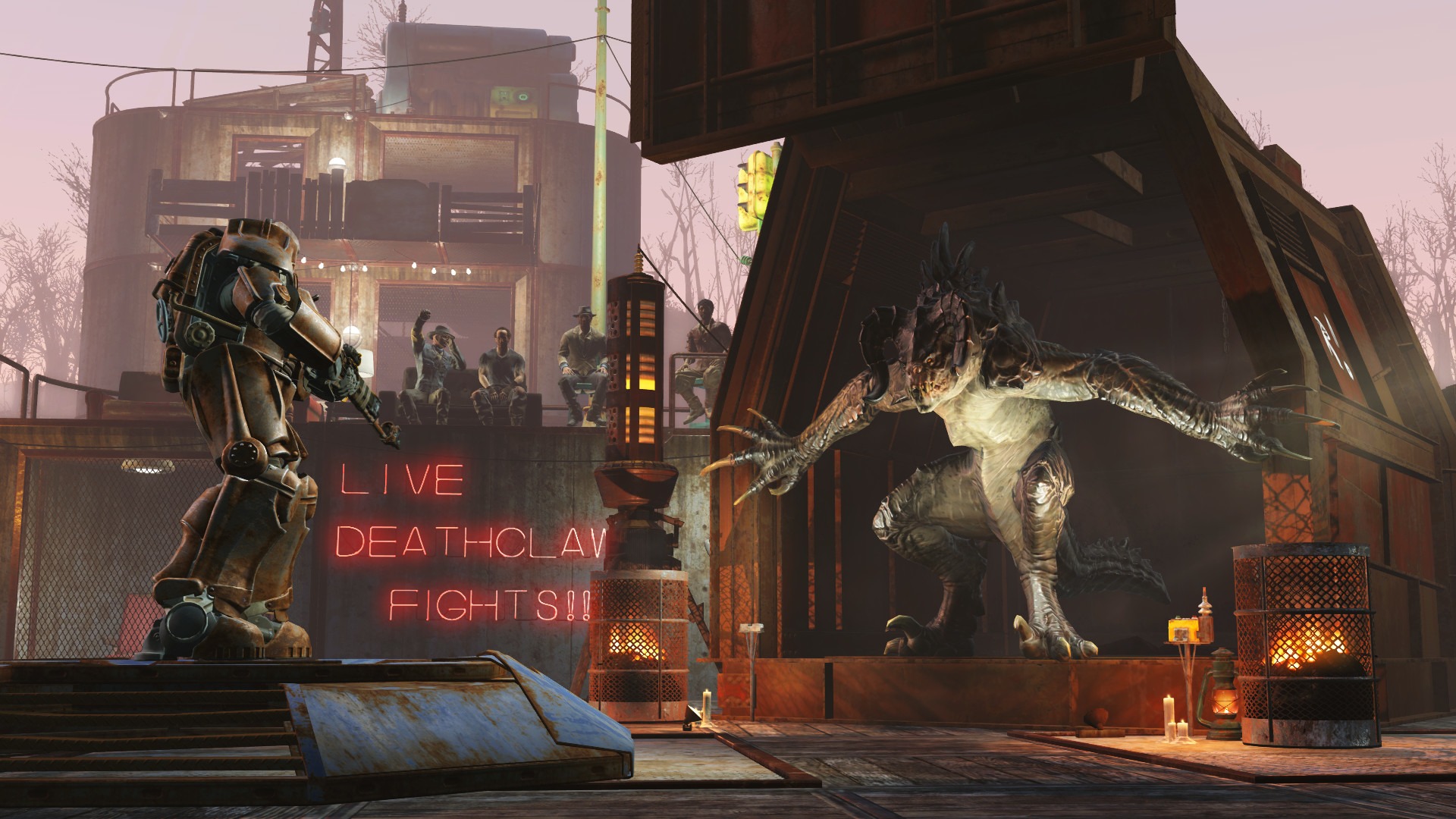
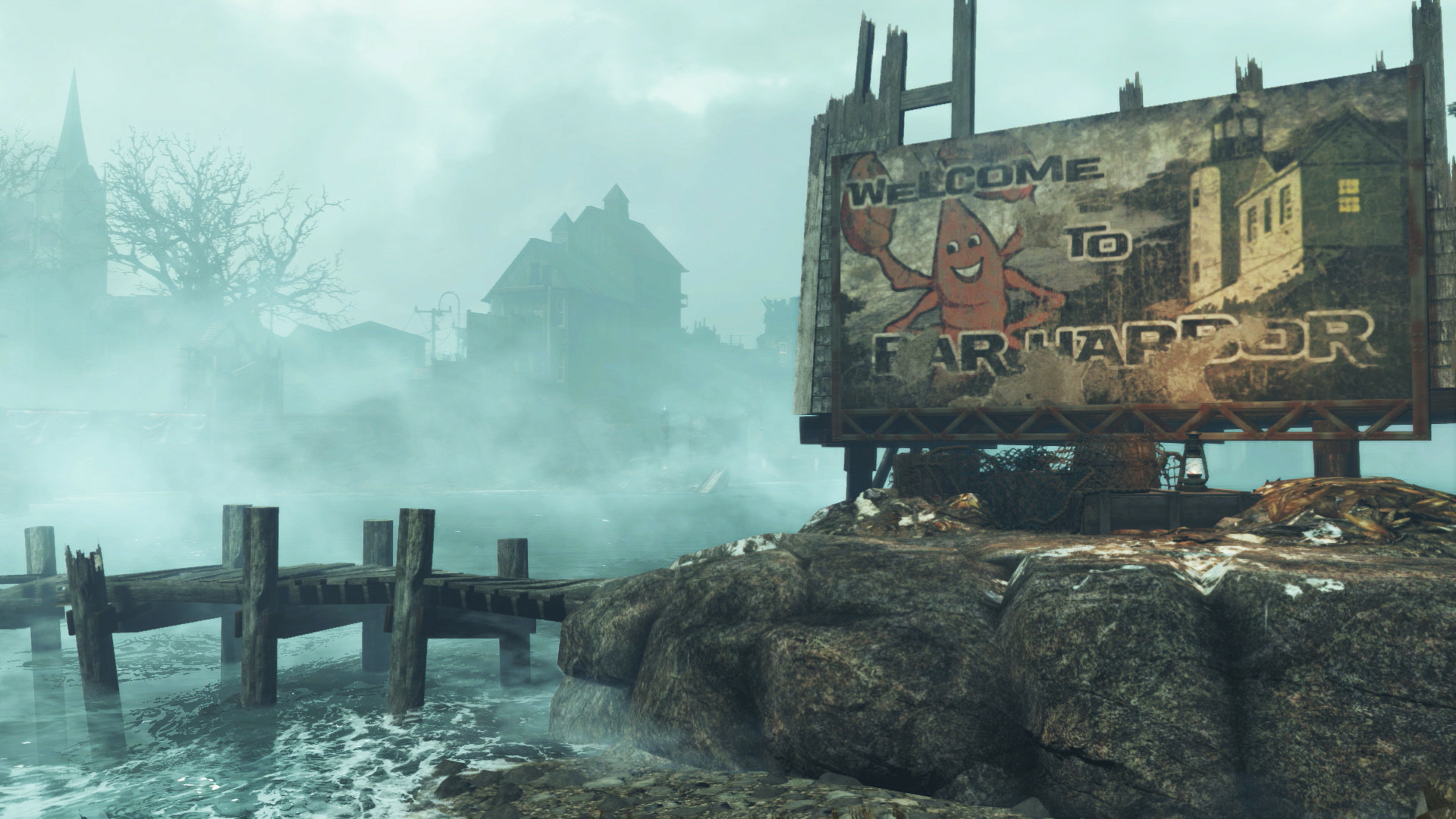
Includes: Fallout 4 - Creations Bundle Fallout 4 - Automatron Fallout 4 - Wasteland Workshop Fallout 4 - Far Harbor Fallout 4 - Contraptions Workshop Fallout 4 - Vault-Tec Workshop Fallout 4 - Nuka-World Fallout 4 - Season Pass Fallout 4 - Vault-Tec Workshop Celebrate a decade of Fallout 4 with the Fallout 4: Anniversary Edition Upgrade! This Upgrade includes the 6 official expansions and over 150 Creation Club items released in a single, definitive experience. You'll have hundreds of hours of irradiated fun at your disposal.Plus, over 150 Creation Club items, featuring unique weapons, power armor sets, building packs, paint jobs, one of a kind homes, and even have Dogmeat take on the appearance of another breed, to enrich your journey through the Commonwealth.

Fallout 4 - Anniversary Edition Upgrade DLC screenshotFallout 4 - Anniversary Edition Upgrade DLC screenshotFallout 4 - Anniversary Edition Upgrade DLC screenshotFallout 4 - Anniversary Edition Upgrade DLC screenshotFallout 4 - Anniversary Edition Upgrade DLC screenshotFallout 4 - Anniversary Edition Upgrade DLC screenshot

How to redeem

  1. 1Check the required base game, platform and edition before purchasing.
  2. 2Find the code or supplier activation instructions in your confirmed order.
  3. 3Redeem on Steam using the supplied instructions, then install the add-on with the compatible base game.

Supplier instructions

Go to: http://store.steampowered.com/ and download STEAM client Click "Install Steam" (from the upper right corner) Install and start application, login with your Account name and Password (create one if you don't have). Please follow these instructions to activate a new retail purchase on Steam: Launch Steam and log into your Steam account. Click the Games Menu. Choose Activate a Product on Steam... Follow the onscreen instructions to complete the process. After successful code verification go to the "LIBRARY" tab and start downloading.

You might also like