Get 10% back in Relic Coins on every order
Forza Horizon 3 + Hot Wheels DLC / Windows 10 cover

Xbox OneGlobal· DLC

Forza Horizon 3 + Hot Wheels DLC / Windows 10

€629.99

+€63.00 cashback eligibility in Relic Coins

Check before you play

Platform
Xbox One
Region
Global
Product type
DLC

Check the required base game and edition before purchasing this add-on.

Developer
Playground Games
Publisher
Microsoft Studios
Supplier release date
2016-09-27
Genres
Action, Racing, Sport, Simulation, Casual, Open World

About this product

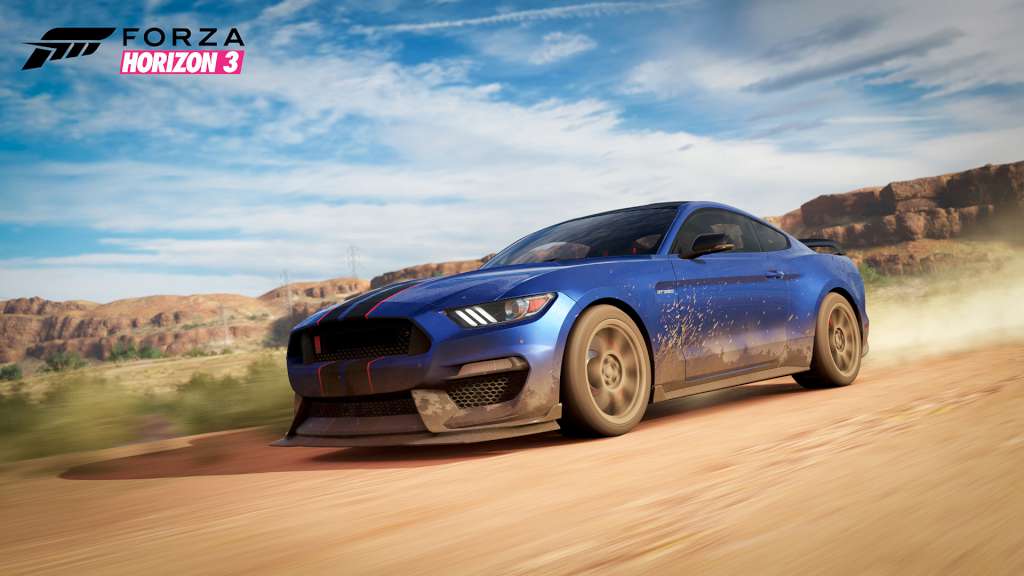
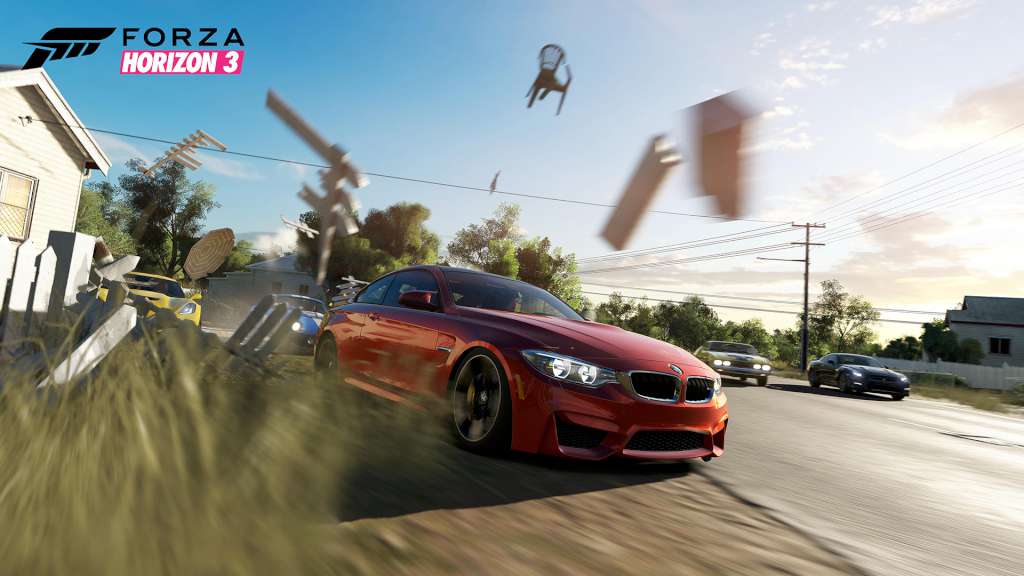
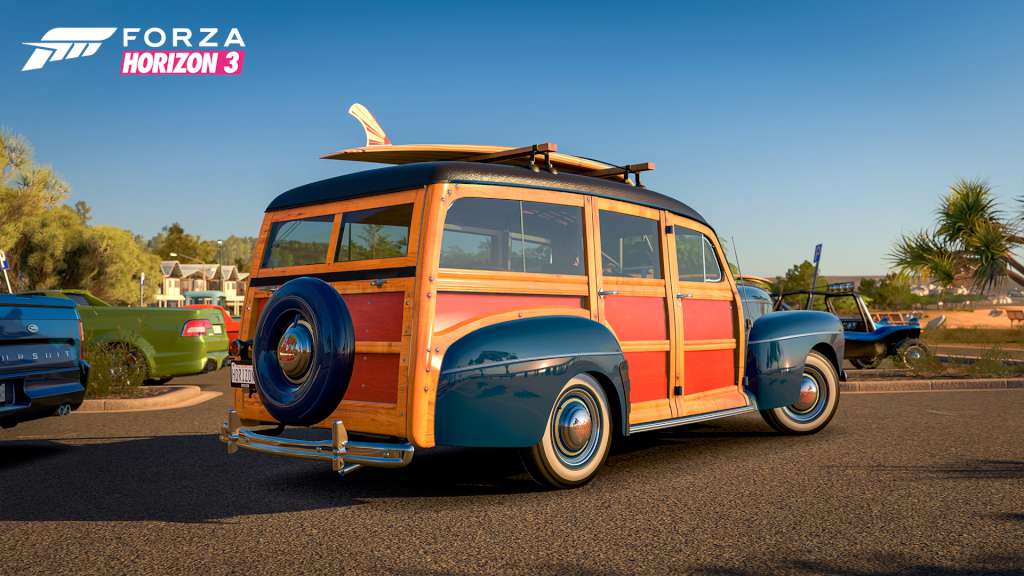
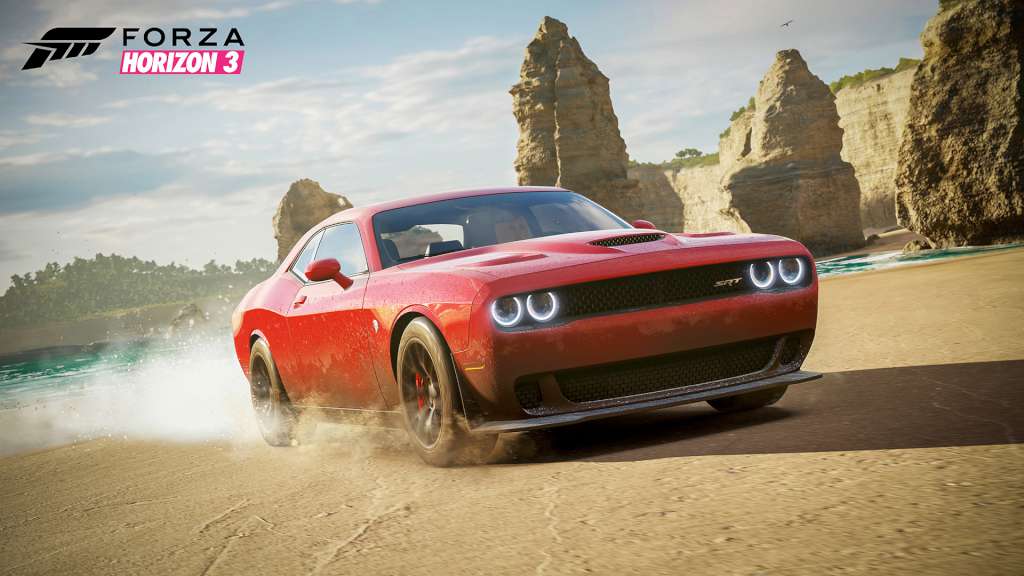
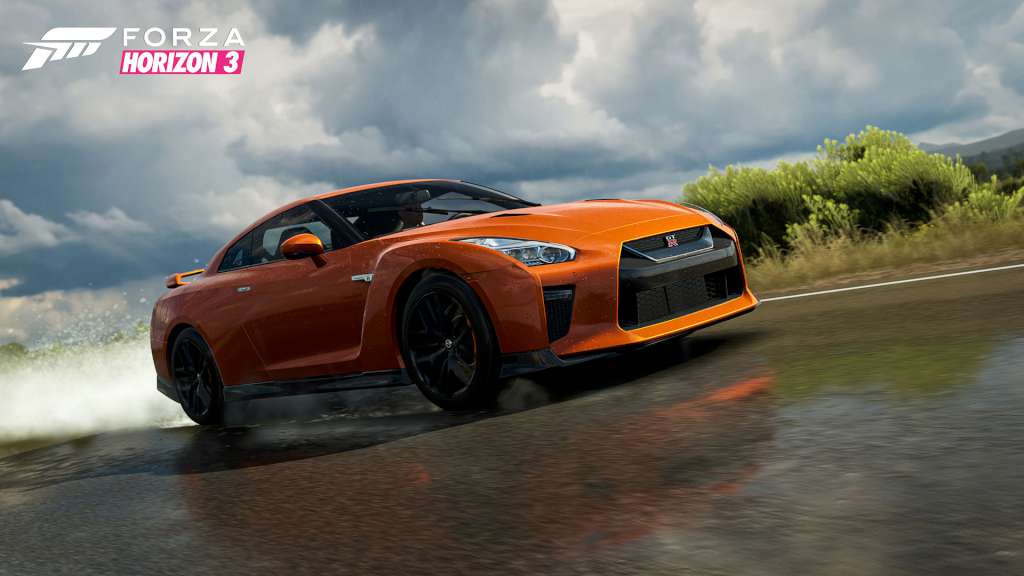
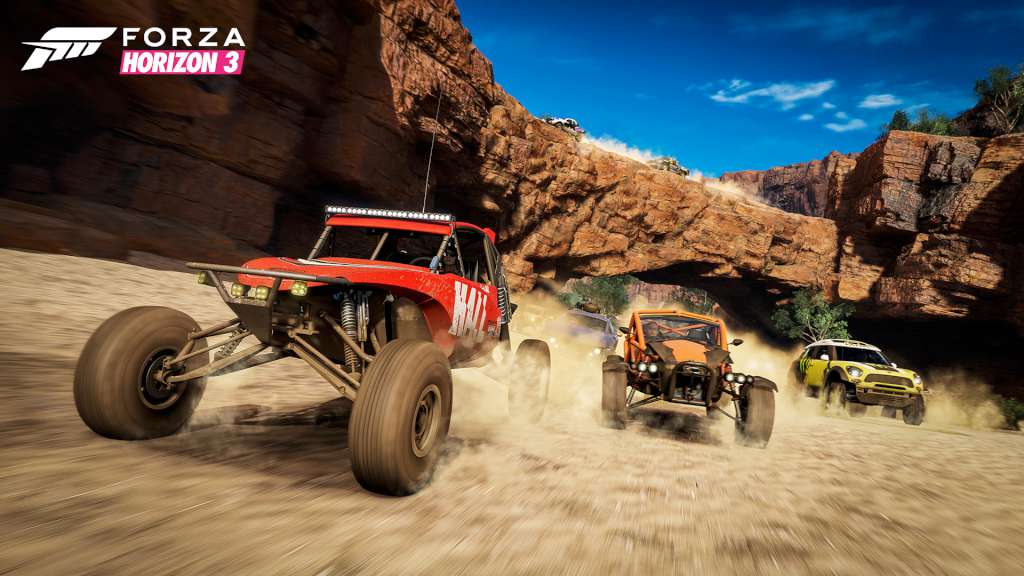
Includes 2 items: Forza Horizon 3 Standard Edition base game, Hot Wheels expansion FORZA HORIZON 3 STANDARD EDITION You’re in charge of the Horizon Festival. Customize everything, hire and fire your friends, and explore Australia in over 350 of the world’s greatest cars. Make your Horizon the ultimate celebration of cars, music, and freedom of the open road. How you get there is up to you. FORZA HORIZON 3

Hot wheels expansion

The Horizon Festival and Hot Wheels have teamed up to create the ultimate playground for cars! Located off the coast of Australia, this chain of islands is here to make your Hot Wheels fantasies come to life with loops, corkscrews, boost pads, high bank turns, half-pipes, insane jumps - and even mechanical dinosaurs! Create custom Hot Wheels Bucket List events by swapping out stunt track sections and dare your friends to try them. Race ten new cars including Hot Wheels icons like the Twin Mill and Boneshaker. Discover a new hidden barn find car, earn new Xbox Live achievements, and more. With the purchase of this bundle, Forza Horizon 3 and the Hot Wheels expansion are yours to play on both Xbox One and Windows 10.

Forza Horizon 3 + Hot Wheels DLC / Windows 10 screenshotForza Horizon 3 + Hot Wheels DLC / Windows 10 screenshotForza Horizon 3 + Hot Wheels DLC / Windows 10 screenshotForza Horizon 3 + Hot Wheels DLC / Windows 10 screenshotForza Horizon 3 + Hot Wheels DLC / Windows 10 screenshotForza Horizon 3 + Hot Wheels DLC / Windows 10 screenshot

How to redeem

  1. 1Check the required base game, platform and edition before purchasing.
  2. 2Find the code or supplier activation instructions in your confirmed order.
  3. 3Redeem on Xbox One using the supplied instructions, then install the add-on with the compatible base game.

Supplier instructions

In order to use the key follow the instruction below: Go to https://www.xbox.com Login to your account Hover over your account link (the top right of the screen) a menu will appear, click on the "Redeem Code" button. On the next page, click "Redeem" Enter your code Click "Confirm" Click "Confirm" again to assign the key to your account. In order to download and install your game on Windows 10 follow the instructions below: Using your Microsoft account, sign in to the PC where you want to install your games. On the Start screen, select the Store icon. In the Store, select Games from the menu. Browse to and select the game you want to buy.

You might also like