

Steam· Key
Shoppe Keep
€0.92
+€0.09 cashback eligibility in Relic Coins
Check before you play
- Platform
- Steam
- Product type
- Key
- Developer
- Strange Fire
- Publisher
- Excalibur Games
- Supplier release date
- 2015-08-20
- Genres
- Adventure, RPG, Indie
Steam· Key
€0.92
+€0.09 cashback eligibility in Relic Coins
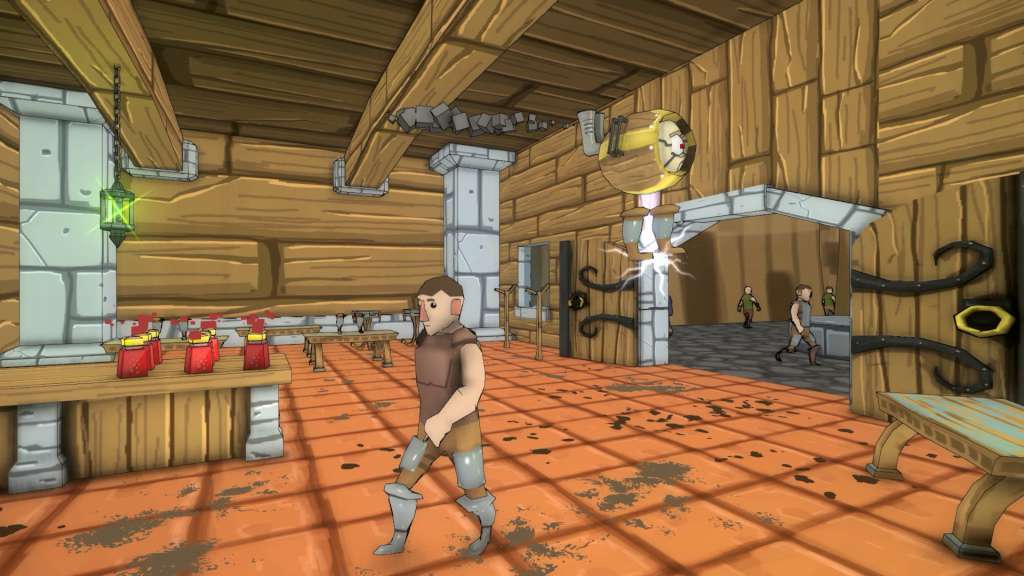
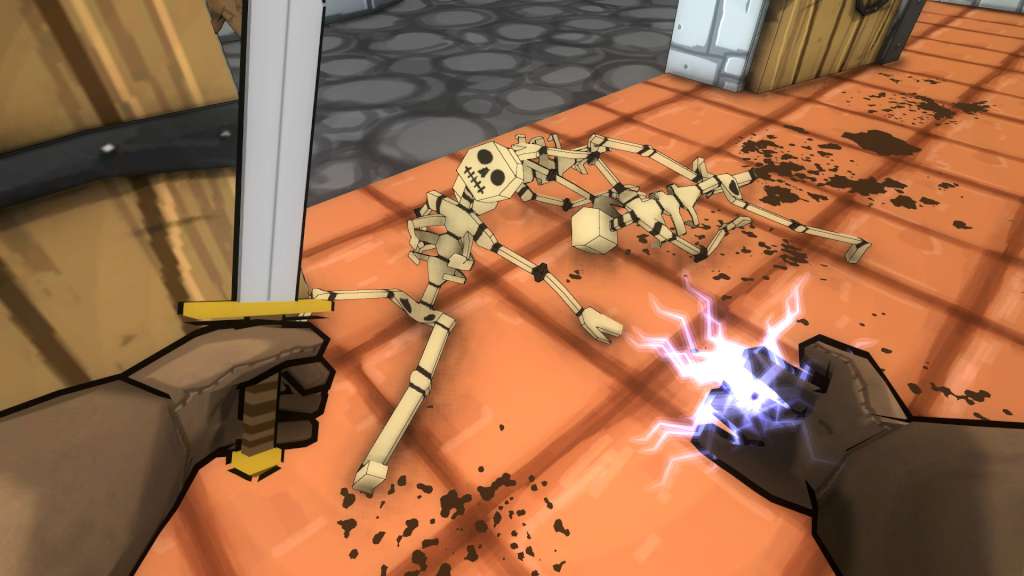
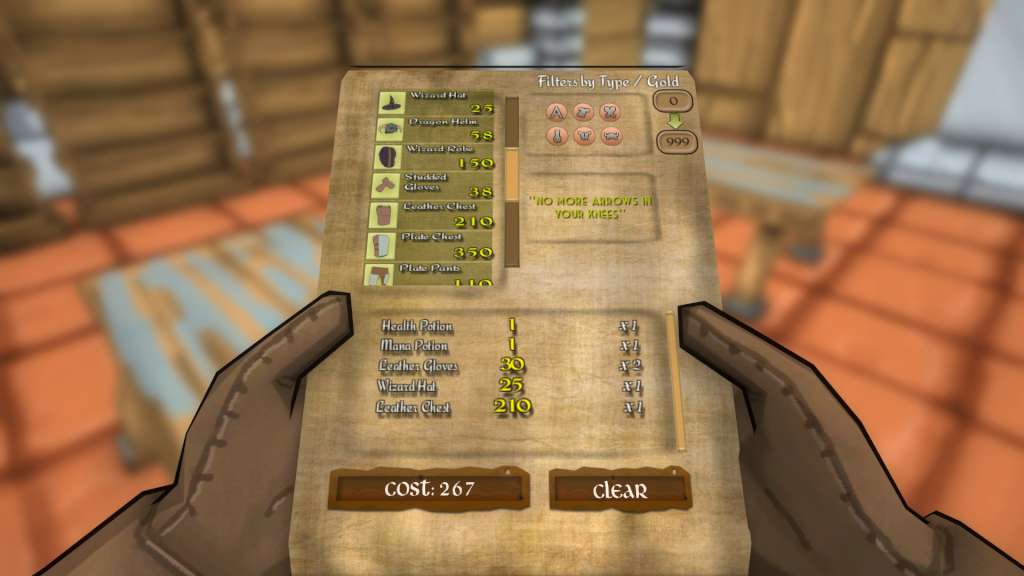
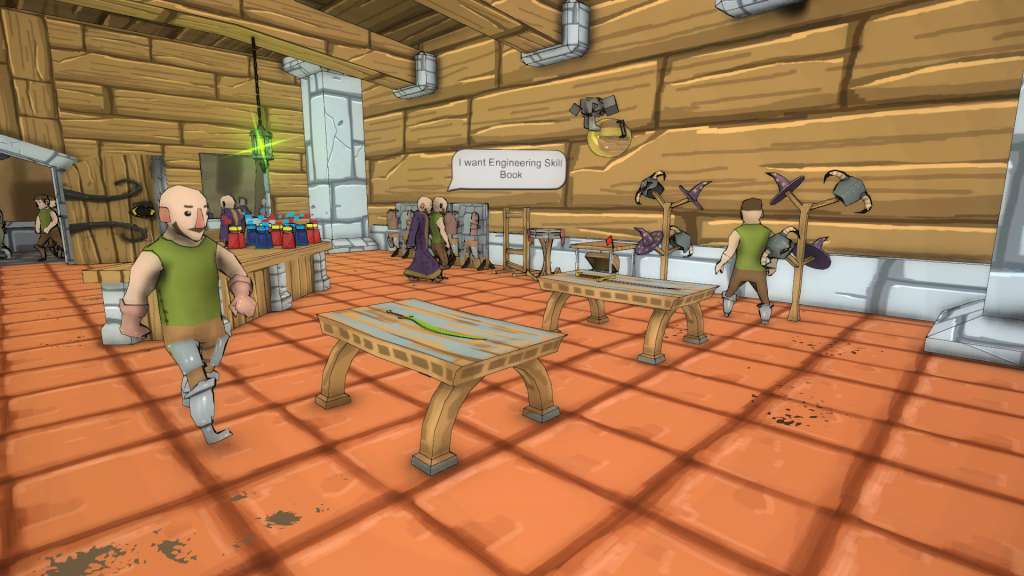
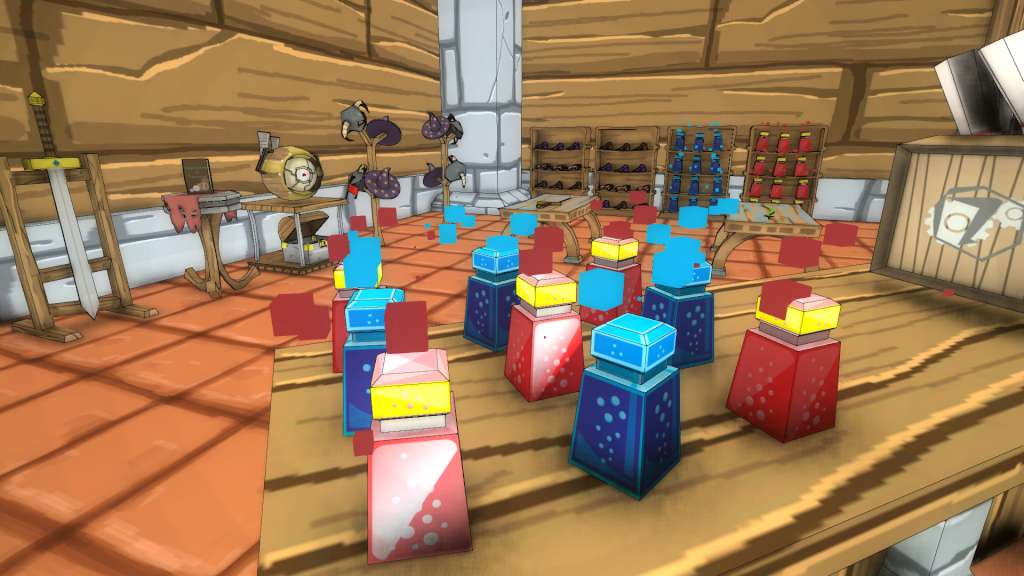
Shoppe Keeper wanted to run an adventurer retail establishment. Items sold include a variety of weapons, hats, apparel and potions. Applicants would need to set prices, maintain the shoppe and dabble in a bit of indoor gardening. Knowledge of lightning spells and a basic understanding of armed self-defense would be advantageous. From slaying dragons to everyday fetch quests, skilled adventurers need a one-stop shoppe to purchase essential wares. As the Shoppe Keeper, your business will become the busy hub for these epic warriors and mages. Features Manage your own Shoppe, from ordering stock and setting prices to selling to the customer Design your own shop layout by ordering special items Unlockable perks in the skill tree Helper Bot will assist you in collecting items thrown by customers or can be used to ZAP thieves Take up combat using a sword or your signature lightning spell Maintain your shop by repairing damaged shop items Sweep away dirt and corpses with the broom Morning, lunch and afternoon day cycle each relating to rush hour periods 15+ Scenarios Free Play Mode

Go to: http://store.steampowered.com/ and download STEAM client Click "Install Steam" (from the upper right corner) Install and start application, login with your Account name and Password (create one if you don't have). Please follow these instructions to activate a new retail purchase on Steam: Launch Steam and log into your Steam account. Click the Games Menu. Choose Activate a Product on Steam... Follow the onscreen instructions to complete the process. After successful code verification go to the "MY GAMES" tab and start downloading.