Get 10% back in Relic Coins on every order
SpellForce 2 - Anniversary Edition cover

Steam· Key

SpellForce 2 - Anniversary Edition

€1.16

+€0.12 cashback eligibility in Relic Coins

Check before you play

Platform
Steam
Product type
Key
Developer
Phenomic Game Development
Publisher
JoWooD Productions Software
Supplier release date
2007-03-23
Genres
Adventure, Strategy, RPG

About this product

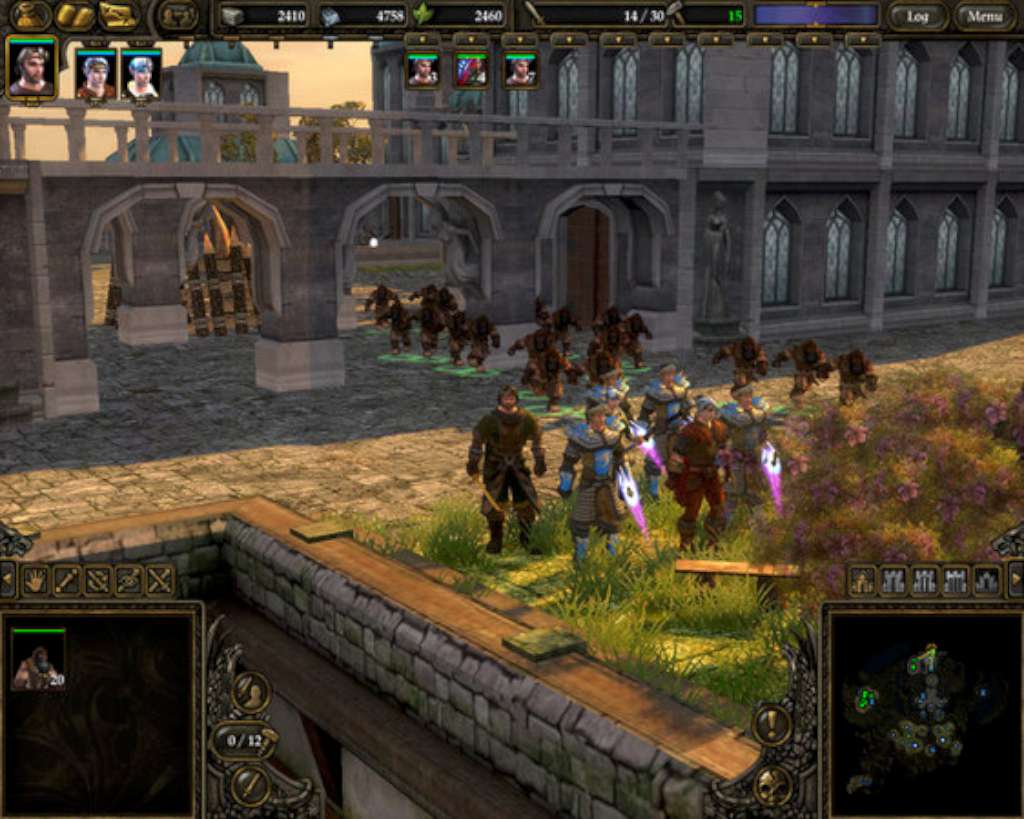
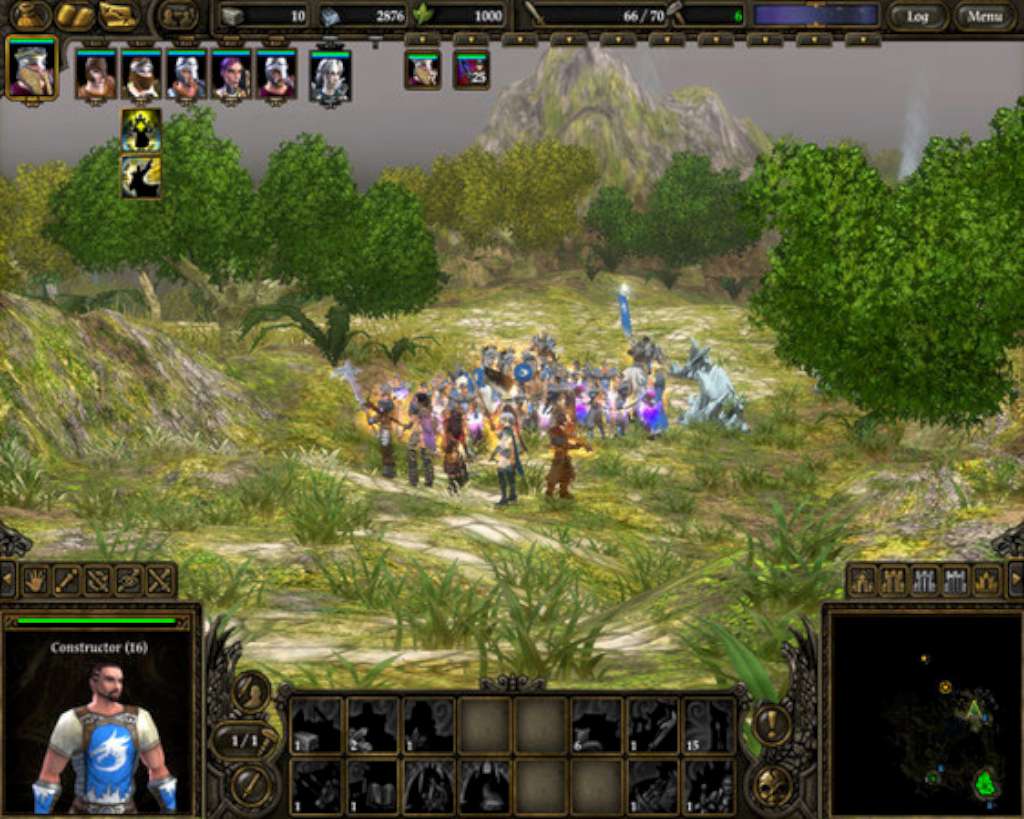
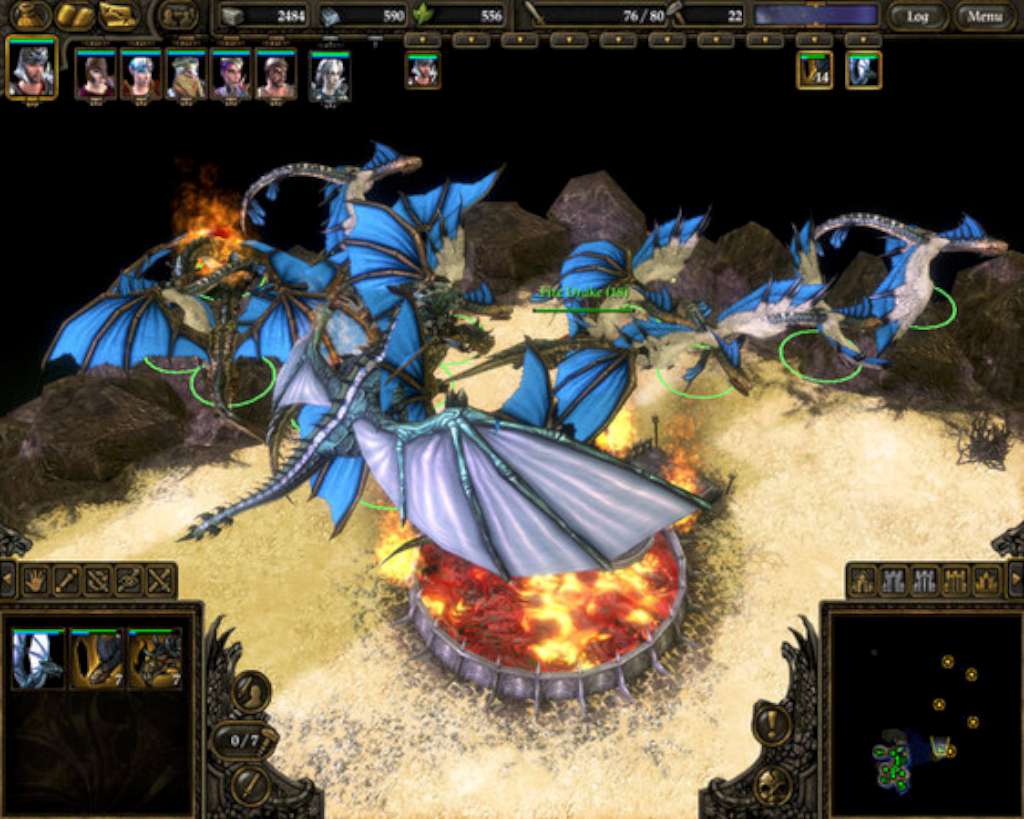
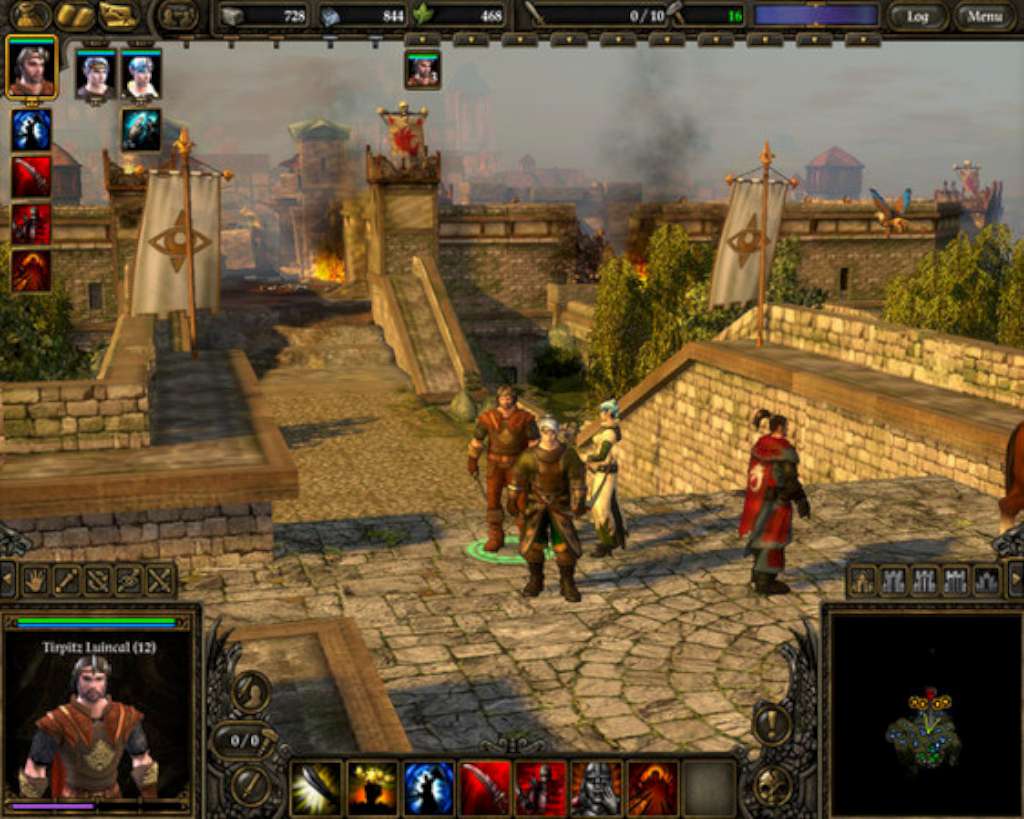
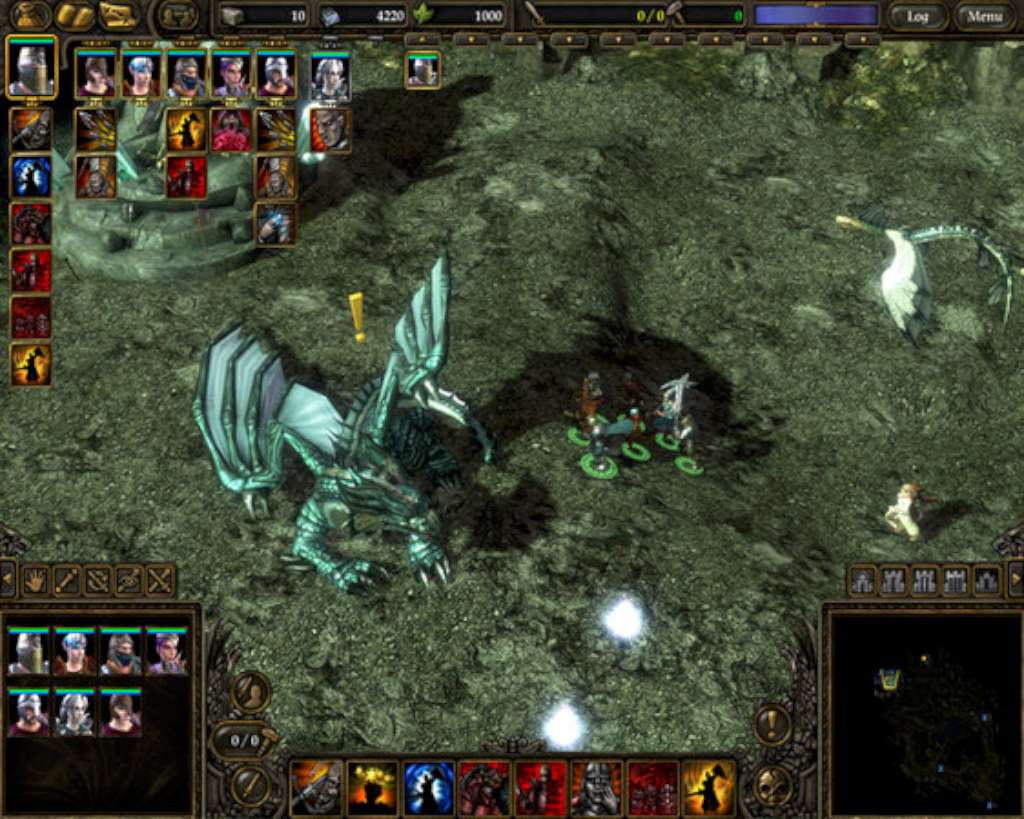
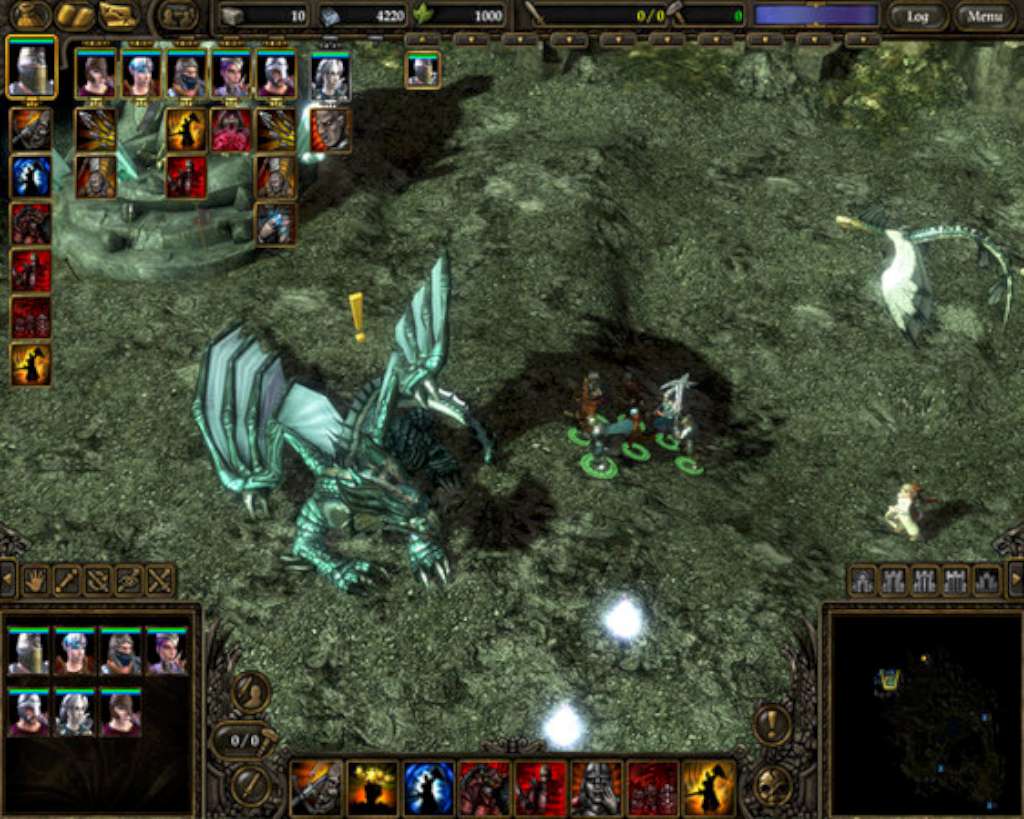
SpellForce 2 - Anniversary Edition presents the award-winning SpellForce saga hits: "SpellForce 2 – Shadow Wars" and the add-on "SpellForce 2 – Dragon Storm" for a spectacular game experience!Experience the age of heroes: roleplaying action & realtime strategy in a perfect mix of genres.Mysterious powers arise from darkness and shadow. They are threatening Eo, the world of SpellForce, already devastated by wars and sundered by intrigues. A hero, born of the legendary Shaikan and linked by a life bond with an ancient dragon now holds the fate of the world in his hands! Unite powerful heroes and armies under your banners, as only with joined forces you can combat this threatening doom! The burden of ancient blood is heavy, and it is yours to carry… Features Fight epic campaigns with your heroes, with over 90 hours of playing time. Individual development of the avatar and heroes with an extensive skill tree! Control various game factions with three races each in a life-like fantasy world. Command infantry, mounted and flying units, and unleash the enormous titans! Experience spectacular mass battles in breath-taking 3D graphics! Re-implemented multiplayer and NAT traversal for a smooth online experience Many Bugfixes Additions and Fixes for the Free Game Mode Widescreen Support Full compatibility with modern operating systems

SpellForce 2 - Anniversary Edition screenshotSpellForce 2 - Anniversary Edition screenshotSpellForce 2 - Anniversary Edition screenshotSpellForce 2 - Anniversary Edition screenshotSpellForce 2 - Anniversary Edition screenshotSpellForce 2 - Anniversary Edition screenshot

How to redeem

  1. 1Check your Steam account and the listed region before purchasing.
  2. 2Find your code and supplier activation instructions in your confirmed order.
  3. 3Open the redeem-code section on Steam, enter the code and follow the platform’s prompts.

Supplier instructions

Go to: http://store.steampowered.com/ and download STEAM client Click "Install Steam" (from the upper right corner) Install and start application, login with your Account name and Password (create one if you don't have). Please follow these instructions to activate a new retail purchase on Steam: Launch Steam and log into your Steam account. Click the Games Menu. Choose Activate a Product on Steam... Follow the onscreen instructions to complete the process. After successful code verification go to the "MY GAMES" tab and start downloading.

You might also like