Get 10% back in Relic Coins on every order
Cities in Motion - Ulm DLC cover

SteamGlobal· DLC

Cities in Motion - Ulm DLC

€0.79

+€0.08 cashback eligibility in Relic Coins

Check before you play

Platform
Steam
Region
Global
Product type
DLC

Check the required base game and edition before purchasing this add-on.

Developer
Colossal Order Ltd.
Publisher
Paradox Interactive
Supplier release date
2011-09-14
Genres
Strategy, Simulation

About this product

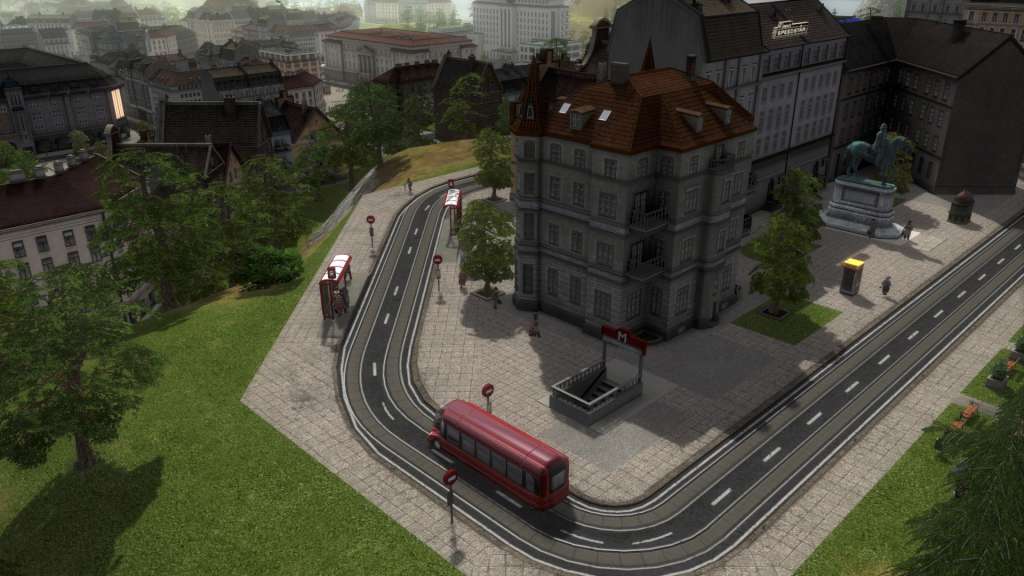
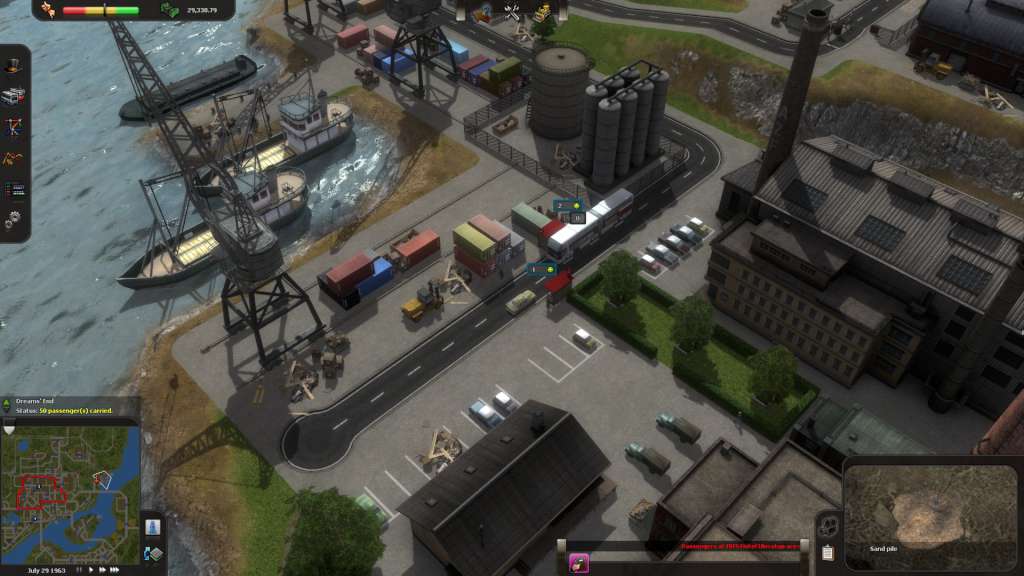
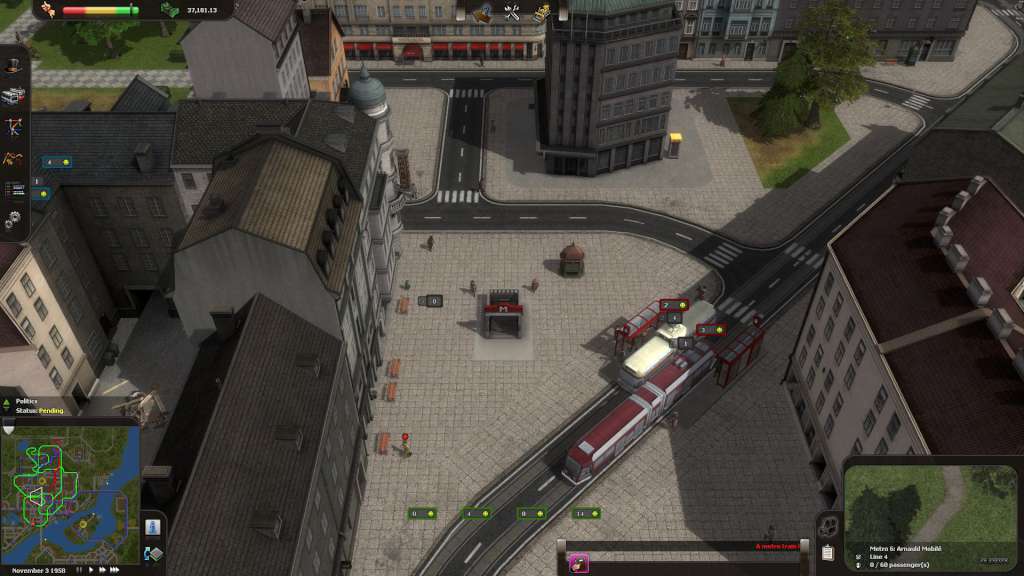
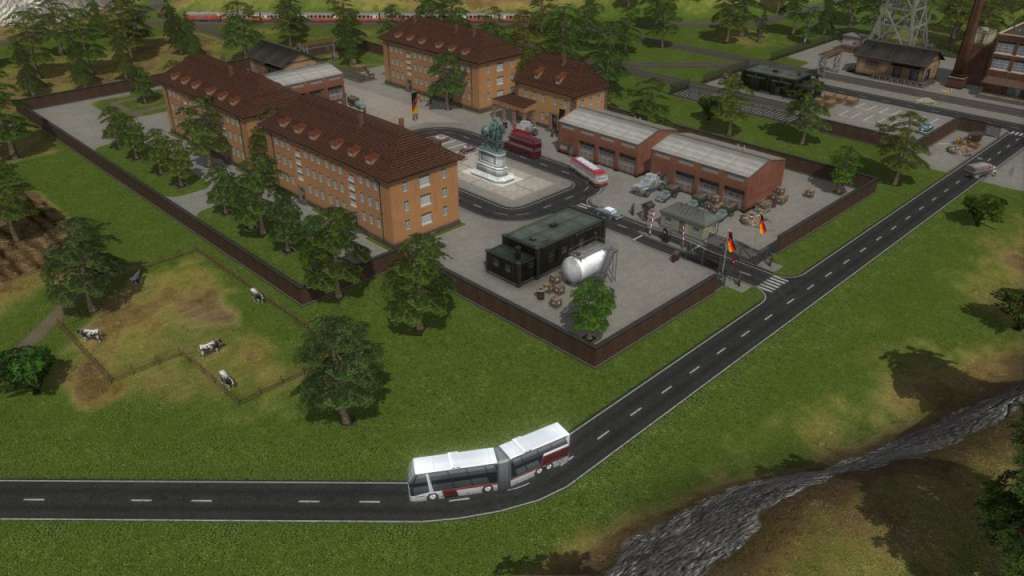
Ulm is a quaint, idyllic German city best known as the birthplace of physicist Albert Einstein. Despite its’ small size, Ulm requires the updated and encompassing transportation network its’ citizens deserve. In this condensed environment, careful planning and slow expansion are the keys to success. Are you up to the challenge? The Ulm expansion includes a new city with an additional scenario and a unique landmark from this fascinatingly iconic German landscape. Features Explore Ulm as you have never seen it before Ulm is the next city as chosen by our fans! Build your mass transit empire in the sandbox set from 1970’s to 2030 Experience a real-time city and traffic simulator as each location's bustling population commutes between their homes, jobs, and leisure sites Feel the new mood of the visuals and music

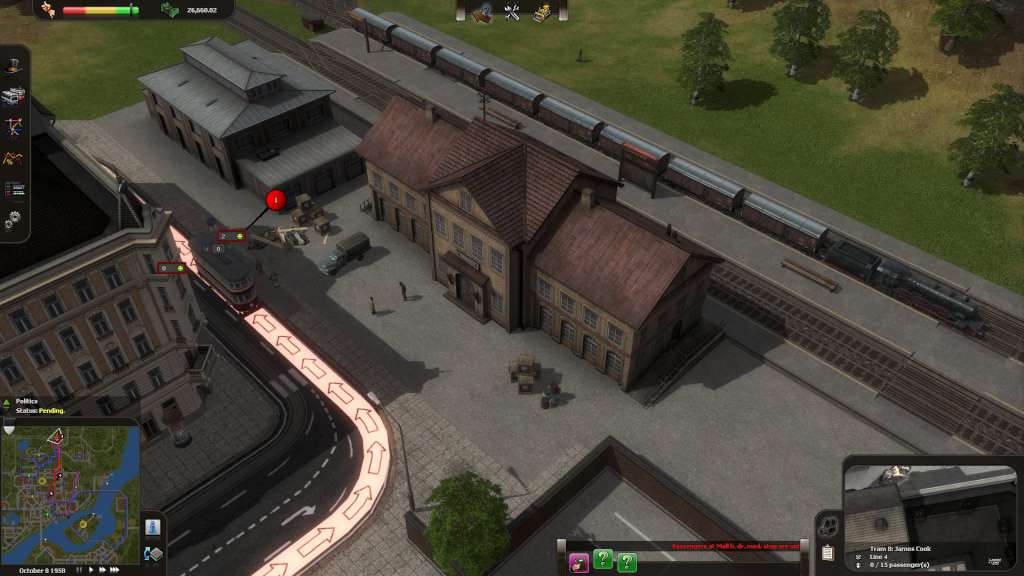
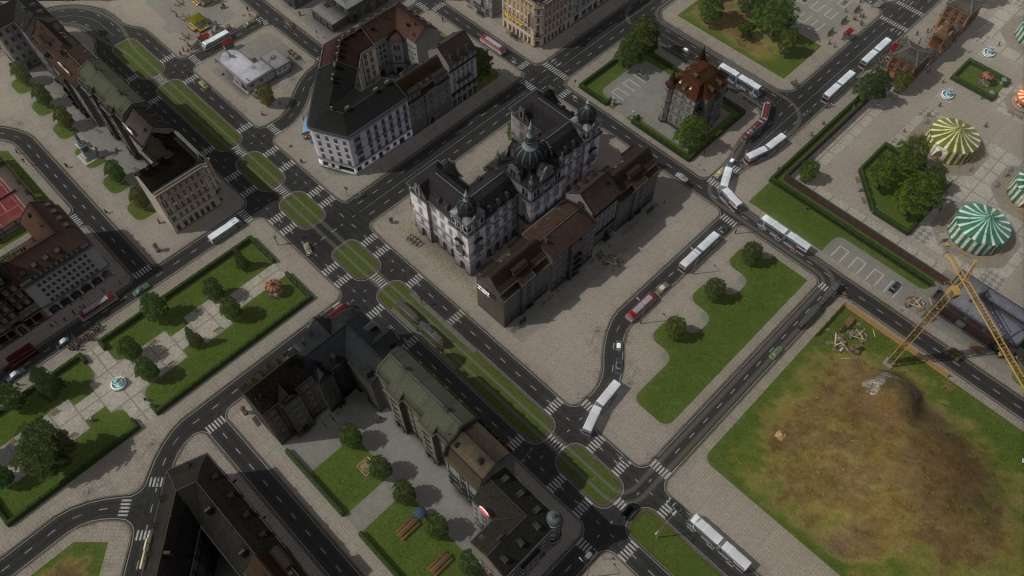
Cities in Motion - Ulm DLC screenshotCities in Motion - Ulm DLC screenshotCities in Motion - Ulm DLC screenshotCities in Motion - Ulm DLC screenshotCities in Motion - Ulm DLC screenshotCities in Motion - Ulm DLC screenshot

How to redeem

  1. 1Check the required base game, platform and edition before purchasing.
  2. 2Find the code or supplier activation instructions in your confirmed order.
  3. 3Redeem on Steam using the supplied instructions, then install the add-on with the compatible base game.

Supplier instructions

Go to: http://store.steampowered.com/ and download STEAM client Click "Install Steam" (from the upper right corner) Install and start application, login with your Account name and Password (create one if you don't have). Please follow these instructions to activate a new retail purchase on Steam: Launch Steam and log into your Steam account. Click the Games Menu. Choose Activate a Product on Steam... Follow the onscreen instructions to complete the process. After successful code verification go to the "MY GAMES" tab and start downloading.

You might also like