Get 10% back in Relic Coins on every order
Orcs Must Die 2! - Family Ties Booster Pack DLC cover

SteamGlobal· DLC

Orcs Must Die 2! - Family Ties Booster Pack DLC

€1.05

+€0.11 cashback eligibility in Relic Coins

Check before you play

Platform
Steam
Region
Global
Product type
DLC

Check the required base game and edition before purchasing this add-on.

Developer
Robot Entertainment
Publisher
Robot Entertainment
Supplier release date
2012-09-27
Genres
Action, Strategy, Indie

About this product

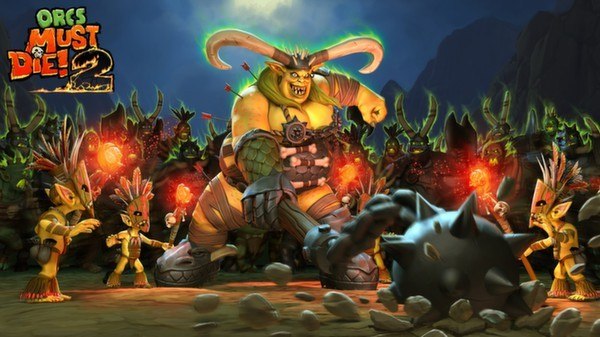
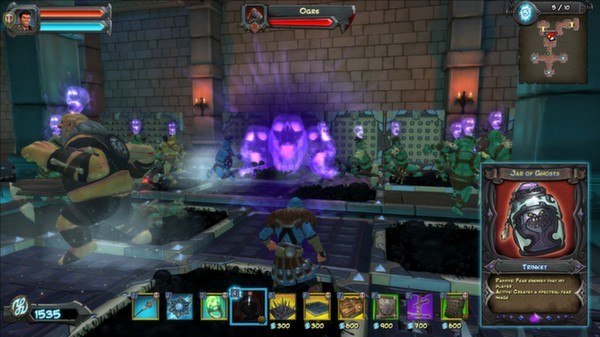
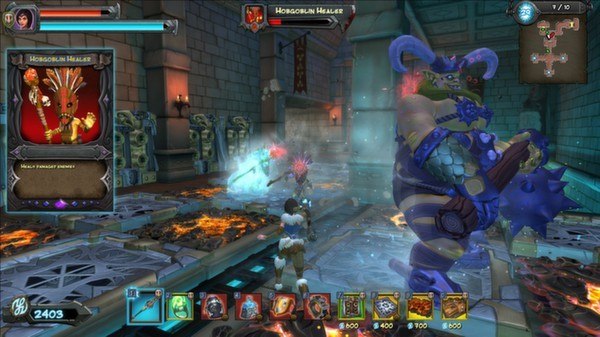
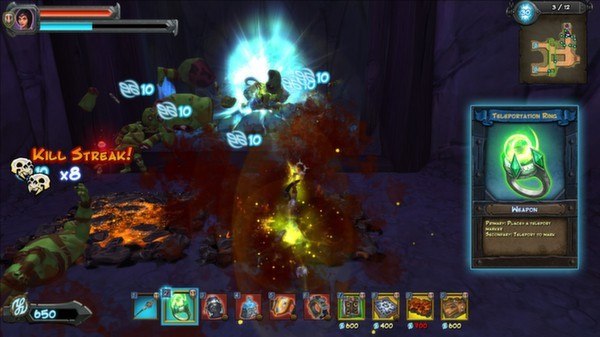
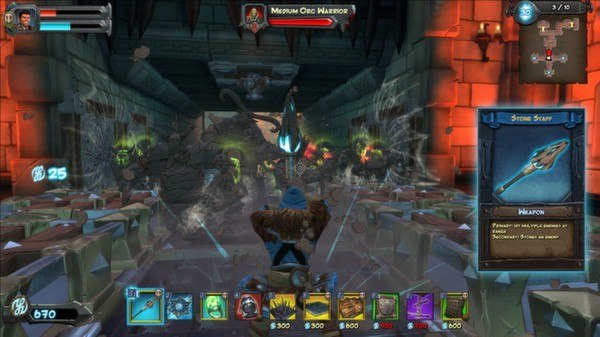
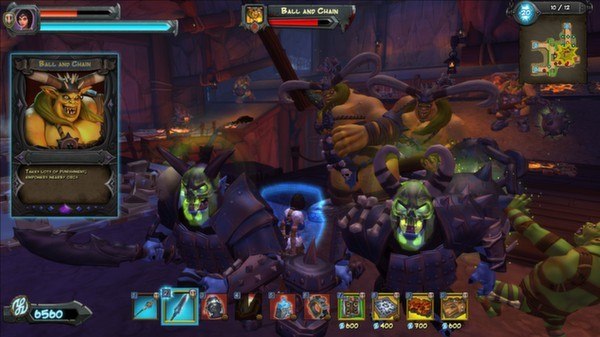
Ever wonder where all the orc women are? Wonder no more! This second booster pack for Orcs Must Die 2 introduces deadly new enemies and fortresses. It’s a family reunion you won’t want to miss! Features: Three exciting new levels! Three additional Endless Mode conversions! Two new weapons - Stone Staff and Teleportation Ring! One new trinket – the mysterious Jar of Ghosts! The most frightening enemy yet – the Ball and Chain – and her consort, the Hobgoblin Healer! New “Zero Mana Use” skull award! New Character Skin!

Orcs Must Die 2! - Family Ties Booster Pack DLC screenshotOrcs Must Die 2! - Family Ties Booster Pack DLC screenshotOrcs Must Die 2! - Family Ties Booster Pack DLC screenshotOrcs Must Die 2! - Family Ties Booster Pack DLC screenshotOrcs Must Die 2! - Family Ties Booster Pack DLC screenshotOrcs Must Die 2! - Family Ties Booster Pack DLC screenshot

How to redeem

  1. 1Check the required base game, platform and edition before purchasing.
  2. 2Find the code or supplier activation instructions in your confirmed order.
  3. 3Redeem on Steam using the supplied instructions, then install the add-on with the compatible base game.

Supplier instructions

Go to: http://store.steampowered.com/ and download STEAM client Click "Install Steam" (from the upper right corner) Install and start application, login with your Account name and Password (create one if you don't have). Please follow these instructions to activate a new retail purchase on Steam: Launch Steam and log into your Steam account. Click the Games Menu. Choose Activate a Product on Steam... Follow the onscreen instructions to complete the process. After successful code verification go to the "MY GAMES" tab and start downloading.

You might also like