Get 10% back in Relic Coins on every order
Pixel Russia Streets cover

SteamGlobal· Key

Pixel Russia Streets

€3.31

+€0.33 cashback eligibility in Relic Coins

Check before you play

Platform
Steam
Region
Global
Product type
Key
Developer
SharkJaws, Blue Whale Games
Publisher
Blue Whale Games
Supplier release date
2017-09-10
Genres
Action, Adventure, Indie

About this product

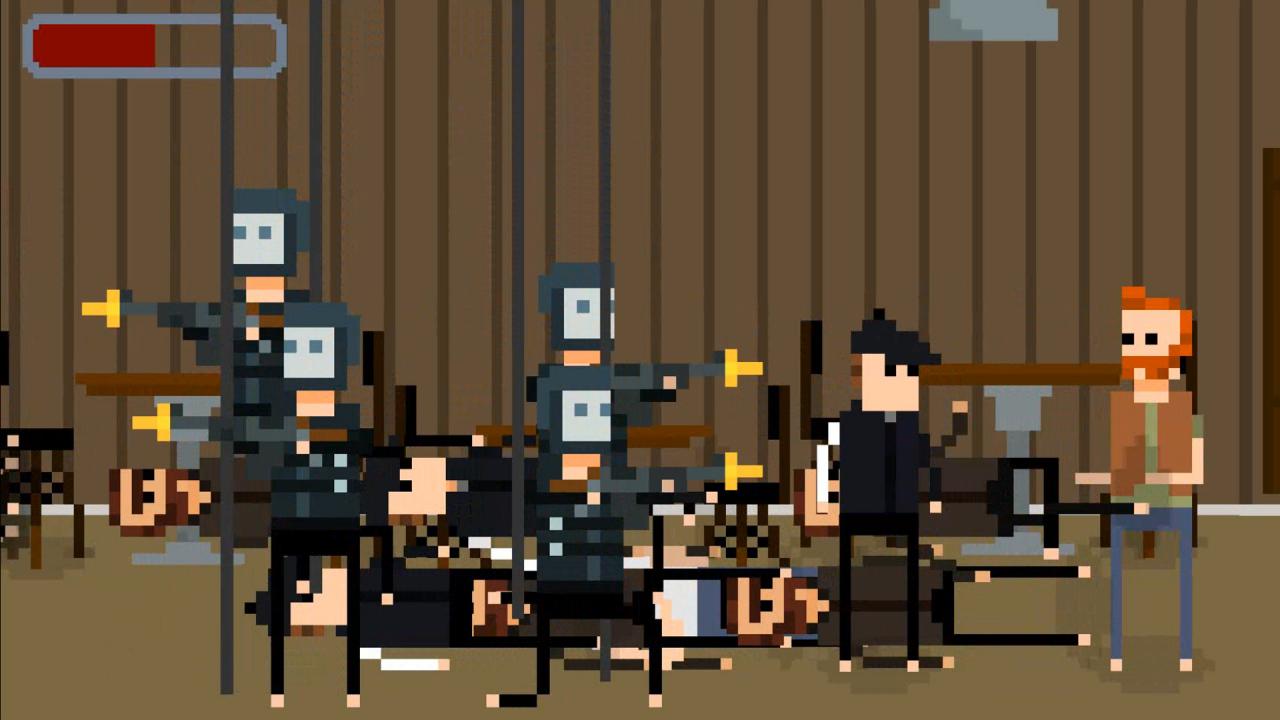
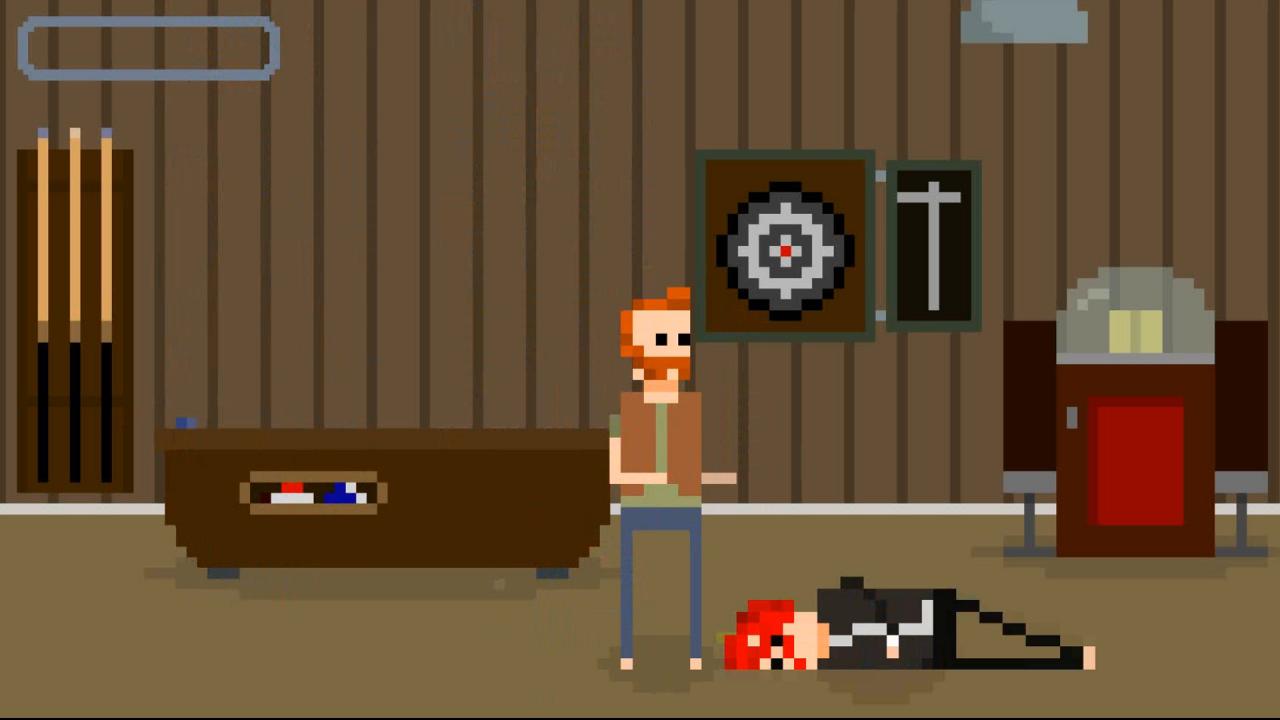
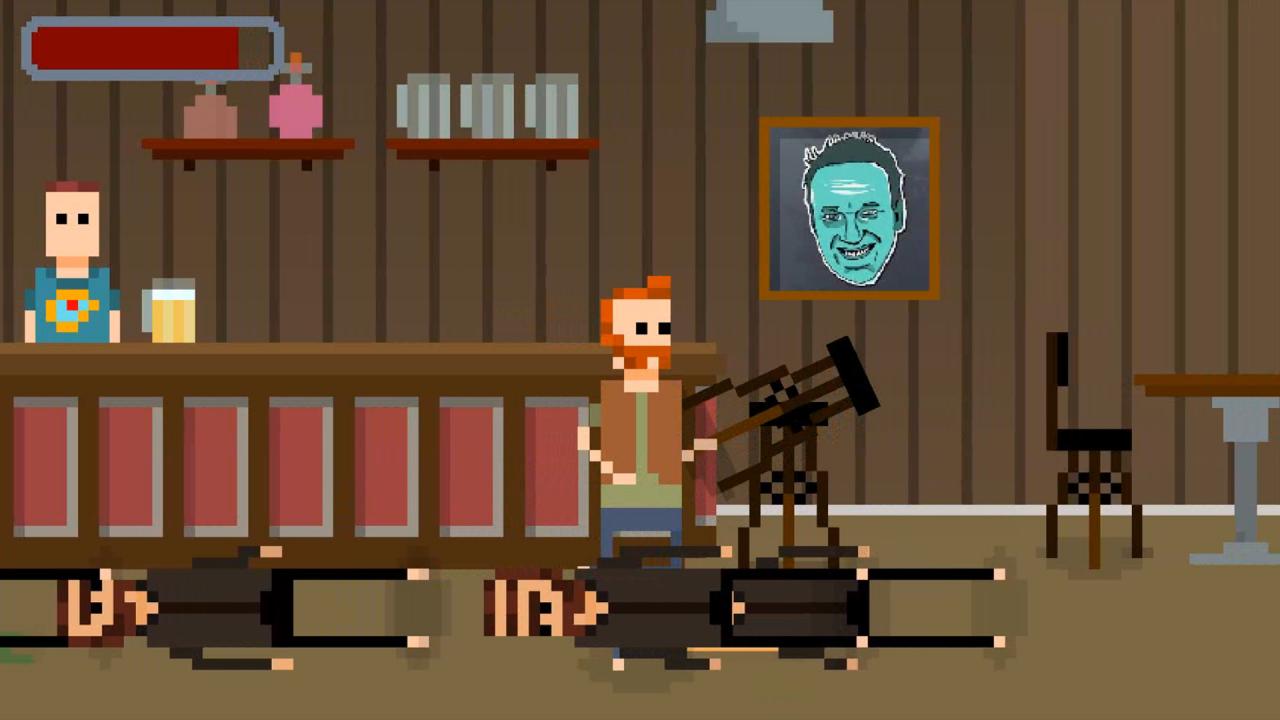
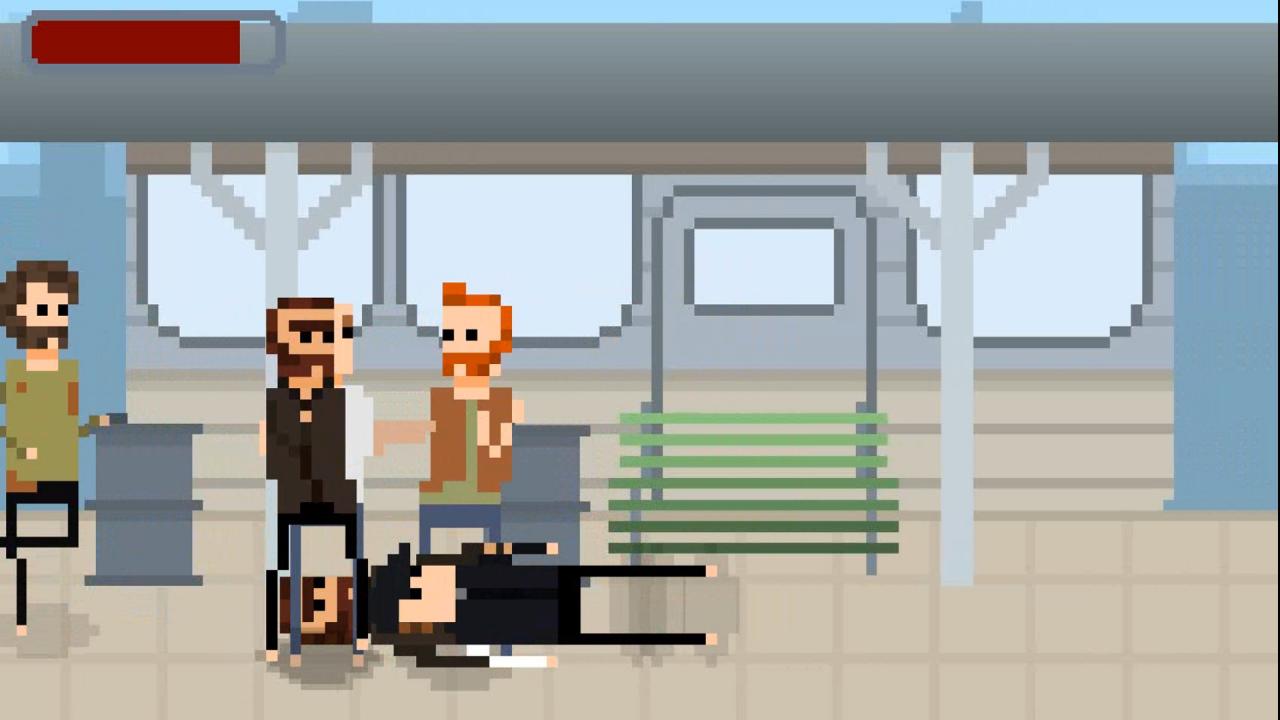
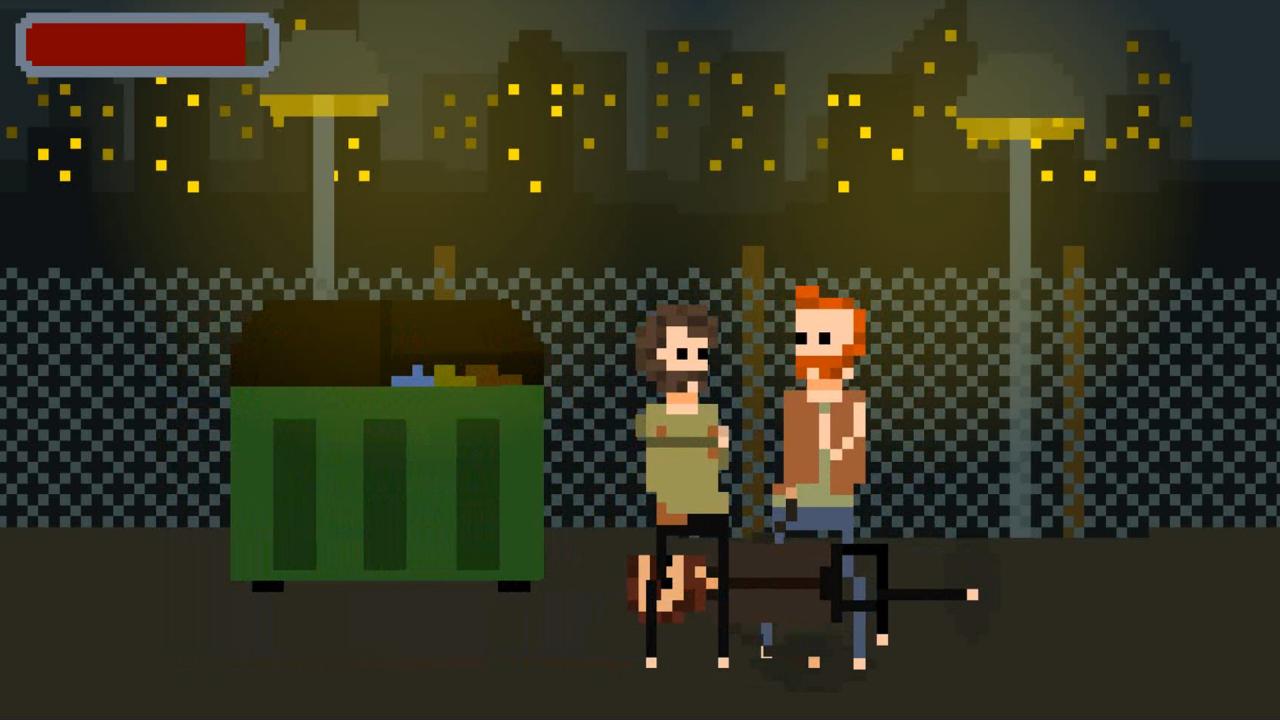
Pixel Russia Streets is an exciting bitmap inspired by Russian realities and the spirit of the old game consoles. Once it was happy and peaceful place, a starting point to wonderful world of perspectives and ambitions, now it's stuck in dirt and criminality. Devastation, alcoholism and rubbing are the part of everyday life and sometimes the main kind of activity of hopeful citizens. Pixel Russia Streets calls on you to help and discover the secret of whole generation that is consumed by darkness of "heady 90s", where with bloody stains shadows of unknown persons mysteriously stretch to the West... Features We clean the streets from crime Do the quests that will allow you to reach the track of the main villain Element of interaction with the objects will help you out in the most severe scrapes Close to death? At some levels you will be covered by a professional support team


Pixel Russia Streets screenshotPixel Russia Streets screenshotPixel Russia Streets screenshotPixel Russia Streets screenshotPixel Russia Streets screenshot

How to redeem

  1. 1Check your Steam account and the listed region before purchasing.
  2. 2Find your code and supplier activation instructions in your confirmed order.
  3. 3Open the redeem-code section on Steam, enter the code and follow the platform’s prompts.

Supplier instructions

Go to: http://store.steampowered.com/ and download STEAM client Click "Install Steam" (from the upper right corner) Install and start application, login with your Account name and Password (create one if you don't have). Please follow these instructions to activate a new retail purchase on Steam: Launch Steam and log into your Steam account. Click the Games Menu. Choose Activate a Product on Steam... Follow the onscreen instructions to complete the process. After successful code verification go to the "MY GAMES" tab and start downloading.

You might also like