

SteamGlobal· Key
Antagonist
€0.74
+€0.07 cashback eligibility in Relic Coins
Check before you play
- Platform
- Steam
- Region
- Global
- Product type
- Key
- Developer
- NIVLACART
- Publisher
- Degica
- Supplier release date
- 2017-03-17
- Genres
- RPG, Visual Novel
SteamGlobal· Key
€0.74
+€0.07 cashback eligibility in Relic Coins
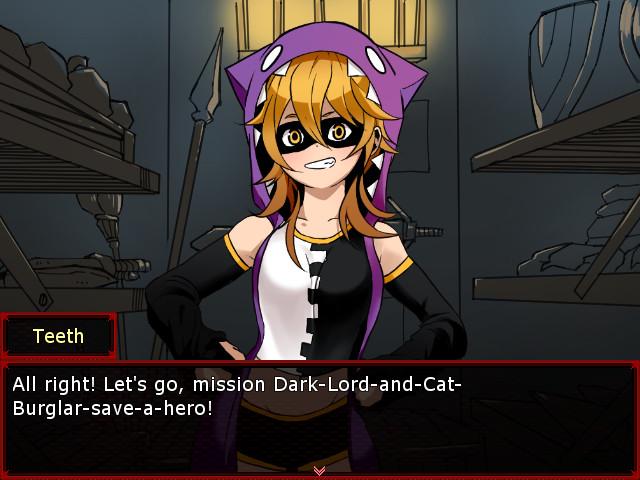
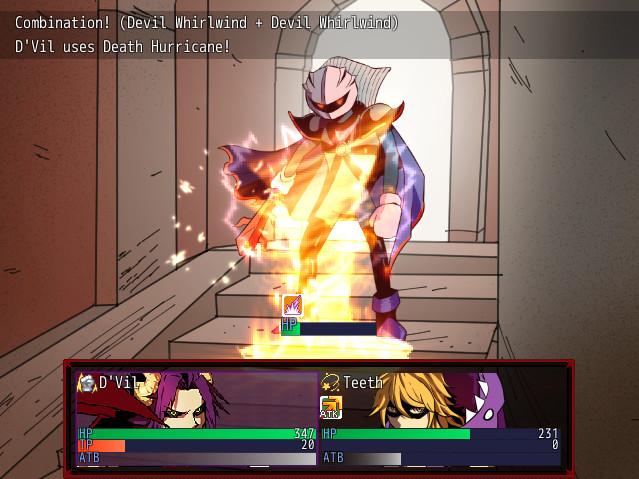
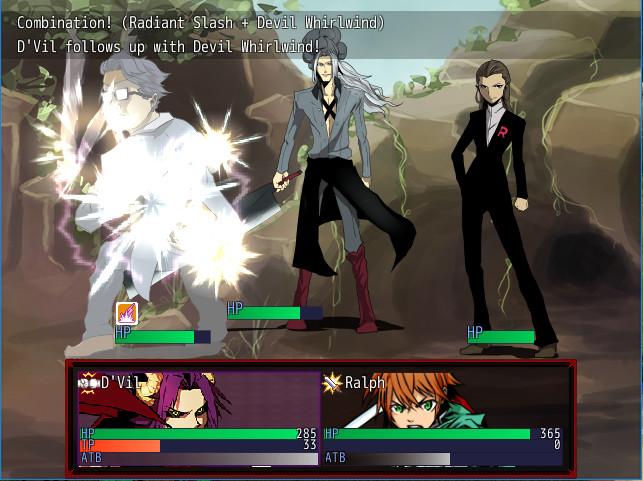
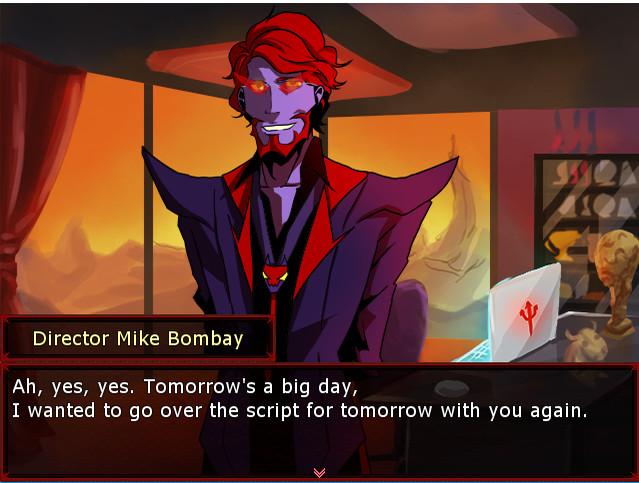
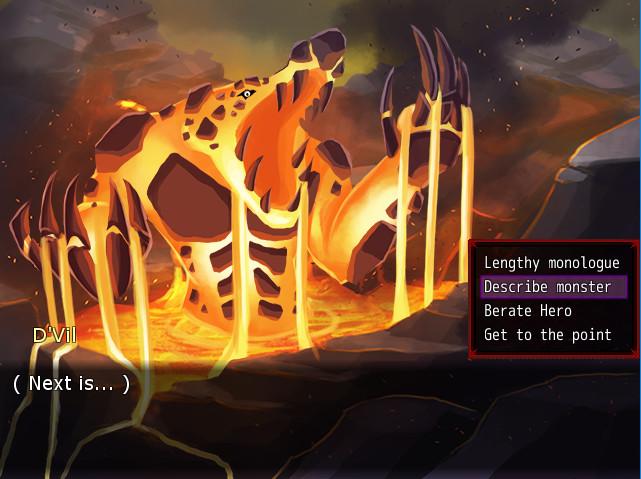
“Welcome to Evil Productions! We’re at the forefront of the industry, shooting only the most realistic video game cutscenes. Our specially trained Villains will act out scripted scenarios in a game world of your choice. What sets us apart though is the authenticity of our Heroes. They’ll give such a genuine performance you’ll think they weren’t acting at all!Wait, what’s that? Our lead villain fell off the volcano and the Hero of Light is pursuing him? That wasn’t in the script…”Play as D’Vil, the Dark Lord and rising star at Evil Productions. Team up with Hero of Light, Ralph, and unleash devastating combos on your foes. Will you work together to uncover the conspiracy behind the video game cutscene industry or clash like true hero and villain? Features A unique blend of Visual Novel and RPG elements Team up with Hero of Light Ralph or Cat Burglar Teeth in intense encounters against familiar foes Time attacks with your partner to unleash devastating combos Uncover the grim reality behind the video game cutscene industry Make choices that affect your relationship with Ralph Multiple endings
Go to: http://store.steampowered.com/ and download STEAM client Click "Install Steam" (from the upper right corner) Install and start application, login with your Account name and Password (create one if you don't have). Please follow these instructions to activate a new retail purchase on Steam: Launch Steam and log into your Steam account. Click the Games Menu. Choose Activate a Product on Steam... Follow the onscreen instructions to complete the process. After successful code verification go to the "MY GAMES" tab and start downloading.