Get 10% back in Relic Coins on every order
RPG Maker VX Ace - Evil Castle Tiles Pack cover

SteamGlobal· Key

RPG Maker VX Ace - Evil Castle Tiles Pack

€0.46

+€0.05 cashback eligibility in Relic Coins

Check before you play

Platform
Steam
Region
Global
Product type
Key
Developer
Kuusou Kagaku
Publisher
Enterbrain
Supplier release date
2014-10-03
Genres
Simulation

About this product

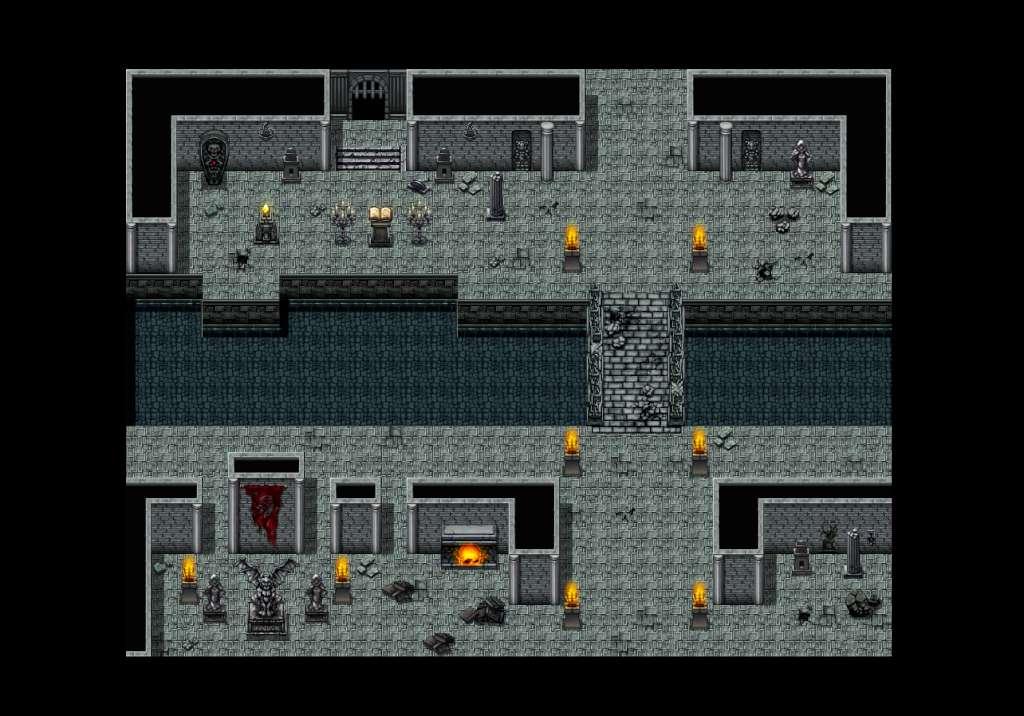
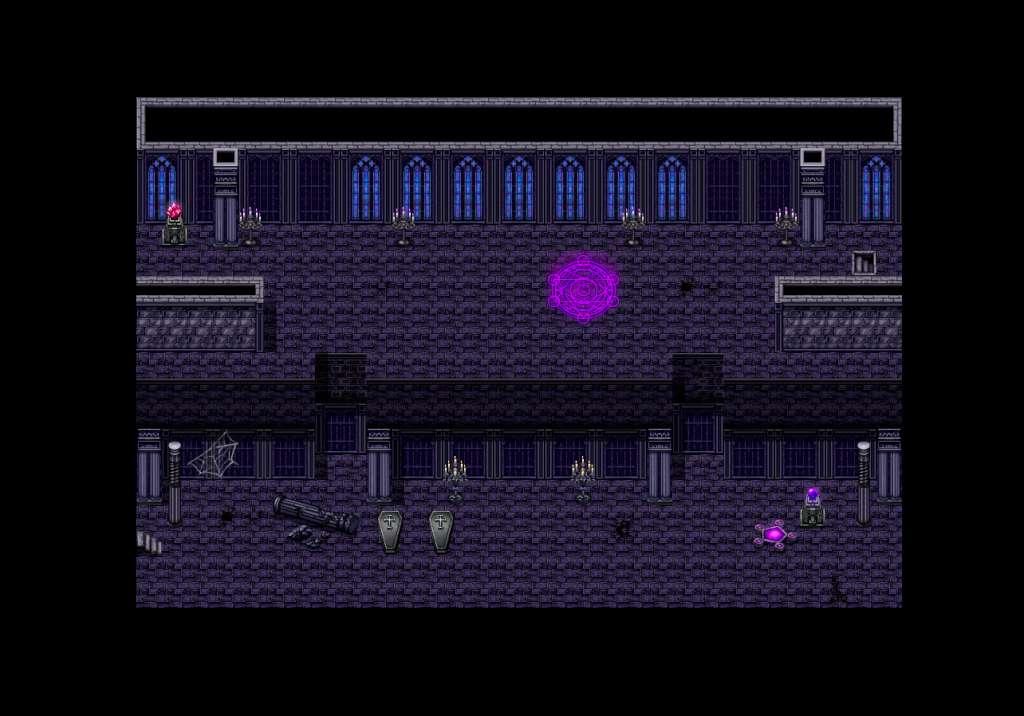
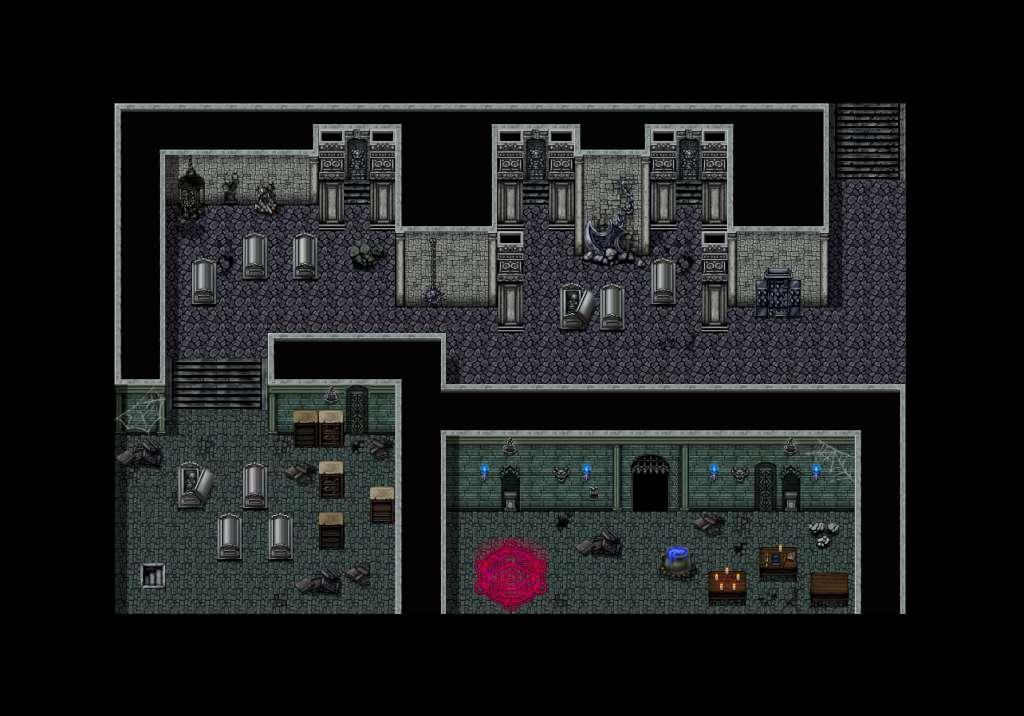
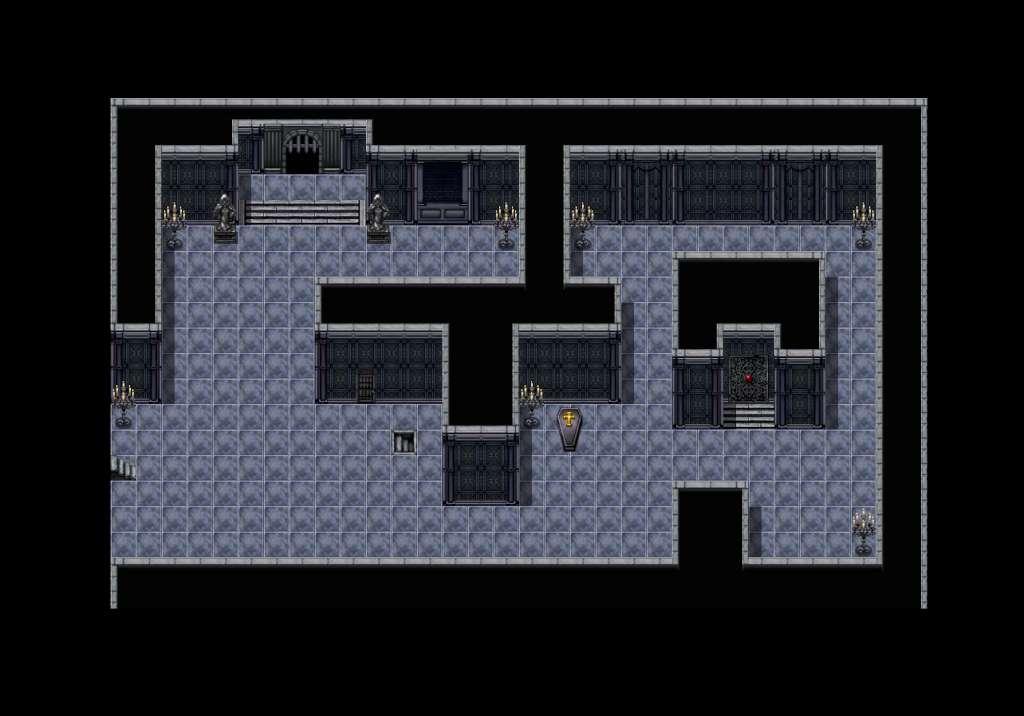
A great evil lurks in the dark and enchanted depths of this castle... A great villain must have an evil lair, and what better location than an evil castle? Evil Castle Tiles will help you develop a perfect backdrop for that final boss encounter. With Evil Castle Tiles, you can create a dark magic castle, a derelict crypt or a dungeon of torture. Unique details and decorative elements will bring each map to a new level, while the dark and rich colors will enhance the atmosphere of unease and fear. Features A smooth, painterly style like the one you'll find in Royal Tiles and Dungeon & Volcanoes packs. Auto-tiles for walls, water and floors. Decorative elements such as statues, magical paraphernalia, and caskets. Castle staples, including heavy gates, torches, trap elements and more.


RPG Maker VX Ace - Evil Castle Tiles Pack screenshotRPG Maker VX Ace - Evil Castle Tiles Pack screenshotRPG Maker VX Ace - Evil Castle Tiles Pack screenshotRPG Maker VX Ace - Evil Castle Tiles Pack screenshot

How to redeem

  1. 1Check your Steam account and the listed region before purchasing.
  2. 2Find your code and supplier activation instructions in your confirmed order.
  3. 3Open the redeem-code section on Steam, enter the code and follow the platform’s prompts.

Supplier instructions

Go to: http://store.steampowered.com/ and download STEAM client Click "Install Steam" (from the upper right corner) Install and start application, login with your Account name and Password (create one if you don't have). Please follow these instructions to activate a new retail purchase on Steam: Launch Steam and log into your Steam account. Click the Games Menu. Choose Activate a Product on Steam... Follow the onscreen instructions to complete the process. After successful code verification go to the "MY GAMES" tab and start downloading.

You might also like