Get 10% back in Relic Coins on every order
RPG Maker VX Ace - High Fantasy Resource Bundle cover

SteamGlobal· Key

RPG Maker VX Ace - High Fantasy Resource Bundle

€0.69

+€0.07 cashback eligibility in Relic Coins

Check before you play

Platform
Steam
Region
Global
Product type
Key
Developer
Kuusou Kagaku
Publisher
Enterbrain
Supplier release date
2013-11-22
Genres
Simulation

About this product

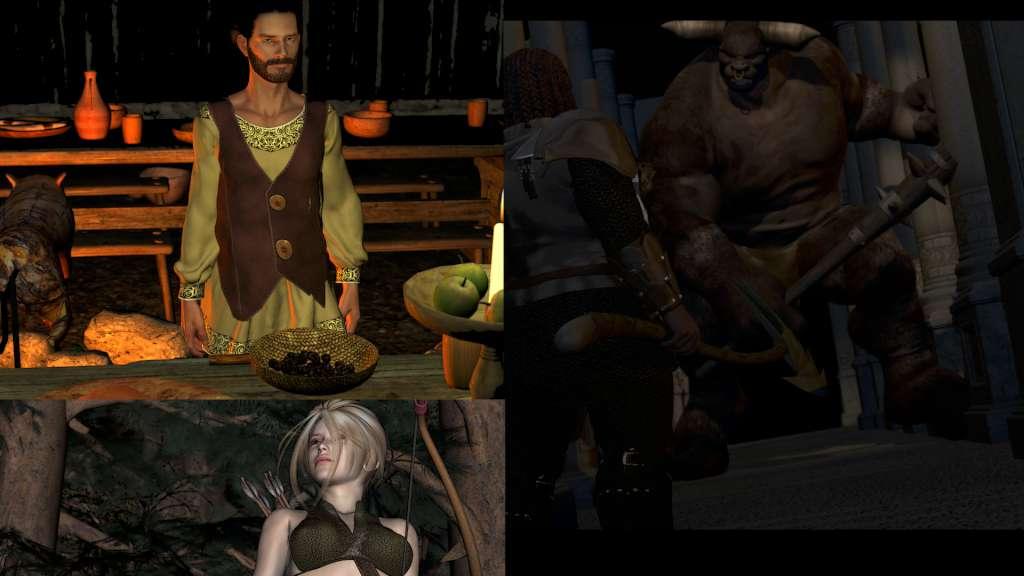
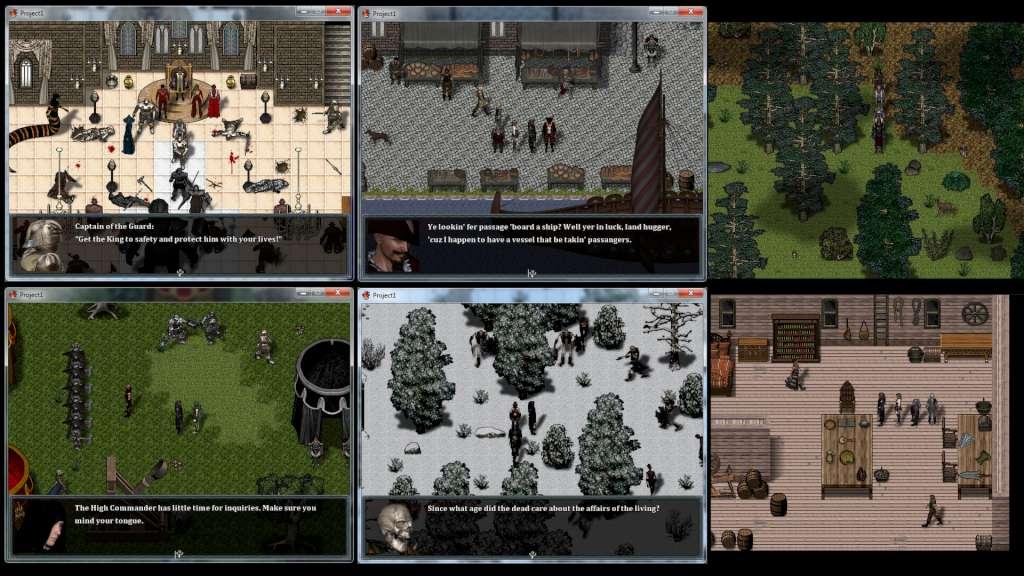
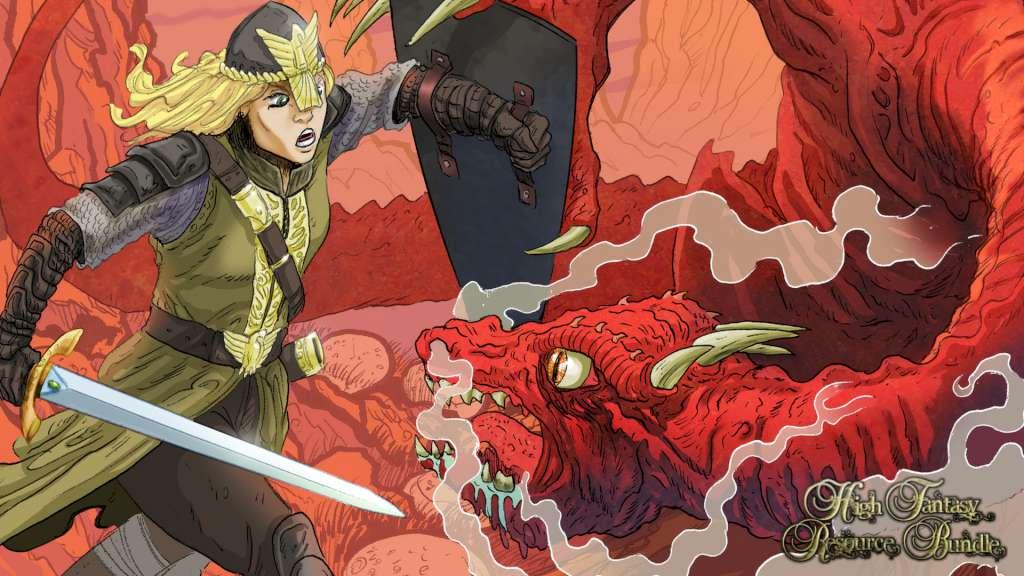
We are proud to present the High Fantasy Resource Bundle, a large composition of fantasy-themed resources for all of your RPG-making needs. This bundle represents countless hundreds of hours of eye-straining, wrist-debilitating labor and love!Everyone has a story to tell, and it is our goal to help you tell that story. With these resources, you can build countless worlds, create huge casts of characters, and populate your dungeons with horrendous and terrifying beasts.This pack contains: 70 Battle Backgrounds 96 Front-View Battlers 90 Side-View Battlers (may require a 3rd party script to utilize) Over 200 Character Sprite Sheets! 168 Faces (21 full sets)! 6 Overlays for clouds and rain (may require a 3rd party script to utilize) 35 Tile Sheets (9 auto-tile sheets, 26 B-E sheets) Bonus script for RPG Maker VX Ace!


RPG Maker VX Ace - High Fantasy Resource Bundle screenshotRPG Maker VX Ace - High Fantasy Resource Bundle screenshotRPG Maker VX Ace - High Fantasy Resource Bundle screenshot

How to redeem

  1. 1Check your Steam account and the listed region before purchasing.
  2. 2Find your code and supplier activation instructions in your confirmed order.
  3. 3Open the redeem-code section on Steam, enter the code and follow the platform’s prompts.

Supplier instructions

Go to: http://store.steampowered.com/ and download STEAM client Click "Install Steam" (from the upper right corner) Install and start application, login with your Account name and Password (create one if you don't have). Please follow these instructions to activate a new retail purchase on Steam: Launch Steam and log into your Steam account. Click the Games Menu. Choose Activate a Product on Steam... Follow the onscreen instructions to complete the process. After successful code verification go to the "MY GAMES" tab and start downloading.

You might also like