Get 10% back in Relic Coins on every order
Tricky Towers cover

Xbox OneGlobal· Account

Tricky Towers

€3.85

+€0.39 cashback eligibility in Relic Coins

Check before you play

Platform
Xbox One
Region
Global
Product type
Account

This listing delivers an account, not a game key. Read the supplier’s conditions before purchasing.

Developer
WeirdBeard
Publisher
WeirdBeard
Supplier release date
2017-09-15
Genres
Action, Strategy, Indie, Casual, Puzzle, Platformer

About this product

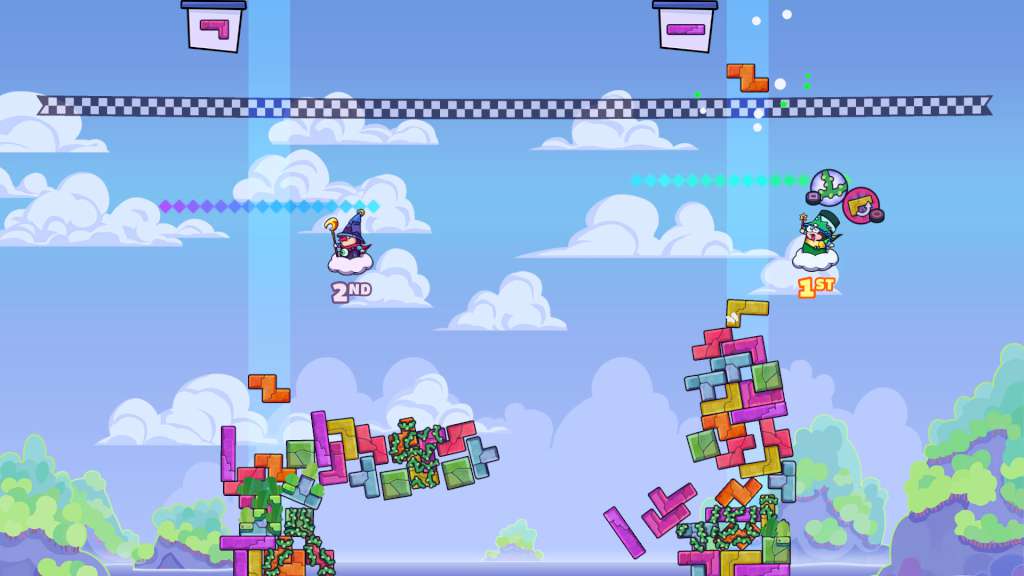
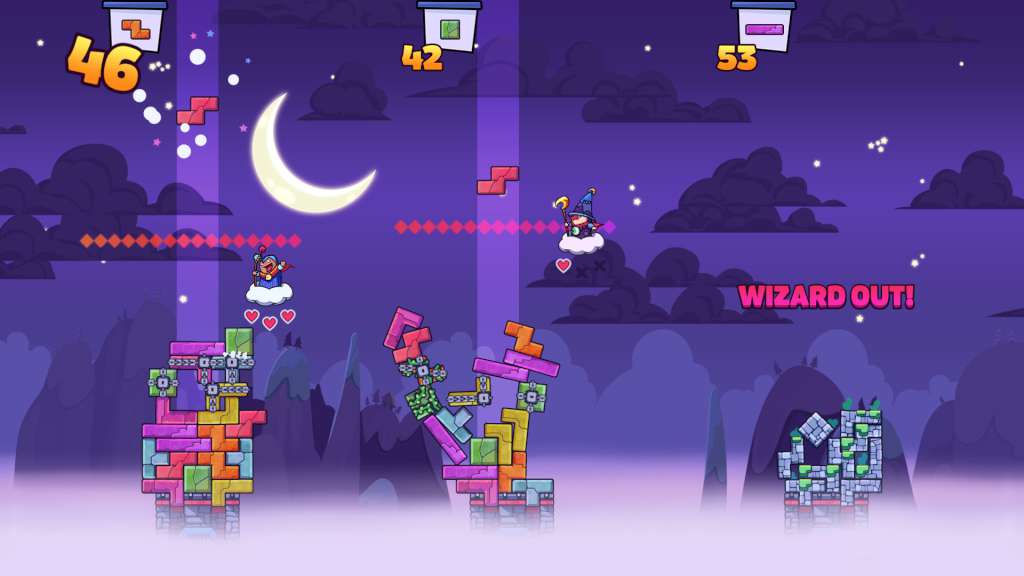
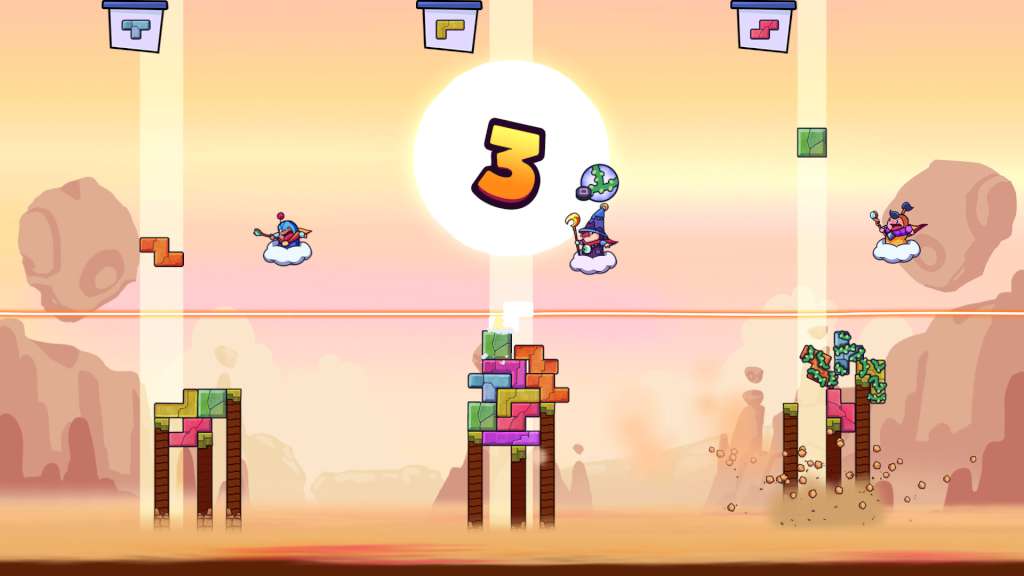
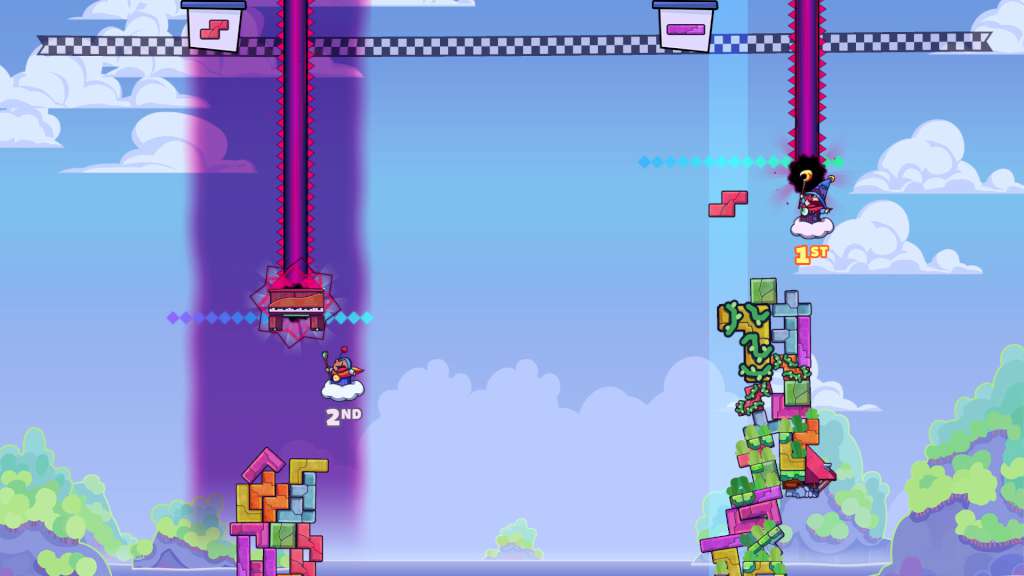
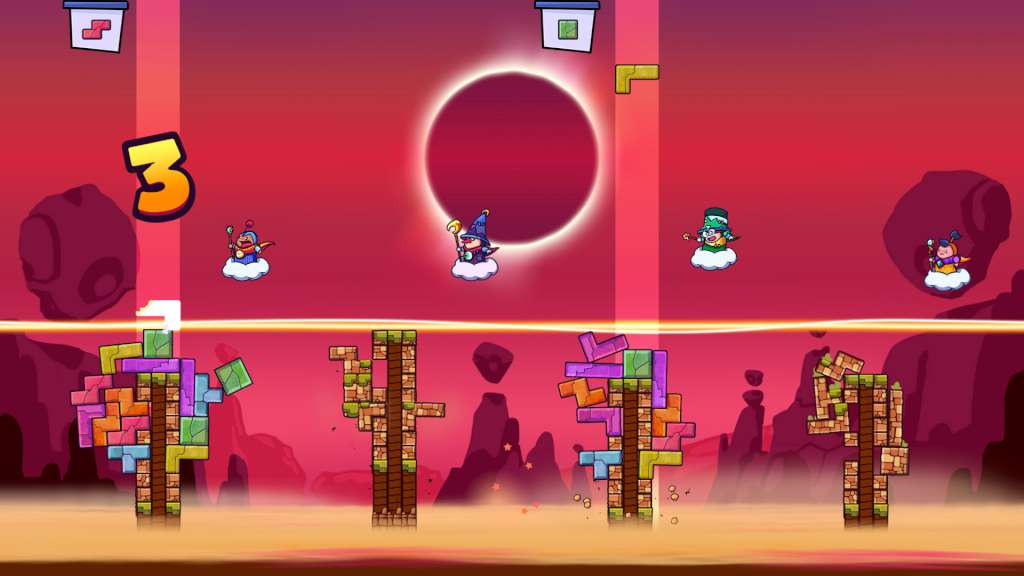
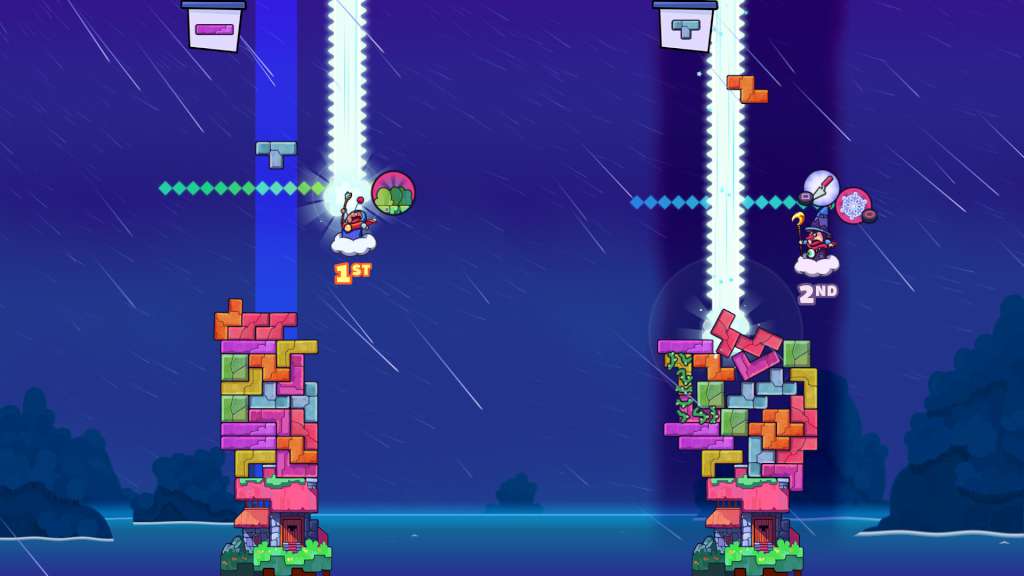
With your brilliant robe and magic powers, it’s time to build some Tricky Towers! Stack your bricks to create a stable tower and try to topple those of your opponents. Cast magic to support your structure and fend off the dark spells of your rivals in this frantic physics party game. Play with up to 4 friends in local multiplayer or challenge players around the world in an online battle. Train your skills with the extensive single player trials and set a high score on the leaderboards. With spells flying everywhere and bricks tumbling down, Tricky Towers makes for a chaotically good time! Features Frantic physics action puzzle gameplay Local and online multiplayer with 2-4 players 3 different multiplayer modes; race, survival and puzzle Challenging single player trials Leaderboard mode: compare how you stack up 17 Powerful light and dark magic spells

Tricky Towers screenshotTricky Towers screenshotTricky Towers screenshotTricky Towers screenshotTricky Towers screenshotTricky Towers screenshot

How to redeem

  1. 1Read the account conditions and regional restrictions before purchasing.
  2. 2Open your confirmed order in your Relic Key account to view the supplier’s account details.
  3. 3Follow the supplied sign-in and setup instructions. This is an account, not a redeemable key.

Supplier instructions

Go to https://www.xbox.com Login to your account Hover over your account link (the top right of the screen) a menu will appear, click on the "Redeem Code" button. On the next page, click "Redeem" Enter your code Click "Confirm" Click "Confirm" again to assign the key to your account.

You might also like