Get 10% back in Relic Coins on every order
Captain Firebeard and the Bay of Crows cover

SteamGlobal· Key

Captain Firebeard and the Bay of Crows

€8.85

+€0.89 cashback eligibility in Relic Coins

Check before you play

Platform
Steam
Region
Global
Product type
Key
Developer
Sapphire Dragon Productions
Publisher
Sapphire Dragon Productions
Supplier release date
2017-10-04
Genres
Adventure, Casual, Story rich, Visual Novel

About this product

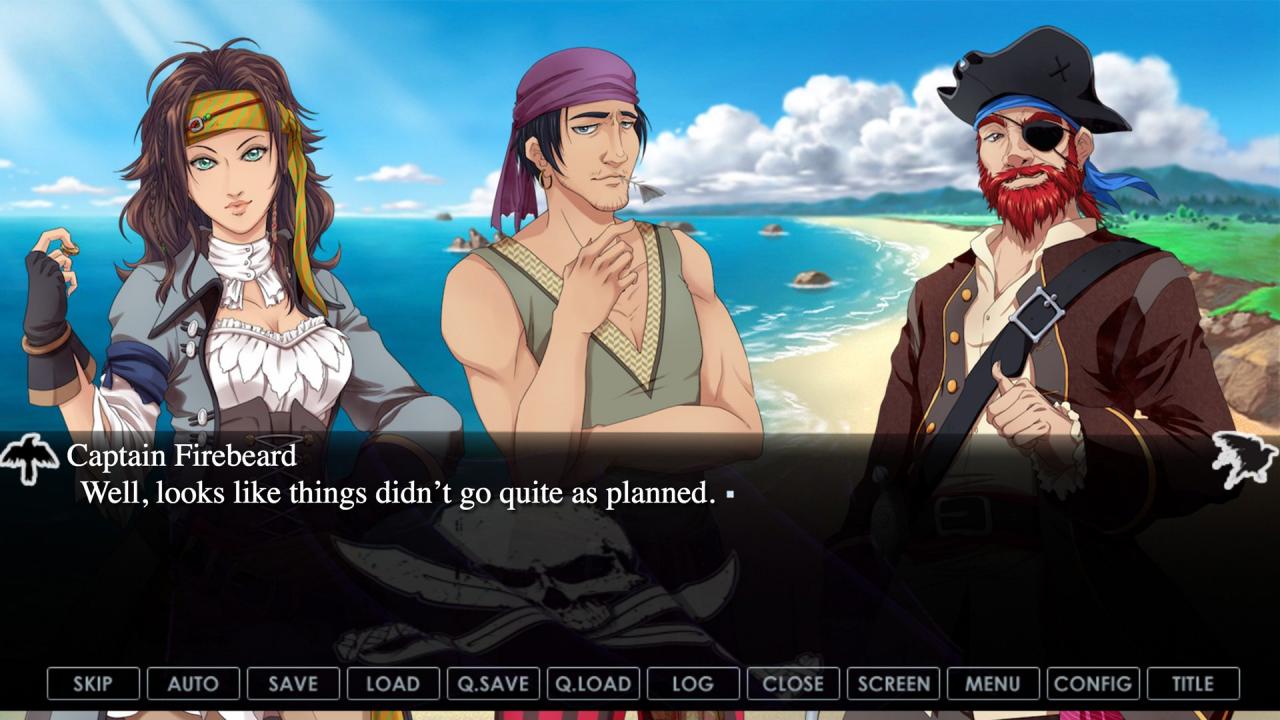
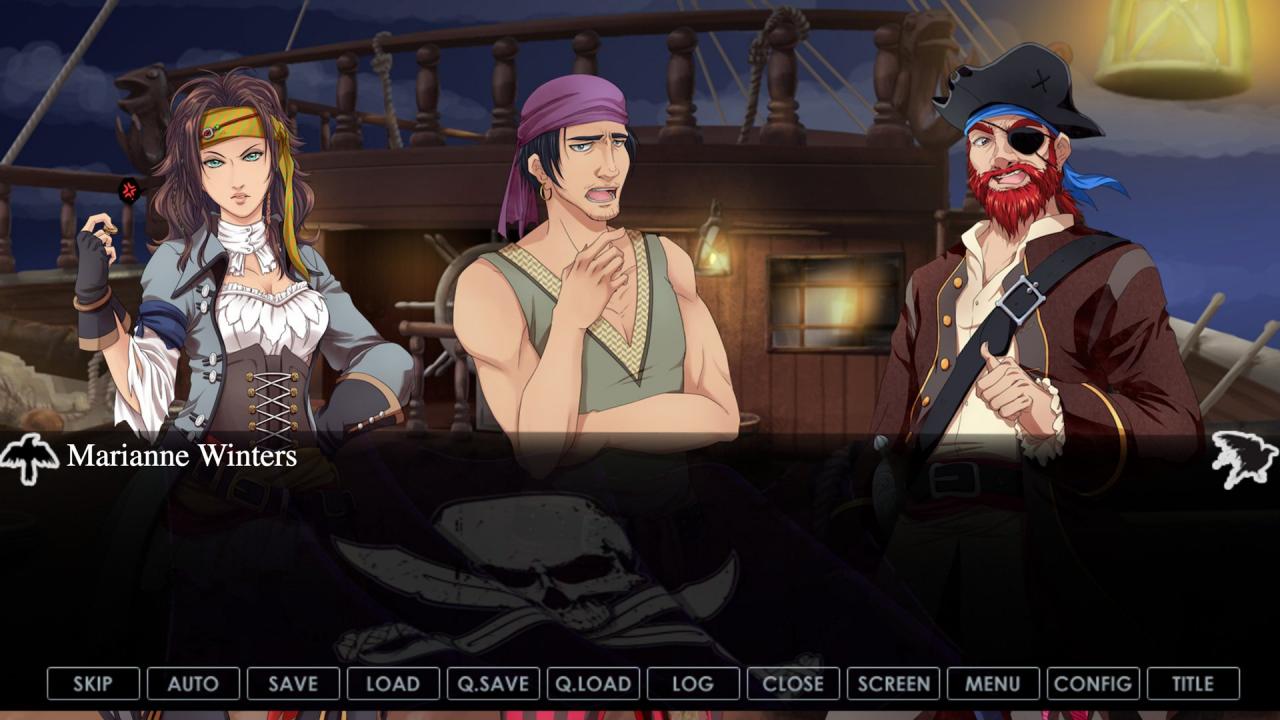
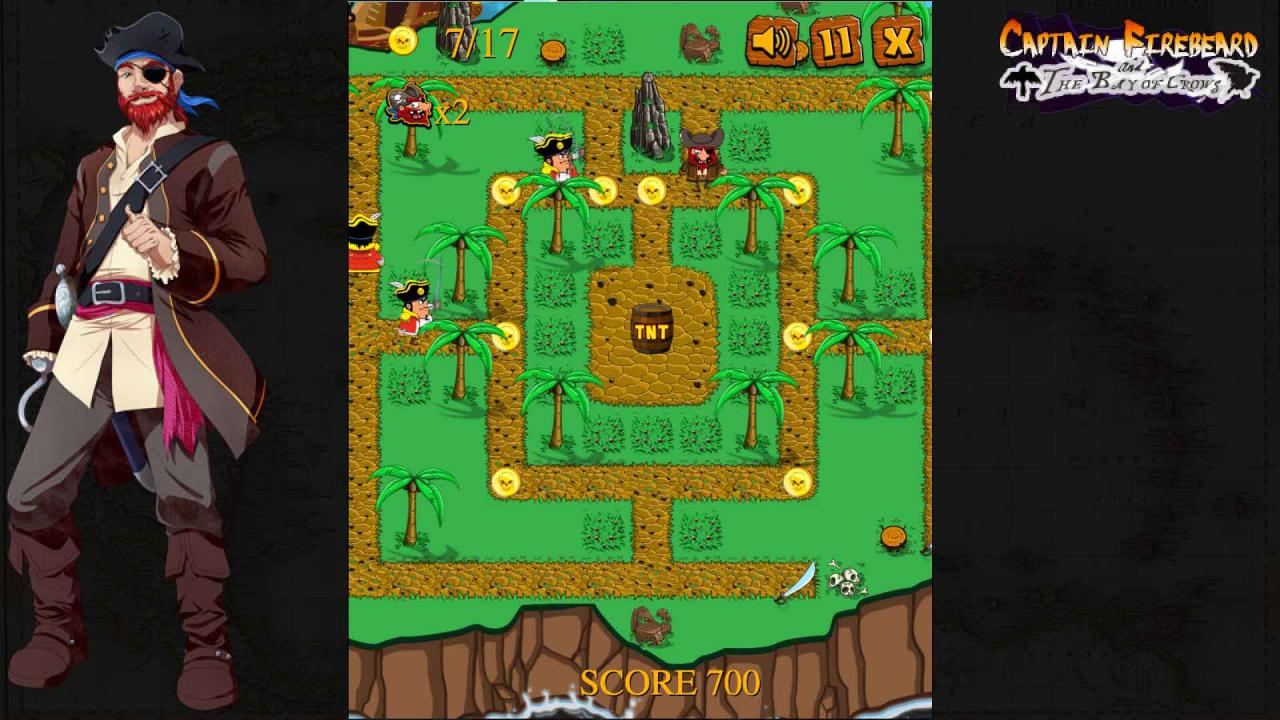
Captain Lucius “Firebeard” Cole is running down on his luck. Increased presence of both the Royal British and Spanish Navy in the Caribbean has meant slim pickings for him over the past year, and on top of that, his ship is in terrible disrepair. It seemed as though Lucius’ days of buccaneering were coming to a close until lady luck brought him a little gift to turn the tides for him; a marooned Spanish Naval officer with a terrible secret in his hands. Will Captain “Firebeard” be able to take advantage of this secret to become the greatest pirate of the seven seas or will he and his hapless crew meet an unfortunate fate? Only you can decide. “Captain Firebeard and the Bay of Crows” is an adventure/comedy visual novel with an “arcade style” minigame that will have you holding your sides with its sharp humour and at the edge of your seat with its addictive minigame. Features A hilarious swashbuckling storyline Charming and witty characters Brilliant art style Full English Voice Acting Epic Orchestral soundtrack Amusing arcade-style minigame

Captain Firebeard and the Bay of Crows screenshotCaptain Firebeard and the Bay of Crows screenshotCaptain Firebeard and the Bay of Crows screenshotCaptain Firebeard and the Bay of Crows screenshotCaptain Firebeard and the Bay of Crows screenshotCaptain Firebeard and the Bay of Crows screenshot

How to redeem

  1. 1Check your Steam account and the listed region before purchasing.
  2. 2Find your code and supplier activation instructions in your confirmed order.
  3. 3Open the redeem-code section on Steam, enter the code and follow the platform’s prompts.

Supplier instructions

Go to: http://store.steampowered.com/ and download STEAM client Click "Install Steam" (from the upper right corner) Install and start application, login with your Account name and Password (create one if you don't have). Please follow these instructions to activate a new retail purchase on Steam: Launch Steam and log into your Steam account. Click the Games Menu. Choose Activate a Product on Steam... Follow the onscreen instructions to complete the process. After successful code verification go to the "MY GAMES" tab and start downloading.

You might also like