Get 10% back in Relic Coins on every order
Deadly Days cover

SteamGlobal· Account

Deadly Days

€9.23

+€0.92 cashback eligibility in Relic Coins

Check before you play

Platform
Steam
Region
Global
Product type
Account

This listing delivers an account, not a game key. Read the supplier’s conditions before purchasing.

Developer
Pixelsplit
Publisher
Pixelsplit
Supplier release date
2017-11-30
Genres
Action, Indie, Casual

About this product

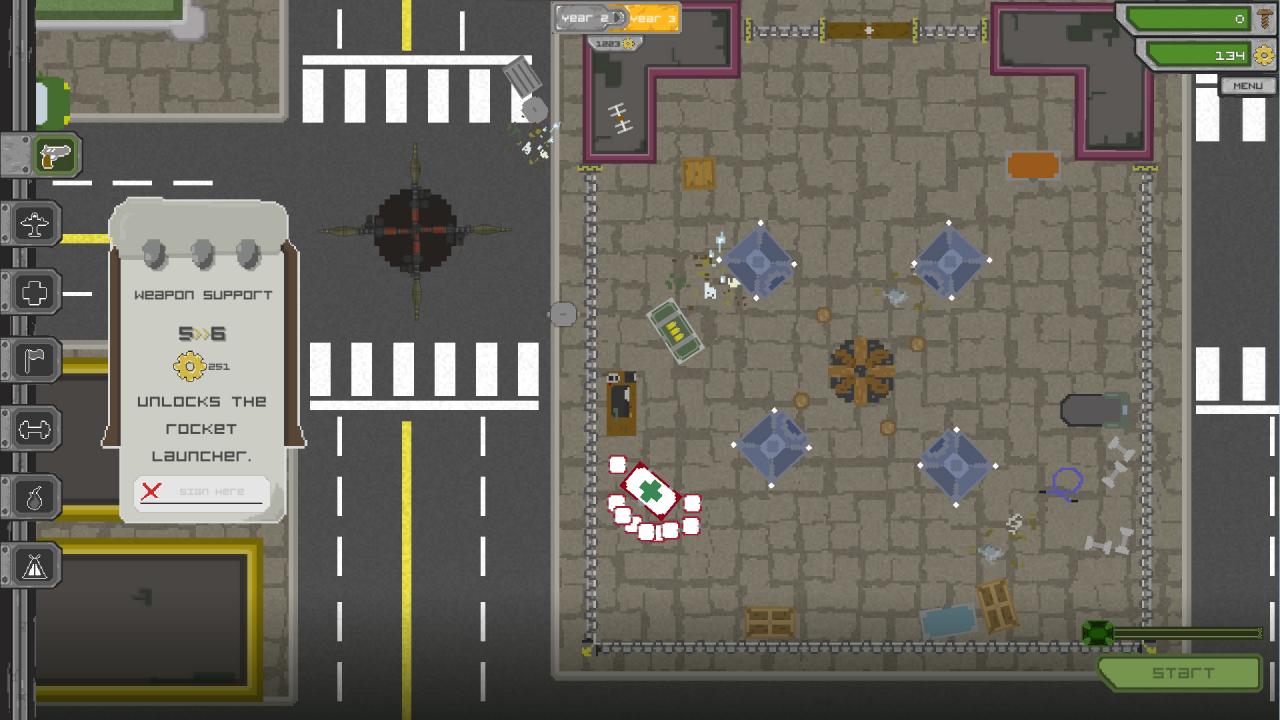
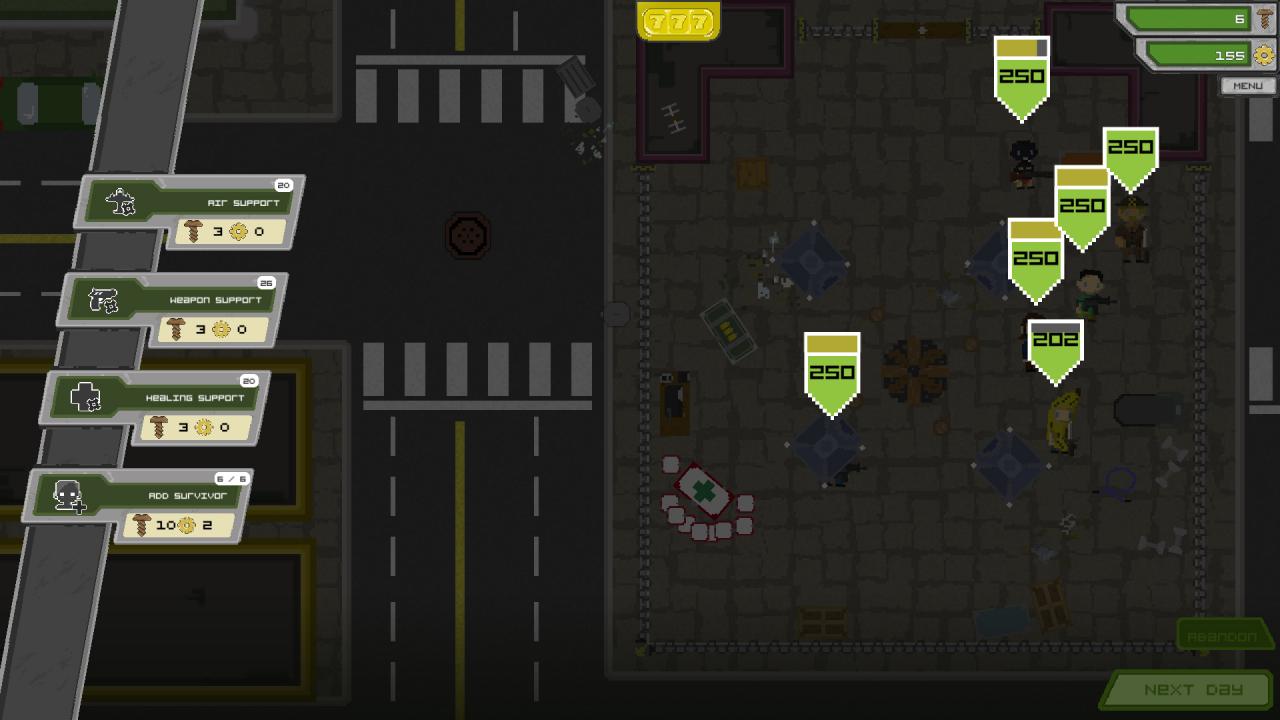
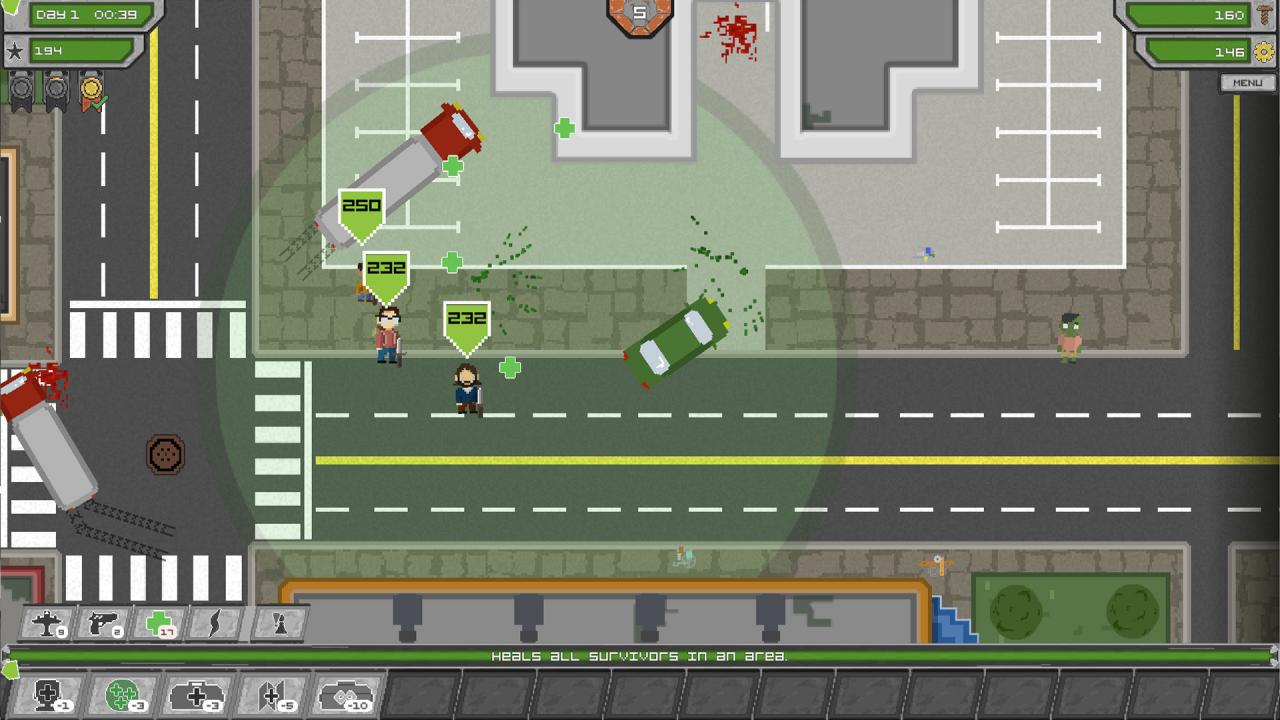
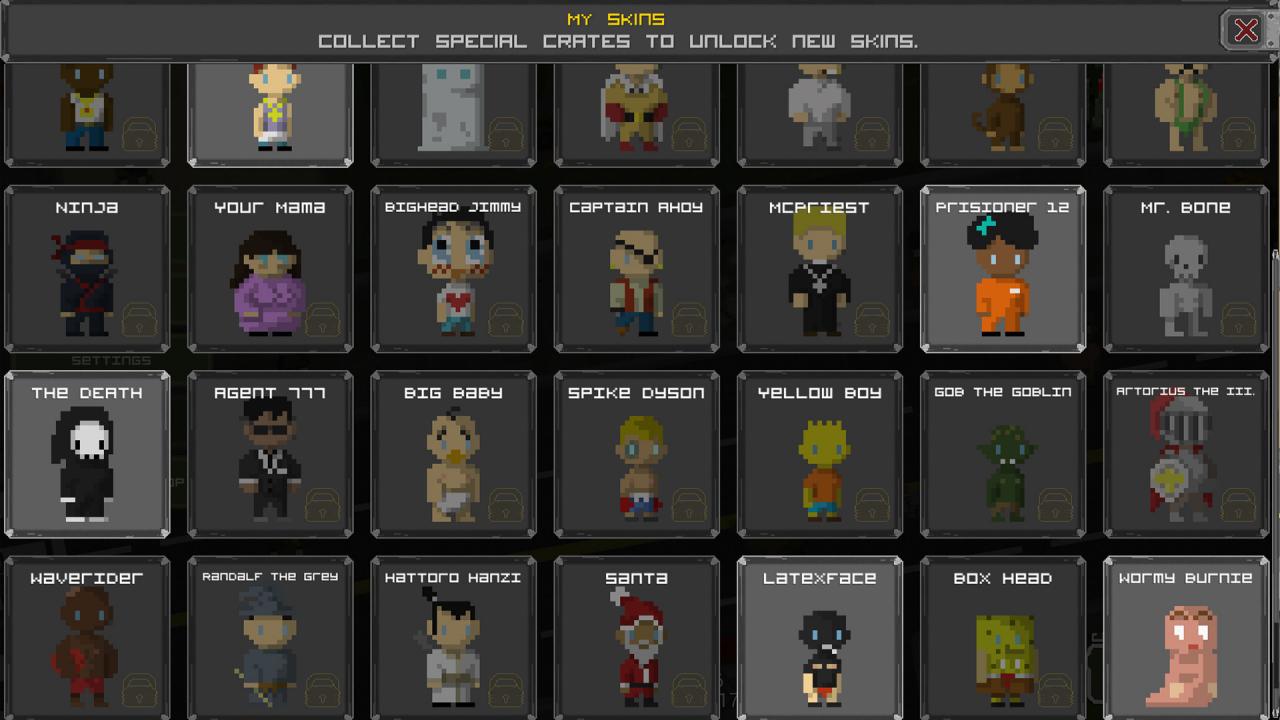
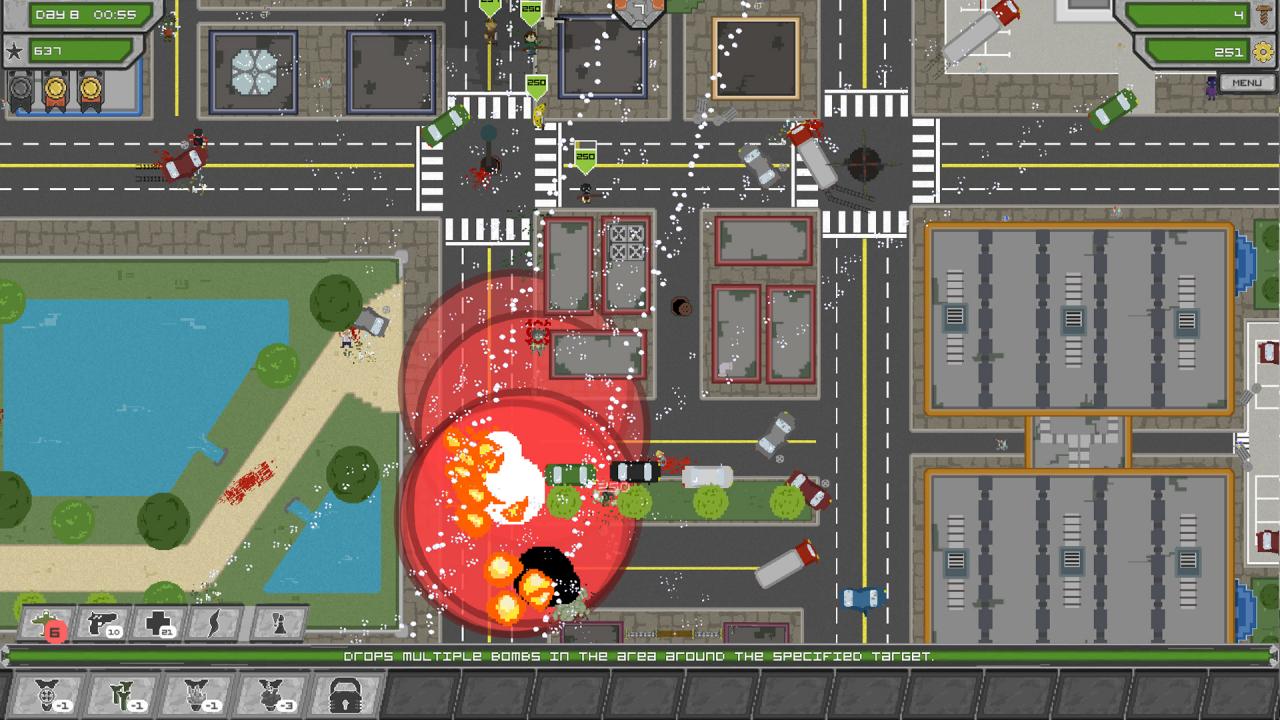
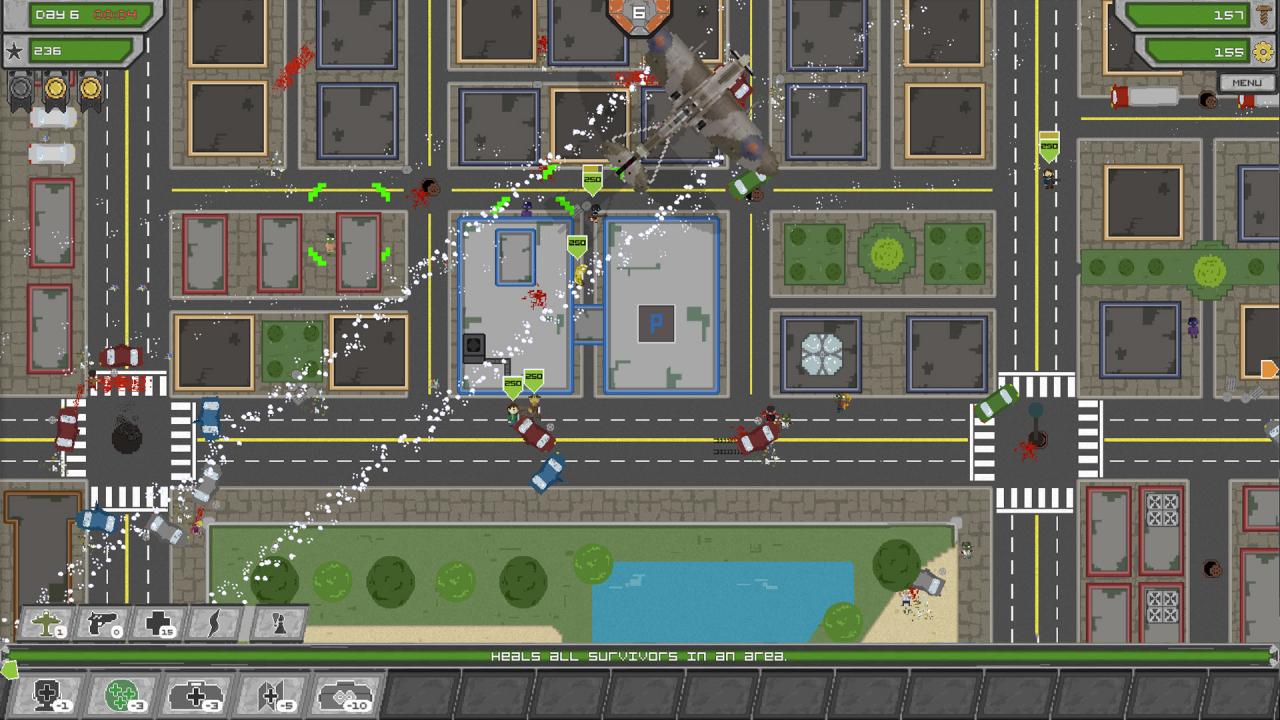
Being a leader during the apocalypse is hard. Your survivors go out every day looking for parts and scrap to upgrade your base. Help them survive. For example, send a bomber to launch a devastating attack on enemies. Or unlock a variety of weapons for your survivors and support the wounded with medical care. Can you survive? If nothing helps anymore, just start a nuclear strike. Features Build a home for your survivors Fight the zombies and support your survivors Fight many different zombie types, each with their own unique abilities. Complete a multitude of random objectives and earn rewards Random events force you to adapt different strategies Use a variety of helpful abilities to increase your chance of survival Break open valuable crates to find powerful items Discover many powerful special abilities to boost your arsenal Collect different survivor costumes Climb the leaderboard and prove that you are the best commander

Deadly Days screenshotDeadly Days screenshotDeadly Days screenshotDeadly Days screenshotDeadly Days screenshotDeadly Days screenshot

How to redeem

  1. 1Read the account conditions and regional restrictions before purchasing.
  2. 2Open your confirmed order in your Relic Key account to view the supplier’s account details.
  3. 3Follow the supplied sign-in and setup instructions. This is an account, not a redeemable key.

Supplier instructions

Go to: http://store.steampowered.com/ and download STEAM client Click "Install Steam" (from the upper right corner) Install and start application, login with your Account name and Password (create one if you don't have). Please follow these instructions to activate a new retail purchase on Steam: Launch Steam and log into your Steam account. Click the Games Menu. Choose Activate a Product on Steam... Follow the onscreen instructions to complete the process. After successful code verification go to the "MY GAMES" tab and start downloading.

You might also like