SteamGlobal· Key
sheepChat
€6.24
+€0.62 cashback eligibility in Relic Coins
Check before you play
- Platform
- Steam
- Region
- Global
- Product type
- Key
- Developer
- sheepChat Team
- Publisher
- sheepChat Team
- Supplier release date
- 2018-12-20
- Genres
- Software
SteamGlobal· Key
€6.24
+€0.62 cashback eligibility in Relic Coins
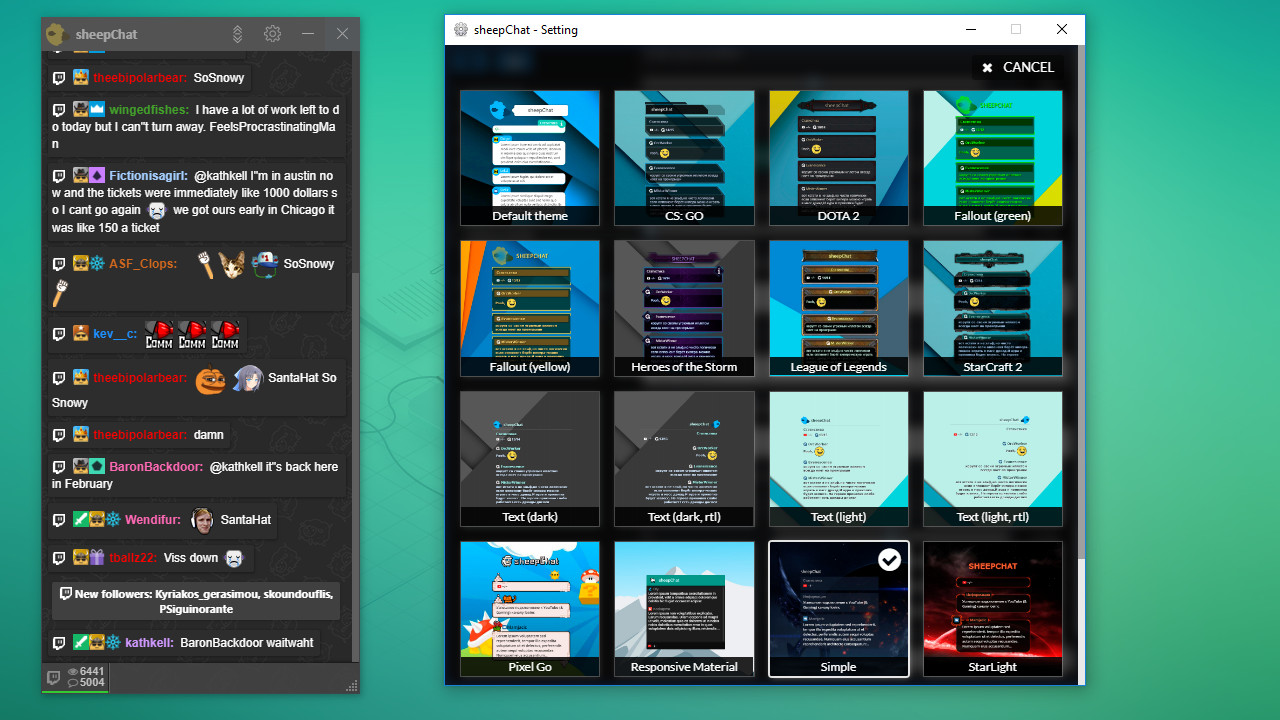
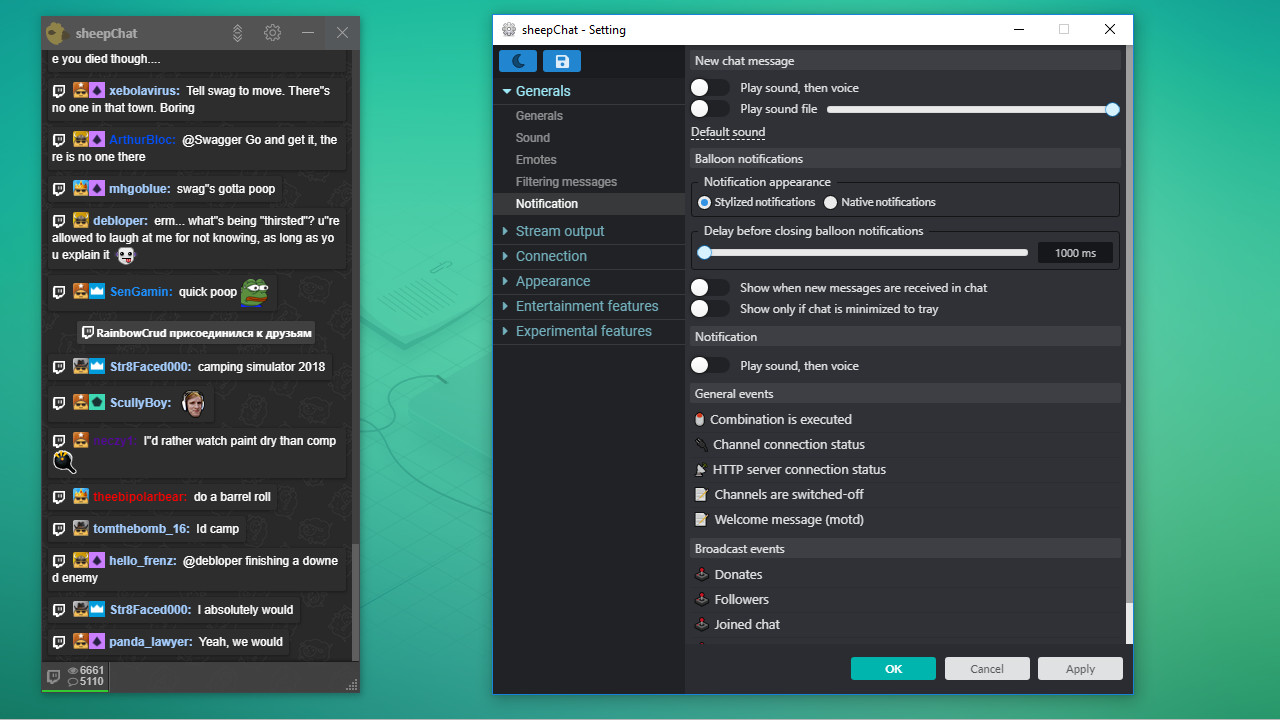
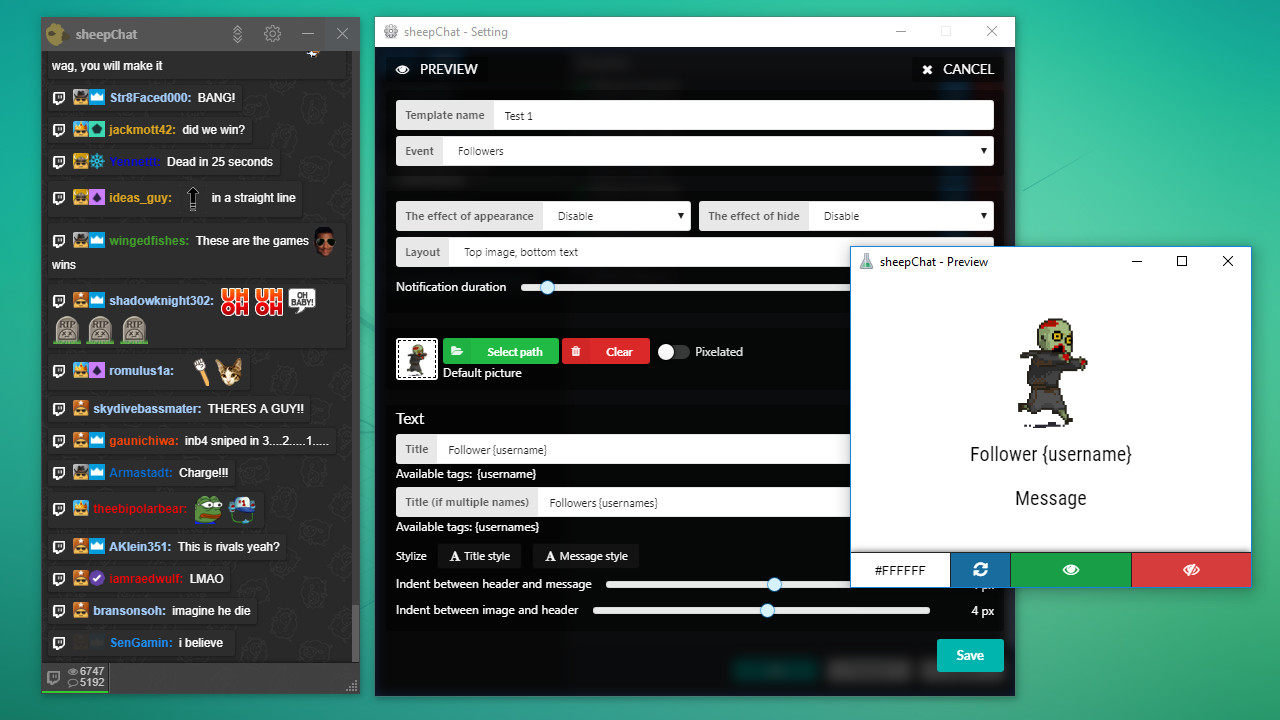
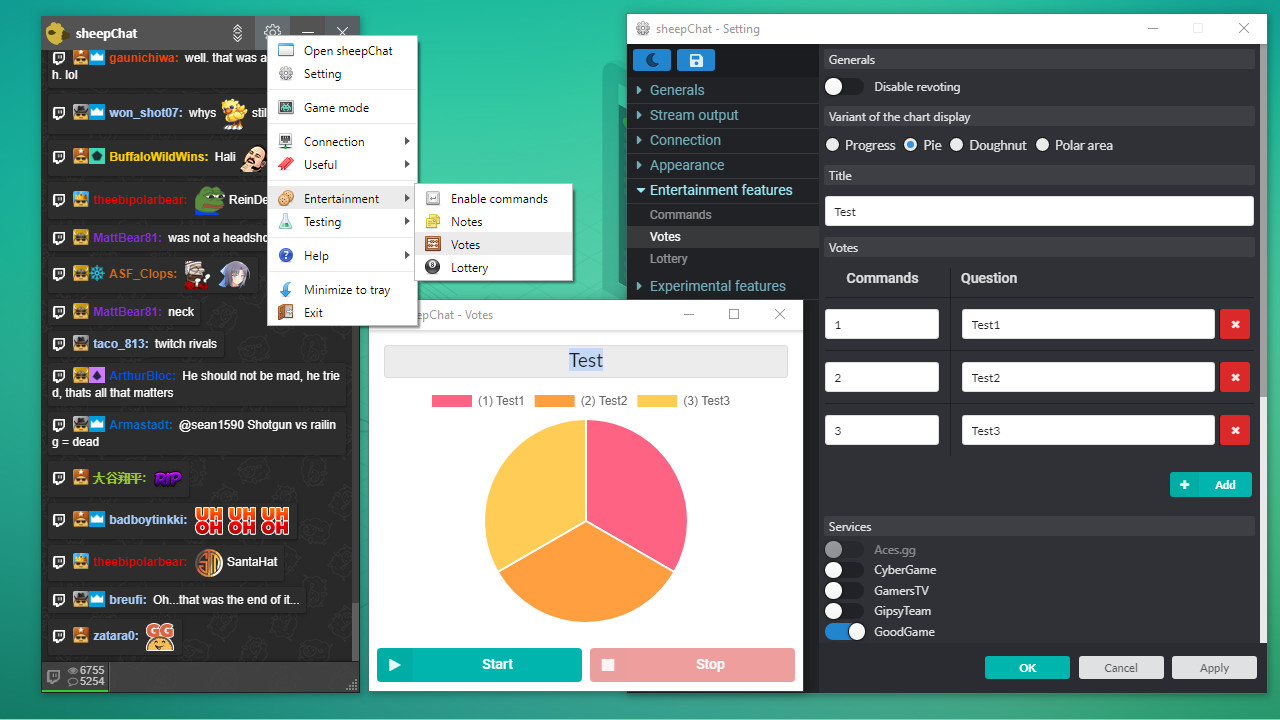
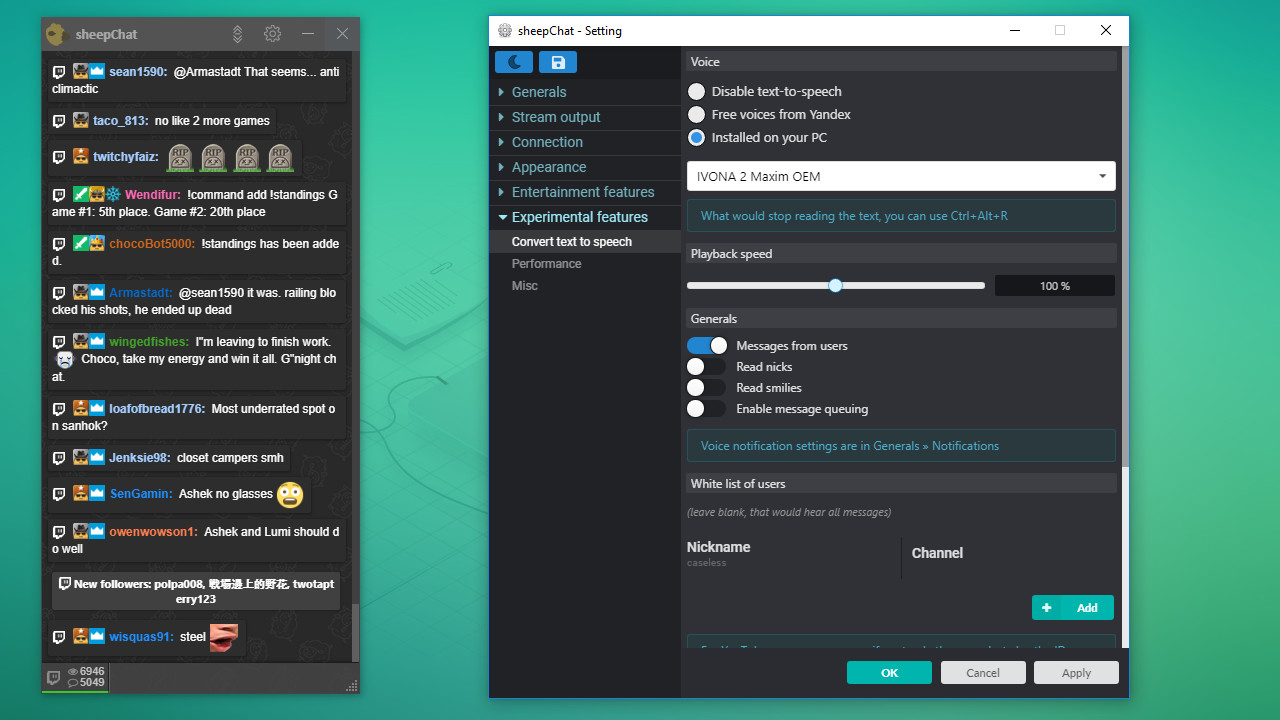
Simple and convenient cross platform multichat capable to satisfy the needs of any streamer. Can display messages from majority of streaming resources and show that information the way YOU want!sheepChat is easy to use and requires no additional knowledge to setup the multichat. In addition, you also can nicely decorate ANY notifications on regular message, subscription or donation, etc. Drawing and polls for your viewers let you increase levels of interactive communication with your viewers. Main Features YouTube (& Gaming), Twitch, Mixer, GoodGame, Peka2TV, SmashCast, VKontakte, OK Live, GipsyTeam, GamersTV, CyberGame, Mobcrush, Smashcast, StreamCube, Periscope, FaceBook, Steam Broadcast, DLive, DonationAlerts, DonatePay, TwichAlerts(StreamLabs), QIWI Donate chats support (The list is constantly updated). You can combine as many chats as you want. Twitch, YouTube, GoodGame notifications (the list is constantly updated). You can make notes in the chat during the live with just ONE move (You can also save text of your message or note). Convenient customization with an interface for subscribers notifications system, channel and last events support. 2 major modes - Regular and Gaming. You can run it over the windows (Doesn't work if you use FullScreen mode). Drawing and Polls systems directly implemented in chat, also your viewers can control your game (by buttons, or running scripts). Various themes (New ones are being added constantly). Transform text into speech locally on your computer and output it on the selected device. This way you don’t need to distract from the game for reading the chat.