Get 10% back in Relic Coins on every order
Mercury Fallen cover

SteamGlobal· Key

Mercury Fallen

€0.38

+€0.04 cashback eligibility in Relic Coins

Check before you play

Platform
Steam
Region
Global
Product type
Key
Developer
Nitrous Butterfly
Publisher
indie.io
Supplier release date
2017-10-16
Genres
Strategy, Simulation, Indie

About this product

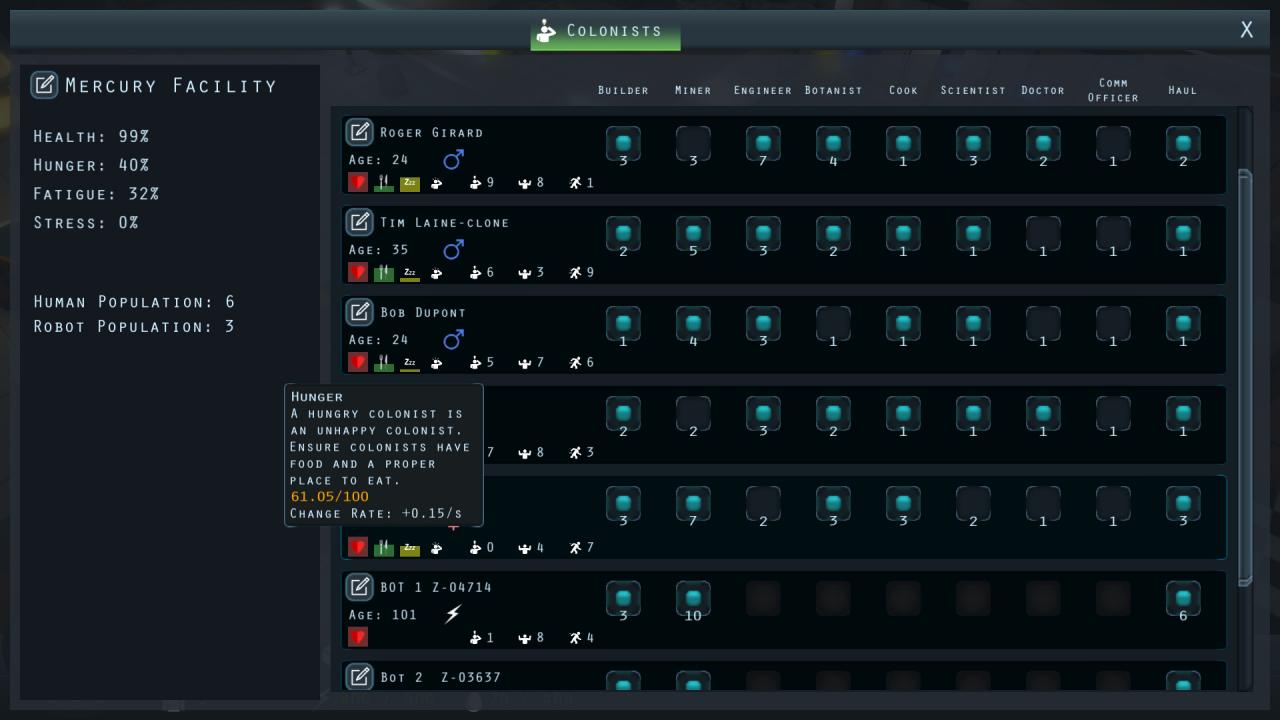
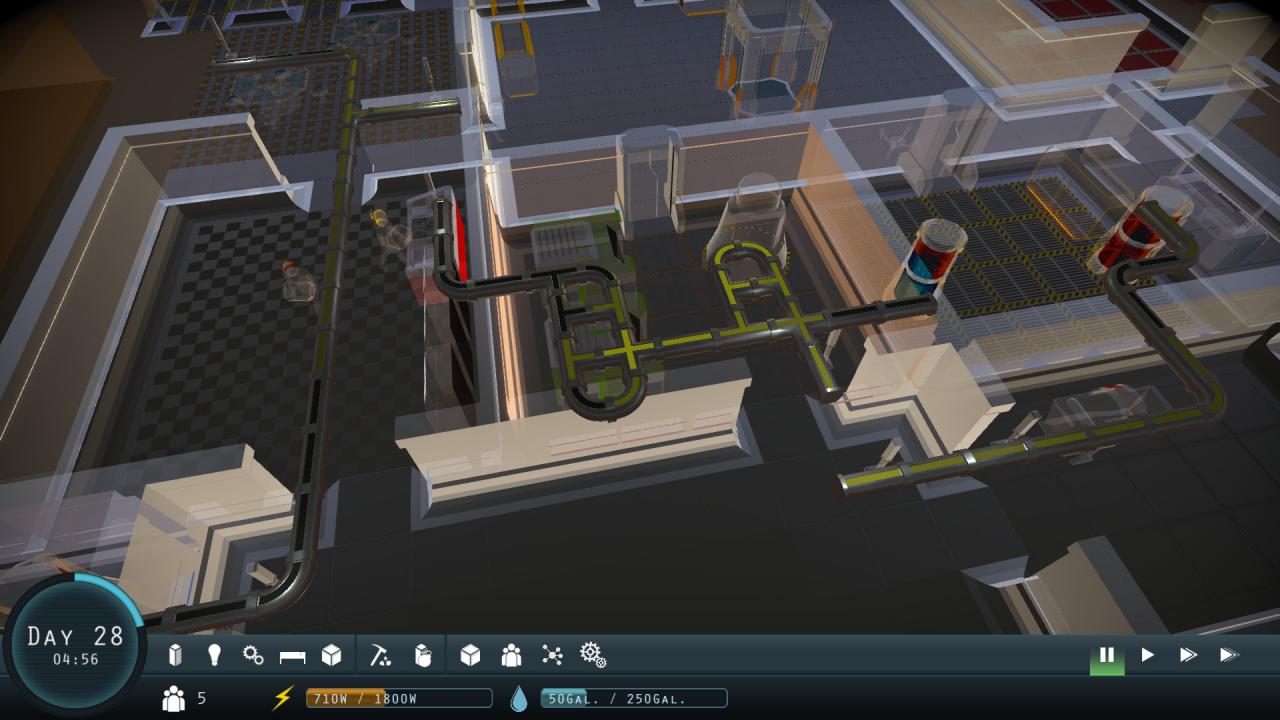
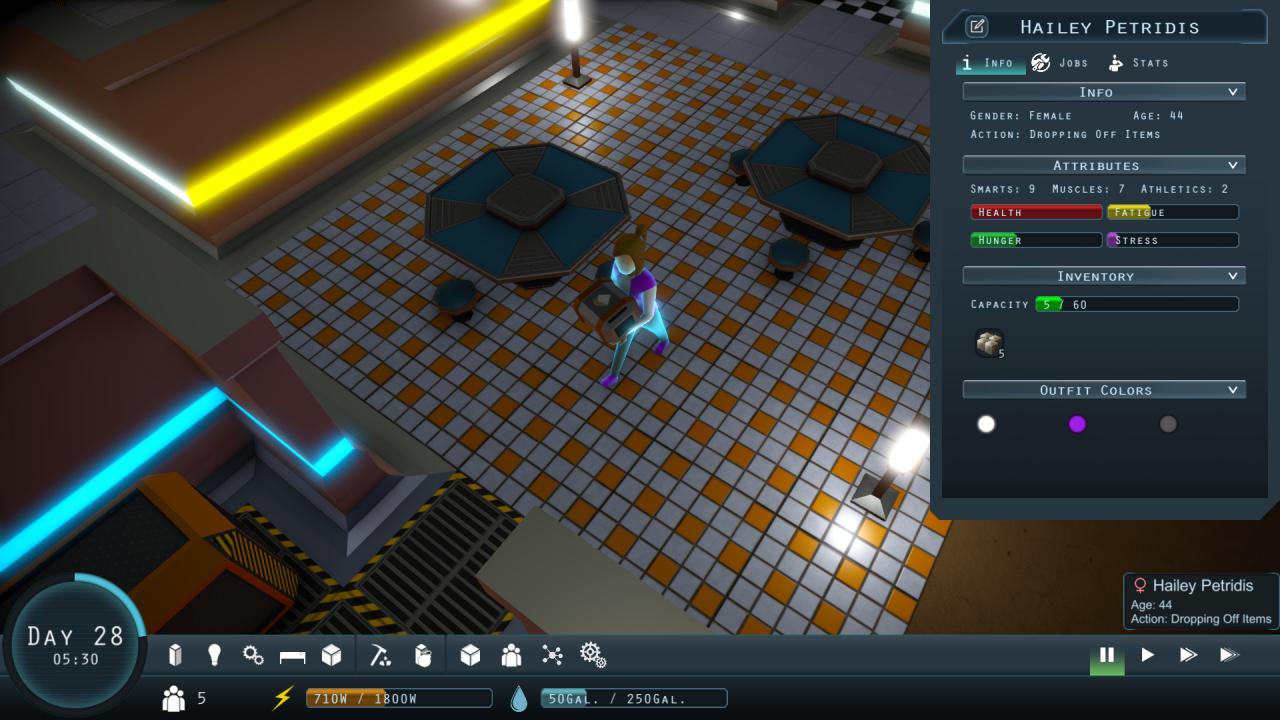
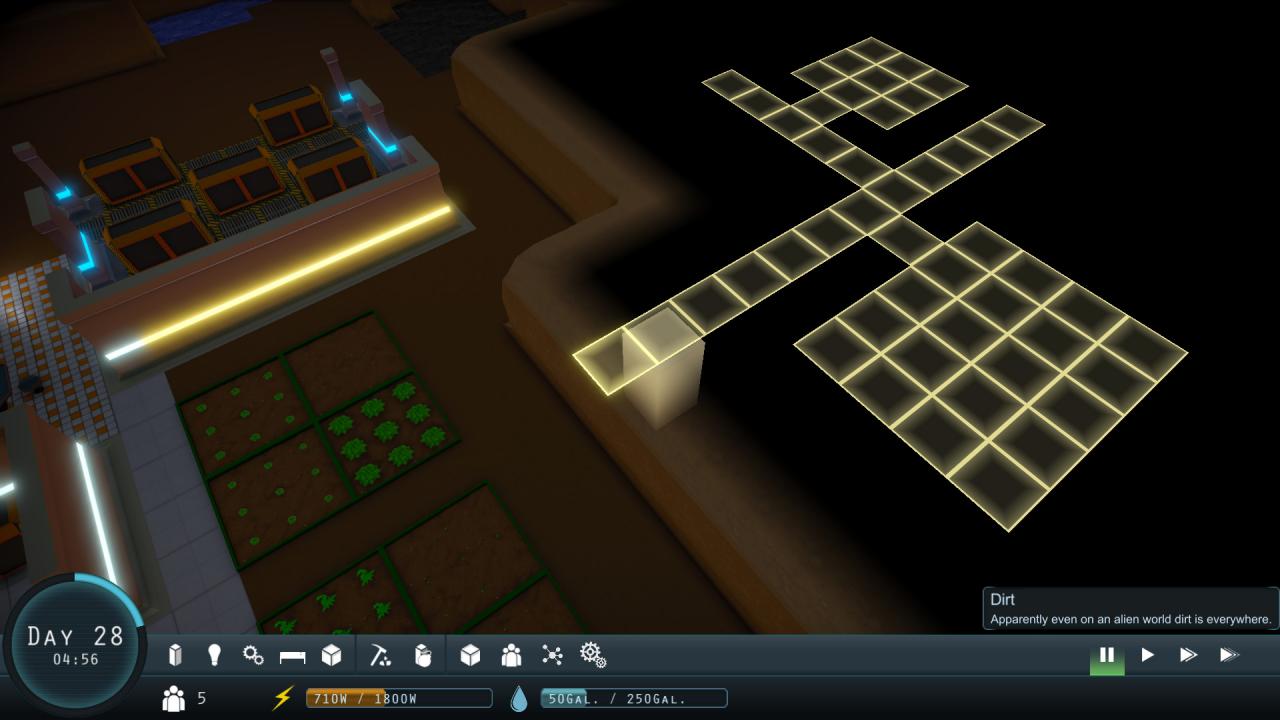
Manage a group of intrepid colonists as they attempt to survive on an alien world. Automated machine construction was sent ahead to create the underground Mercury Facility, but something has gone wrong. Your colonists awake to find the facility in ruin. Expand the colony, grow crops, build structures, recover technologies and discover lost secrets to ensure the survival of your new home away from home. Mercury Fallen is a simulation game which focuses on building, crafting and exploration. The choices you make will decide the fate of your colony. Features Manage colonists’ injuries, ailments, jobs, quirks and needs Refine materials at various stations in order to design and create facility rooms, machines and decorations Discover additional colonists and robots hidden in collapsed areas of the map Customize your colonists name and outfit colors Recover corrupted data to learn new blueprints and recipes Take advantage of procedural generation, so that each new game is a new experience. Grow clones to expand your facility population


Mercury Fallen screenshotMercury Fallen screenshotMercury Fallen screenshotMercury Fallen screenshot

How to redeem

  1. 1Check your Steam account and the listed region before purchasing.
  2. 2Find your code and supplier activation instructions in your confirmed order.
  3. 3Open the redeem-code section on Steam, enter the code and follow the platform’s prompts.

Supplier instructions

Go to: http://store.steampowered.com/ and download STEAM client Click "Install Steam" (from the upper right corner) Install and start application, login with your Account name and Password (create one if you don't have). Please follow these instructions to activate a new retail purchase on Steam: Launch Steam and log into your Steam account. Click the Games Menu. Choose Activate a Product on Steam... Follow the onscreen instructions to complete the process. After successful code verification go to the "MY GAMES" tab and start downloading.

You might also like