Get 10% back in Relic Coins on every order
Take Off - The Flight Simulator cover

SteamGlobal· Key

Take Off - The Flight Simulator

€1.31

+€0.13 cashback eligibility in Relic Coins

Check before you play

Platform
Steam
Region
Global
Product type
Key
Developer
Jujubee S.A.
Publisher
astragon Entertainment GmbH
Supplier release date
2017-10-10
Genres
Simulation

About this product

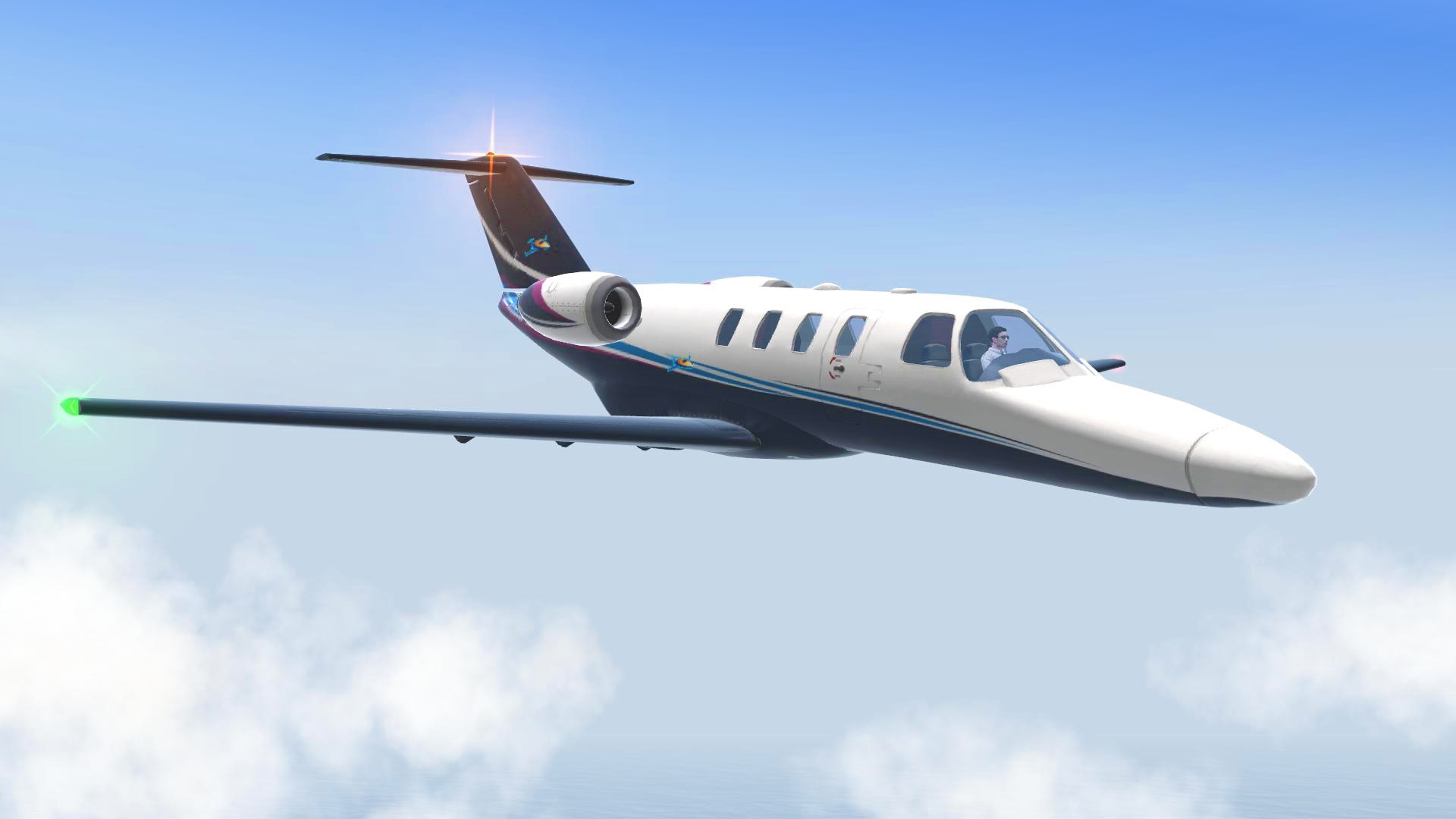
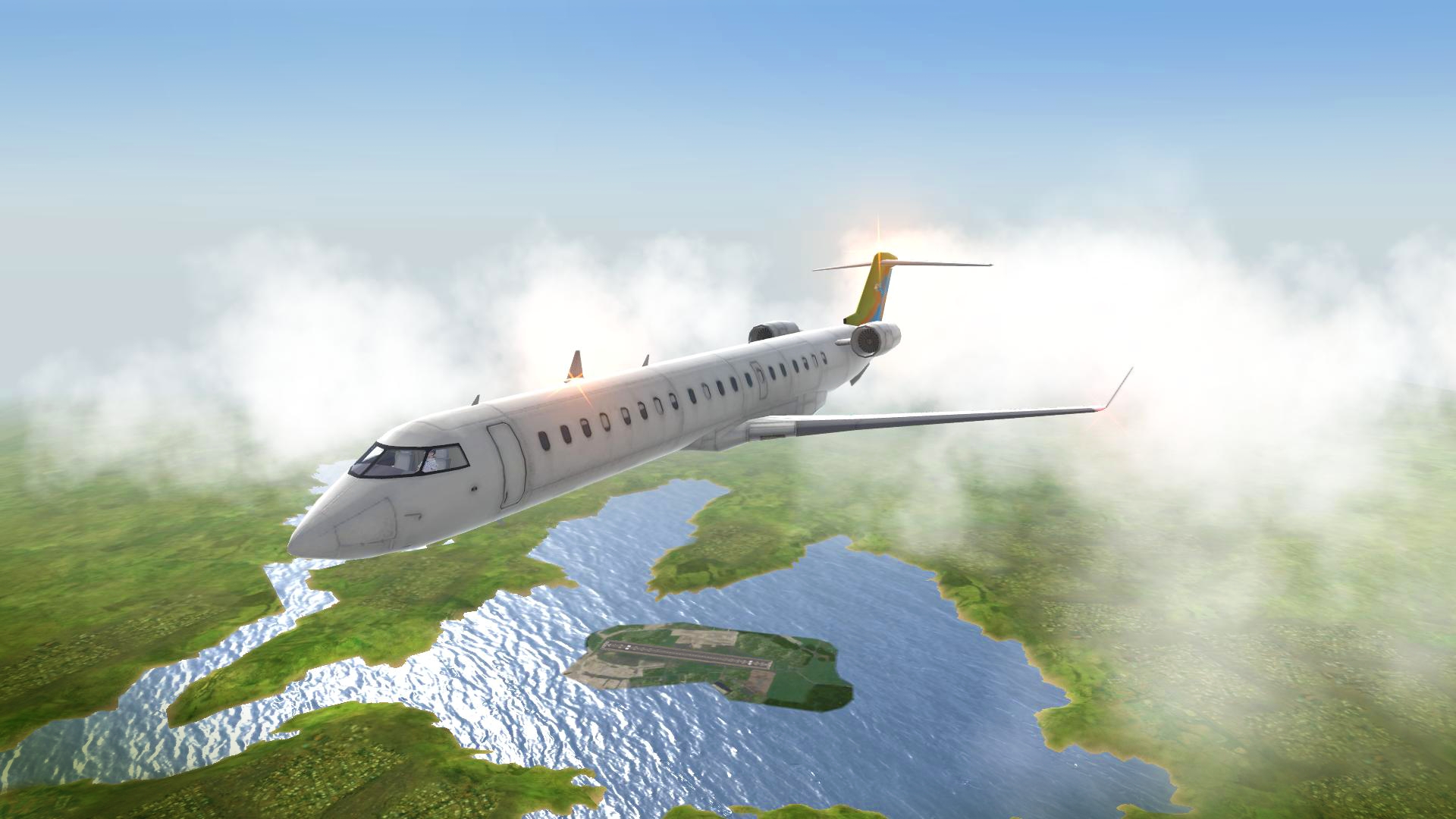
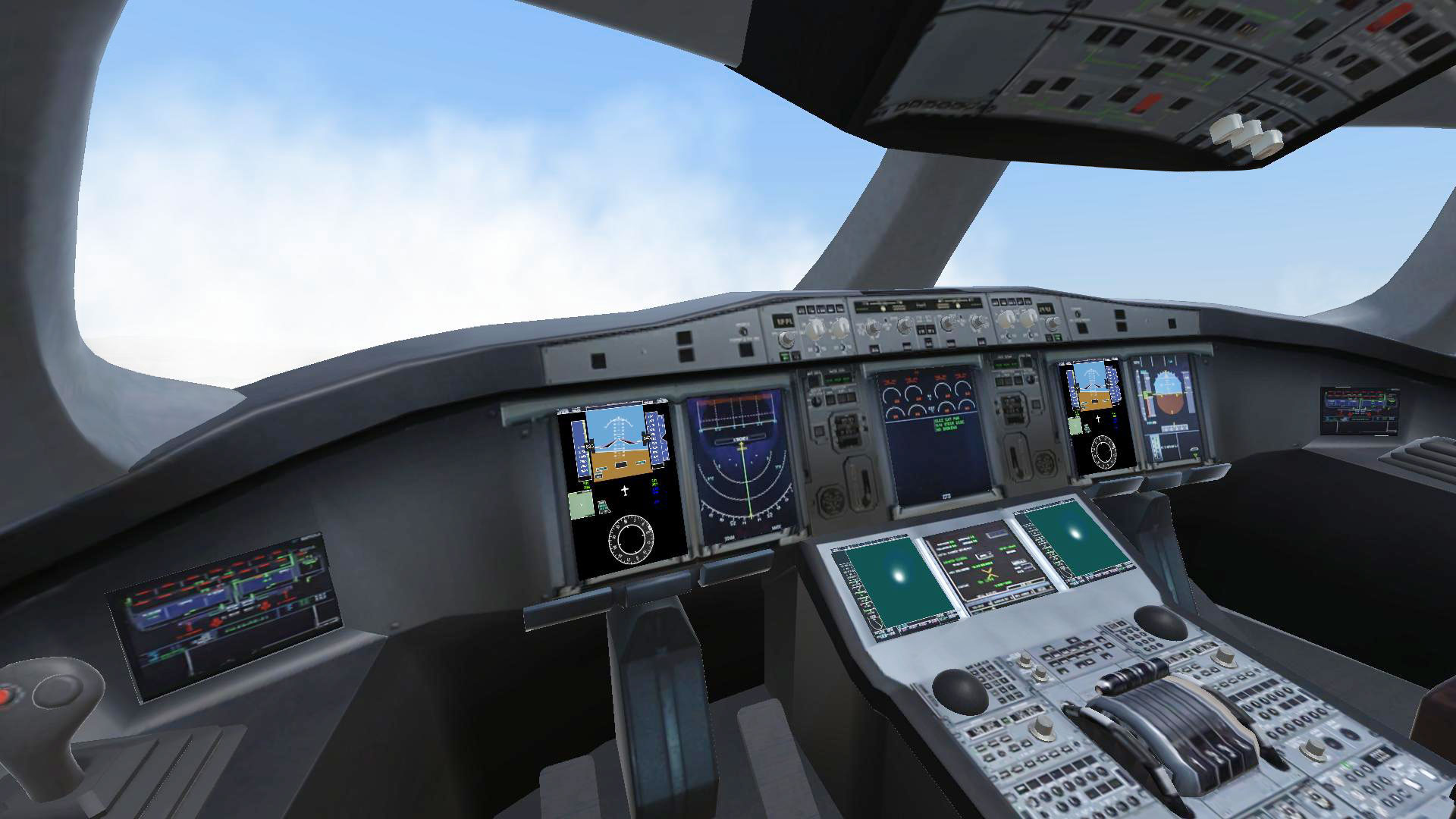
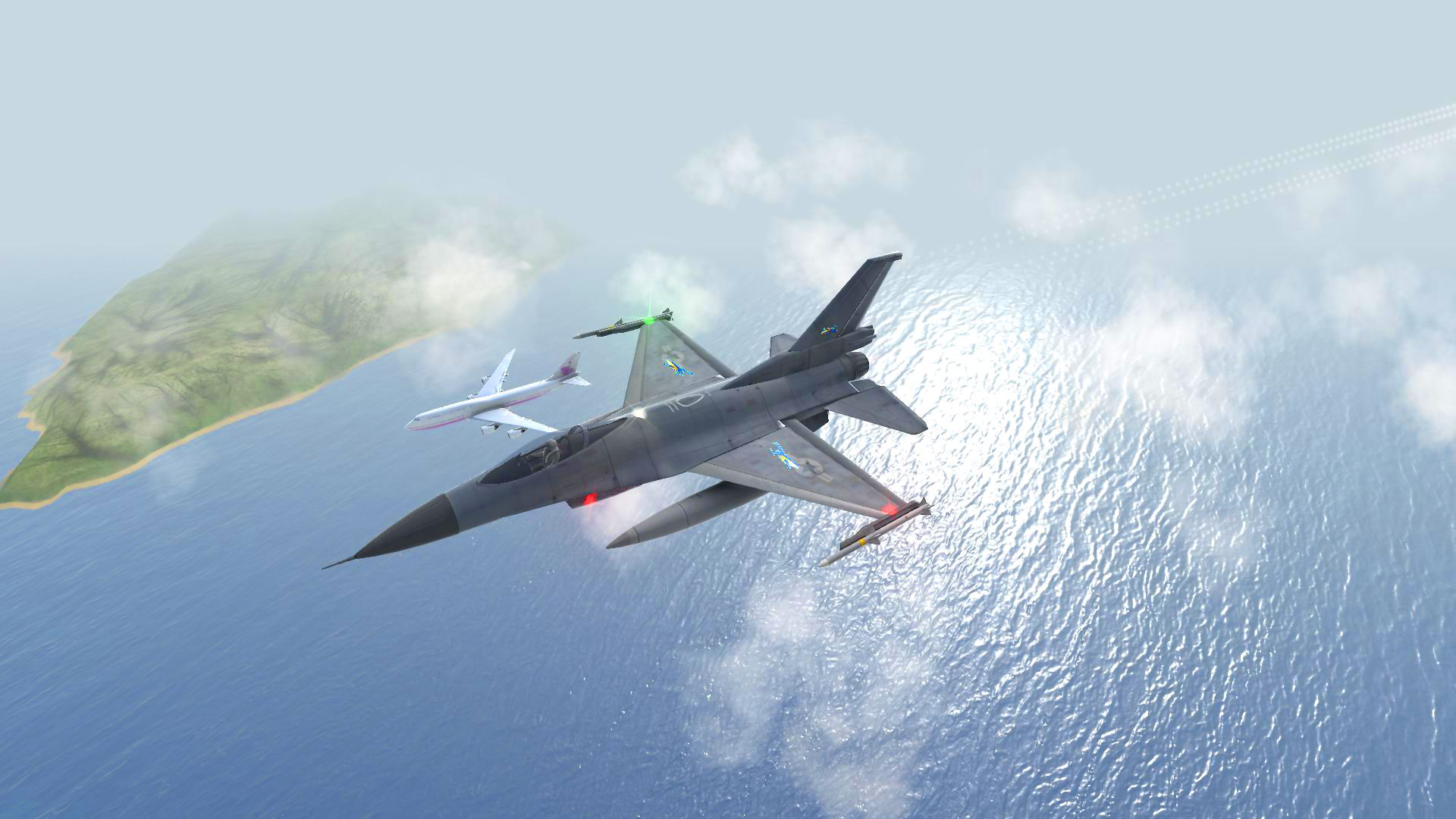
Fly more than 20 airplanes in an open world or try out more than 40 excitng and varied missions – from airfreighting to dramatic rescue operations! You can also establish your own airline and fly to cities such as New York, London, Sydney and 18 other destinations. Fly the most popular models of planes, such as jumbo jets, seaplanes and a military jet with realistically designed 3D cockpits. Experience challenging weather conditions and try to land your plane safely with an engine failure! Features: Fly 24 airplanes with realistic 3D cockpits Explore and enjoy the beautiful open world of Hawaii in a free flight mode 50 exciting missions available – from sightseeing to rescue operations Fly to 21 famous airports around the world Start your own airline and expand your fleet Customize the skins of your planes and upgrade your fleet for better performance and handling Master difficult challenges like bad weather landings or engine failures

Take Off - The Flight Simulator screenshotTake Off - The Flight Simulator screenshotTake Off - The Flight Simulator screenshotTake Off - The Flight Simulator screenshotTake Off - The Flight Simulator screenshotTake Off - The Flight Simulator screenshot

How to redeem

  1. 1Check your Steam account and the listed region before purchasing.
  2. 2Find your code and supplier activation instructions in your confirmed order.
  3. 3Open the redeem-code section on Steam, enter the code and follow the platform’s prompts.

Supplier instructions

Go to: http://store.steampowered.com/ and download STEAM client Click "Install Steam" (from the upper right corner) Install and start application, login with your Account name and Password (create one if you don't have). Please follow these instructions to activate a new retail purchase on Steam: Launch Steam and log into your Steam account. Click the Games Menu. Choose Activate a Product on Steam... Follow the onscreen instructions to complete the process. After successful code verification go to the "MY GAMES" tab and start downloading.

You might also like