Get 10% back in Relic Coins on every order
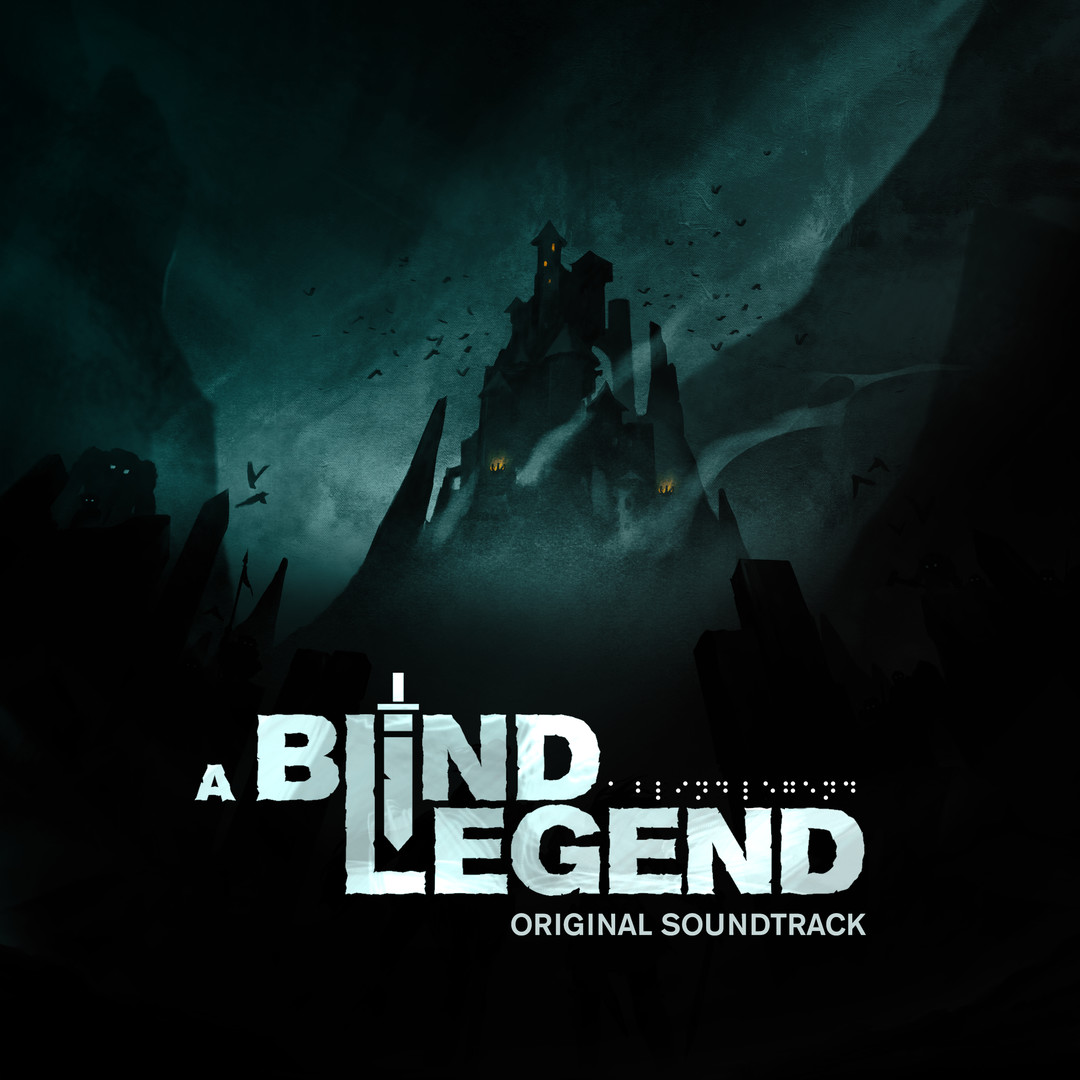
A Blind Legend - Original Soundtrack DLC cover

SteamGlobal· DLC

A Blind Legend - Original Soundtrack DLC

€1.00

+€0.10 cashback eligibility in Relic Coins

Check before you play

Platform
Steam
Region
Global
Product type
DLC

Check the required base game and edition before purchasing this add-on.

Developer
Dowino
Publisher
Plug In Digital
Supplier release date
2016-09-15
Genres
Action, Adventure, Indie, Music / Soundtrack

About this product

« A Blind Legend » is an adventure game without images in which the player incarnates Edward Blake a blind knight travelling through the kingdom to free his wife who is held captive.This unique, immersive and epic experience gives power back to the imagination of the player: everyone becomes free to create its own representation of the sound environment in which one is immersed.It is the same idea that guided the design of this original soundtrack. Four musicians give the interpretation of a landscape, a scene, a character, a battle... In a word, things that have touched them, surprised them or captivated them. Guided by their imagination, their sensitivity, their culture of video games or cinema and, of course, their own musical style, they enrich the game world and prolong the adventures of Edward Blake. Tracklisting 4TrakZ - Earthquake 4TrakZ – Thork’s Wedding Benjamin Shielden – Edward’s Eyes 2080 – The Frozen Lake Daze – Show Me Again (feat. Gibbz)

A Blind Legend - Original Soundtrack DLC screenshot

How to redeem

  1. 1Check the required base game, platform and edition before purchasing.
  2. 2Find the code or supplier activation instructions in your confirmed order.
  3. 3Redeem on Steam using the supplied instructions, then install the add-on with the compatible base game.

Supplier instructions

Go to: http://store.steampowered.com/ and download STEAM client Click "Install Steam" (from the upper right corner) Install and start application, login with your Account name and Password (create one if you don't have). Please follow these instructions to activate a new retail purchase on Steam: Launch Steam and log into your Steam account. Click the Games Menu. Choose Activate a Product on Steam... Follow the onscreen instructions to complete the process. After successful code verification go to the "LIBRARY" tab and start downloading.

You might also like