Get 10% back in Relic Coins on every order
Tales of Berseria Required cover

SteamRu Vpn· Key

Tales of Berseria Required

€8.39

+€0.84 cashback eligibility in Relic Coins

Check before you play

Platform
Steam
Region
Ru Vpn
Product type
Key
Developer
BANDAI NAMCO Studios Inc.
Publisher
BANDAI NAMCO Entertainment
Supplier release date
2017-02-14
Genres
Action, RPG

About this product

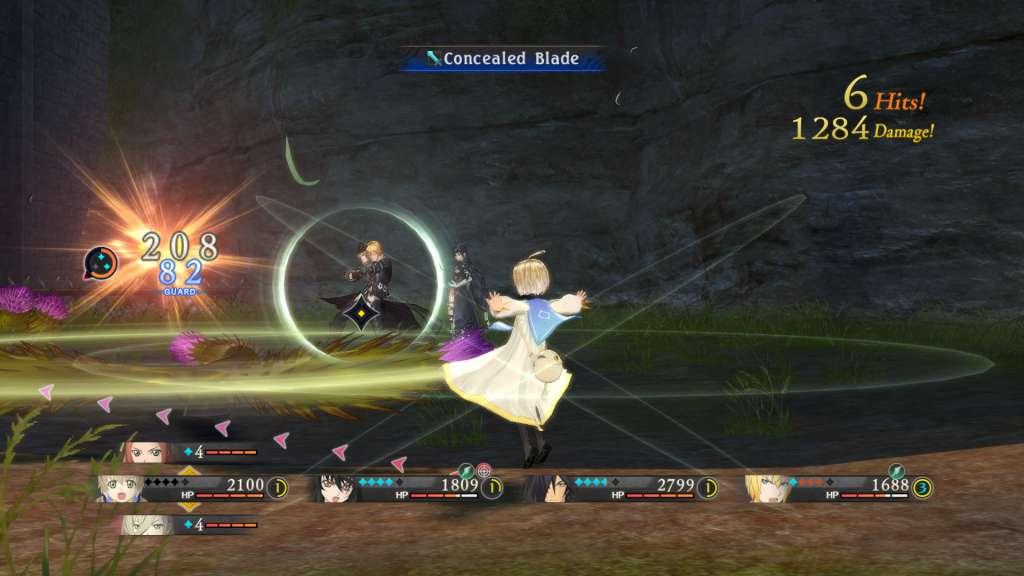
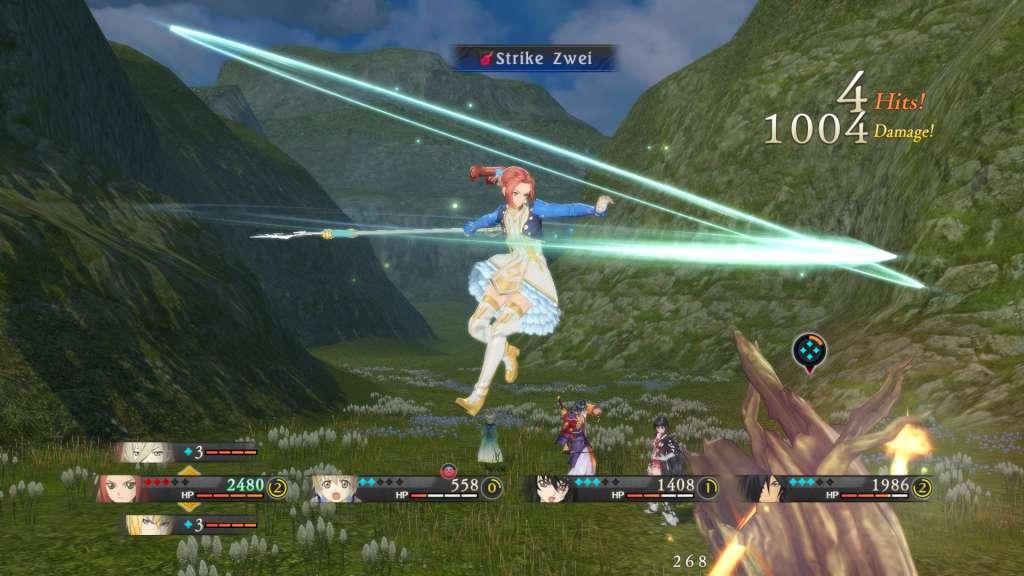
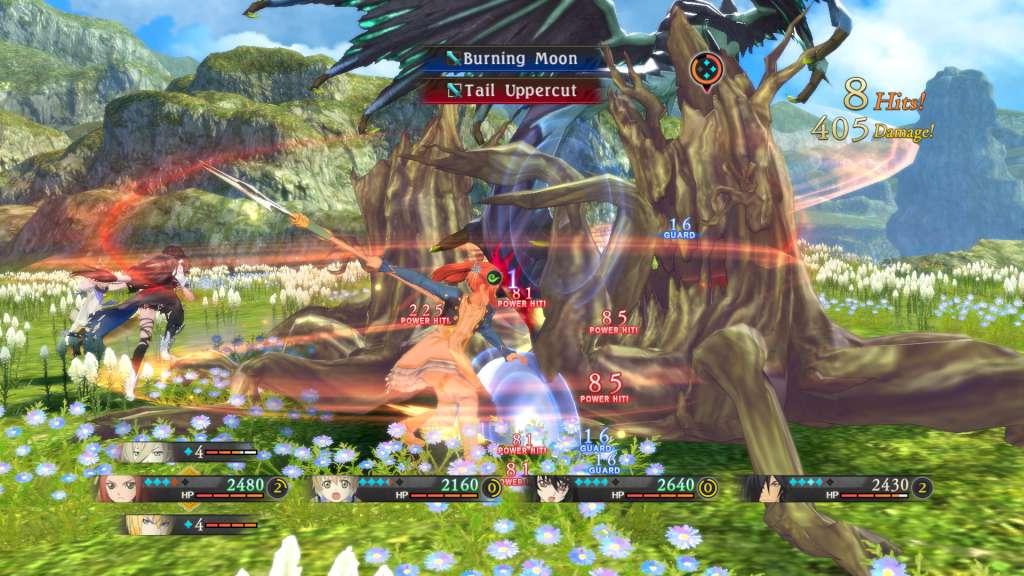
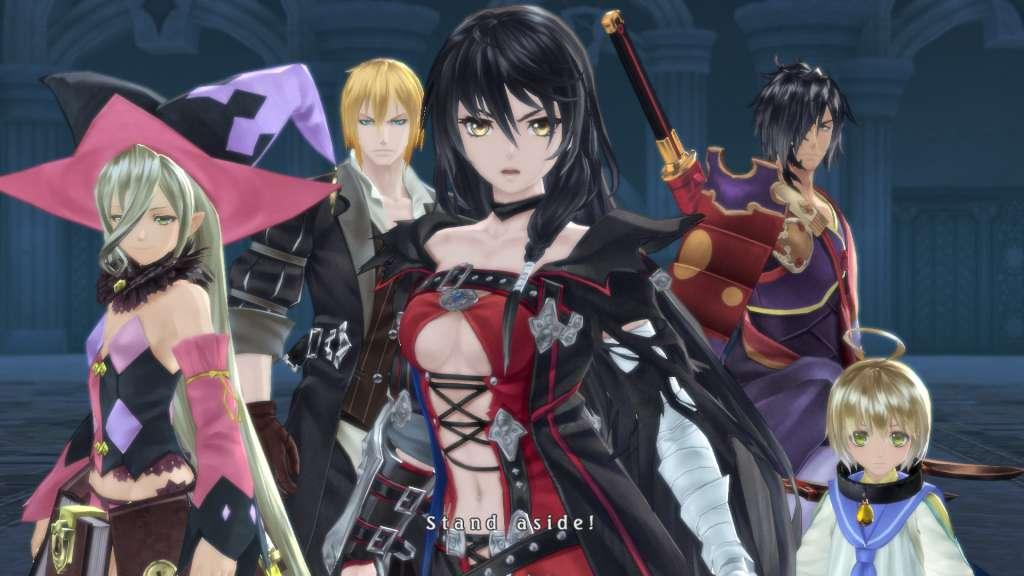
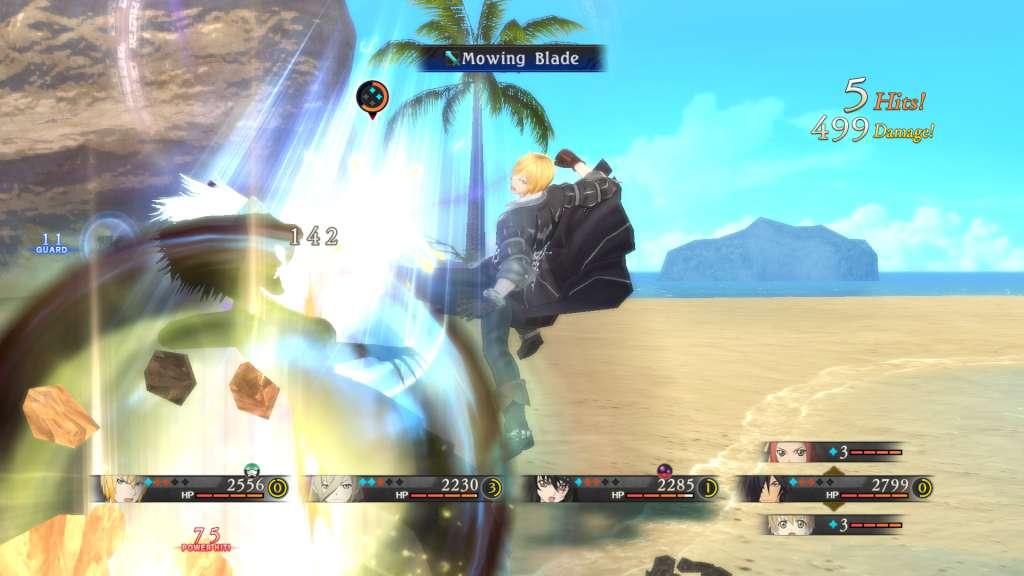
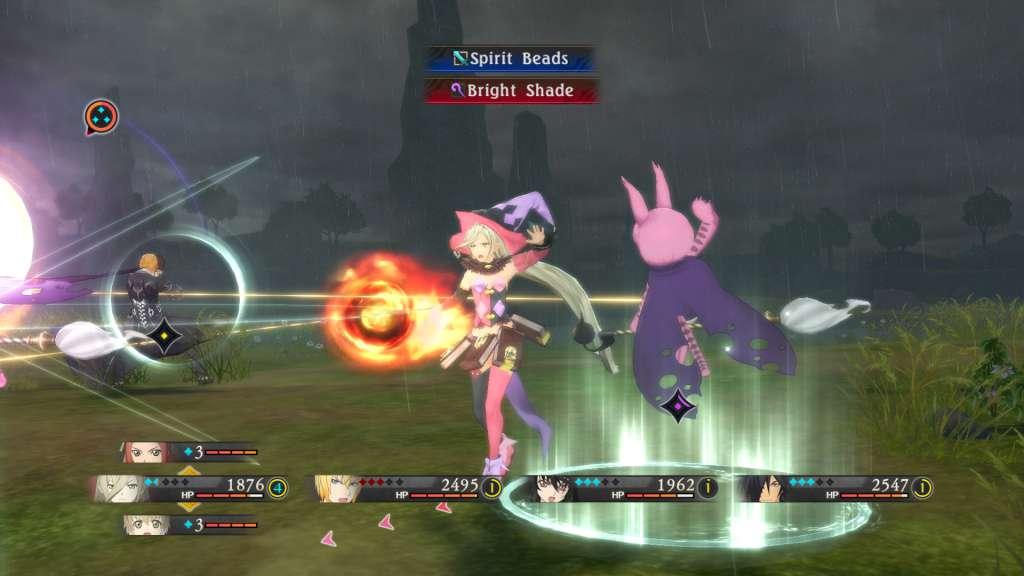
A tale of emotion versus reason…In Tales of Berseria, players embark on a journey of self-discovery as they assume the role of Velvet, a young woman whose once kind demeanor has been replaced and overcome with a festering anger and hatred after a traumatic experience three years prior to the events within Tales of Berseria. Velvet will join a crew of pirates as they sail across the sea and visit the many islands that make up the sacred kingdom of Midgand in an all-new adventure developed by the celebrated team behind the Tales of series. Veteran Tales of character designer Mutsumi Inomata has personally designed Velvet and famous Japanese animation studio, ufotable, returns to animate the game’s breathtaking cutscenes; delivering truly epic and emotional storytelling in their unique style.

Tales of Berseria Required screenshotTales of Berseria Required screenshotTales of Berseria Required screenshotTales of Berseria Required screenshotTales of Berseria Required screenshotTales of Berseria Required screenshot

How to redeem

  1. 1Check your Steam account and the listed region before purchasing.
  2. 2Find your code and supplier activation instructions in your confirmed order.
  3. 3Open the redeem-code section on Steam, enter the code and follow the platform’s prompts.

Supplier instructions

This is the Russian version of the game.Buy this product only if you understand the risk and at your own responsibility! Russian IP address is required to activate the key on Steam!Use a Russian VPN to do so. (Quick & Easy Instructions here) If you experience any issues redeeming the key, follow these instructions: Open your Steam client, and log in to your account, in the Steam settings, choose Account tab, then Manage Steam Guard Account Security and deauthorize all other devices, close Steam client, and then start your VPN app, open Steam client and login to your account. In your account details, update your store country to match your VPN location, redeem the key in Steam.


You might also like