
Xbox OneEurope· Key
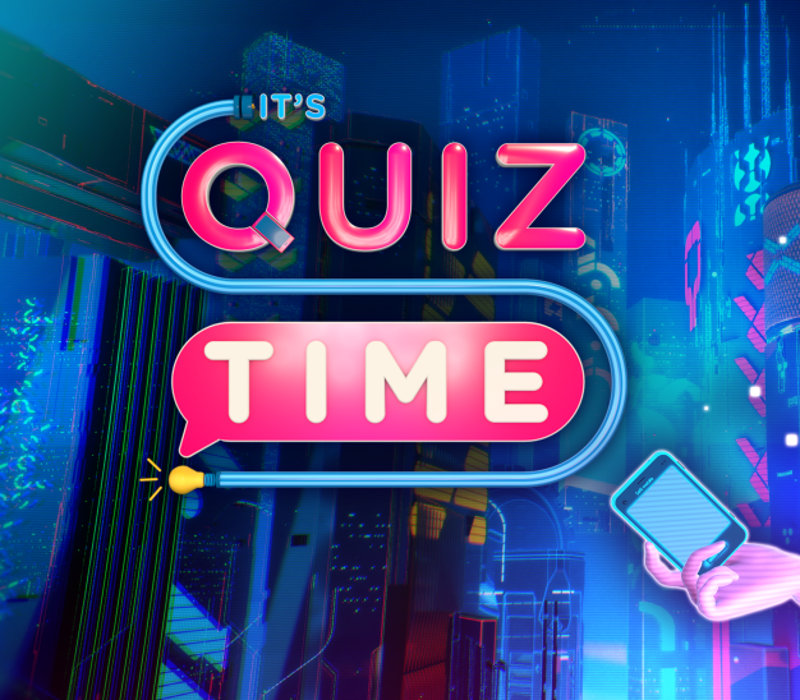
It's Quiz Time
€17.33
+€1.73 cashback eligibility in Relic Coins
Check before you play
- Platform
- Xbox One
- Region
- Europe
- Product type
- Key
- Developer
- Snap Finger Click
- Supplier release date
- 2017-11-28
- Genres
- Strategy, Indie, Casual
Xbox OneEurope· Key
€17.33
+€1.73 cashback eligibility in Relic Coins
Go head to head with a brand new massive quiz game on PC. From a team of former Buzz! developers, you’ve never played anything like It’s Quiz Time before IT’S HUGEOver 25, 000 questions make this the largest quiz game ever on PC.INTELLIGENT PERSONAL GAME HOSTMeet Salli, the latest in AI-technology. Witty and devious, she’ll pit you against friends and family, encourage you, and put you to the test as you play along.EVERYONE CAN PLAYWith thousands of categories to choose from, it’s perfect for all ages! From cartoons to video games, sports and history: we’ve got you covered.USE YOUR SMARTPHONEUp to 8 players can simultaneously play together using their smartphones! Take selfies, hide your answers, and share with your friends - It’s Quiz Time gives you a whole new way to play.PACKED WITH GAME MODESPlay along with topical quizzes based on real world events, grab your controller for the Solo Score Attack, customise your round playlist, and more!INTERACTIVE STREAMINGBroadcast your game on Twitch, YouTube, or Mixer, in the innovative Live Show mode, where you can compete with up to 10, 000 viewers.So grab your smartphone and join Salli for the biggest party trivia game on PC with It’s Quiz Time!


Go to https://www.xbox.com Login to your account Hover over your account link (the top right of the screen) a menu will appear, click on the "Redeem Code" button. On the next page, click "Redeem" Enter your code Click "Confirm" Click "Confirm" again to assign the key to your account.