

SteamGlobal· Gift
Arena Wars 2
€4.19
+€0.42 cashback eligibility in Relic Coins
Check before you play
- Platform
- Steam
- Region
- Global
- Product type
- Gift
- Developer
- Tri Synergy
- Publisher
- Ascaron Entertainment
- Genres
- Action, Strategy
SteamGlobal· Gift
€4.19
+€0.42 cashback eligibility in Relic Coins
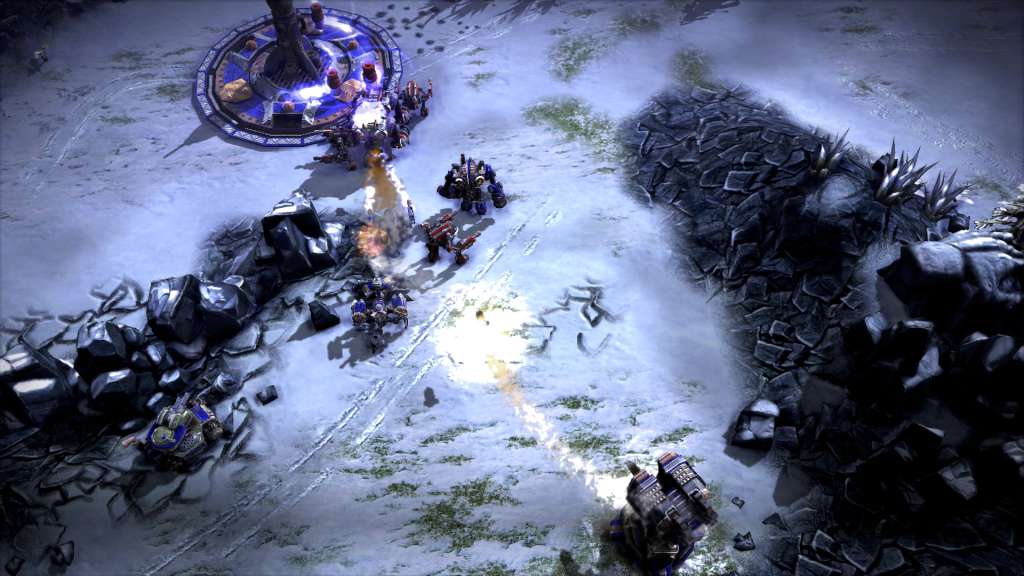
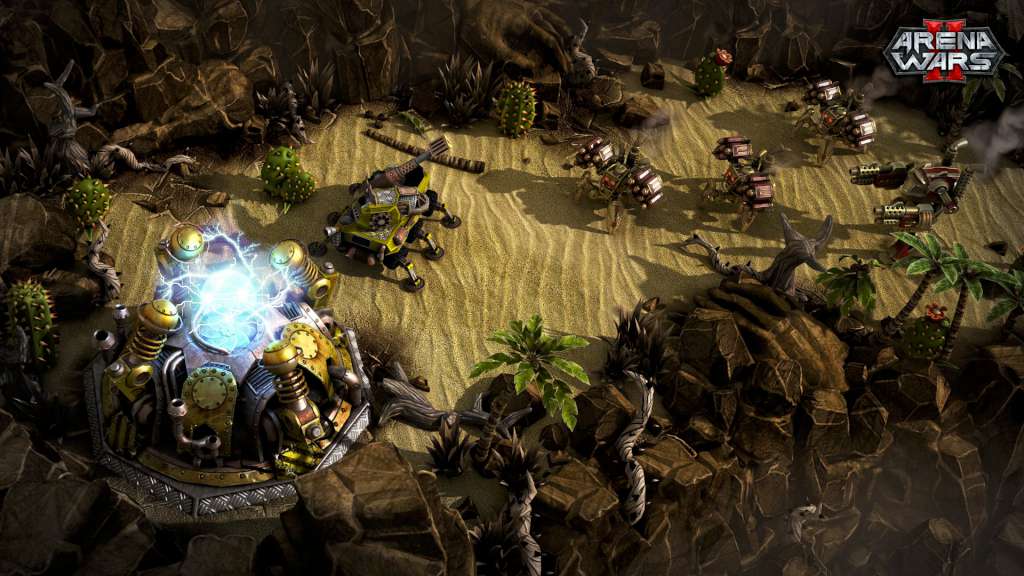
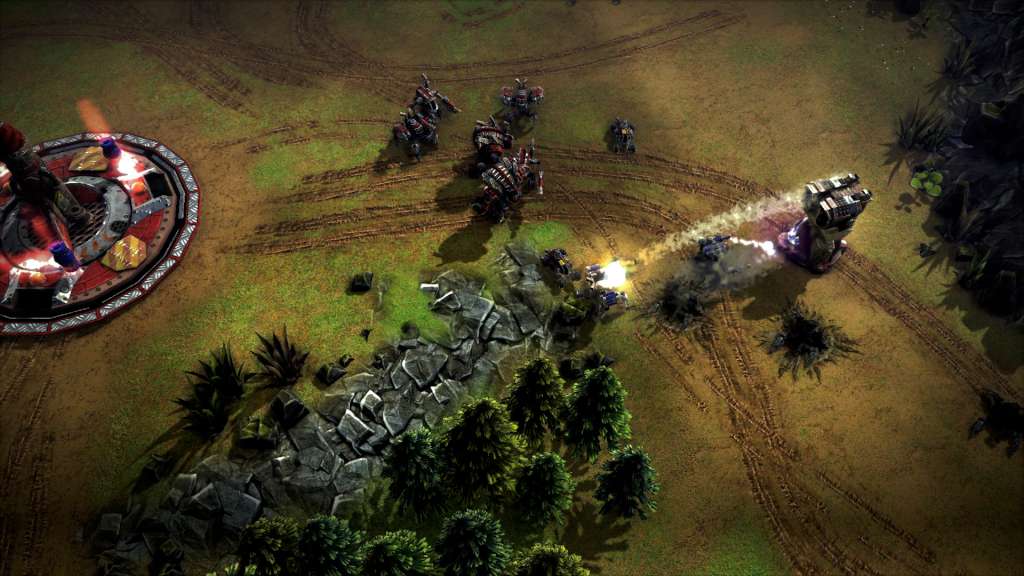
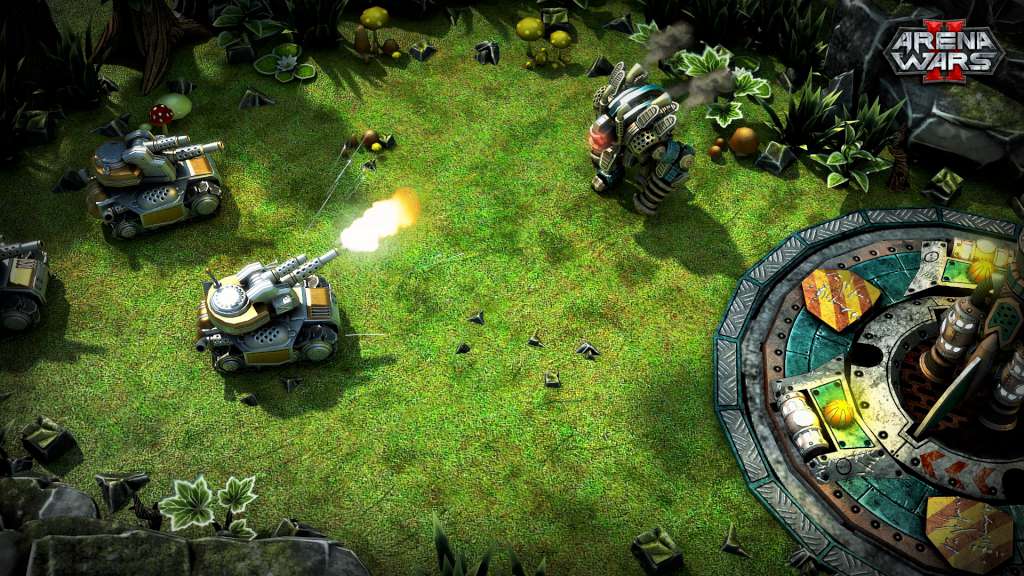
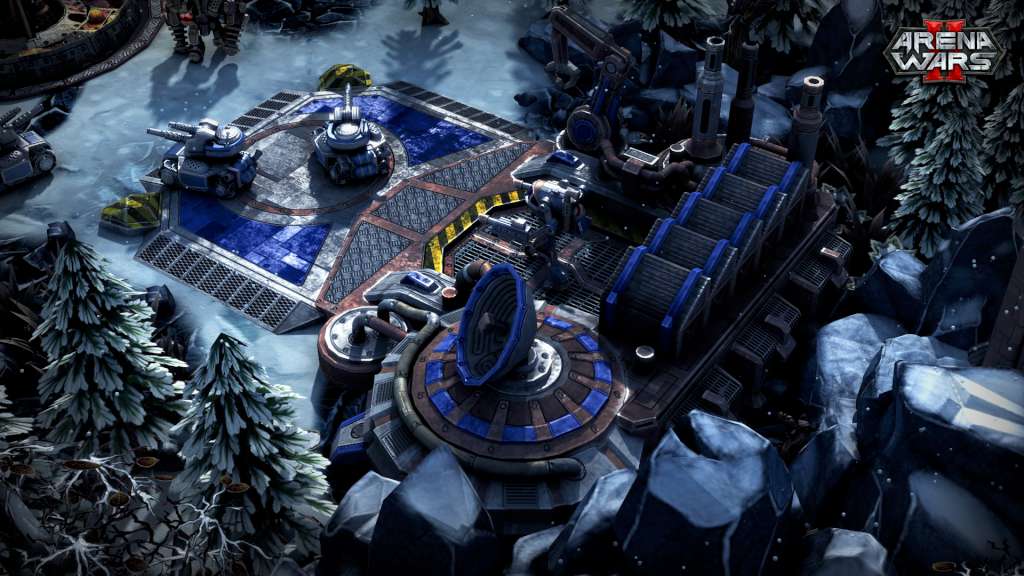
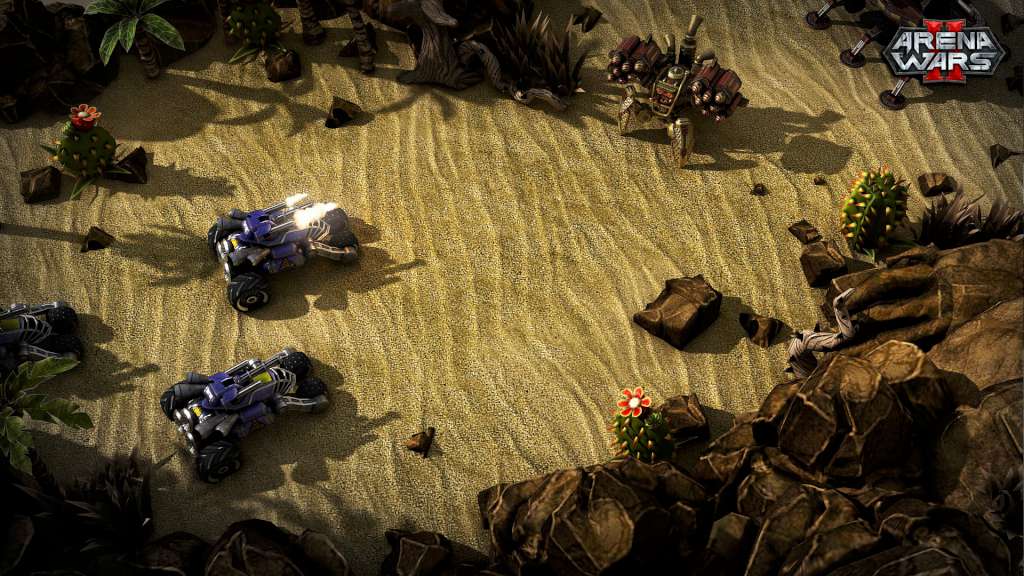
Arena Wars 2 Steam Gift Platform: Steam Release Date: 12 Oct 2012 Product Description Arena Wars 2 is the sequel of the award-winning Arena Wars series and combines revolutionary RTS fights with RPG elements. Join the Battlefield of the future and prove your skills in fast paced multiplayer matches as well as against the advanced AI. Stunning maps, highly detailed units, powerful upgrades and skills as well as a best balanced gameplay offer intensive fights in a spectacular Sci-Fi scenario. Thanks to an easy accessibility and different AI levels, Arena Wars 2 is the perfect RTS game for all kind of gamers. Features Gameplay balanced in perfection – award winning mix of RTS and “Capture the Flag” Fast paced matches on challenging maps State of the Art graphics thanks to the powerful Delta Engine Fantastic Units equipped with modern Weapon systems and spectacular skills Outstanding & non-cheating AI available in 5 different difficulty levels will challenge every player Unit-Upgrades, Power-Ups, and Items delivers countless possibilities for the “BEST STRATEGY” Comprehensive Replay-Function enables to follow or to save thrilling combats in order to share the spectacular moments with the entire community Diverse Game modes – Singleplayer, Training, Multiplayer/Coop (1 vs 1/2 vs 2) Various achievements available across the battlefields System Requirements OS: Windows XP SP3 Processor: 2.0+GHz Memory: 2 GB RAM Graphics: Graphic ships with shader 3.0 support DirectX®: 9.0c Hard Drive: 600 MB HD space Sound: Direct X 9.0c compatible Other Requirements: Broadband Internet connection
Go to: http://store.steampowered.com/ and download STEAM client Click "Install Steam" (from the upper right corner) Install and start application, login with your Account name and Password (create one if you don't have). Please follow these instructions to activate a new retail purchase on Steam: Launch Steam and log into your Steam account. Click the Games Menu. Choose Activate a Product on Steam... Follow the onscreen instructions to complete the process. After successful code verification go to the "MY GAMES" tab and start downloading.