Get 10% back in Relic Coins on every order
Bottom of the 9th cover

SteamGlobal· Key

Bottom of the 9th

€5.15

+€0.52 cashback eligibility in Relic Coins

Check before you play

Platform
Steam
Region
Global
Product type
Key
Developer
Handelabra Games Inc.
Publisher
Handelabra Games Inc.
Supplier release date
2017-10-11
Genres
Strategy, Sport, Indie

About this product

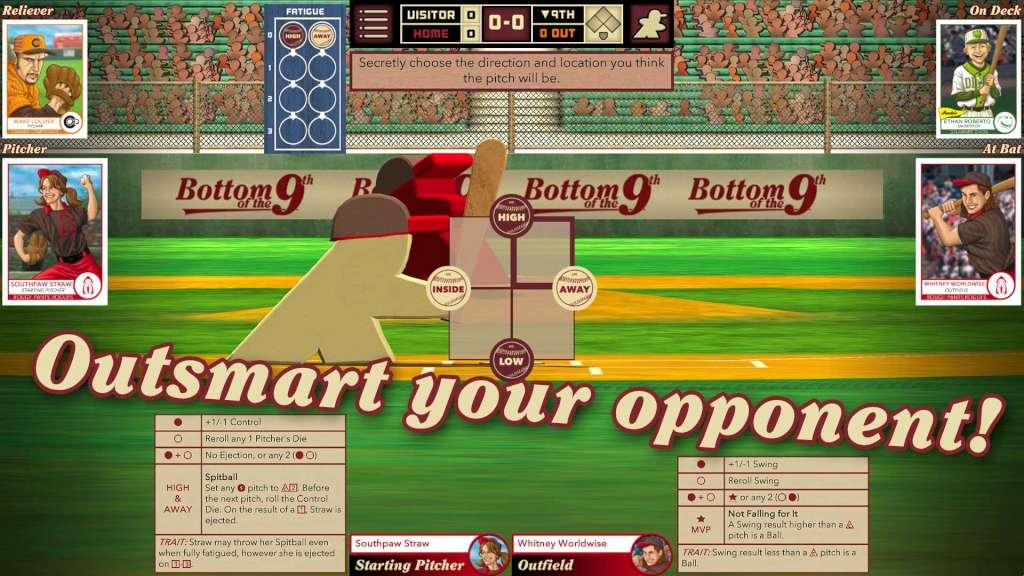
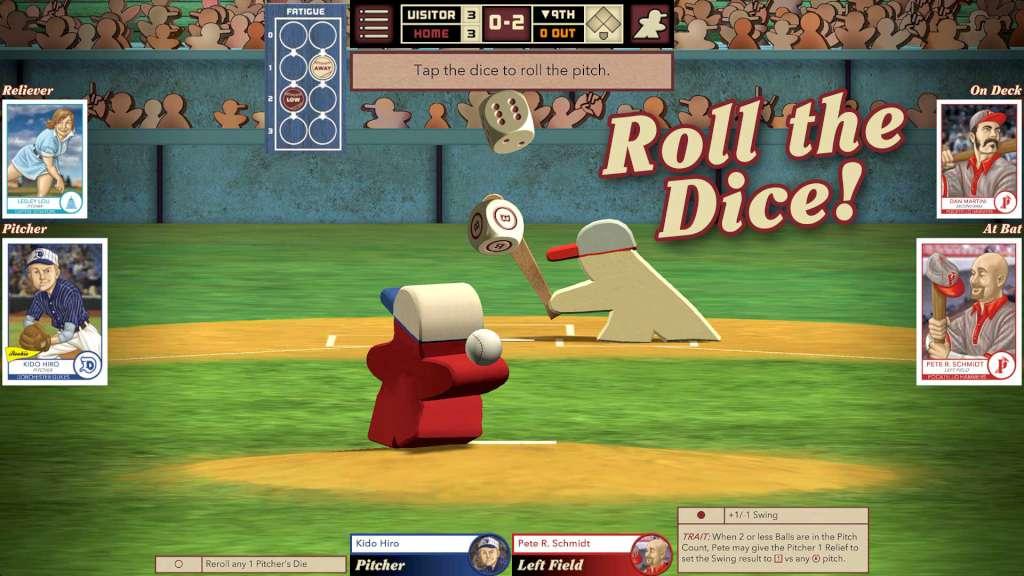
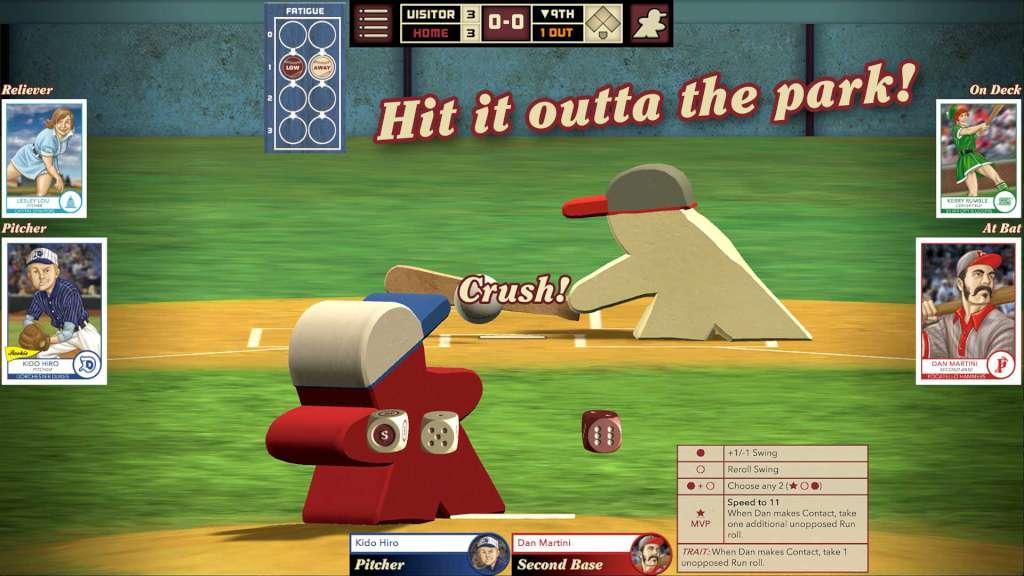
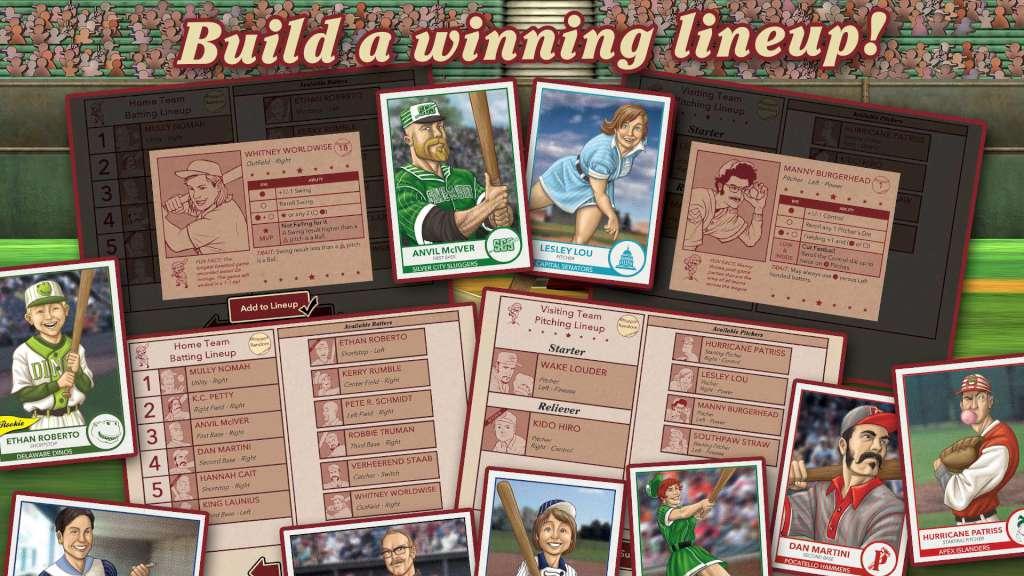
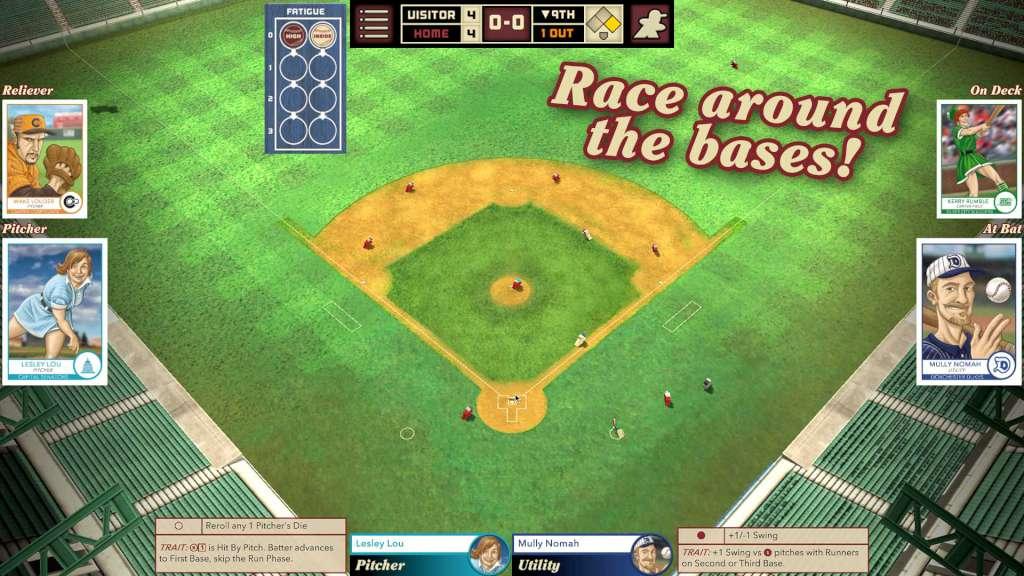
Play the most exciting moment of baseball in this fast-paced dice and card game!It’s a beautiful day here at the ballpark, and this game has been a squeaker! Everyone expected the league leaders to roll into town and easily defeat the home team. But the scrappy upstarts have played the game of their lives and managed to keep the score tied right until the end. Their fatigue is showing and now it's their last chance. If the home team batters don’t score a run now, the visitors will be sure to win the game in extra innings. It all comes down to the Bottom of the 9th!Will you lead the underdogs to victory? Or will you defend the league leaders’ unbroken winning streak?Bottom of the 9th is a strategic 2-player baseball game played with cards and dice. This faithful adaptation brings the fast-paced fun of the tabletop game to your computer! Choose your lineup from a pool of players with different strengths and abilities, outsmart your opponent in the stare-down, then roll the dice to trigger the action.


Bottom of the 9th screenshotBottom of the 9th screenshotBottom of the 9th screenshotBottom of the 9th screenshotBottom of the 9th screenshot

How to redeem

  1. 1Check your Steam account and the listed region before purchasing.
  2. 2Find your code and supplier activation instructions in your confirmed order.
  3. 3Open the redeem-code section on Steam, enter the code and follow the platform’s prompts.

Supplier instructions

Go to: http://store.steampowered.com/ and download STEAM client Click "Install Steam" (from the upper right corner) Install and start application, login with your Account name and Password (create one if you don't have). Please follow these instructions to activate a new retail purchase on Steam: Launch Steam and log into your Steam account. Click the Games Menu. Choose Activate a Product on Steam... Follow the onscreen instructions to complete the process. After successful code verification go to the "MY GAMES" tab and start downloading.

You might also like