Get 10% back in Relic Coins on every order
Sword of the Stars: The Pit - The Pilgrim DLC cover

SteamGlobal· DLC

Sword of the Stars: The Pit - The Pilgrim DLC

€0.28

+€0.03 cashback eligibility in Relic Coins

Check before you play

Platform
Steam
Region
Global
Product type
DLC

Check the required base game and edition before purchasing this add-on.

Developer
Kerberos Productions
Publisher
Paradox Interactive
Supplier release date
2014-04-18
Genres
Strategy, RPG, Indie, Casual

About this product

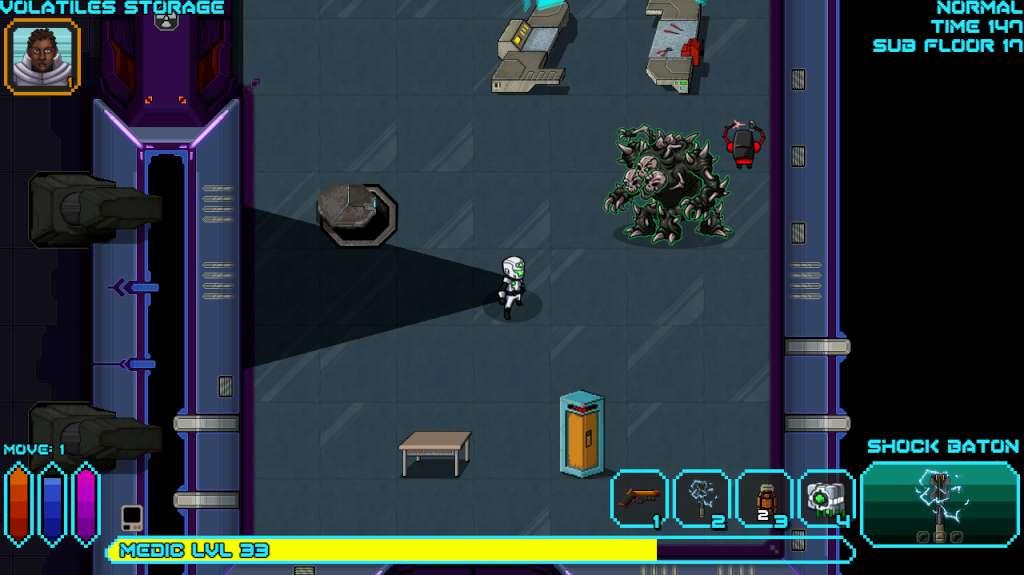
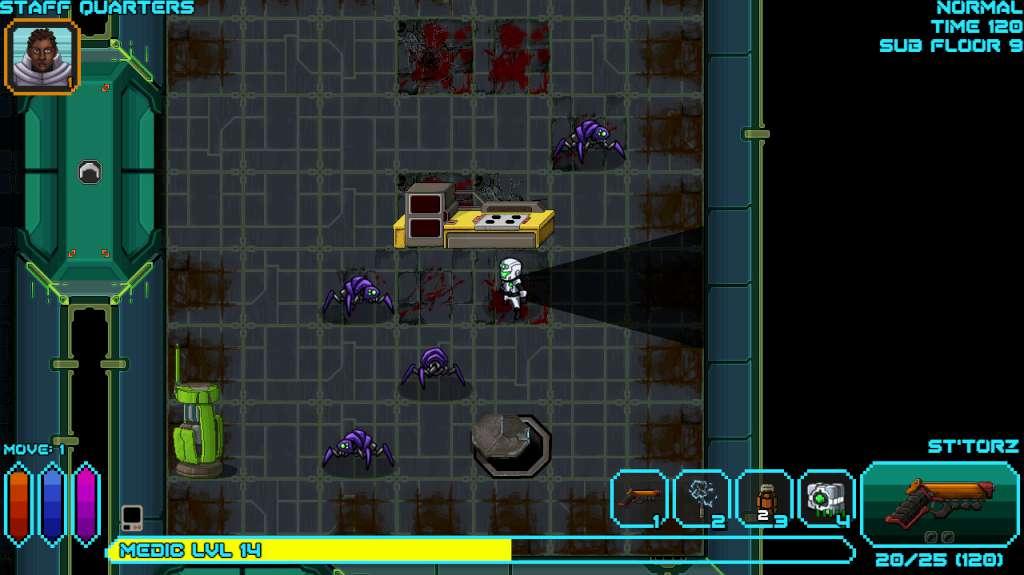
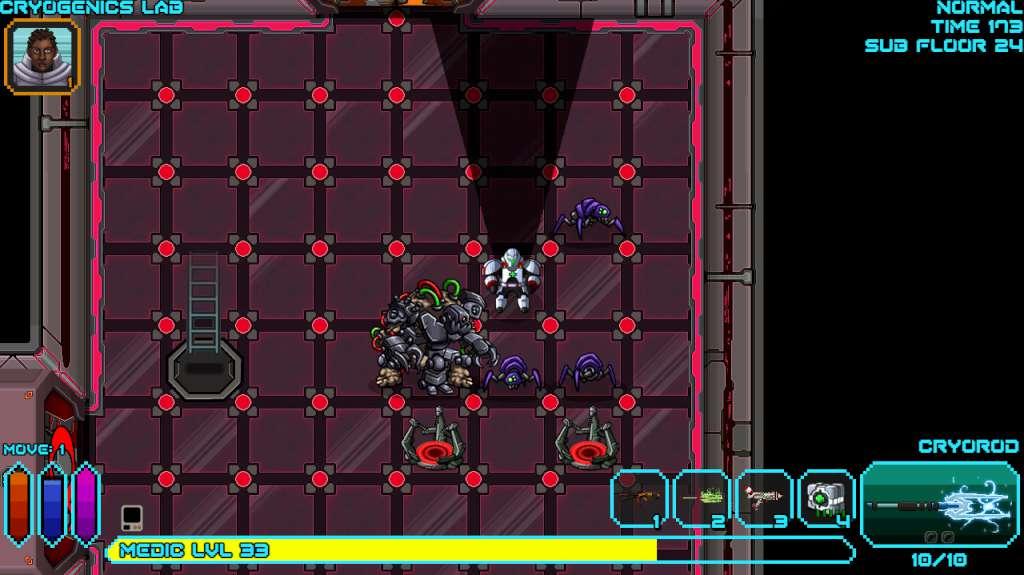
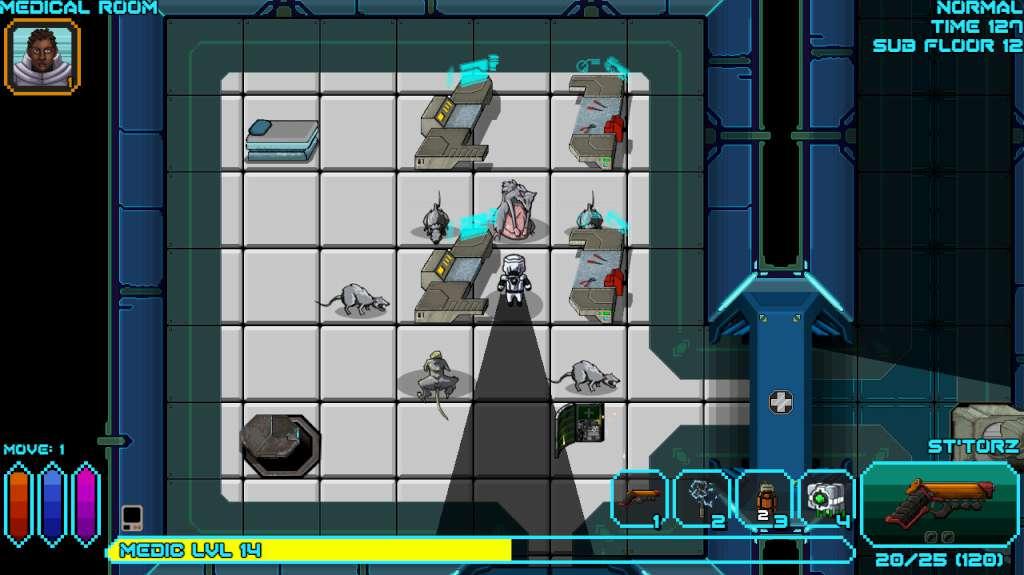
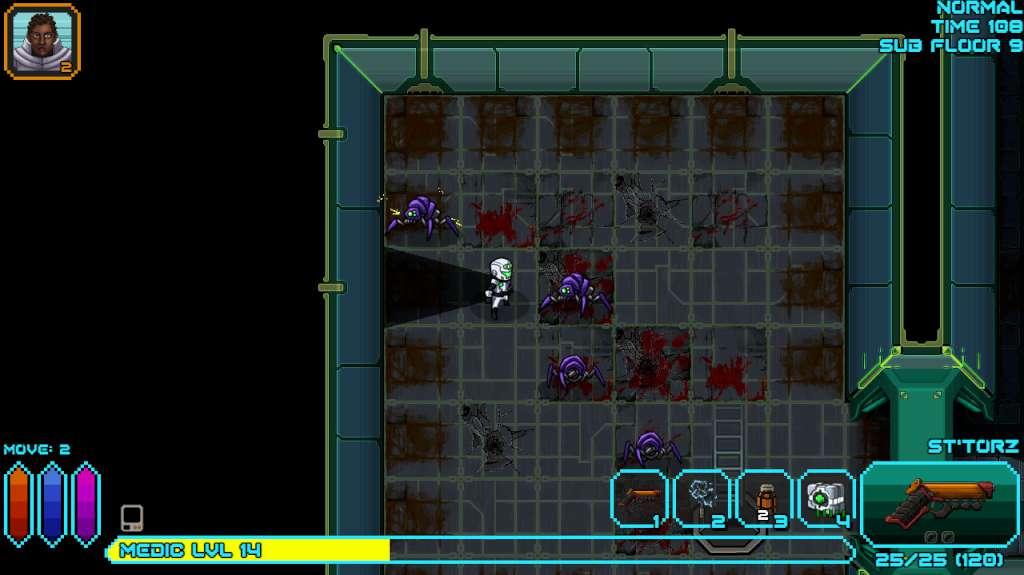
As word of the ancient Bloodweaver facility travels to the stars in hushed whispers and shadowy conversations, Enoch The Shepherd, a holy warrior, must investigate. As one of a small, unique, but growing group of Zuul, determined to leave their savage birthright and terrible reputation behind, Enoch isn't descending into The Pit out of curiosity, but out of obligation. Whatever evil is still down there, it is on him to witness it, record it... ...and then purify it with fire. Features 1 new playable character, The Shepherd, a Zuul. 8 new monsters! 5 new armors! 19 new items! 13 new recipes! 13 new weapons!

Sword of the Stars: The Pit - The Pilgrim DLC screenshotSword of the Stars: The Pit - The Pilgrim DLC screenshotSword of the Stars: The Pit - The Pilgrim DLC screenshotSword of the Stars: The Pit - The Pilgrim DLC screenshotSword of the Stars: The Pit - The Pilgrim DLC screenshot

How to redeem

  1. 1Check the required base game, platform and edition before purchasing.
  2. 2Find the code or supplier activation instructions in your confirmed order.
  3. 3Redeem on Steam using the supplied instructions, then install the add-on with the compatible base game.

Supplier instructions

Go to: http://store.steampowered.com/ and download STEAM client Click "Install Steam" (from the upper right corner) Install and start application, login with your Account name and Password (create one if you don't have). Please follow these instructions to activate a new retail purchase on Steam: Launch Steam and log into your Steam account. Click the Games Menu. Choose Activate a Product on Steam... Follow the onscreen instructions to complete the process. After successful code verification go to the "MY GAMES" tab and start downloading.

You might also like