

SteamGlobal· Key
Temple Raid
€3.63
+€0.36 cashback eligibility in Relic Coins
Check before you play
- Platform
- Steam
- Region
- Global
- Product type
- Key
- Supplier release date
- 2017-10-27
- Genres
- Adventure, VR Games
SteamGlobal· Key
€3.63
+€0.36 cashback eligibility in Relic Coins
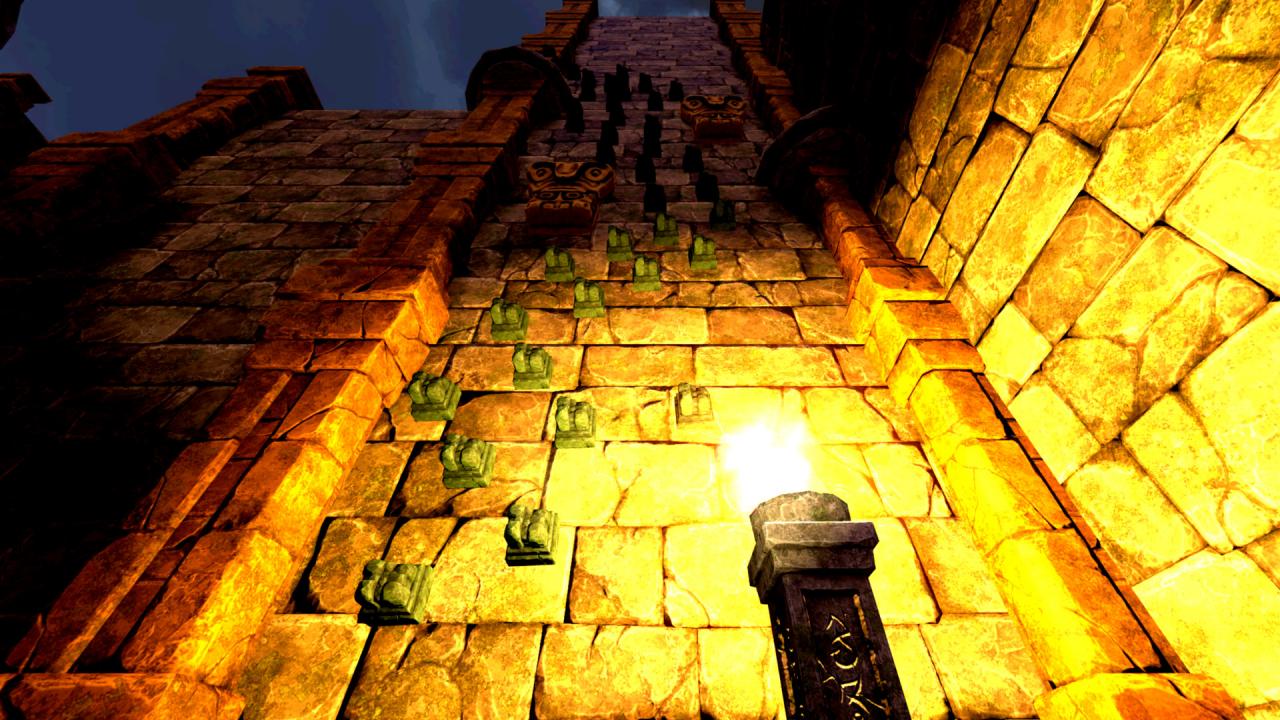
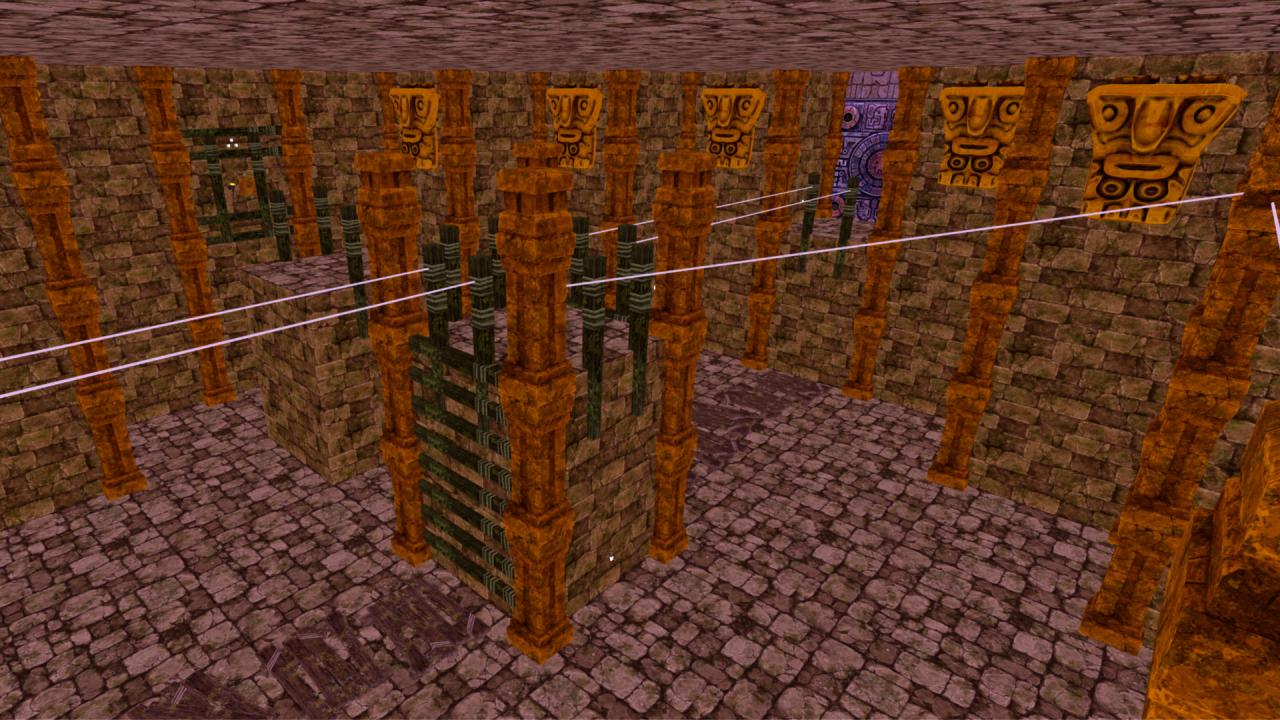
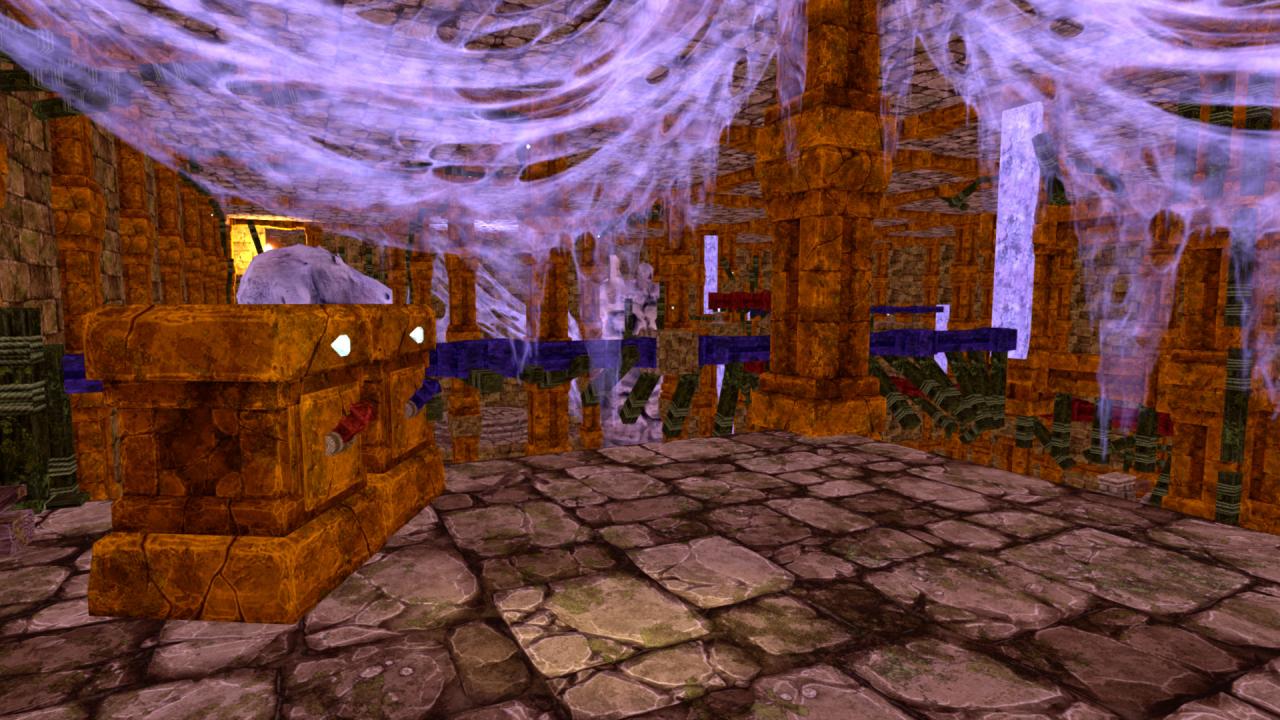
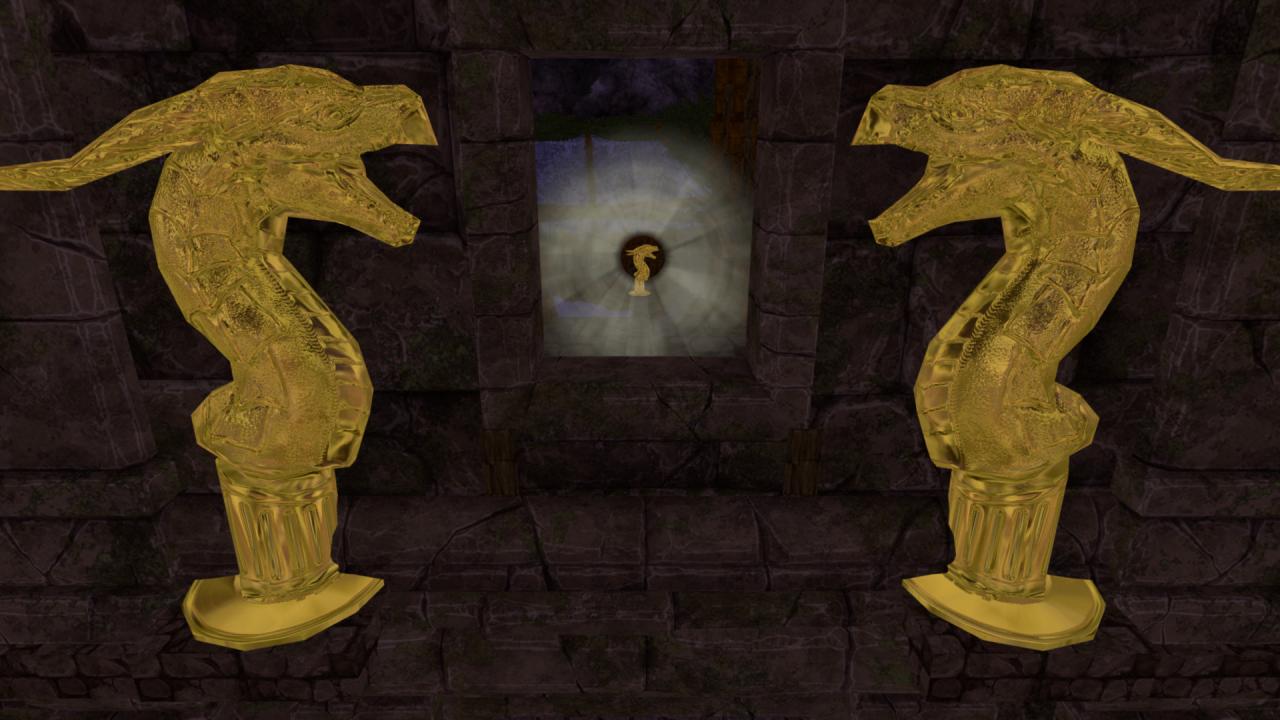
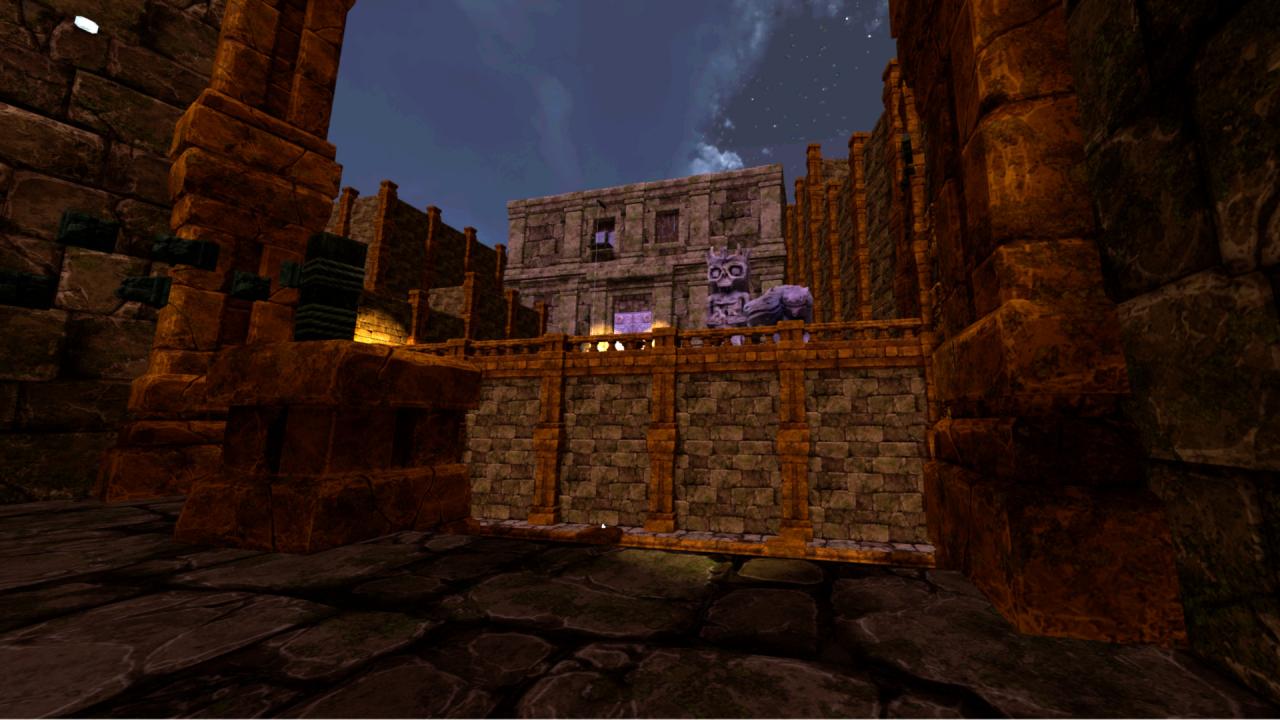
Virtual reality meets an ancient temple! Temple Raid is an exploration and adventure game built exclusively for VR that immerses you in an adventure for ancient treasure. The call of a timeless guardian draws you to a temple with an ancient temple. Inside the temple is a great treasure that has been undisturbed for 10, 000 years! Use VR motion controllers to climb around and inside this mysterious world, and to solve puzzles that guard the treasure. Features Real-life climbing: stretch and reach for every new hand hold in this mysterious world. Scramble along treacherous cliffs and fling yourself across ravines! Single Player Campaign split into manageable scenes and bite-sized checkpoints. Jump in for a short session or stay for the complete ride. Collectables: Gems and Idols are strewn around this forgotten ruin - can you collect all these riches? Only in VR: Temple Raid is built exclusively to take advantage of VR and motion controllers. Step into an ancient temple and be the adventurer you have always wanted to be!
Go to: http://store.steampowered.com/ and download STEAM client Click "Install Steam" (from the upper right corner) Install and start application, login with your Account name and Password (create one if you don't have). Please follow these instructions to activate a new retail purchase on Steam: Launch Steam and log into your Steam account. Click the Games Menu. Choose Activate a Product on Steam... Follow the onscreen instructions to complete the process. After successful code verification go to the "MY GAMES" tab and start downloading.