Get 10% back in Relic Coins on every order
Train Simulator 2017: Town Scenery Pack DLC cover

SteamGlobal· DLC

Train Simulator 2017: Town Scenery Pack DLC

€0.15

+€0.02 cashback eligibility in Relic Coins

Check before you play

Platform
Steam
Region
Global
Product type
DLC

Check the required base game and edition before purchasing this add-on.

Developer
Dovetail Games
Publisher
Dovetail Games
Supplier release date
2009-01-09
Genres
Simulation

About this product

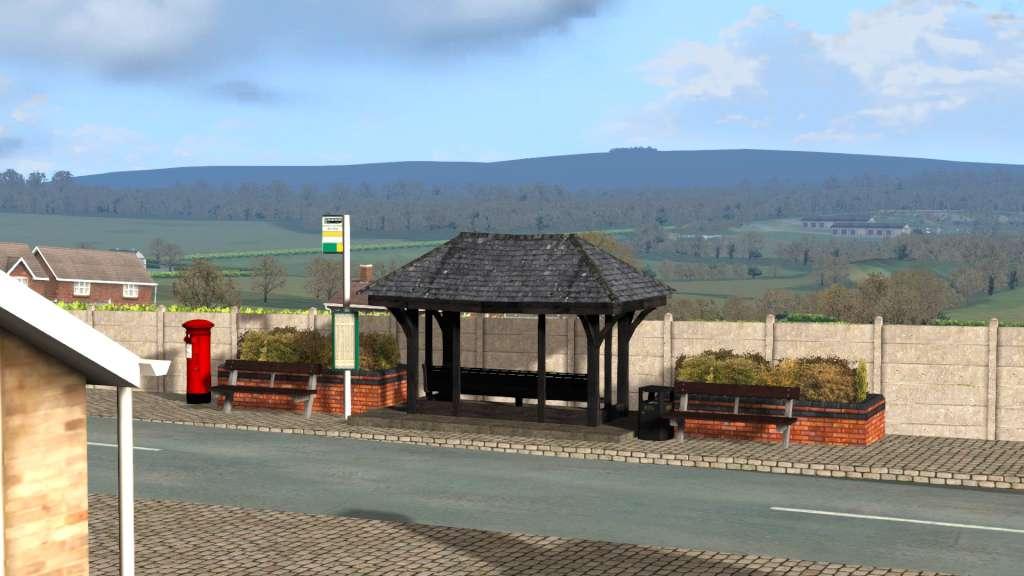
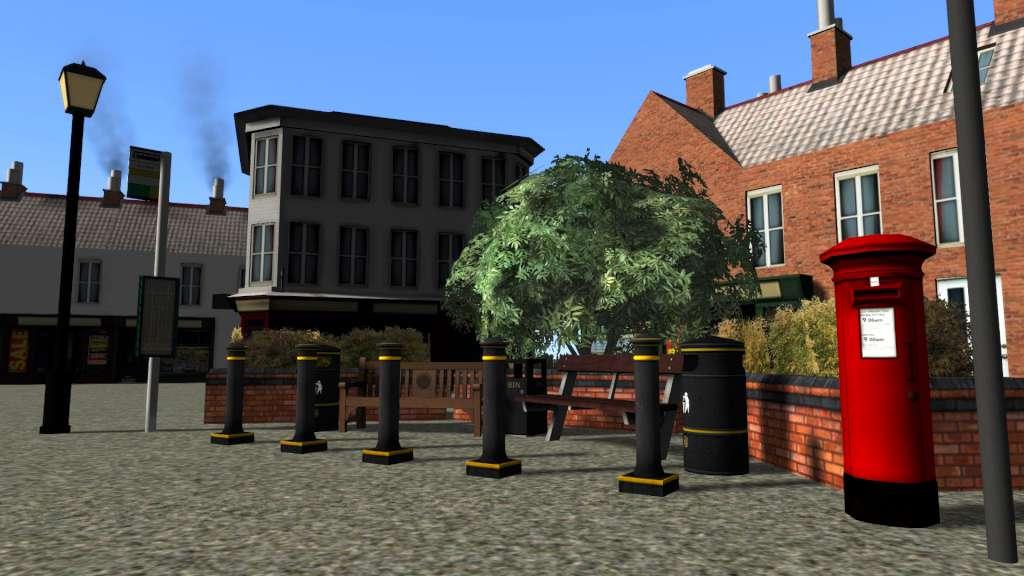
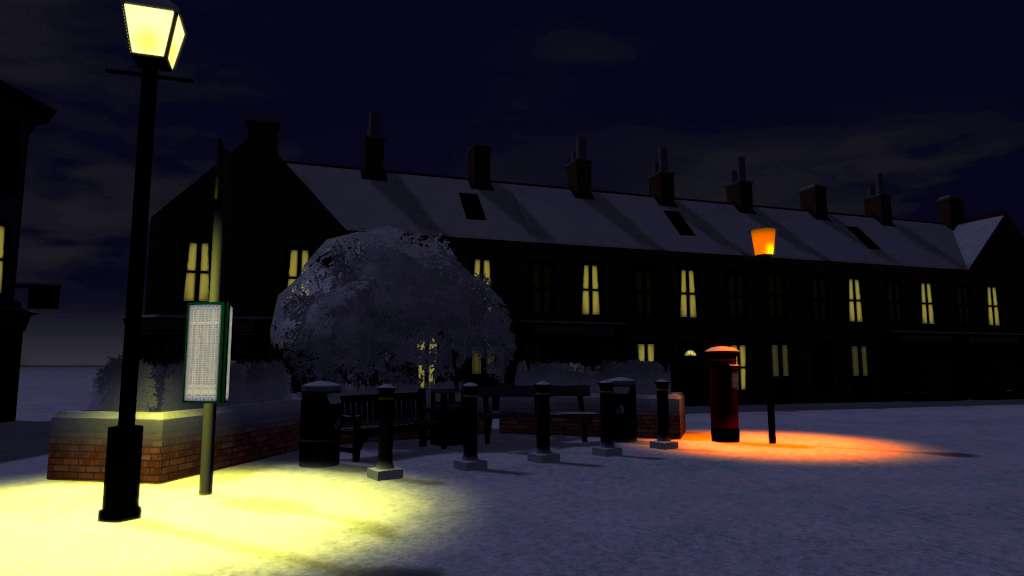
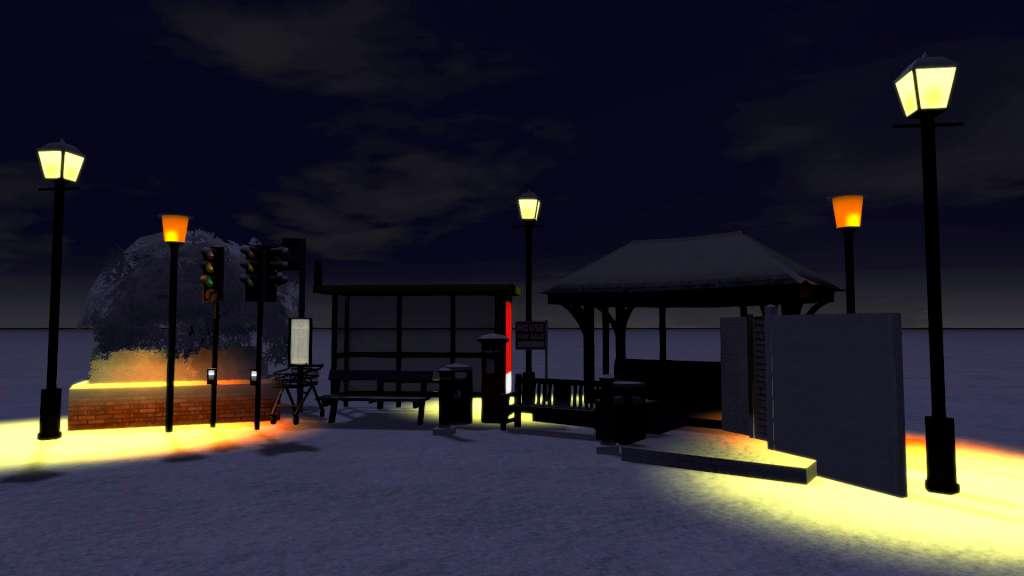
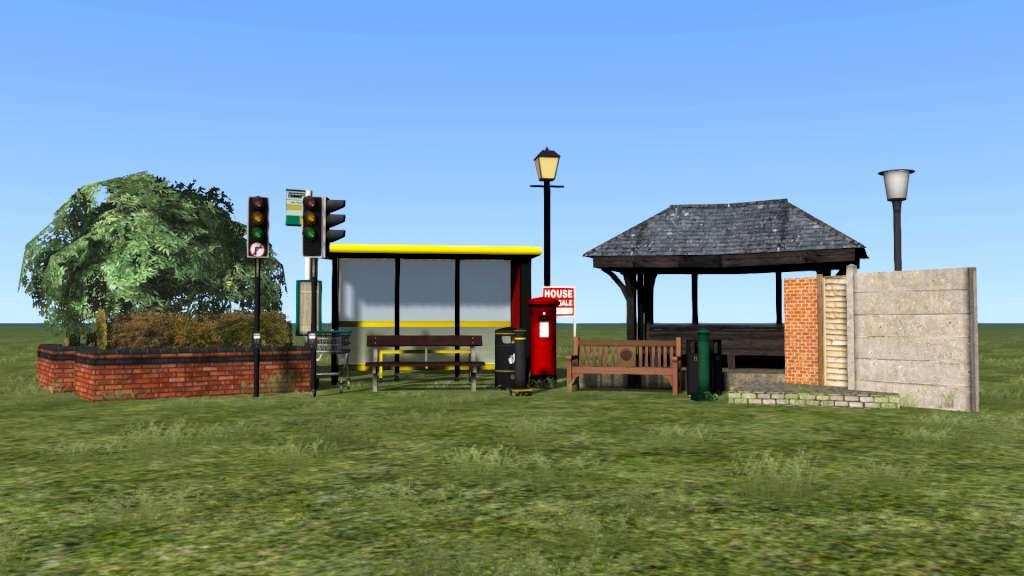
This pack contains a number of scenic assets that you can add to your own route creations in order to add more detail and variety.List of items included: MP02 Bench01 MP02 Bench02 MP02 Bin01 MP02 Bin02 MP02 Bollard01 MP02 Bollard02 MP02 BrickPlanter MP02 TownSet01 MP02 TownSet02 MP02 TownSet03 MP02 TownSet04 MP02 TownSet05 MP02 TownSet06 MP02 TownSet07 MP02 TownSet08 MP02 TownSet09 MP02 TownSet10 MP02 TownSet11 MP02 TownSetBingo MP02 TownSetPub MP02 BusShelter01 MP02 BusShelter02 MP02 BusTimeTable MP02 Concrete Tile MP02 Fence MP02 FishandChipsSign MP02 ForSaleSign MP02 PostBox01 MP02 StreetLight01 MP02 StreetLight02 MP02 Town Path MP02 TrafficLight01 MP02 Trolley MP02 TrolleyPark MP02 Wall Brick MP02 Wall Concrete

Train Simulator 2017: Town Scenery Pack DLC screenshotTrain Simulator 2017: Town Scenery Pack DLC screenshotTrain Simulator 2017: Town Scenery Pack DLC screenshotTrain Simulator 2017: Town Scenery Pack DLC screenshotTrain Simulator 2017: Town Scenery Pack DLC screenshot

How to redeem

  1. 1Check the required base game, platform and edition before purchasing.
  2. 2Find the code or supplier activation instructions in your confirmed order.
  3. 3Redeem on Steam using the supplied instructions, then install the add-on with the compatible base game.

Supplier instructions

Go to: http://store.steampowered.com/ and download STEAM client Click "Install Steam" (from the upper right corner) Install and start application, login with your Account name and Password (create one if you don't have). Please follow these instructions to activate a new retail purchase on Steam: Launch Steam and log into your Steam account. Click the Games Menu. Choose Activate a Product on Steam... Follow the onscreen instructions to complete the process. After successful code verification go to the "MY GAMES" tab and start downloading.

You might also like