Get 10% back in Relic Coins on every order
Train Simulator 2017: Platform Clutter Pack DLC cover

SteamGlobal· DLC

Train Simulator 2017: Platform Clutter Pack DLC

€0.09

+€0.01 cashback eligibility in Relic Coins

Check before you play

Platform
Steam
Region
Global
Product type
DLC

Check the required base game and edition before purchasing this add-on.

Developer
Dovetail Games
Publisher
Dovetail Games
Supplier release date
2009-01-01
Genres
Simulation

About this product

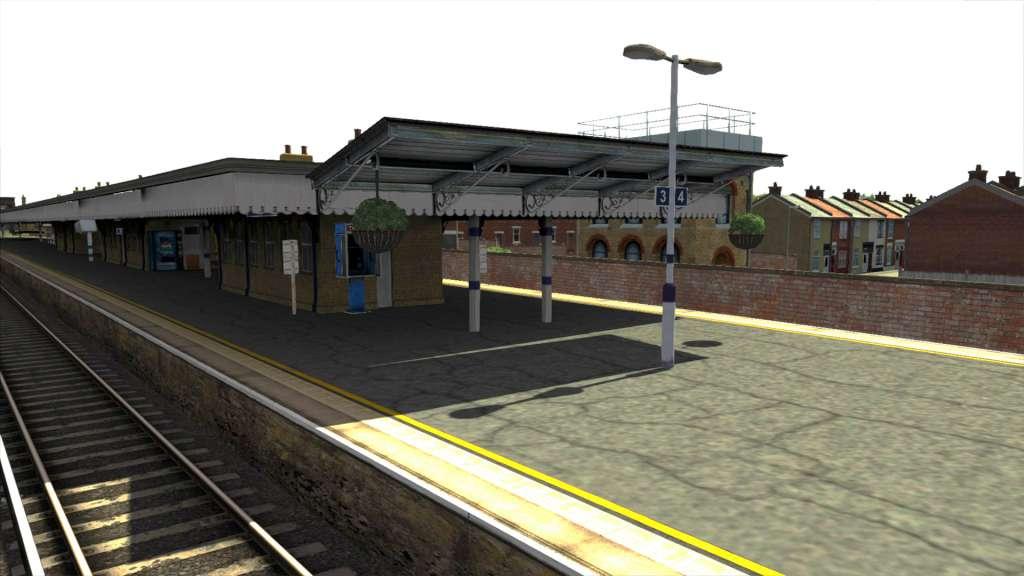
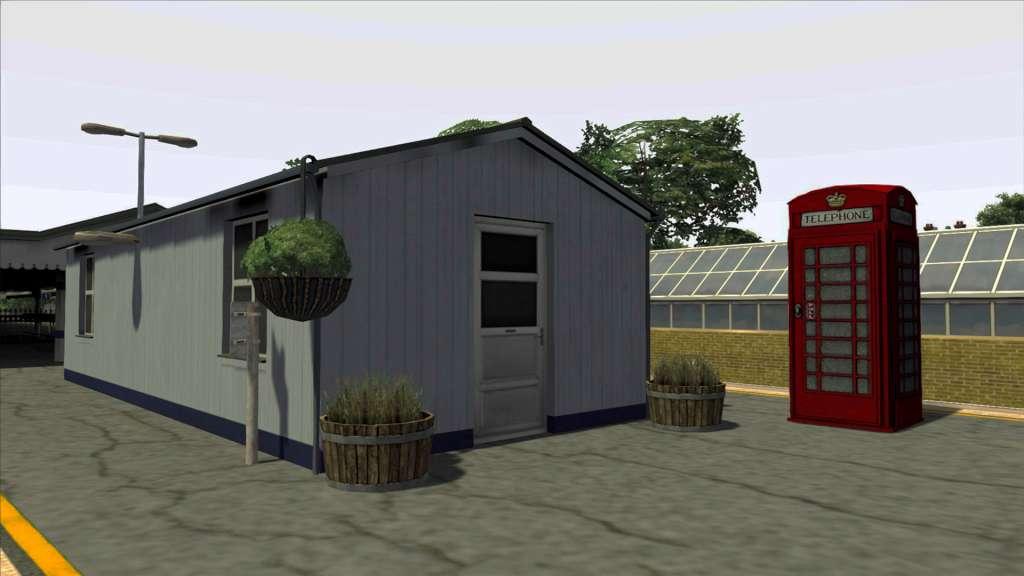
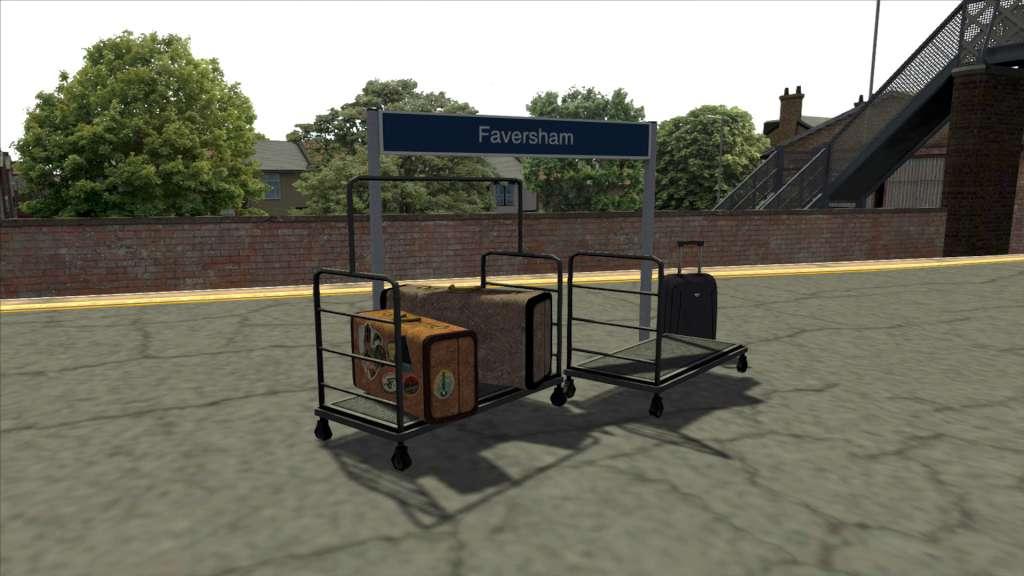
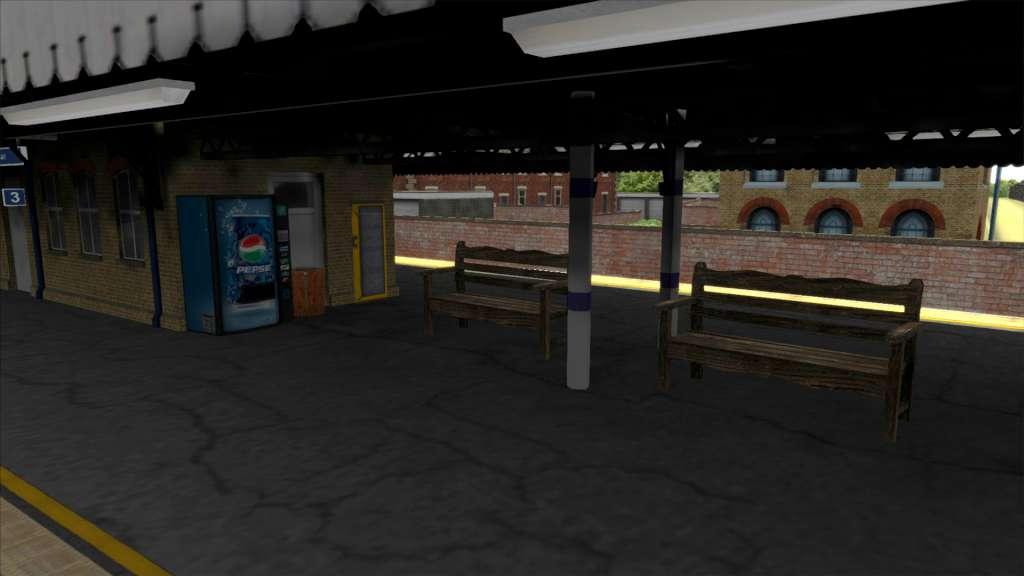
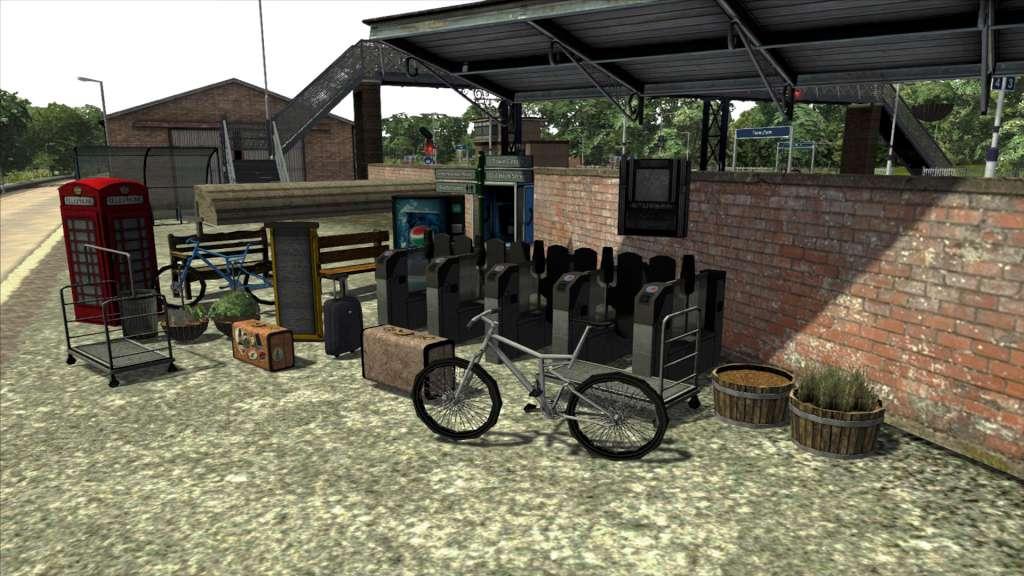
The Platform Clutter Scenery pack contains a selection of items that are themed around adding extra detail and clutter to platforms. New ticket machines, clocks, benches, luggage and more will allow you to customise and enhance the worlds you create in Train Simulator with additional detail. MP01 Analogue Clock 01 Hands MP01 Bicycle MP01 Bicycle 02 MP01 Bicycle Shelter MP01 Boarding Ramp MP01 Cigarette Vendor MP01 Cloth Canopy MP01 Direction Post MP01 Hanging Basket MP01 Hanging Basket 02 MP01 Luggage Trolley 1 MP01 Luggage Trolley 2 MP01 Metal Bin MP01 Pull Case MP01 SuitCase 01 MP01 SuitCase 02 MP01 Telephone Booth MP01 Telephone Box MP01 Ticket Barrier Left MP01 Ticket Barrier Middle MP01 Ticket Barrier Right MP01 Ticket Barrier Set MP01 Vending Machine MP01 Wooden Bench MP01 Wooden Bench 2 MP01 Wooden Bin MP01 Wooden Canopy MP01 Wooden Clock MP01 Wooden Planter Grass MP01 Wooden Planter


Train Simulator 2017: Platform Clutter Pack DLC screenshotTrain Simulator 2017: Platform Clutter Pack DLC screenshotTrain Simulator 2017: Platform Clutter Pack DLC screenshotTrain Simulator 2017: Platform Clutter Pack DLC screenshotTrain Simulator 2017: Platform Clutter Pack DLC screenshot

How to redeem

  1. 1Check the required base game, platform and edition before purchasing.
  2. 2Find the code or supplier activation instructions in your confirmed order.
  3. 3Redeem on Steam using the supplied instructions, then install the add-on with the compatible base game.

Supplier instructions

Go to: http://store.steampowered.com/ and download STEAM client Click "Install Steam" (from the upper right corner) Install and start application, login with your Account name and Password (create one if you don't have). Please follow these instructions to activate a new retail purchase on Steam: Launch Steam and log into your Steam account. Click the Games Menu. Choose Activate a Product on Steam... Follow the onscreen instructions to complete the process. After successful code verification go to the "MY GAMES" tab and start downloading.

You might also like