Get 10% back in Relic Coins on every order
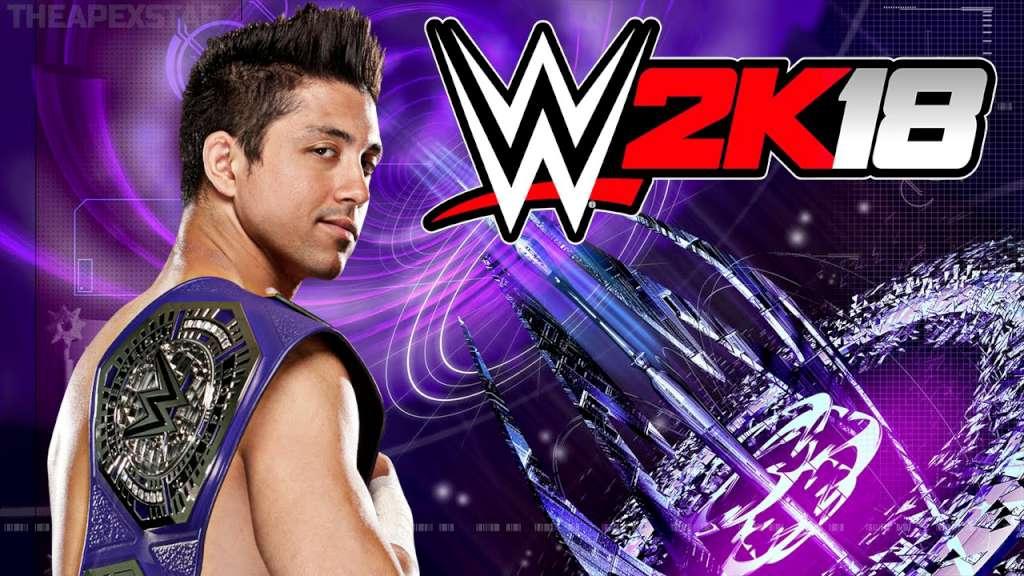
WWE 2K18 cover

Steam Europe - All Countries· Key

WWE 2K18

€136.49

+€13.65 cashback eligibility in Relic Coins

Check before you play

Platform
Steam
Region
Europe - All Countries
Product type
Key
Developer
Yuke's, Visual Concepts
Publisher
2K Sports
Supplier release date
2017-10-17
Genres
Sport, Fighting

About this product

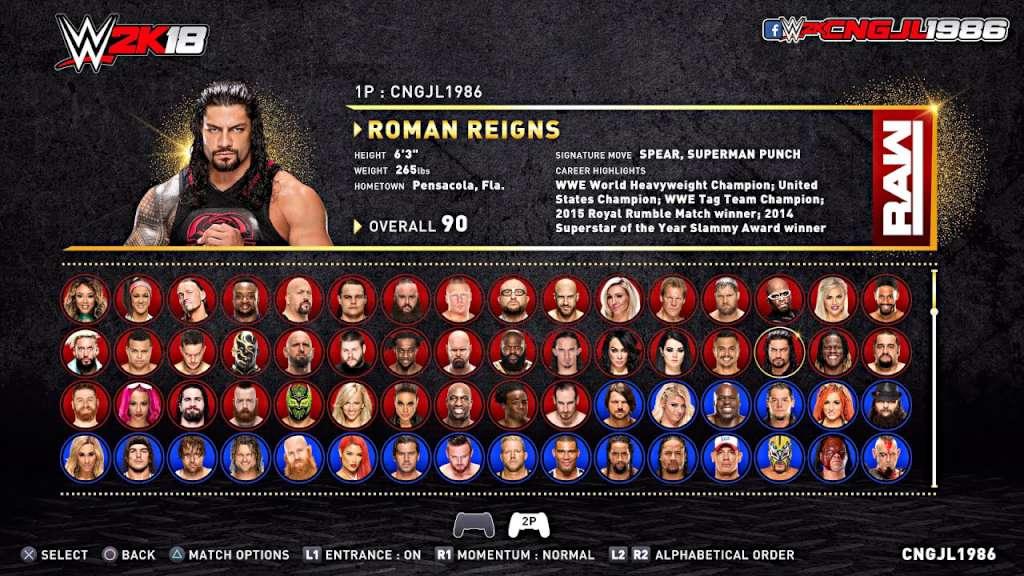
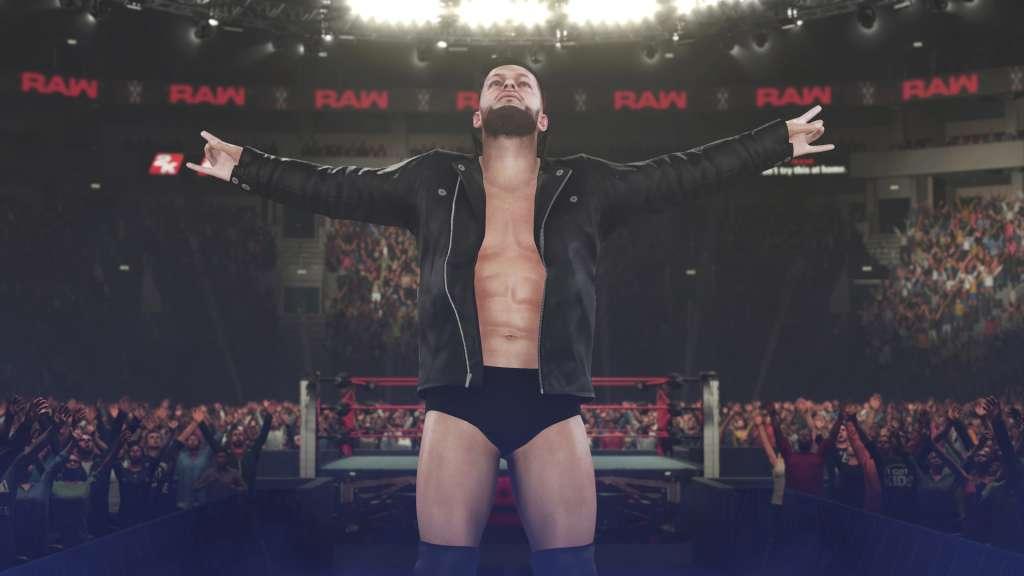
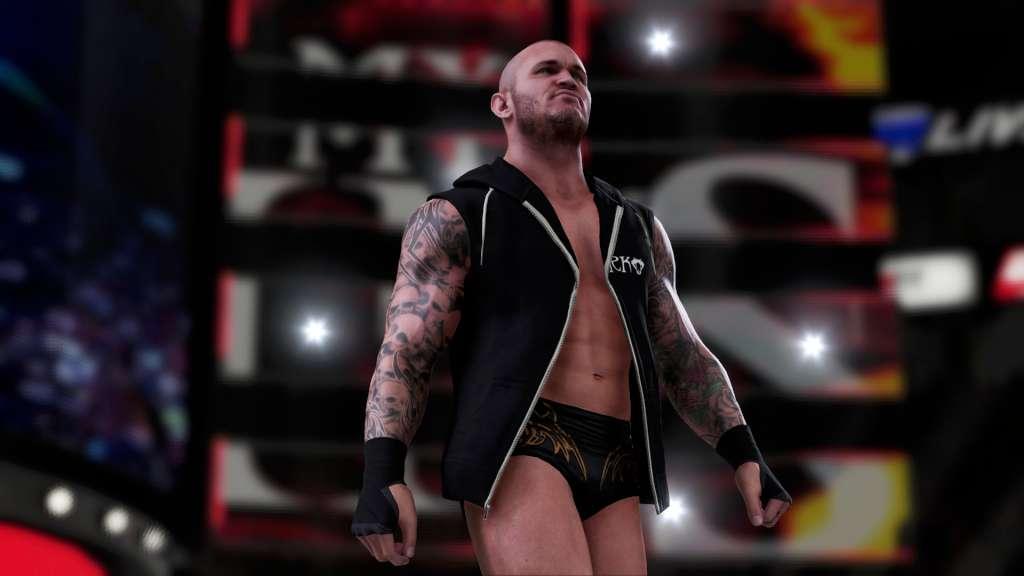
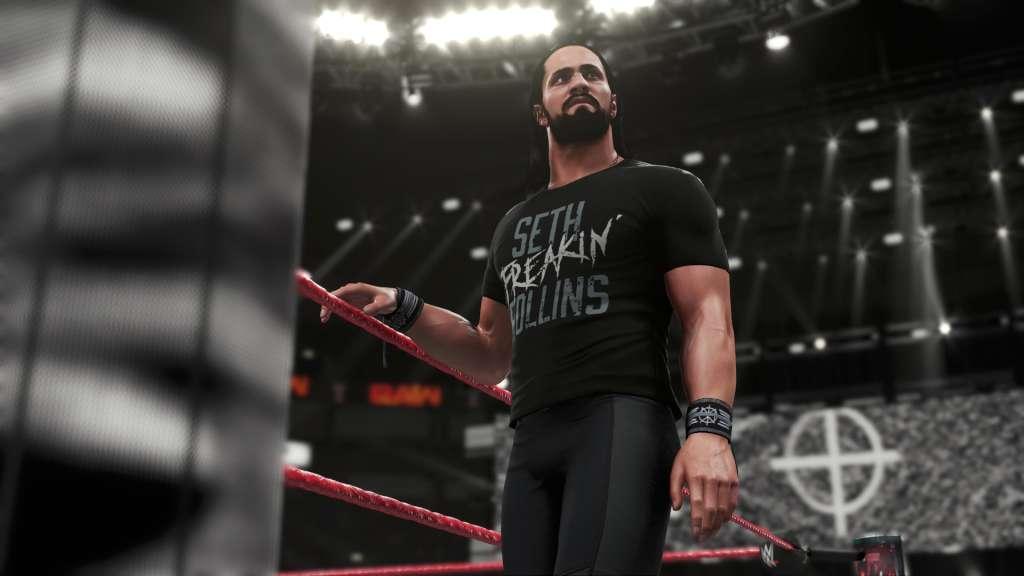
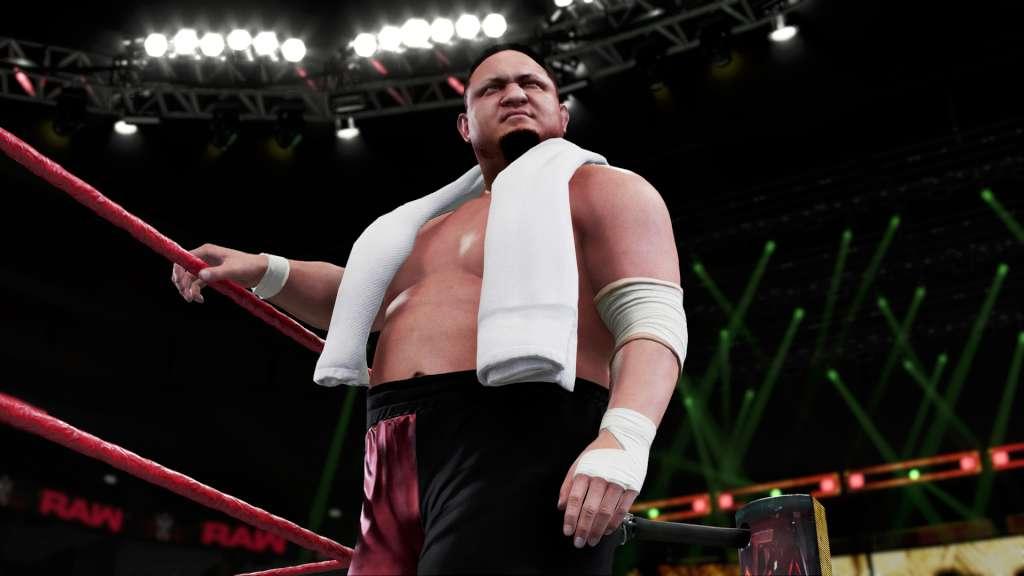
WWE 2K18 is an upcoming professional wrestling video game in development by Yuke's and Visual Concepts, and to be published by 2K Sports. Features Creation Suite: The Creation Suite gets even deeper, including a new Create-a-Match feature and improvements to Create-a-Superstar, Create-an-Arena and Create-a-Video; MyPLAYER: A new MyPLAYER experience introduces fighting styles and a brand new upgrade and progression system; MyCAREER: A brand new MyCAREER experience incorporates a new story and a free-roaming backstage area that enable MyPLAYER characters to interact with other WWE Superstars and help direct the narrative; Road to Glory Mode Debut: An all-new mode lets players compete against others, using their MyPLAYER characters, in a quest to qualify for WWE pay-per-view events; New Graphics Engine: New visuals deliver spectacular new lighting, more realistic skin and new camera effects; New Commentary Team: Introducing the trio of Michael Cole, Byron Saxton and Corey Graves; Core Gameplay Additions and Improvements: A host of additional improvements will make WWE 2K18 the most comprehensive and realistic WWE game to date.


WWE 2K18 screenshotWWE 2K18 screenshotWWE 2K18 screenshotWWE 2K18 screenshotWWE 2K18 screenshotWWE 2K18 screenshot

How to redeem

  1. 1Check your Steam account and the listed region before purchasing.
  2. 2Find your code and supplier activation instructions in your confirmed order.
  3. 3Open the redeem-code section on Steam, enter the code and follow the platform’s prompts.

Supplier instructions

Go to: http://store.steampowered.com/ and download STEAM client Click "Install Steam" (from the upper right corner) Install and start application, login with your Account name and Password (create one if you don't have). Please follow these instructions to activate a new retail purchase on Steam: Launch Steam and log into your Steam account. Click the Games Menu. Choose Activate a Product on Steam... Follow the onscreen instructions to complete the process. After successful code verification go to the "MY GAMES" tab and start downloading.

You might also like