Get 10% back in Relic Coins on every order
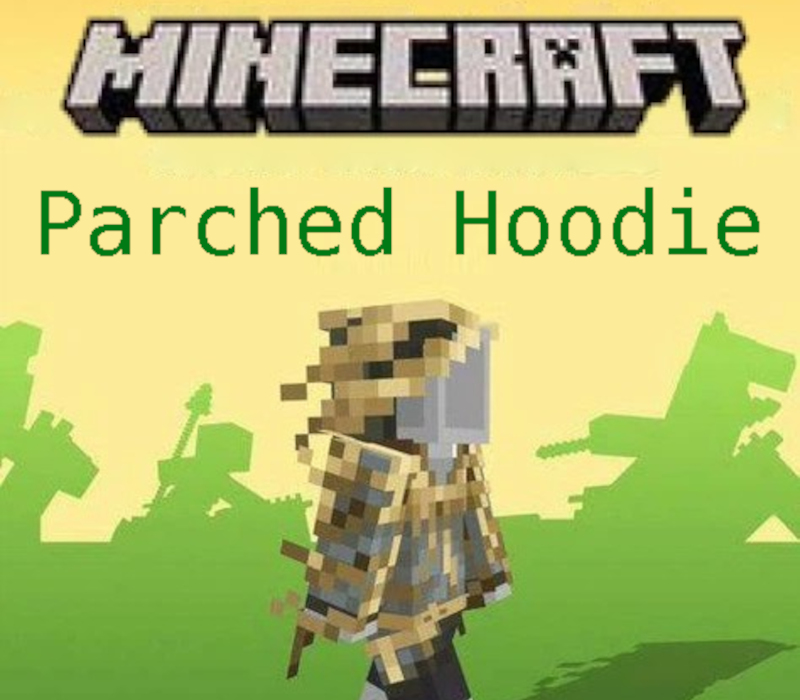
Minecraft - Parched Hoodie DLC cover

Xbox OneGlobal· DLC

Minecraft - Parched Hoodie DLC

€0.06

+€0.01 cashback eligibility in Relic Coins

Check before you play

Platform
Xbox One
Region
Global
Product type
DLC

Check the required base game and edition before purchasing this add-on.

Developer
Mojang/Microsoft Studios
Publisher
Microsoft Studios
Genres
Adventure, Casual, Open World

About this product

Includes: Minecraft - Parched Hoodie DLC Create, explore, survive, repeat. Minecraft: Java Edition and Bedrock Edition are now a package deal for Windows. Minecraft: Java & Bedrock Edition gives you access to both games in one purchase and one unified launcher, making it easier than ever to go from one edition to the other. Cross-play with any Minecrafter by simply switching to the edition your friends have. Now you can enjoy twice the mining and twice the crafting – with more Minecrafters than ever. Explore randomly generated worlds and build amazing things from the simplest of homes to the grandest of castles. Play in creative mode with unlimited resources or mine deep into the world in survival mode, crafting weapons and armour to fend off the dangerous mobs. Scale craggy mountains, unearth elaborate caves and mine large ore veins. Discover lush cave and dripstone cave biomes. Light up your world with candles to show what a savvy potholer and master mountaineer you are!

Minecraft - Parched Hoodie DLC screenshot

How to redeem

  1. 1Check the required base game, platform and edition before purchasing.
  2. 2Find the code or supplier activation instructions in your confirmed order.
  3. 3Redeem on Xbox One using the supplied instructions, then install the add-on with the compatible base game.

Supplier instructions

FROM A WEB BROWSER: Go to this website. Log into your Microsoft Account. Enter the key and click Next. Follow the prompts. IN THE MICROSOFT STORE ON WINDOWS: Press the Start button , and then enter store into the search bar. Choose Microsoft Store from the results to open the app. Select your account in the top-right corner of the screen, and then select Redeem code or gift cards. Enter the 25-character code, select Next, and then follow the prompts. ON XBOX ONE AND XBOX SERIES X|S: Press the Xbox button to open the guide, and then select Store. Press the View button to open the side menu, and then select Redeem. Enter the 25-character code, select Next, and then follow the prompts. ON XBOX 360: Press the Guide button on your controller. Select Games & Apps, and then select Redeem Code. Enter the 25-character code, and then follow the prompts to complete your redemption. Please note that Xbox 360 codes can ONLY be activated on the Xbox 360 console directly!

You might also like