Get 10% back in Relic Coins on every order
Sorry, James cover

SteamGlobal· Key

Sorry, James

€0.49

+€0.05 cashback eligibility in Relic Coins

Check before you play

Platform
Steam
Region
Global
Product type
Key
Developer
Konstructors Entertainment
Publisher
Nestor Yavorskyy
Supplier release date
2017-11-10
Genres
Indie, Casual

About this product

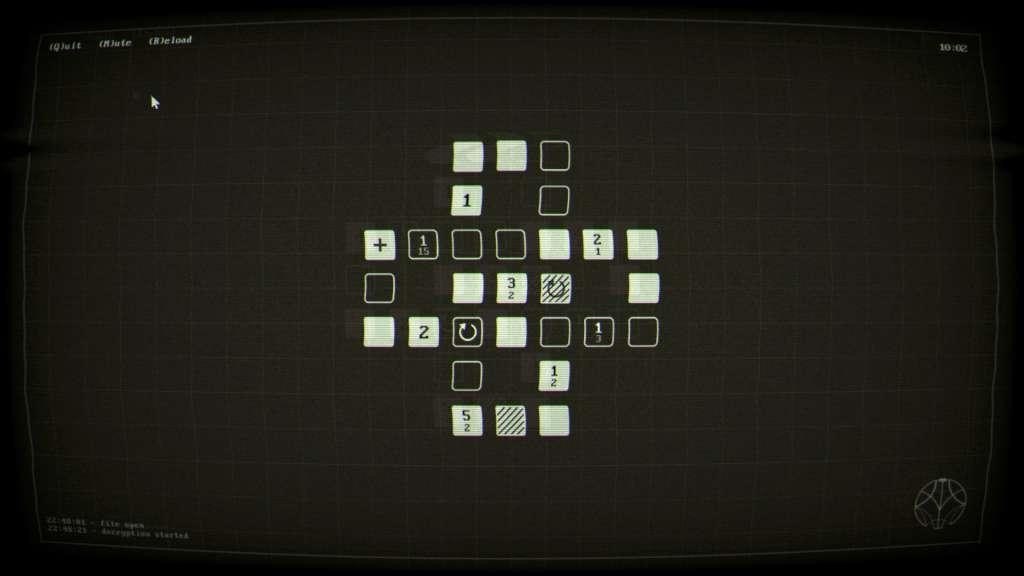
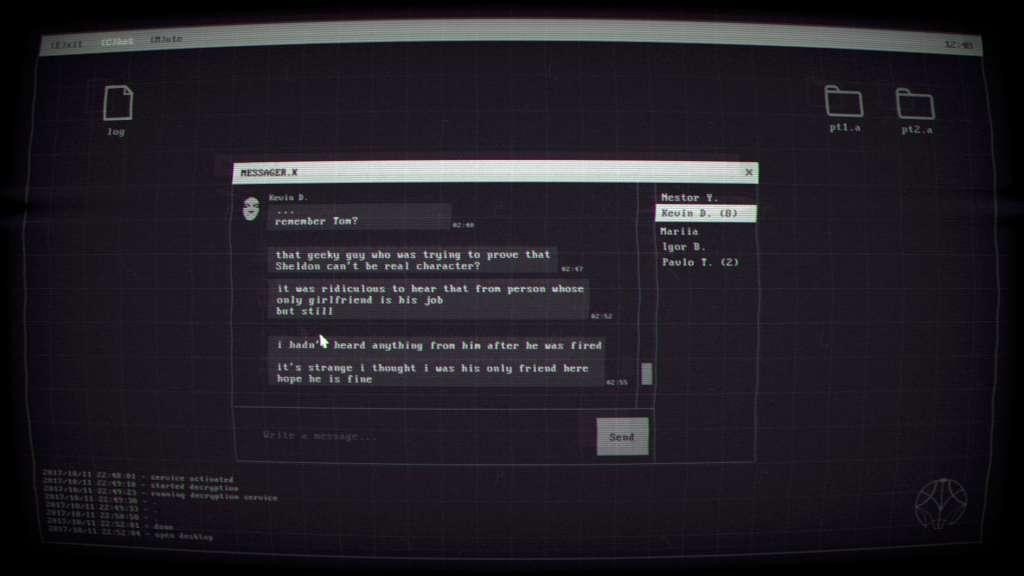
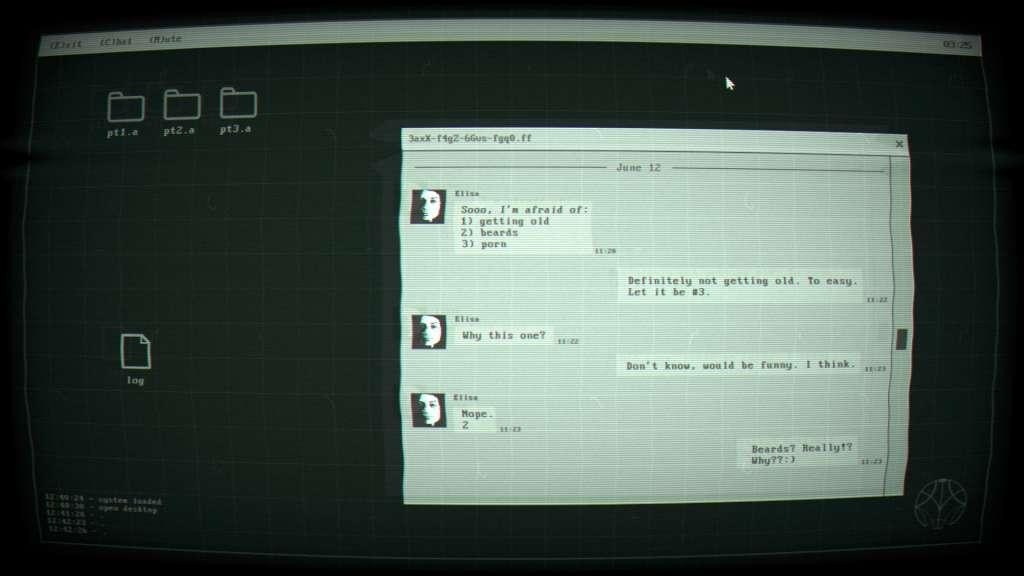
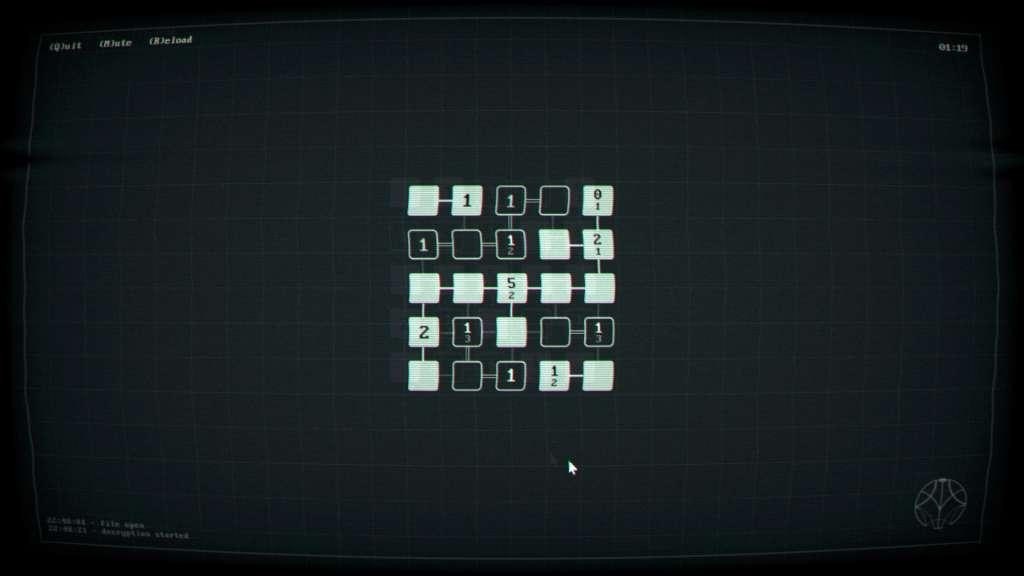
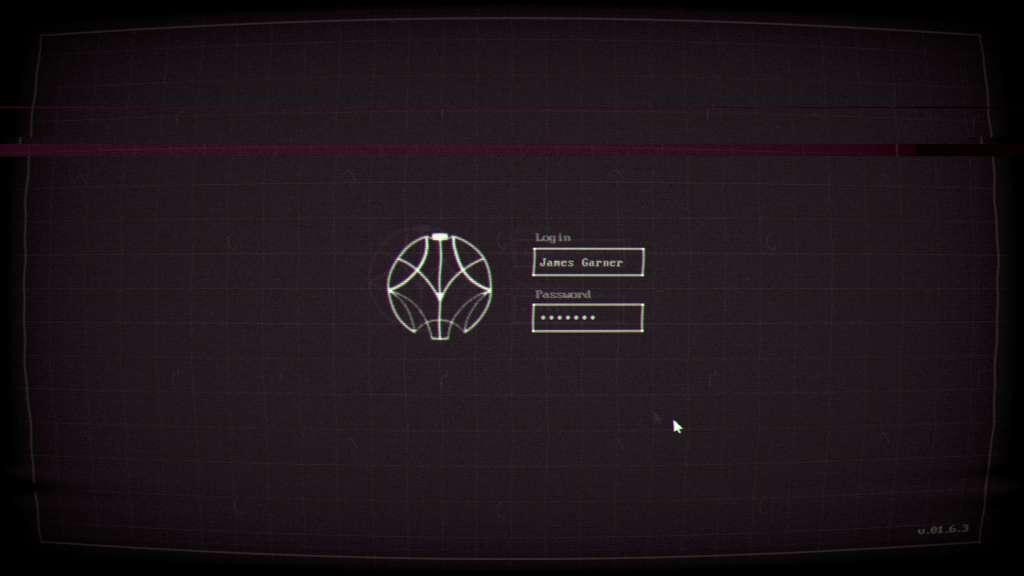
You are James Garner, a security engineer at Mantis Corp., a leading tech company in weaponry field. You got a usual task to decrypt company files. Unusual is that these files contain bizarre chat. Things become weirder when you realize that your job is to “hack love story.”Why is this so important for Mantis?What can be hidden in someone's conversation?What will you risk to find out the truth?Sorry, James is non-linear story-driven puzzle game which takes unusual step on storytelling. You will discover plot through dialogues of two strangers and learn a tale about James, whose role is to decrypt files containing that chat. Along with creepy thriller and conspiracy atmosphere, there is the unique game mechanic that reminds mix of Sudoku and Minesweeper-like gameplay. Features STORY. Witness non-usual storytelling, which revolves around hacking a love story. DIALOGUES. Based on a chat with real people, psychology researches, and real-life conversations. VISUAL. Dive into office atmosphere with elements of a thriller in retro style graphics. GAMEPLAY. Unique puzzle experience mix inspired by Sudoku and Minesweeper. LEVELS. Half a hundred levels that will satisfy both hardcore and casual players with up to 3-6 hours of gameplay.


Sorry, James screenshotSorry, James screenshotSorry, James screenshotSorry, James screenshotSorry, James screenshot

How to redeem

  1. 1Check your Steam account and the listed region before purchasing.
  2. 2Find your code and supplier activation instructions in your confirmed order.
  3. 3Open the redeem-code section on Steam, enter the code and follow the platform’s prompts.

Supplier instructions

Go to: http://store.steampowered.com/ and download STEAM client Click "Install Steam" (from the upper right corner) Install and start application, login with your Account name and Password (create one if you don't have). Please follow these instructions to activate a new retail purchase on Steam: Launch Steam and log into your Steam account. Click the Games Menu. Choose Activate a Product on Steam... Follow the onscreen instructions to complete the process. After successful code verification go to the "MY GAMES" tab and start downloading.

You might also like