

OtherGlobal· Key
Ashampoo Undeleter
€2.37
+€0.24 cashback eligibility in Relic Coins
Check before you play
- Region
- Global
- Product type
- Key
- Genres
- Software
OtherGlobal· Key
€2.37
+€0.24 cashback eligibility in Relic Coins
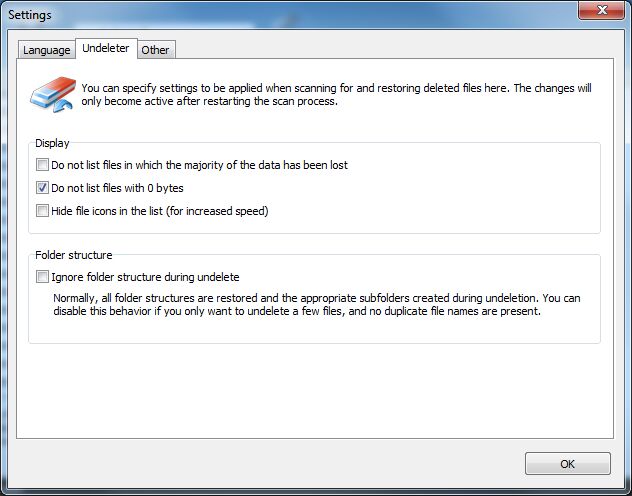
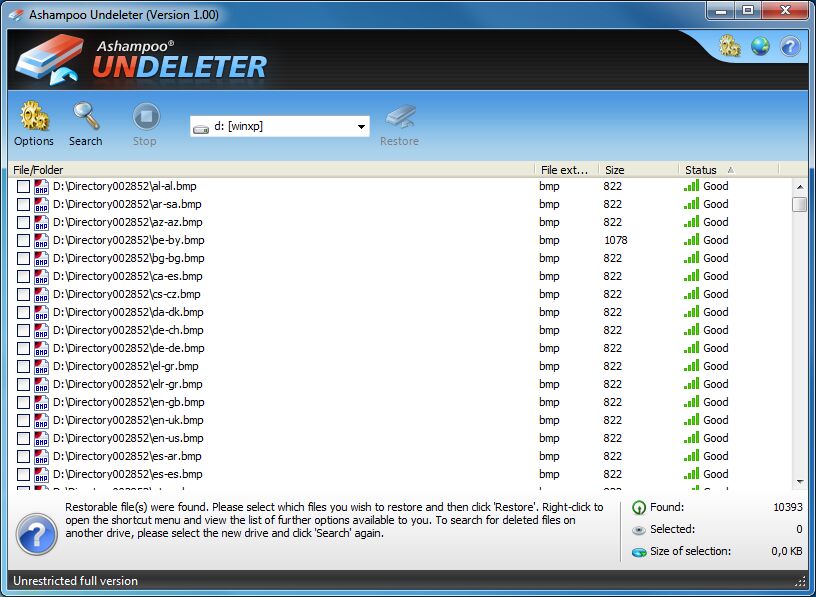
Never again trouble with accidentally deleted files In our daily lives with computers small and big disasters can always happen. It is very annoying, if for example a beautiful picture, an important document or favourite MP3 is lost or accidentally deleted. In such a situation Ashampoo Undeleter is your salvation. With this program deleted files are recovered in next to no time. So, if you accidentally deleted your favourite song from your PC, this isn’t a disaster any more. Just use the effective search function of the Ashampoo Undeleter and have the program generate a list with all deleted files. In such a list even the condition of the files is displayed. This shows whether the files can be recovered completely, partly or not at all. Then you can recover your favourite song in your desired location with just one click. The recovery function of the Ashampoo Undeleter is extensive and not limited to the hard disk drives of your computer. Deleted files can also be detected and recovered on external USB drives, USB flash drives and other storage media. Important functions at a glance: Recovery of files and directories on NTFS as well as FAT 12, 16, 32 partitions Recovery of files on partitions with active NTFS compression Recovery of files on partitions with active NTFS encryption Recovery of alternate data streams (ADS) on NTFS partitions Support of all known file systems on Microsoft Windows® VERY fast MFT and FAT algorithm, as well as extremely quick recovery Unlimited recoverable objects (files, directories) Assessment and evaluation of the condition of recoverable objects Quick and therefore intuitive user interface Be prepared for the next data emergency with Ashampoo Undeleter and be able recover deleted files quickly.
Download the software from https://www.ashampoo.com/ashampoo_undeleter_sm.exe. Run the setup file, you’ll be prompted to enter your license key. Next, click “Activate now!”. Click “Next” to proceed with the installation.