

SteamGlobal· Key
Asura: Vengeance Expansion
€4.04
+€0.40 cashback eligibility in Relic Coins
Check before you play
- Platform
- Steam
- Region
- Global
- Product type
- Key
- Supplier release date
- 2017-04-14
- Genres
- Action, Indie
SteamGlobal· Key
€4.04
+€0.40 cashback eligibility in Relic Coins
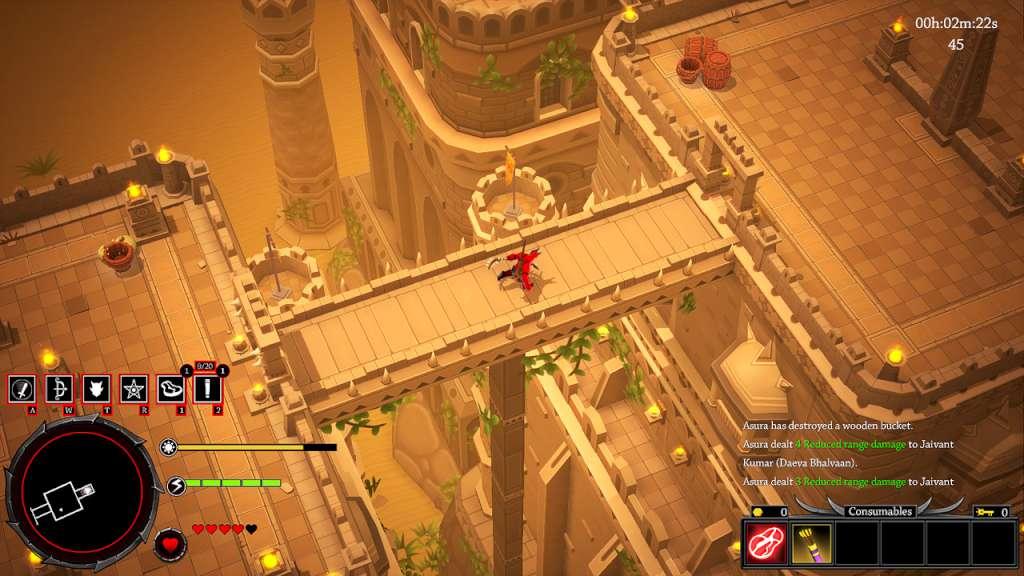
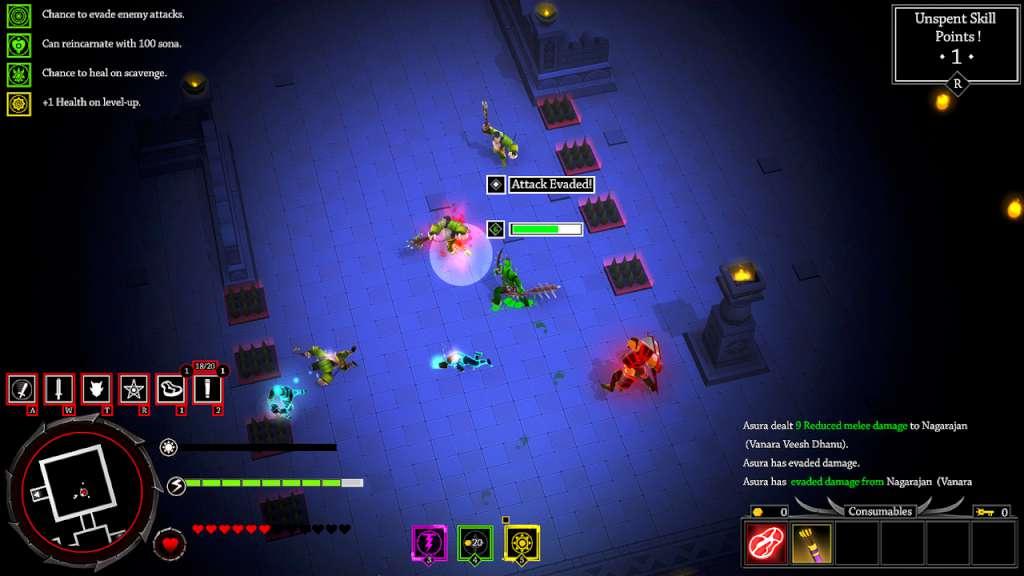
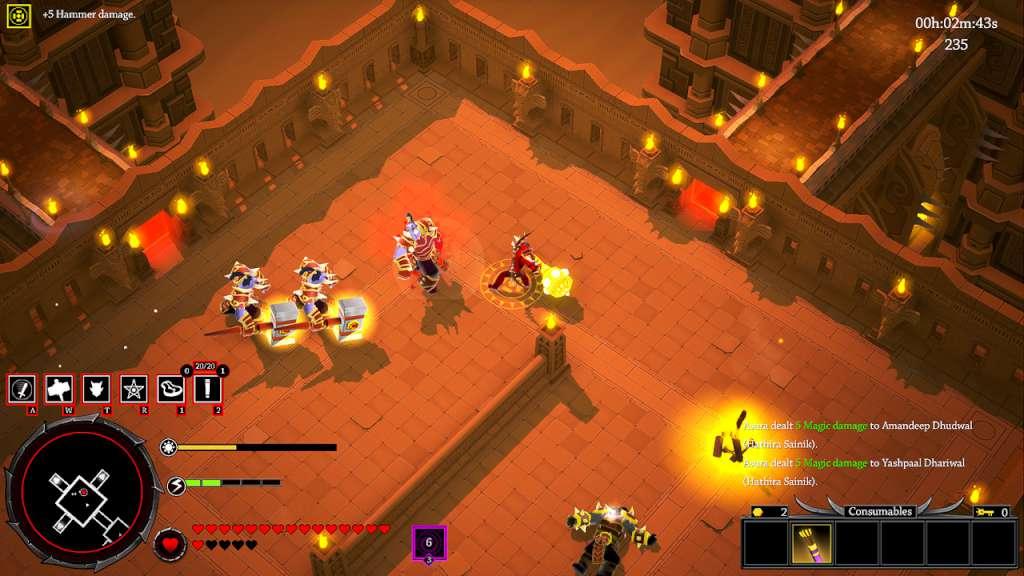
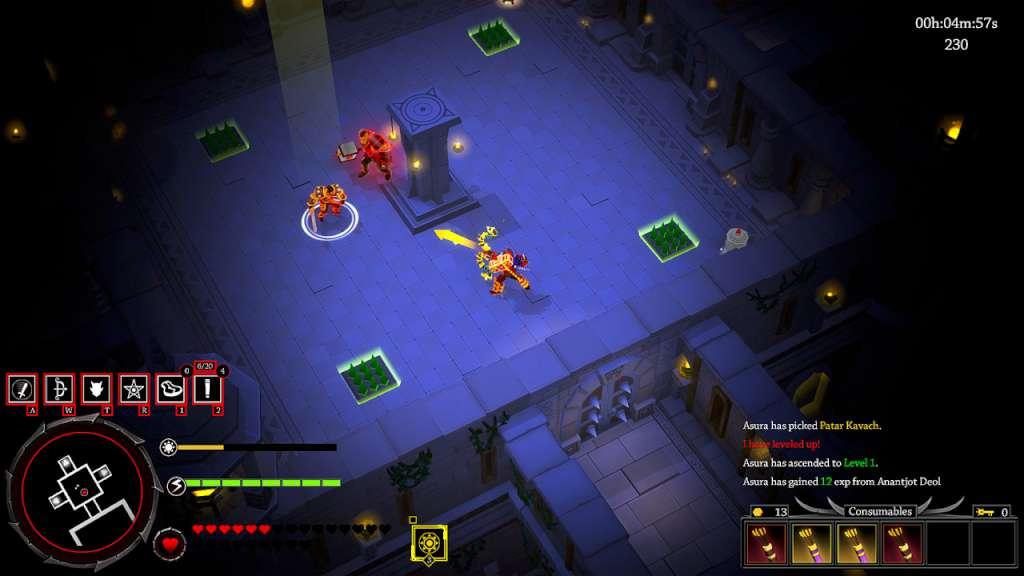
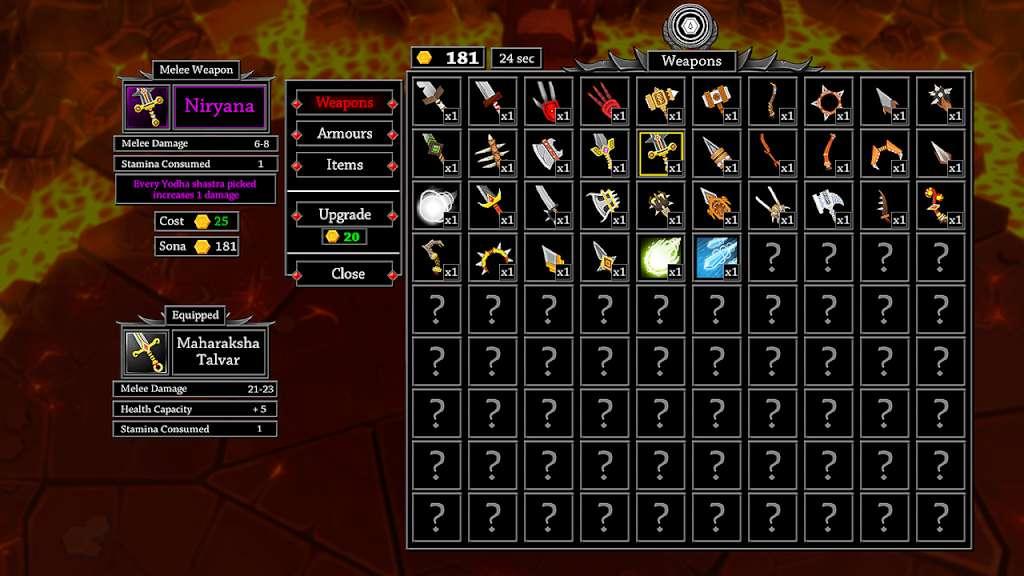
Vengeance Mode: Introducing an endless mode with a brand new level wherein you resist the invading hordes of the Daeva empire. Eliminate as many waves of enemies as possible and compete on the leaderboard with your friends.Chakra System:A new persistent system wherein defeating the bosses will unlock unique perks which can be equipped during battle.Mahasura Difficulty:A new difficulty mode for the hardcore who are looking for a challenge. In Mahasura Difficulty, any enemy, boss or champion can spawn regardless of the fortress. Oh yes! Your weapon will get destroyed when you get burnt. Shamshan: Save your Asura at Shamshan ( Crypt ) and show off the epic gear and ultimate skills you acquired during your invasion.New Items:New artifacts and drops items have been added to the roster and will drop to boost your stats while in combat.New Rooms: Sacrifice your blood in the goblet of Amrut for rewards or test your luck at the dice game called Passa. New rooms have been introduced to the procedural fortresses (levels) in the game.Several other general improvements and the above features have been introduced with the update.
Go to: http://store.steampowered.com/ and download STEAM client Click "Install Steam" (from the upper right corner) Install and start application, login with your Account name and Password (create one if you don't have). Please follow these instructions to activate a new retail purchase on Steam: Launch Steam and log into your Steam account. Click the Games Menu. Choose Activate a Product on Steam... Follow the onscreen instructions to complete the process. After successful code verification go to the "MY GAMES" tab and start downloading.