Get 10% back in Relic Coins on every order
Uurnog Uurnlimited cover

SteamGlobal· Key

Uurnog Uurnlimited

€0.15

+€0.02 cashback eligibility in Relic Coins

Check before you play

Platform
Steam
Region
Global
Product type
Key
Developer
Nifflas Games
Publisher
Raw Fury
Supplier release date
2017-11-16
Genres
Indie, Platformer

About this product

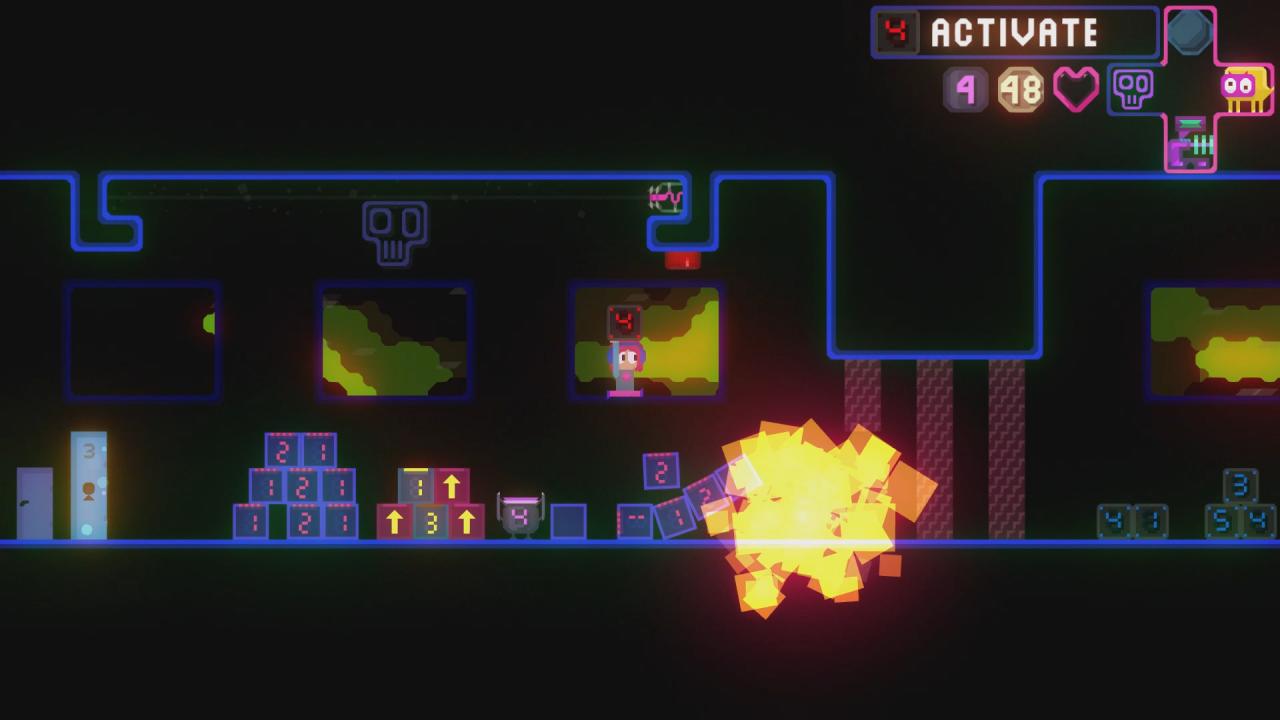
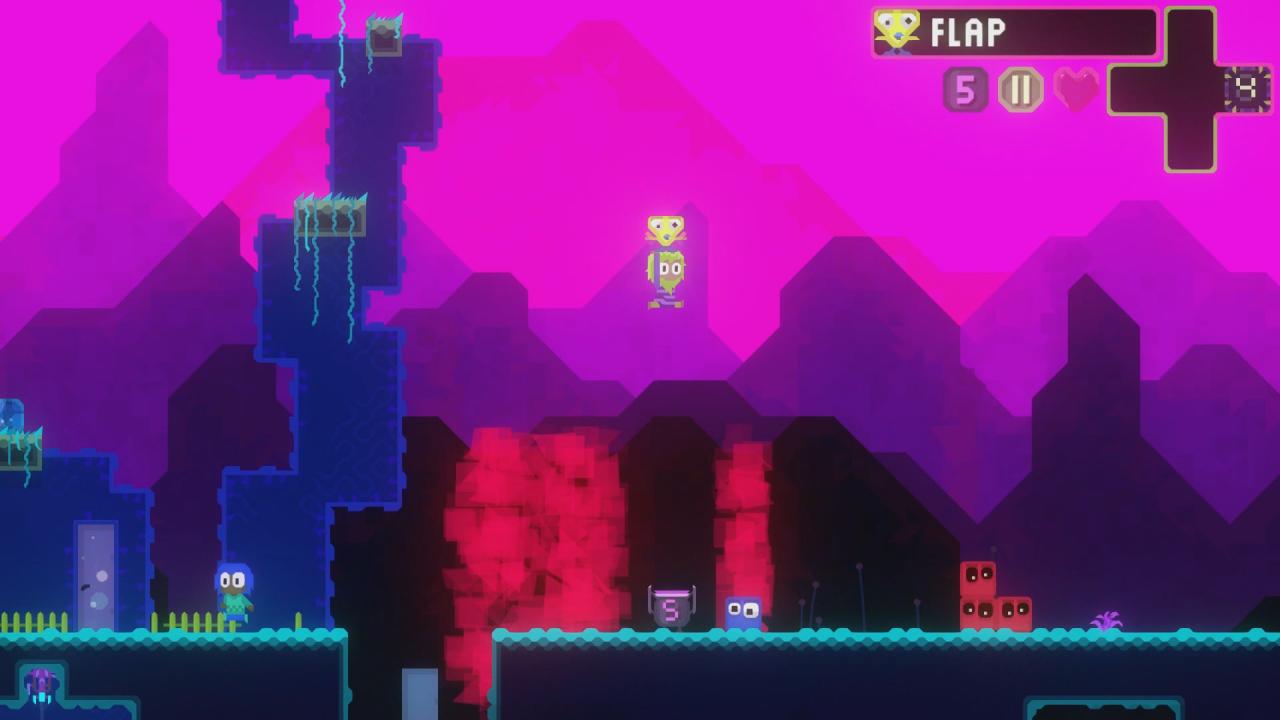
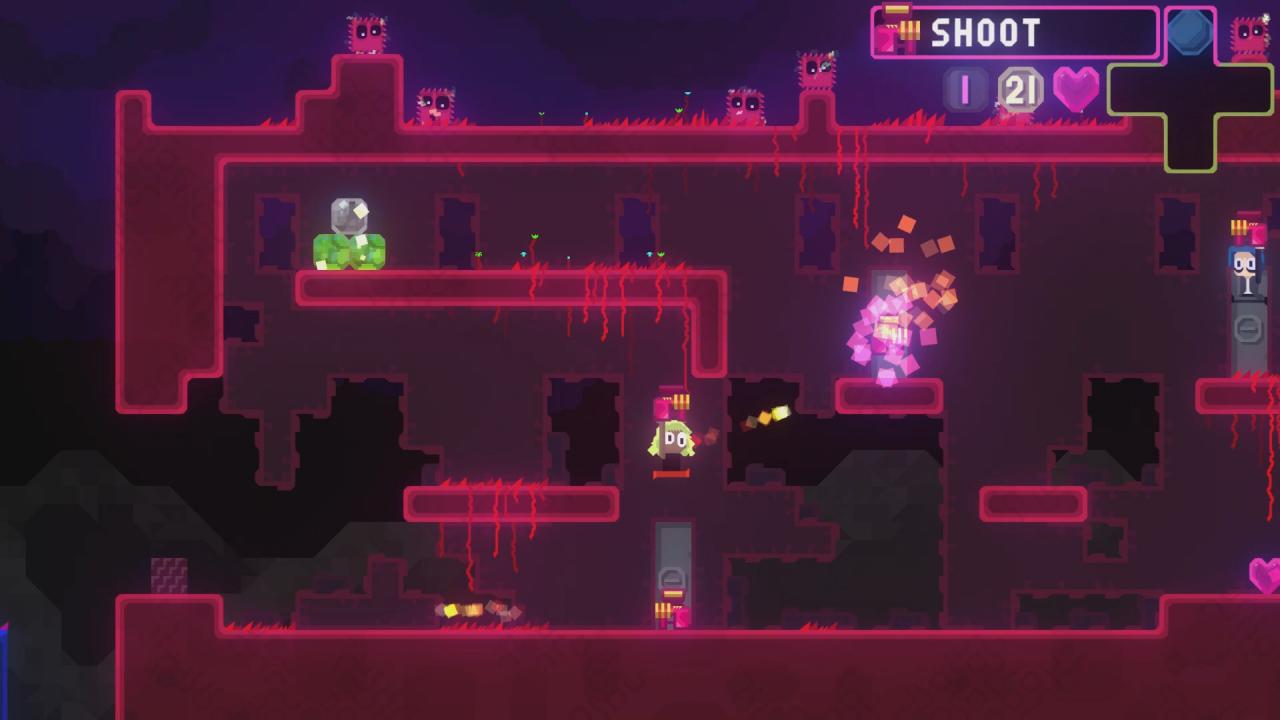
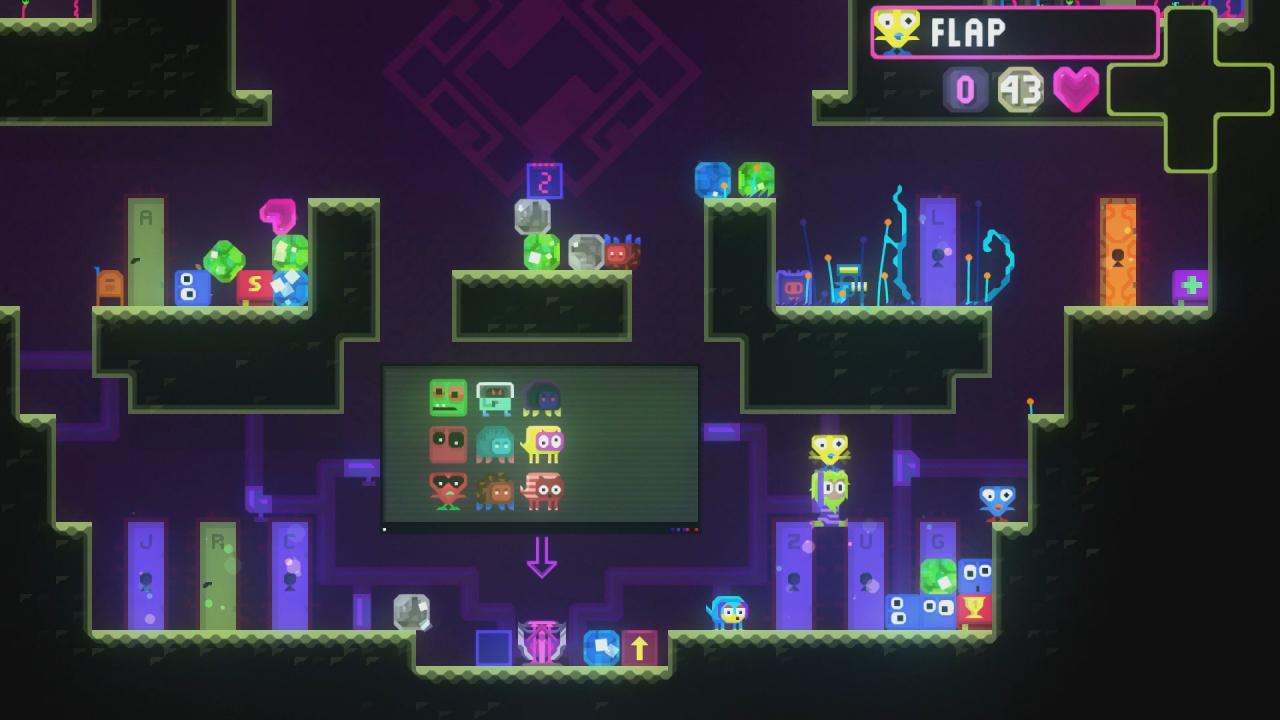
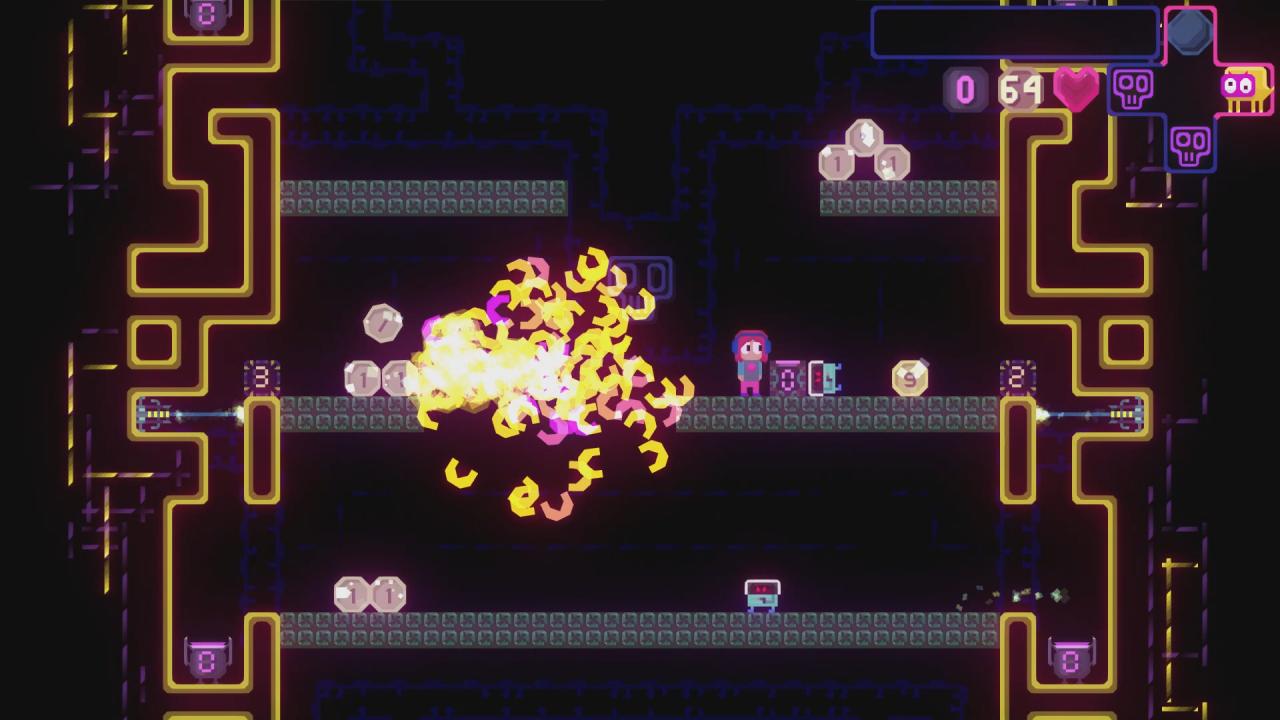
Enter the wacky & whimsical world of Uurnog Uurnlimited, where you have only one goal: find your way around the world, and steal all the animals! Why? Because they’re adorable, and because video games. Uurnog Uurnlimited is a delightfully silly 2D platformer inspired by games like Super Mario Bros. 2, Lyle in Cube Sector, and Dyad. Play single-player or co-op, explore the world through its many mysterious doors, solve puzzles and gather the items and animals needed in your Save Room. Careful though — the Save Room also saves your mistakes (urr nurr!) What else does it have, you ask? Chaotic neutral NPCs that can mess with your game! Algorithmic music that adapts to the gameplay! It's uurnbelievable! It's uurnexplainable! It's Uurnog Uurnlimited! Features CLASSIC 2D PUZZLE PLATFORMER: Solve puzzles and collect animals, then bring them back to your Save Room. CHALLENGING BOSS FIGHTS: Survive long enough and you may even meet the Uurnog! SWEET ALGORITHMIC MUSIC: Adapts the melody, tempo, key, and more to the gameplay. PLAY SOLO OR SHARED SCREEN CO-OP: Real talk: everything is better when you’re playing with a friend as an adorable puppy, right? MULTIPLE ENDINGS: Shhhh. I hear there may even be some secrets to discover.

Uurnog Uurnlimited screenshotUurnog Uurnlimited screenshotUurnog Uurnlimited screenshotUurnog Uurnlimited screenshotUurnog Uurnlimited screenshot

How to redeem

  1. 1Check your Steam account and the listed region before purchasing.
  2. 2Find your code and supplier activation instructions in your confirmed order.
  3. 3Open the redeem-code section on Steam, enter the code and follow the platform’s prompts.

Supplier instructions

Go to: http://store.steampowered.com/ and download STEAM client Click "Install Steam" (from the upper right corner) Install and start application, login with your Account name and Password (create one if you don't have). Please follow these instructions to activate a new retail purchase on Steam: Launch Steam and log into your Steam account. Click the Games Menu. Choose Activate a Product on Steam... Follow the onscreen instructions to complete the process. After successful code verification go to the "MY GAMES" tab and start downloading.

You might also like