Get 10% back in Relic Coins on every order
Titan Quest - Ragnarök DLC Required cover

SteamRu Vpn· DLC

Titan Quest - Ragnarök DLC Required

€9.94

+€0.99 cashback eligibility in Relic Coins

Check before you play

Platform
Steam
Region
Ru Vpn
Product type
DLC

Check the required base game and edition before purchasing this add-on.

Publisher
THQ Nordic
Supplier release date
2016-08-31
Genres
Action, RPG, Hack and Slash

About this product

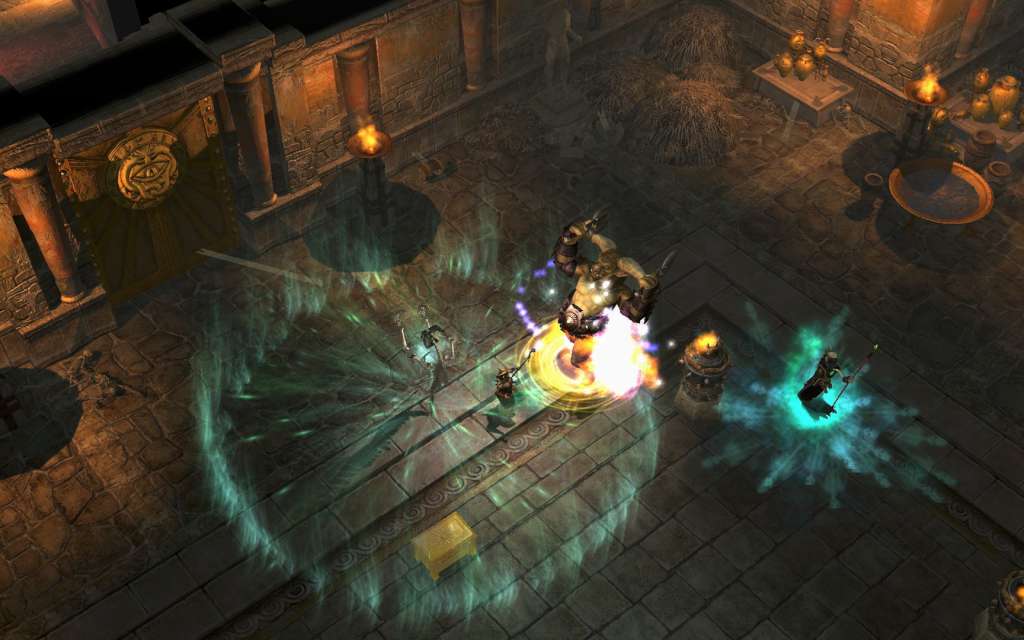
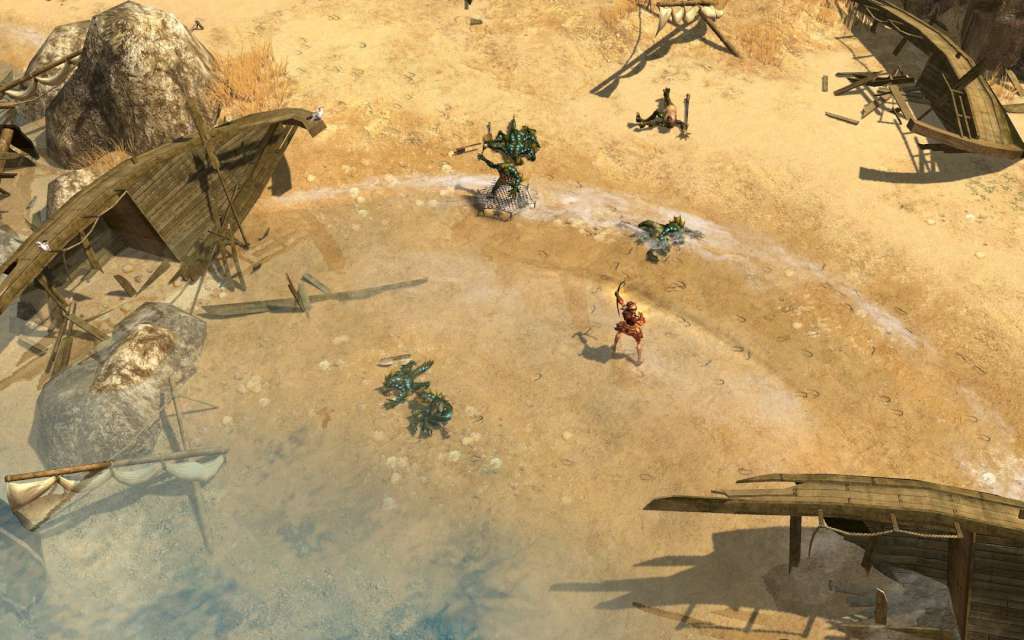
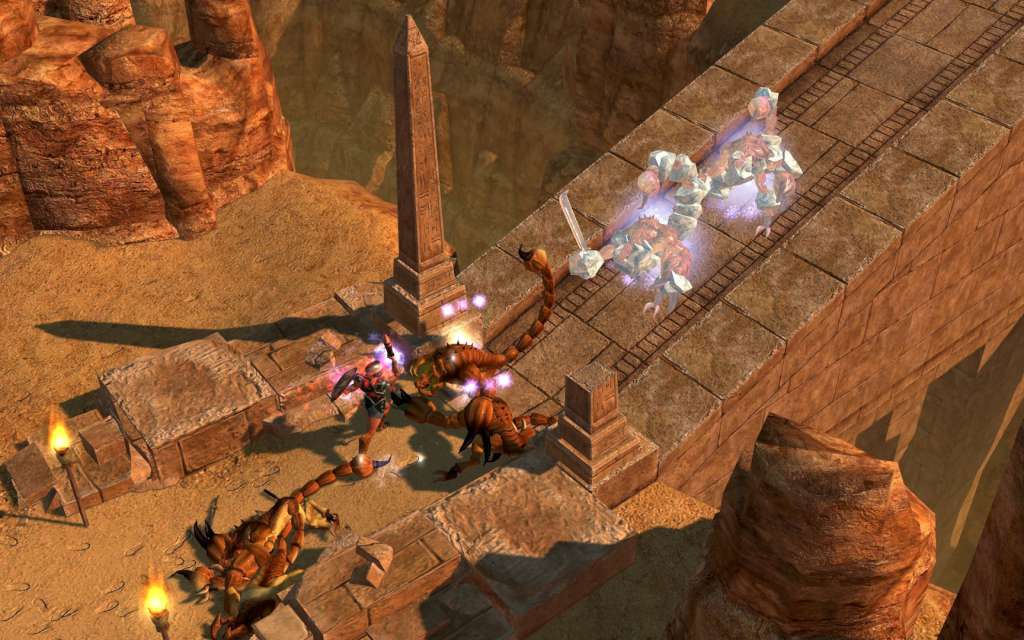
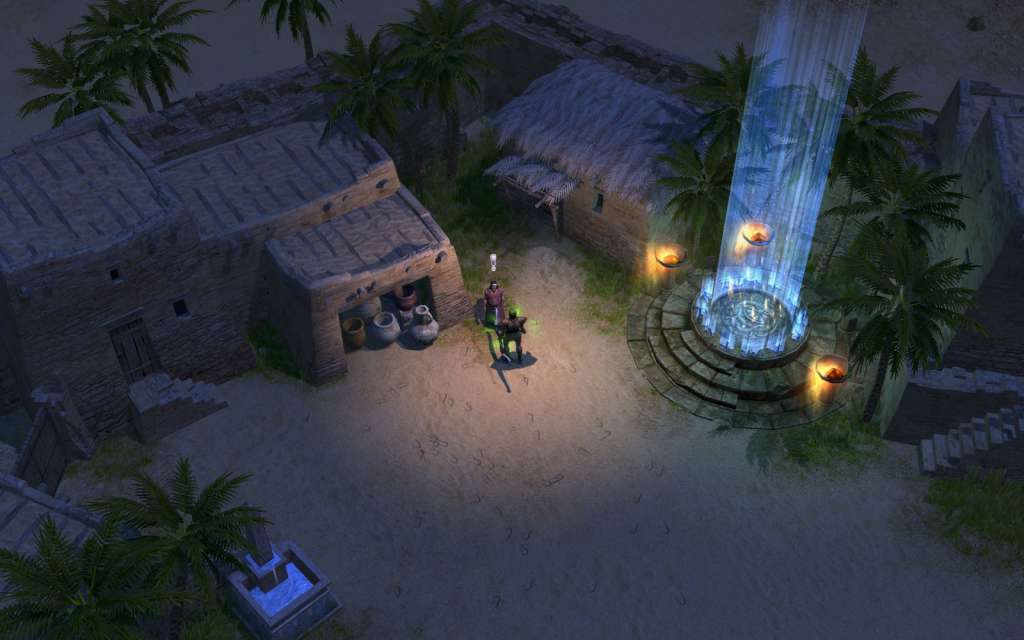
At long last, Titan Quest continues its epic journey through the world of antiquity. A mysterious threat calls the heroes of Hades to the uncharted lands of northern Europe, where new enemies await and new powers and treasures are waiting to be found! This new expansion to the acclaimed Anniversary Edition of Titan Quest adds a fifth act of unprecedented scope, along with many new and requested features including new weapon types and a 10th Mastery for your characters to learn.

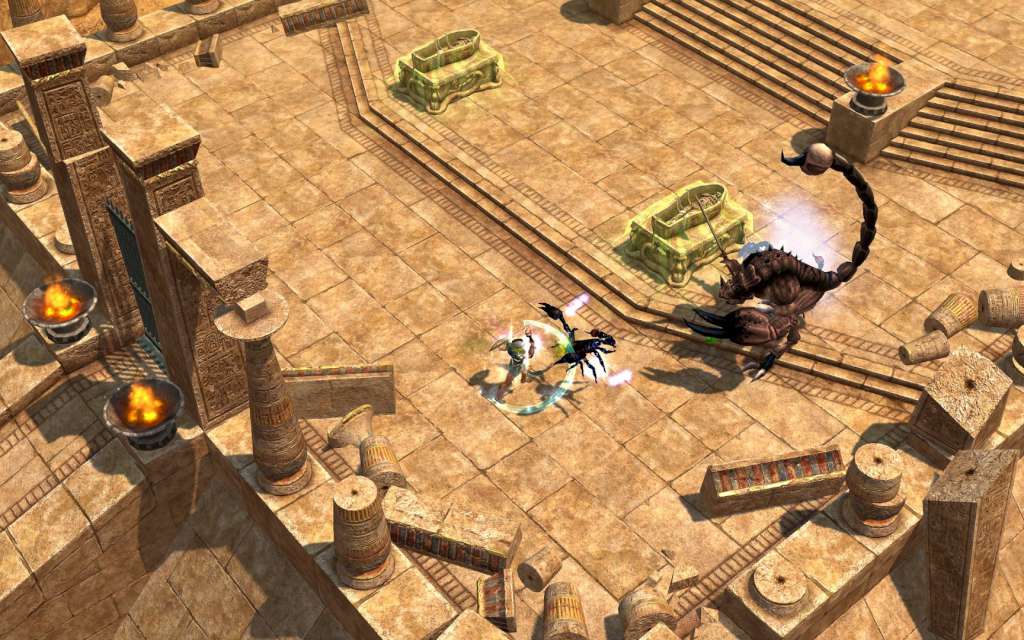
Titan Quest - Ragnarök DLC Required screenshotTitan Quest - Ragnarök DLC Required screenshotTitan Quest - Ragnarök DLC Required screenshotTitan Quest - Ragnarök DLC Required screenshotTitan Quest - Ragnarök DLC Required screenshotTitan Quest - Ragnarök DLC Required screenshot

How to redeem

  1. 1Check the required base game, platform and edition before purchasing.
  2. 2Find the code or supplier activation instructions in your confirmed order.
  3. 3Redeem on Steam using the supplied instructions, then install the add-on with the compatible base game.

Supplier instructions

This is the Russian version of the game.Buy this product only if you understand the risk and at your own responsibility! Russian IP address is required to activate the key on Steam!Use a Russian VPN to do so. (Quick & Easy Instructions https://www.kinguin.net/vpn) If you experience any issues redeeming the key, follow these instructions: Open your https://store.steampowered.com/about/ client, and log in to your account, in the Steam settings, choose Account tab, then Manage Steam Guard Account Security and deauthorize all other devices, close Steam client, and then start your VPN app, open Steam client and login to your account. In your account details, update your store country to match your VPN location, redeem the key in Steam.

You might also like