
SteamGlobal· Key
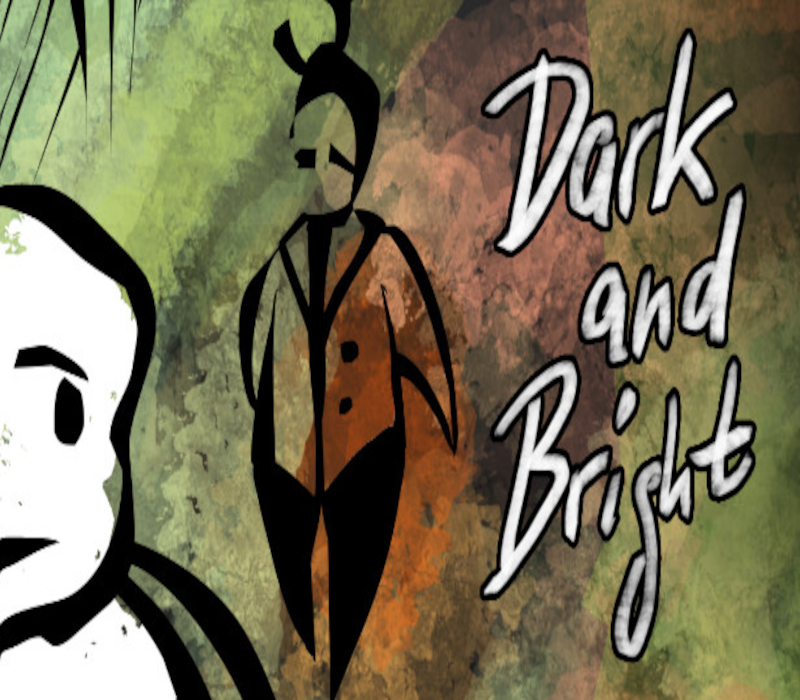
Dark and Bright
€0.69
+€0.07 cashback eligibility in Relic Coins
Check before you play
- Platform
- Steam
- Region
- Global
- Product type
- Key
- Supplier release date
- 2017-11-29
- Genres
- RPG, Indie
SteamGlobal· Key
€0.69
+€0.07 cashback eligibility in Relic Coins
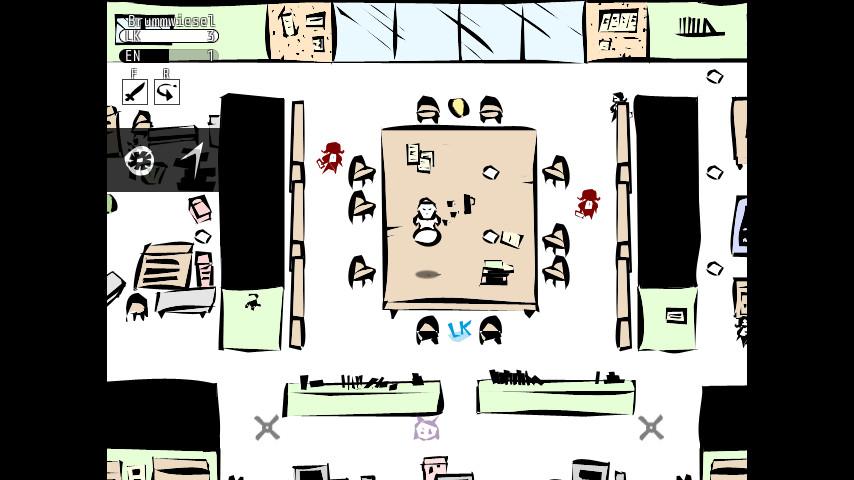
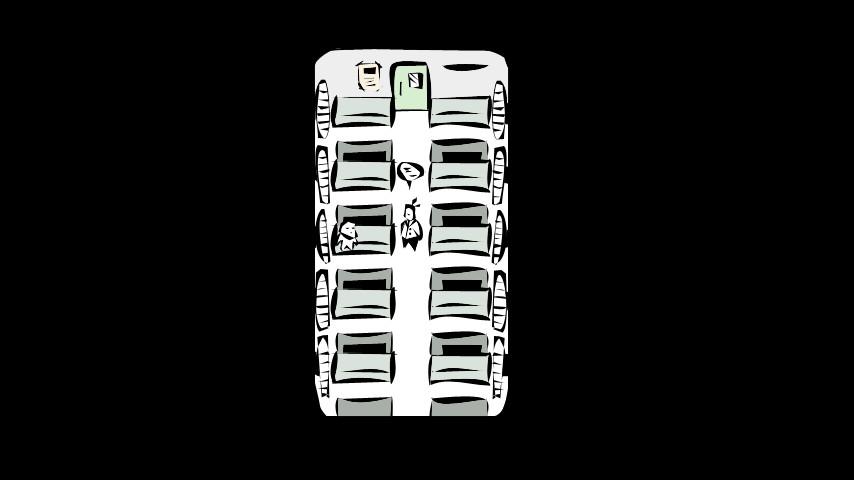
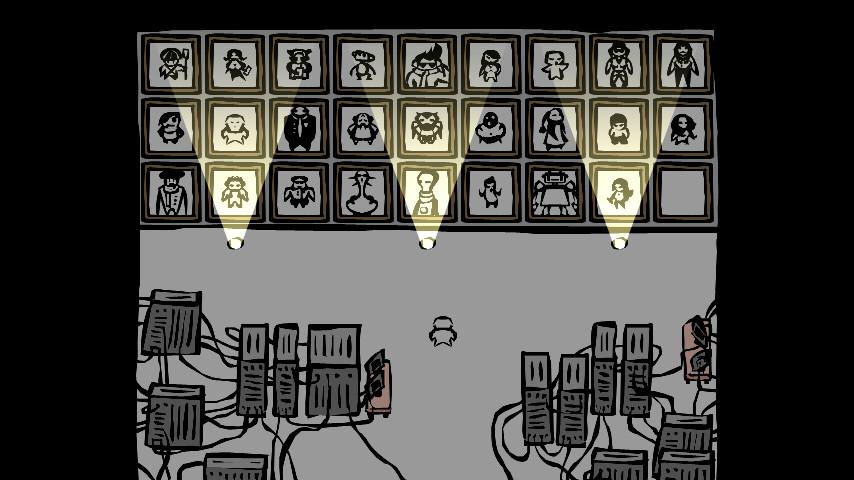
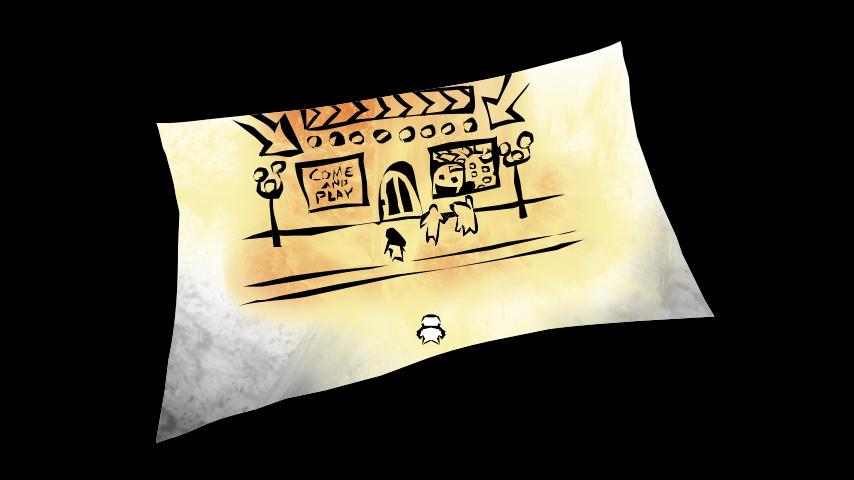
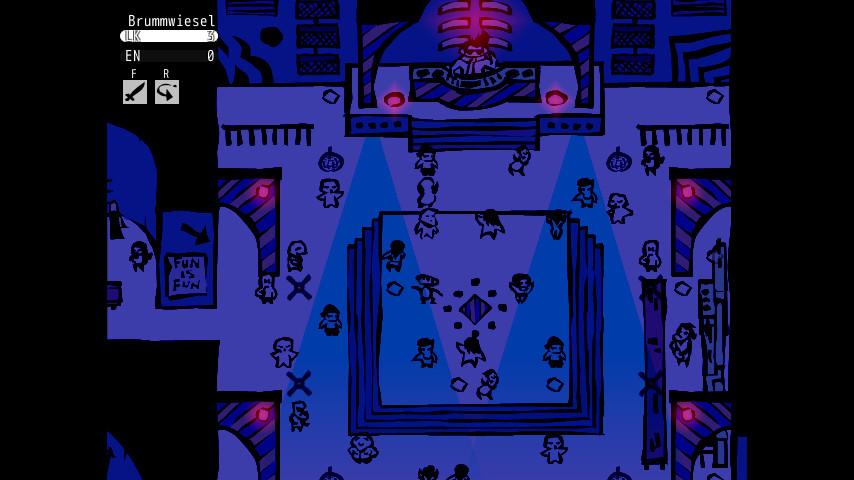
Grouchweasel is about to get lost in a place that combines reality and dream. What is this world and how did he get here? Can you help him?Nothing's unusual. Nothing's spectacular. You could say that Grouchweasel stagnates. He lives a life that he doesn't desire but can't escape, either. Everyday life makes him a container for emotions that he needs to hold back. Just when he realizes that he can't go on like this any longer, he finds himself in a strange world that is not too far from reality. But is this still reality? Grouchweasel will need to find out soon, because his stay here seems to be limited. In this foreign world, Grouchweasel travels everyday. He's on the journey of his life. Lastly, everything's unusual. Everything's spectacular. Nothing's right! RPG, skill and puzzle - Dark and Bright combines several genres. There are levels which need to be accomplished in order to succeed on the journey through the unknown. Within these levels, magic orbs need to be gathered. While doing so, the player mustn't touch enemies. A simple and traditional action battle system as well as four playable characters with an individual ability each, make this RPG a whole different experience!
Go to: http://store.steampowered.com/ and download STEAM client Click "Install Steam" (from the upper right corner) Install and start application, login with your Account name and Password (create one if you don't have). Please follow these instructions to activate a new retail purchase on Steam: Launch Steam and log into your Steam account. Click the Games Menu. Choose Activate a Product on Steam... Follow the onscreen instructions to complete the process. After successful code verification go to the "MY GAMES" tab and start downloading.