Get 10% back in Relic Coins on every order
Silent Descent cover

SteamGlobal· Key

Silent Descent

€1.31

+€0.13 cashback eligibility in Relic Coins

Check before you play

Platform
Steam
Region
Global
Product type
Key
Developer
Deceptive Games Ltd.
Publisher
Deceptive Games Ltd.
Supplier release date
2017-11-14
Genres
Action, Adventure, Indie

About this product

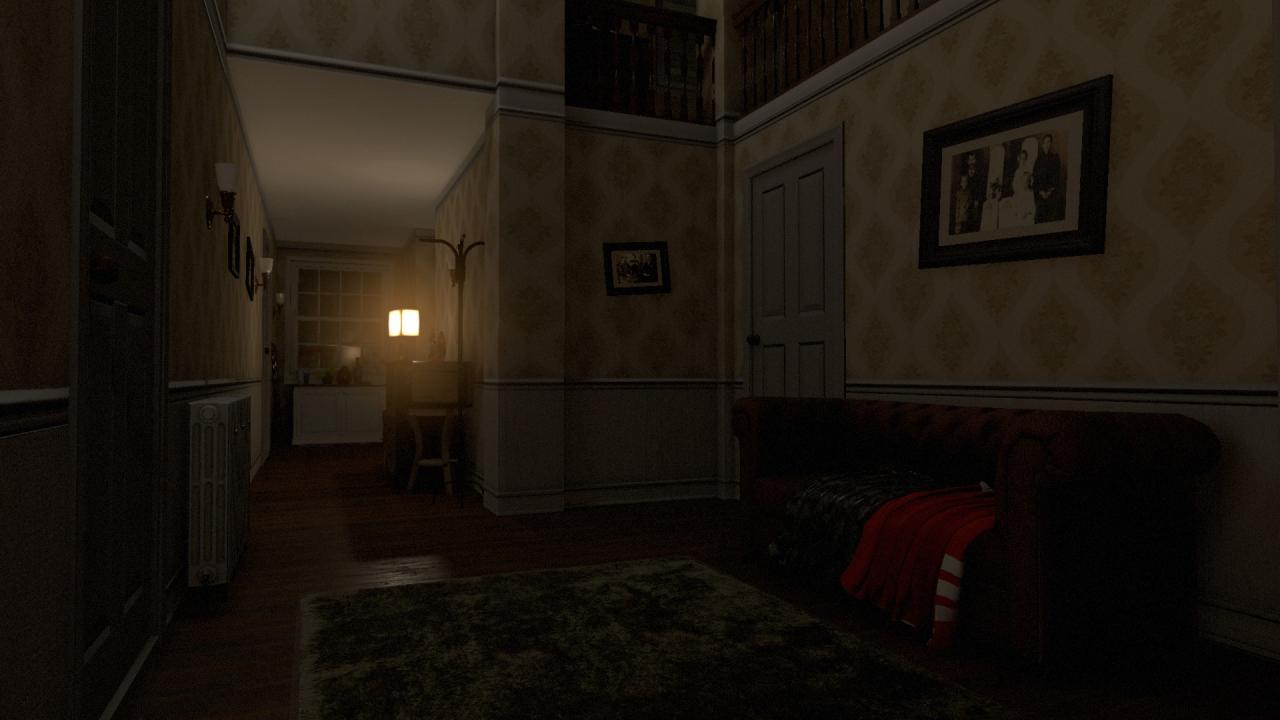
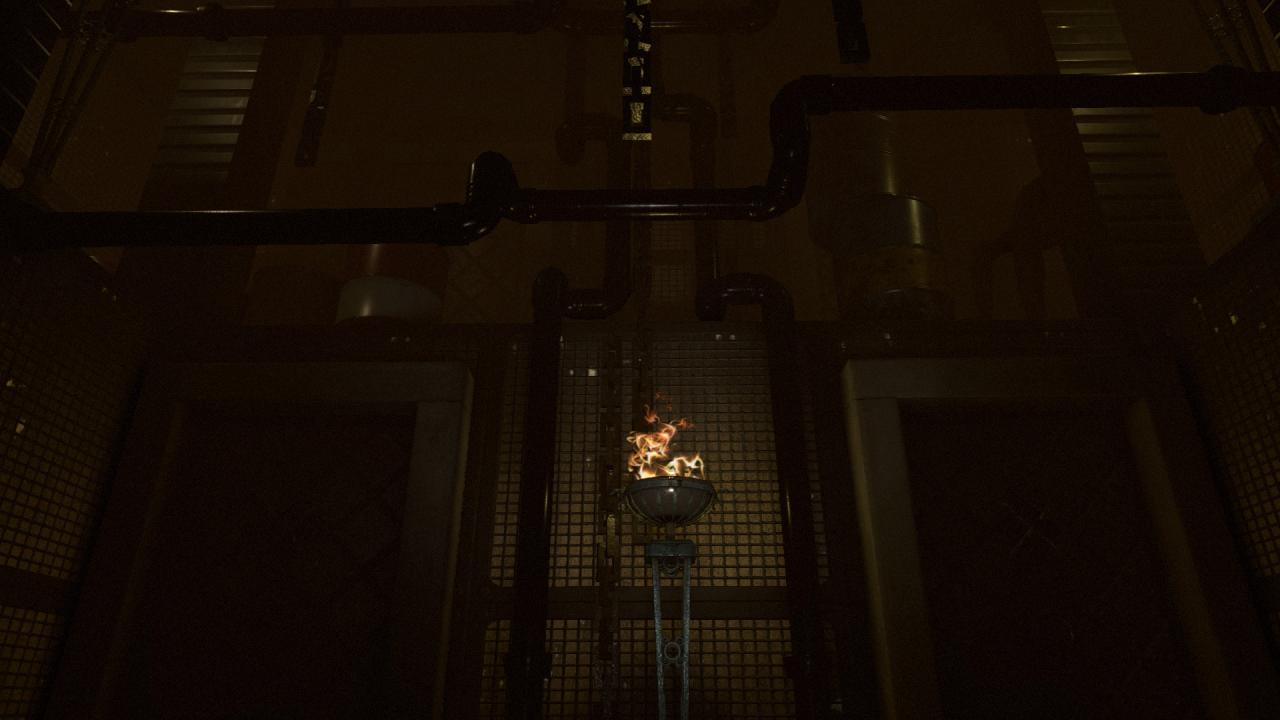
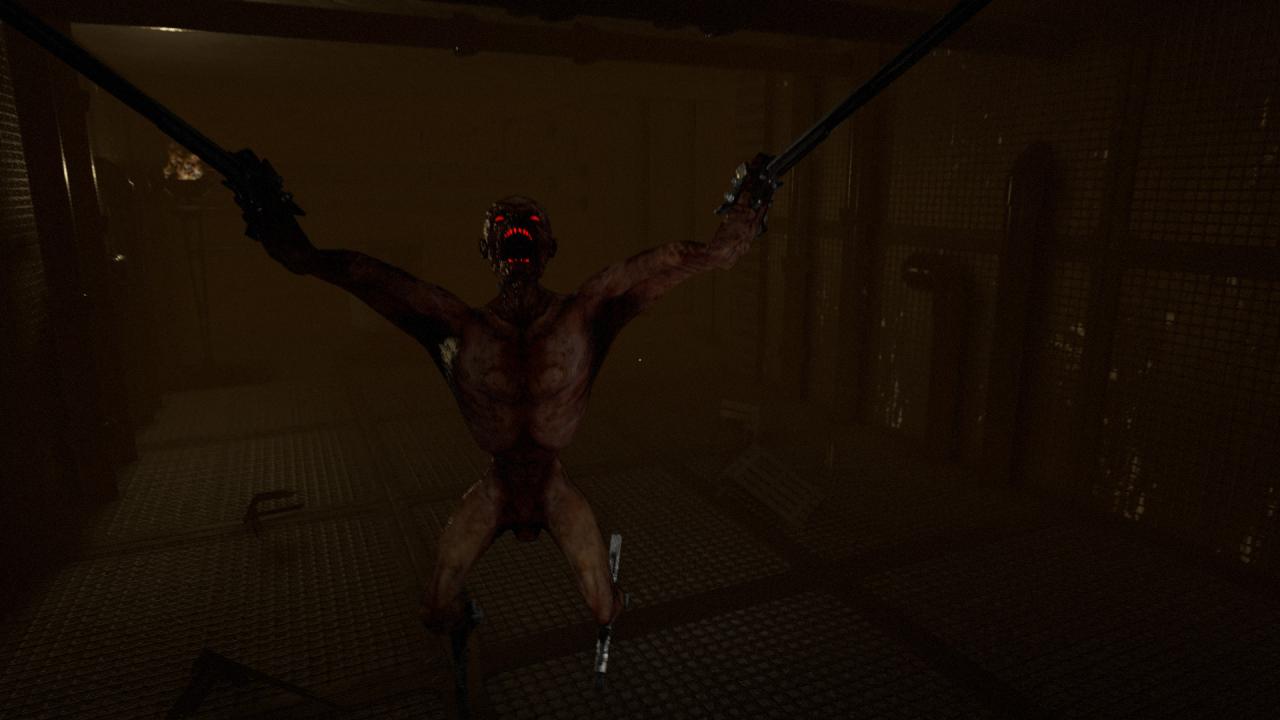
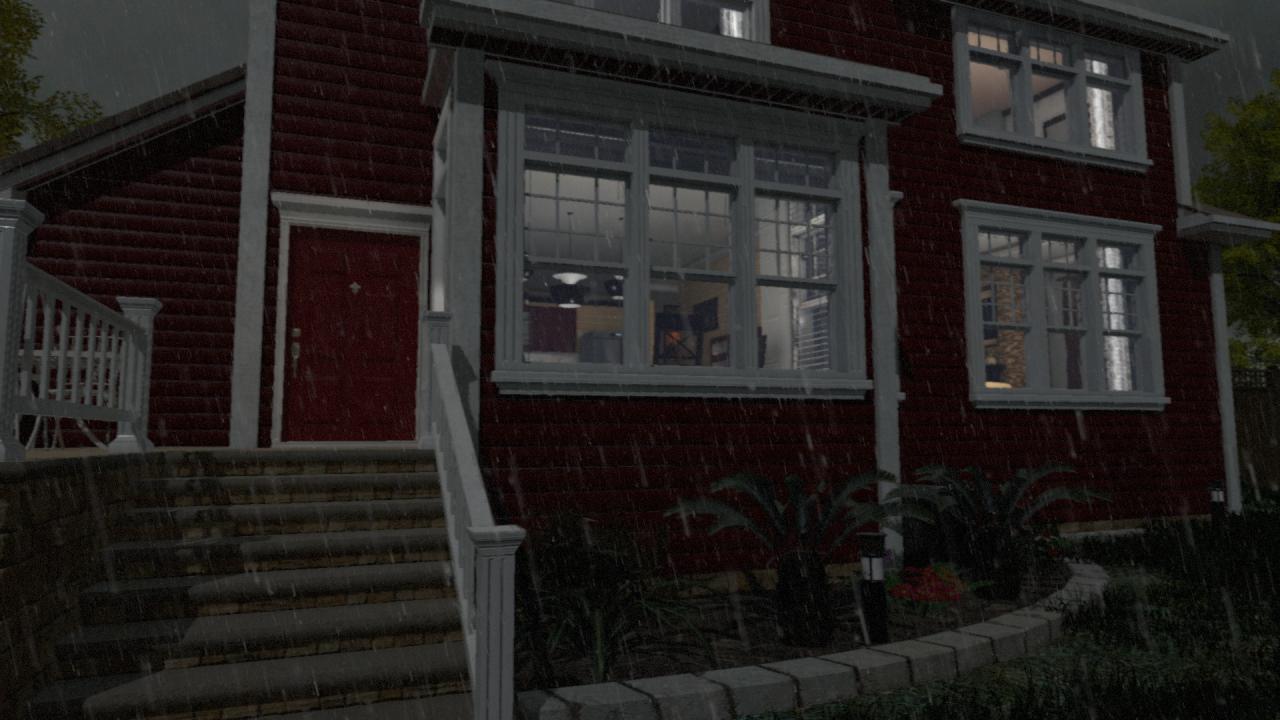
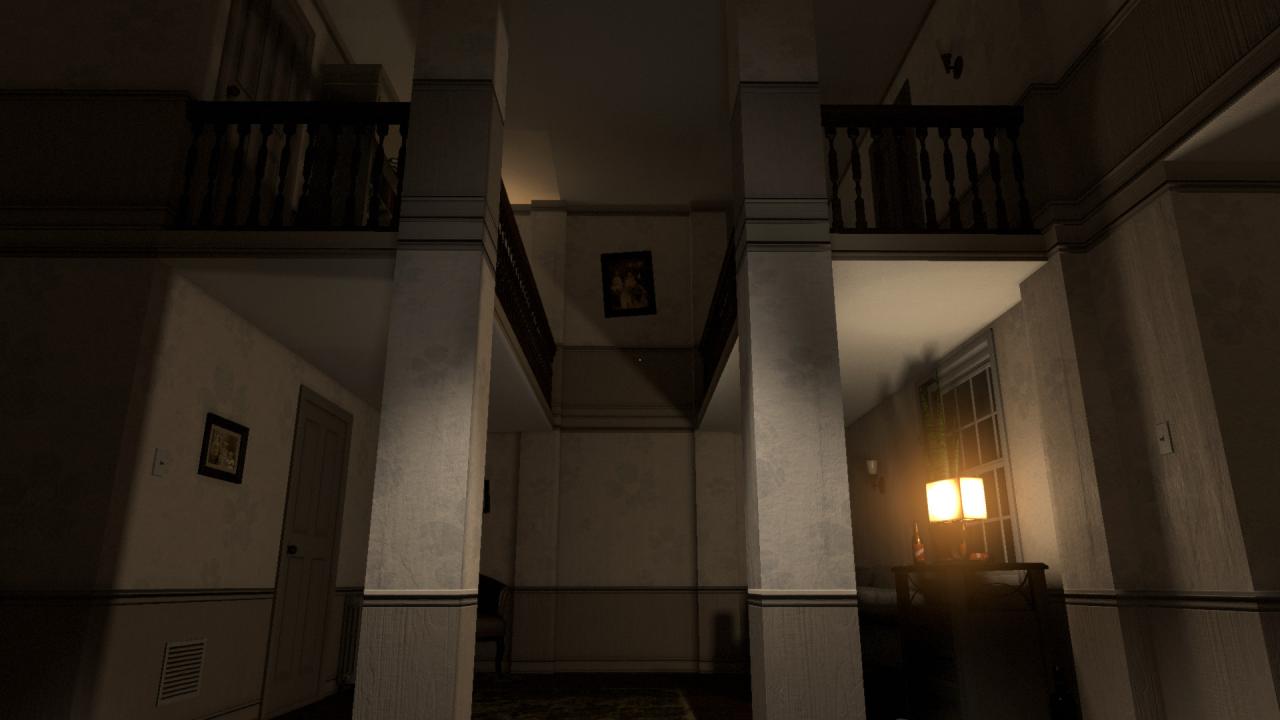
Silent Decent is a highly-immersive first-person horror game with a rich and engaging atmosphere. Trapped in purgatory, you play as Samuel Harris who roams in an endless loop of anguish, pain and suffering. Can you find a way to save a tormented man's soul? Features Atmospheric Environments - An eerie immersive and detail world is waiting for you to explore. Psychological Experience - Silent Descent has been designed to provide a psychological horror experience. Game-play - Intuitive mechanics and controls. Enemies - Multiple enemies types of the after-life. You are the hunted, not the hunter. Puzzle Elements - Collect and harness items to aid your survival and progression. Resolution and Graphics - 4K support. Audio - Features an intense and immersive sound design. Random Encounters - Enemies can spawn dynamically and can be located anywhere. Nowhere is safe. Story - Silent Descent's setting and story is loosely based on real life events.

Silent Descent screenshotSilent Descent screenshotSilent Descent screenshotSilent Descent screenshotSilent Descent screenshot

How to redeem

  1. 1Check your Steam account and the listed region before purchasing.
  2. 2Find your code and supplier activation instructions in your confirmed order.
  3. 3Open the redeem-code section on Steam, enter the code and follow the platform’s prompts.

Supplier instructions

Go to: http://store.steampowered.com/ and download STEAM client Click "Install Steam" (from the upper right corner) Install and start application, login with your Account name and Password (create one if you don't have). Please follow these instructions to activate a new retail purchase on Steam: Launch Steam and log into your Steam account. Click the Games Menu. Choose Activate a Product on Steam... Follow the onscreen instructions to complete the process. After successful code verification go to the "MY GAMES" tab and start downloading.

You might also like