Get 10% back in Relic Coins on every order
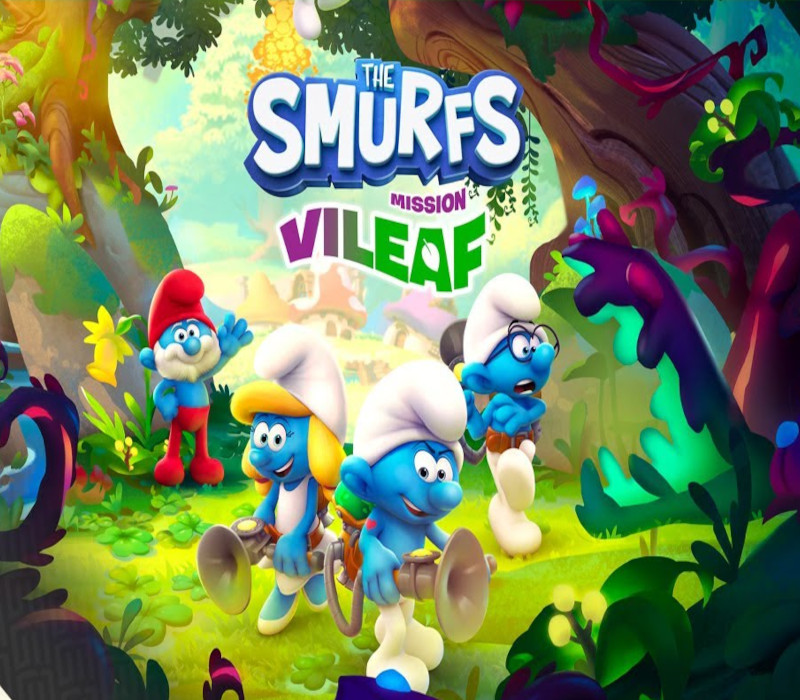
The Smurfs Mission Vileaf cover

Xbox OneGlobal· Account

The Smurfs Mission Vileaf

€9.38

+€0.94 cashback eligibility in Relic Coins

Check before you play

Platform
Xbox One
Region
Global
Product type
Account

This listing delivers an account, not a game key. Read the supplier’s conditions before purchasing.

Developer
Osome Studio
Publisher
Microids
Supplier release date
2021-11-16
Genres
Action, Adventure

About this product

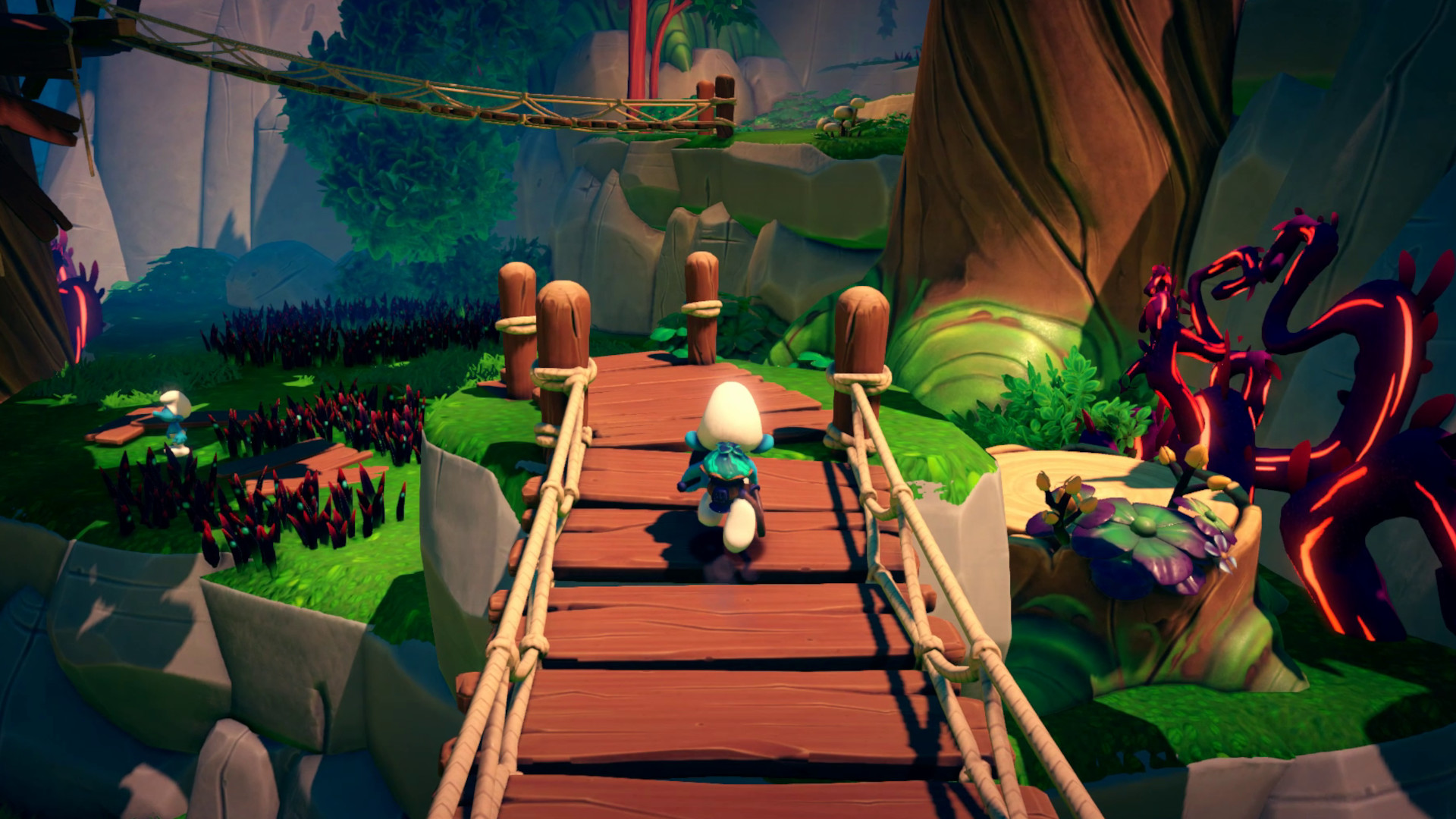
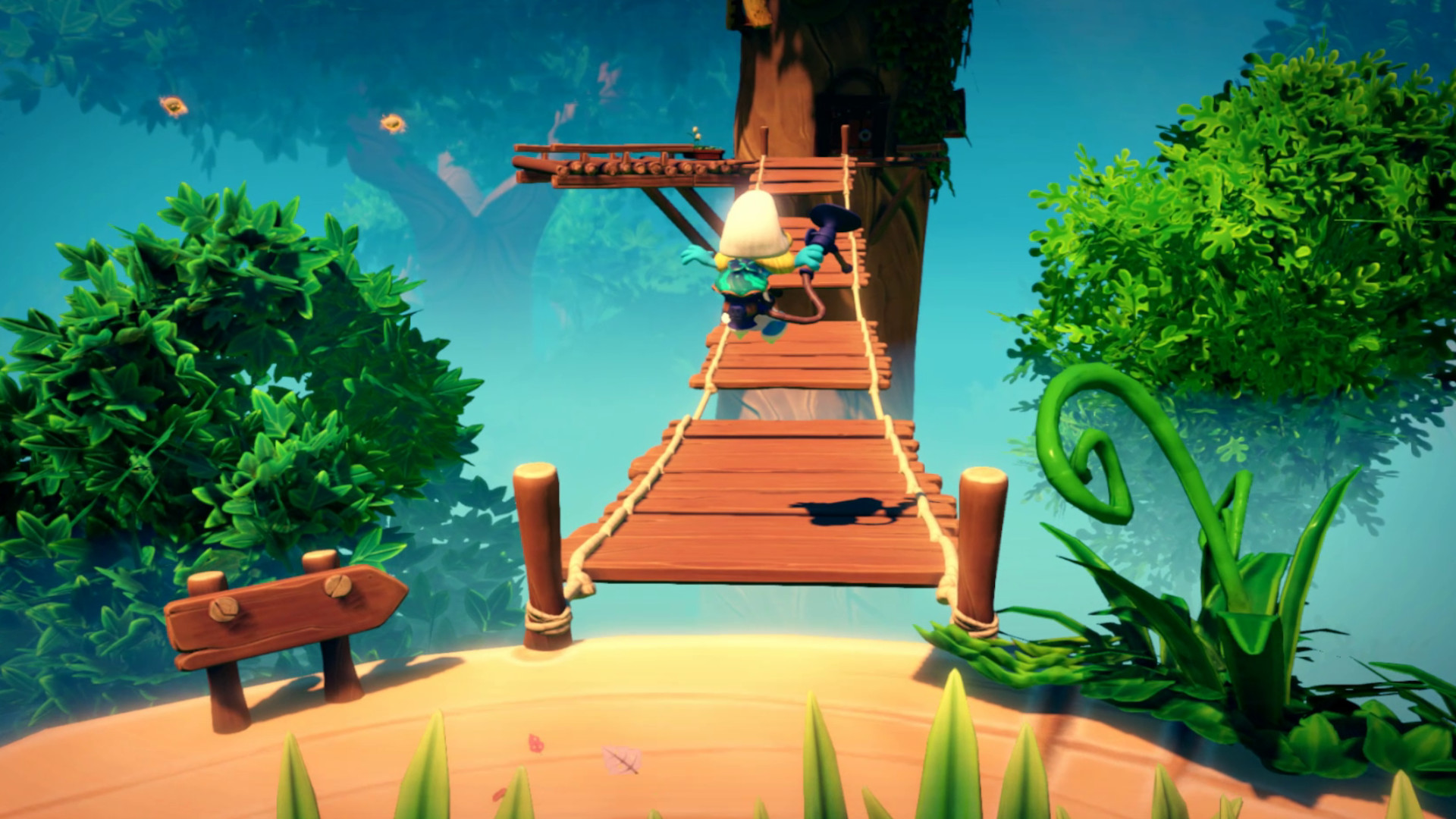
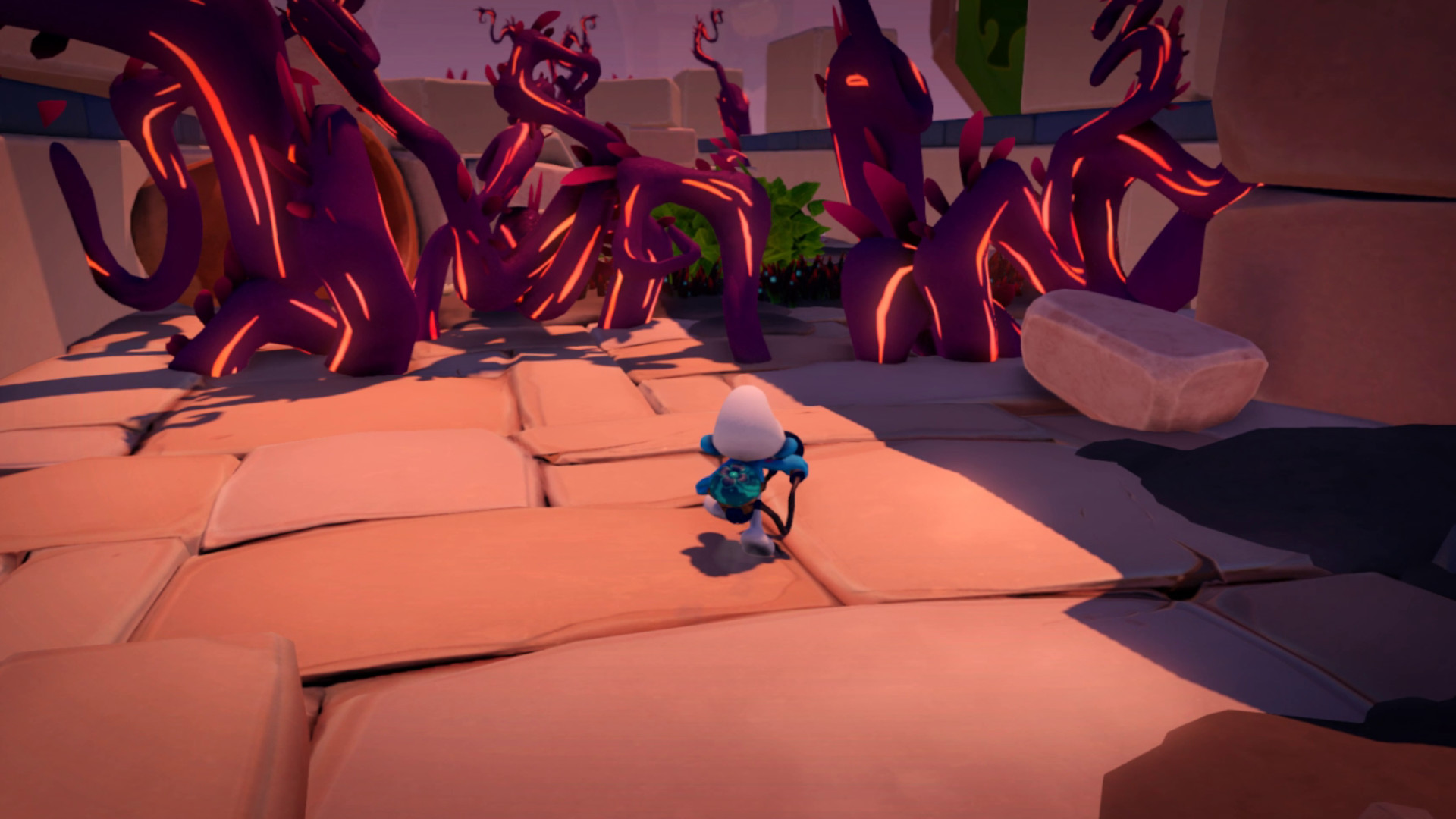
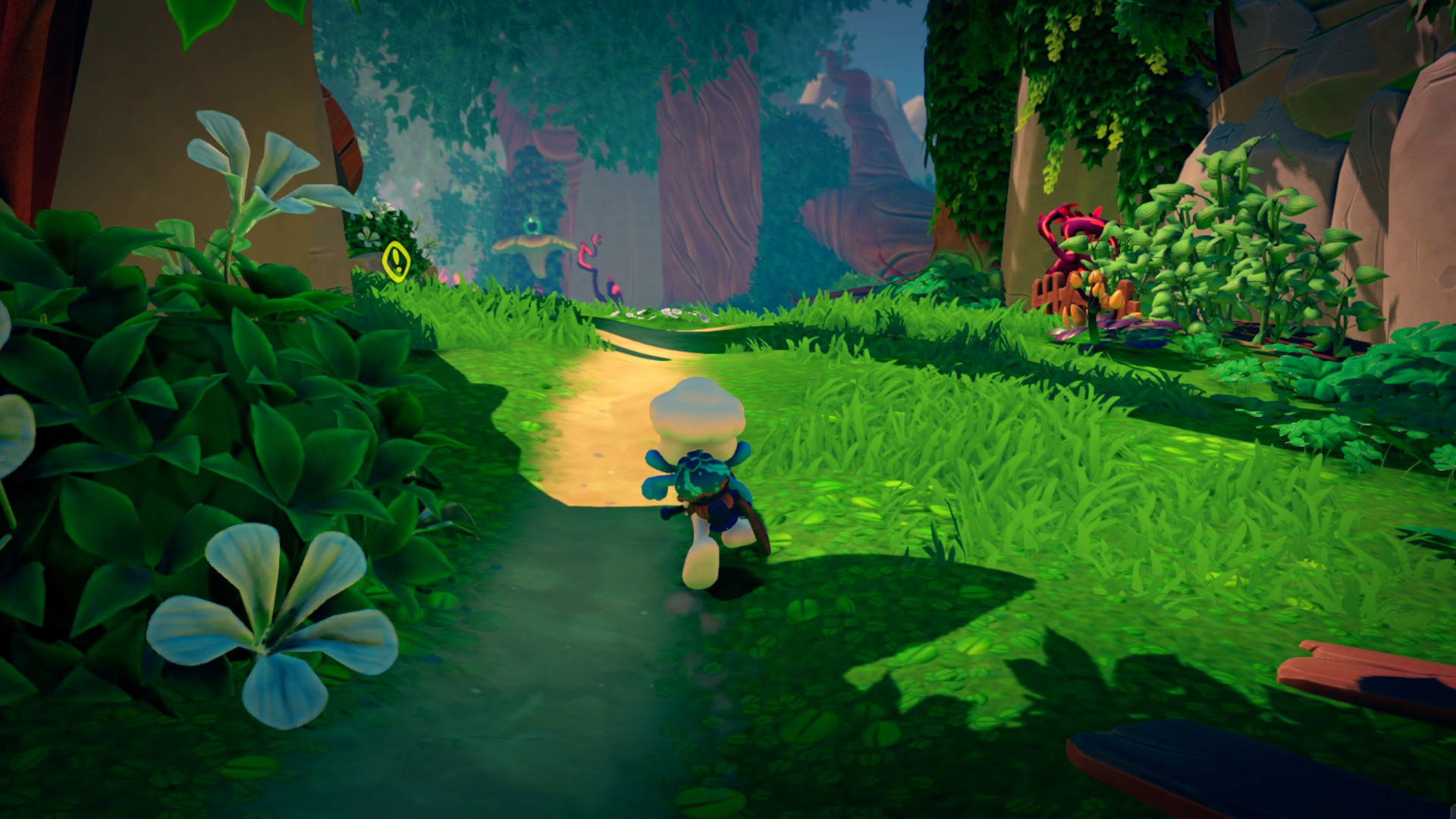
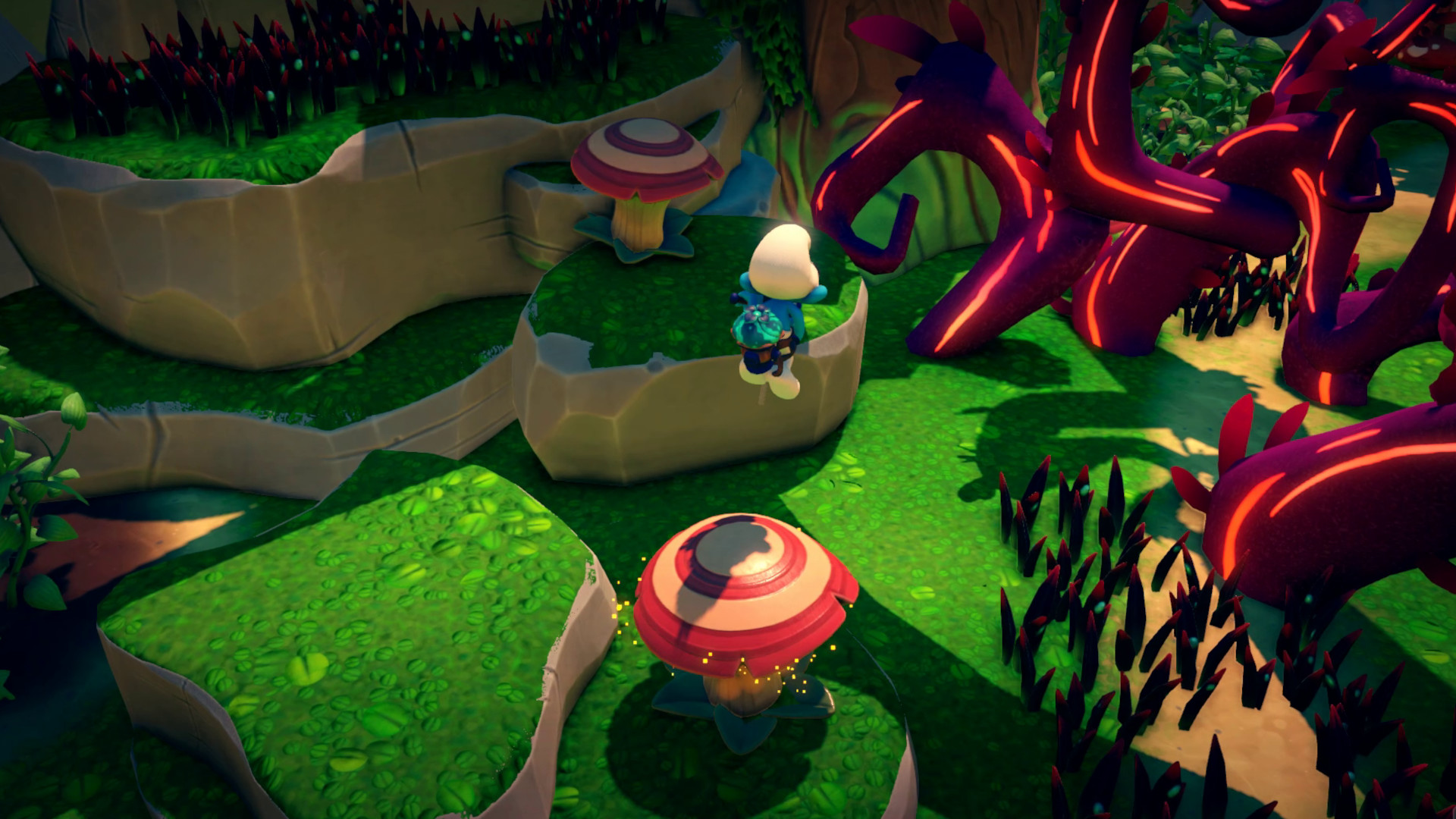
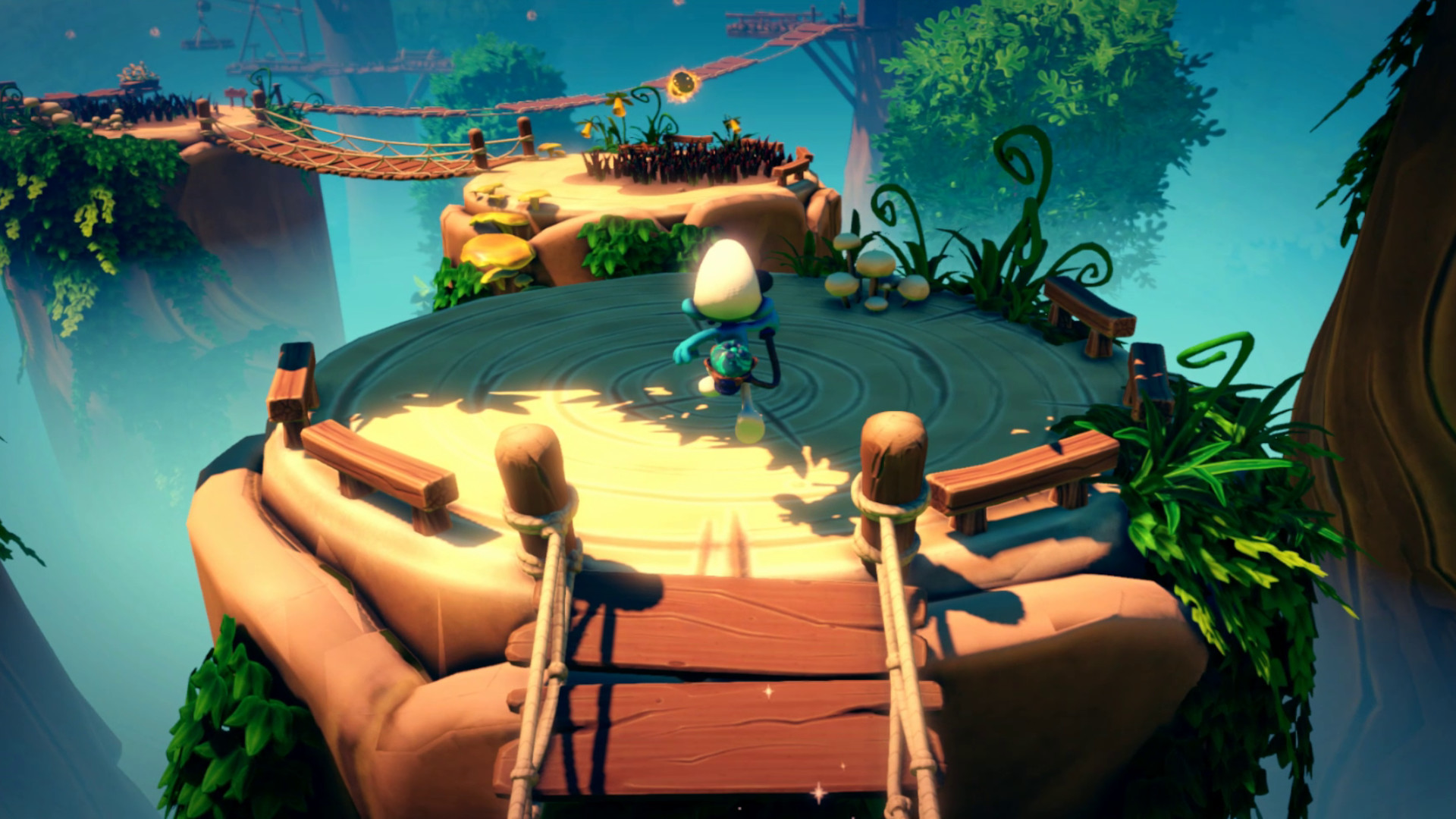
Go on an adventure to save your forest!In a dusty grimoire, the wizard Gargamel just put his hands on the formula of an evil plant: the VILEAF. This plant produces “VILETRAP” seeds, which can attract and imprison Smurfs… but these VILETRAP plants are also a great danger for the forest, as they are TOXIC, especially for the sarsaparilla fields!PAPA SMURF decides to ask some of his fellow Smurfs to help him find the ingredients for a super powerful antidote for all the plants sick from the VILEAF.Thanks to the SMURFIZER, an invention from HANDY SMURF, go on an adventure to find the ingredients and free your fellow Smurfs… and save the whole village!GENERAL INFORMATION Embody 4 iconic Smurfs: the Smurfette, Hefty Smurf, Brainy Smurf and Chef Smurf in 5 different worlds Use the Smurfizer to heal the Vileaf contaminated plants on your way to Gargamel’s hovel The Smurfizer will also make you jump, glide, dive, vacuum… keep a good timing to overcome every obstacle and beat your enemies A subtle mix of platforming and exploration gameplays: find your way through vertical levels and explore them to uncover every secrets Give life back to the Smurfs village by making progress and improve the Smurfizer by finding items spread around the levels A game for every Smurfs fan, young or old, but also for every 3D platforming game fan!

The Smurfs Mission Vileaf screenshotThe Smurfs Mission Vileaf screenshotThe Smurfs Mission Vileaf screenshotThe Smurfs Mission Vileaf screenshotThe Smurfs Mission Vileaf screenshotThe Smurfs Mission Vileaf screenshot

How to redeem

  1. 1Read the account conditions and regional restrictions before purchasing.
  2. 2Open your confirmed order in your Relic Key account to view the supplier’s account details.
  3. 3Follow the supplied sign-in and setup instructions. This is an account, not a redeemable key.

Supplier instructions

Use the credentials you received (directly or via an external website) and log into the account. Make sure that the content on the account is correct (correct edition of the game, no playtime etc.) Add the purchased account to your console and set it as Xbox home account: Purchased account has to be added as a new user, not as a guest30 Xbox Series X S How to Make Account Primary! Change the credentials to make the account your own: Change the email Change the password Add 2FANOTE: Applying any changes to the purchased account, such as adding a payment method or changing the region, may result in the account being banned. In such cases, no refund is applicable. Once the account is added to your console (as a Xbox home account), download the game and switch back to the account you would like to play from. This way your progress will be saved on the account you are using.* The account should be used as a way of accessing the game/content you are interested in. It is not recommended to use it as your main account, as you might have issues with making purchases on it. *Note: Some content available in the Special Editions like in-game currency, skins, bonuses etc. may not be accessible from your main account.

You might also like