Get 10% back in Relic Coins on every order
Drosoph Hotel cover

SteamGlobal· Key

Drosoph Hotel

€1.17

+€0.12 cashback eligibility in Relic Coins

Check before you play

Platform
Steam
Region
Global
Product type
Key
Developer
Mythic Chest
Publisher
Mythic Chest
Supplier release date
2017-10-23
Genres
Adventure, Simulation, Indie

About this product

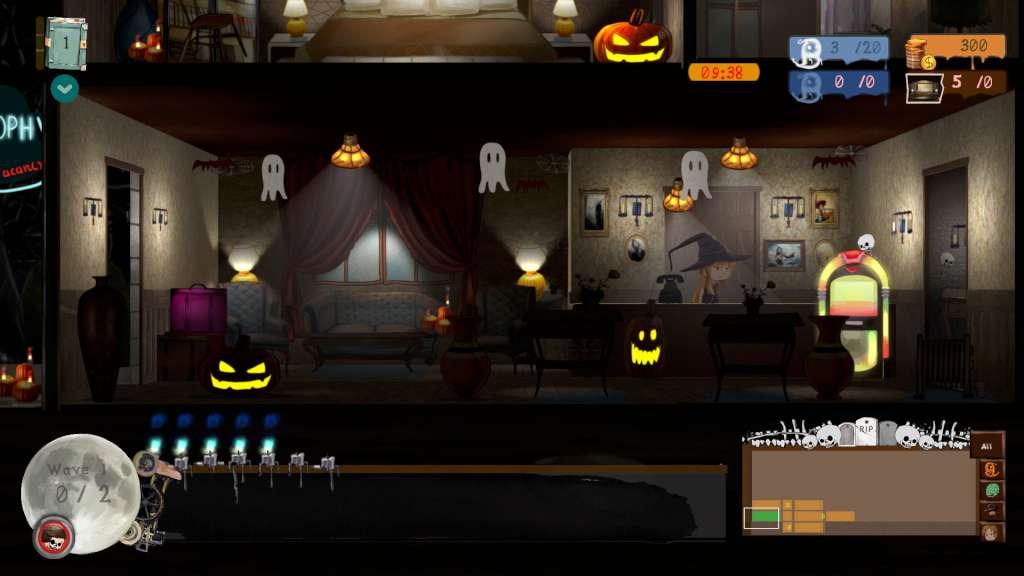
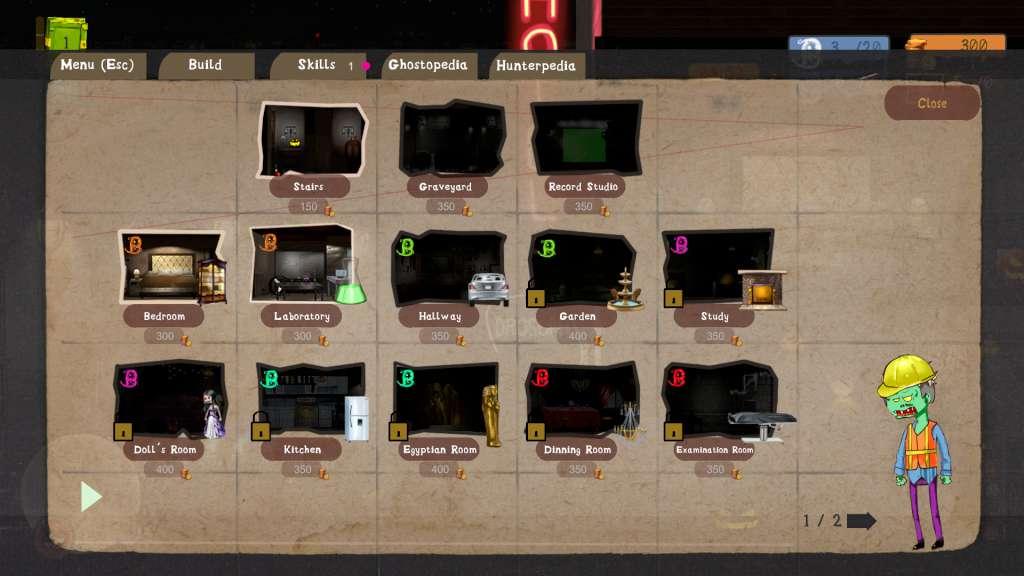
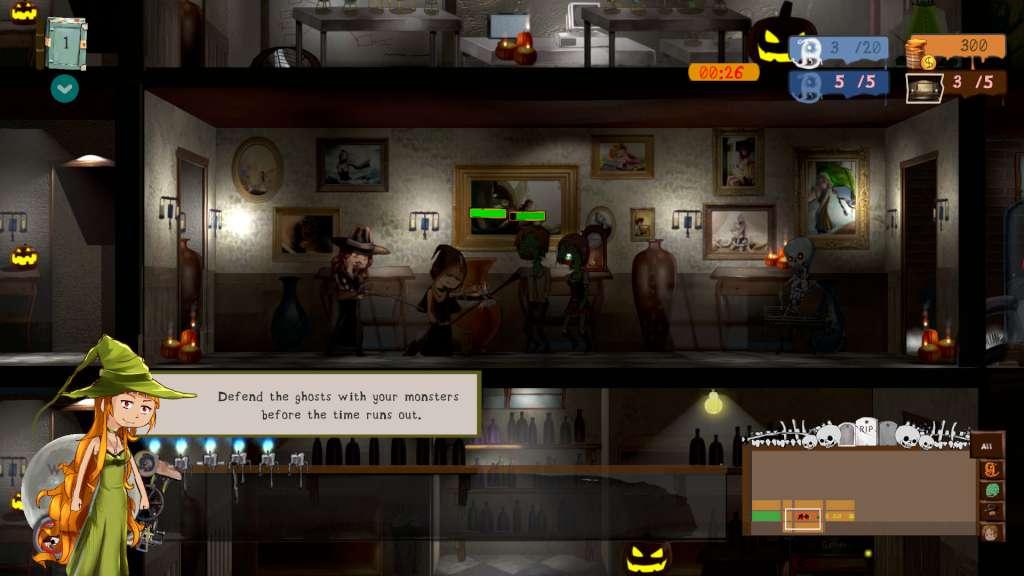
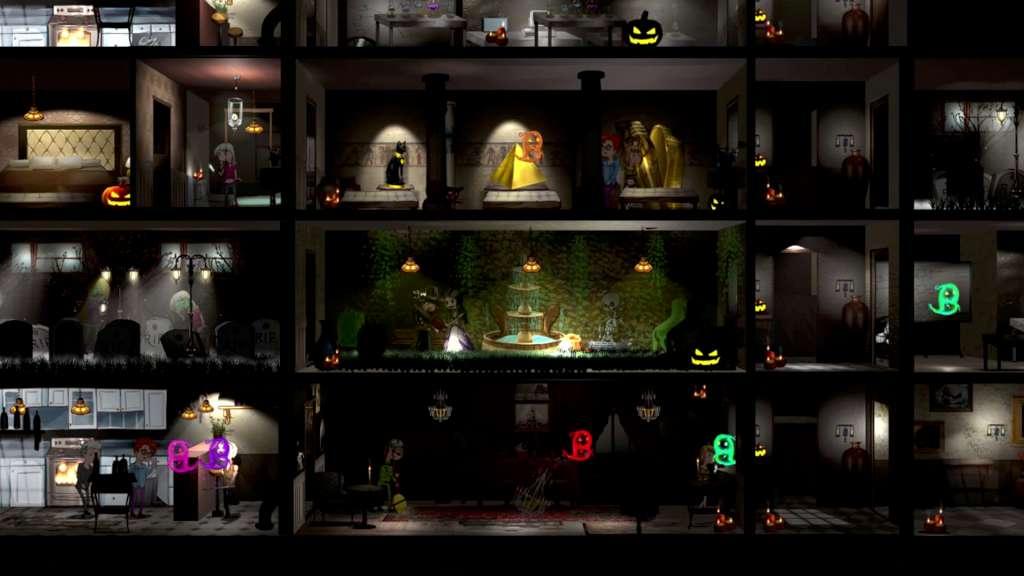
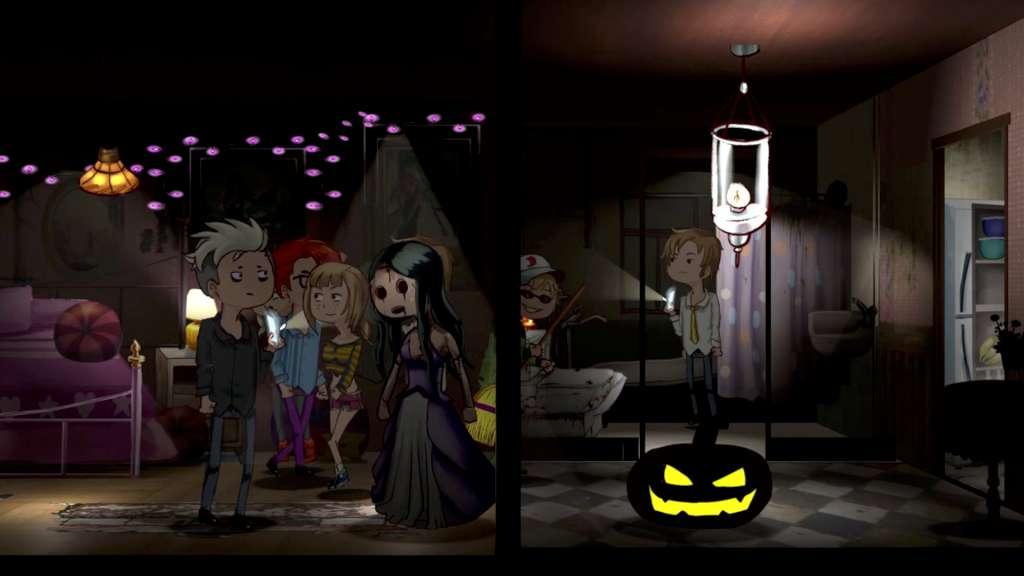
Drosoph Hotel is a simulator that allows you to become one of Ankou assistants and to personalize the most attractive hotel in order to protect the future of planet Earth.Foresee the extinction of humanity due to the overpopulation of planet Earth by helping Ankou to fulfill his work. Scare and eliminate guests of this terrifying and complex hotel and recruit their souls to ensure the survival of humanity. Expand your hotel and defend yourself against the adversities that can arise while doing your work.Or play the Story modeChris Dorsett and his wife are drawn to a mysterious hotel in Orange Pines. Solve multiple puzzles and help Chris survive in this old hotel. Features You’ll play as the Hotel manager with monsters and ghost as your allies Build your own Hotel and scare your guests with many creepy powers Play in Survival and Infinite Mode Use your ghosts to remodel your rooms and scare your guests Many different kind of strange deaths for unexpected traps Zombies and monsters join together to defend your hotel Make your own strategy to defend and survive the hunters Make your own zombie army Upgrade your underworld powers Collect all the kind of ghosts

Drosoph Hotel screenshotDrosoph Hotel screenshotDrosoph Hotel screenshotDrosoph Hotel screenshotDrosoph Hotel screenshot

How to redeem

  1. 1Check your Steam account and the listed region before purchasing.
  2. 2Find your code and supplier activation instructions in your confirmed order.
  3. 3Open the redeem-code section on Steam, enter the code and follow the platform’s prompts.

Supplier instructions

Go to: http://store.steampowered.com/ and download STEAM client Click "Install Steam" (from the upper right corner) Install and start application, login with your Account name and Password (create one if you don't have). Please follow these instructions to activate a new retail purchase on Steam: Launch Steam and log into your Steam account. Click the Games Menu. Choose Activate a Product on Steam... Follow the onscreen instructions to complete the process. After successful code verification go to the "MY GAMES" tab and start downloading.

You might also like