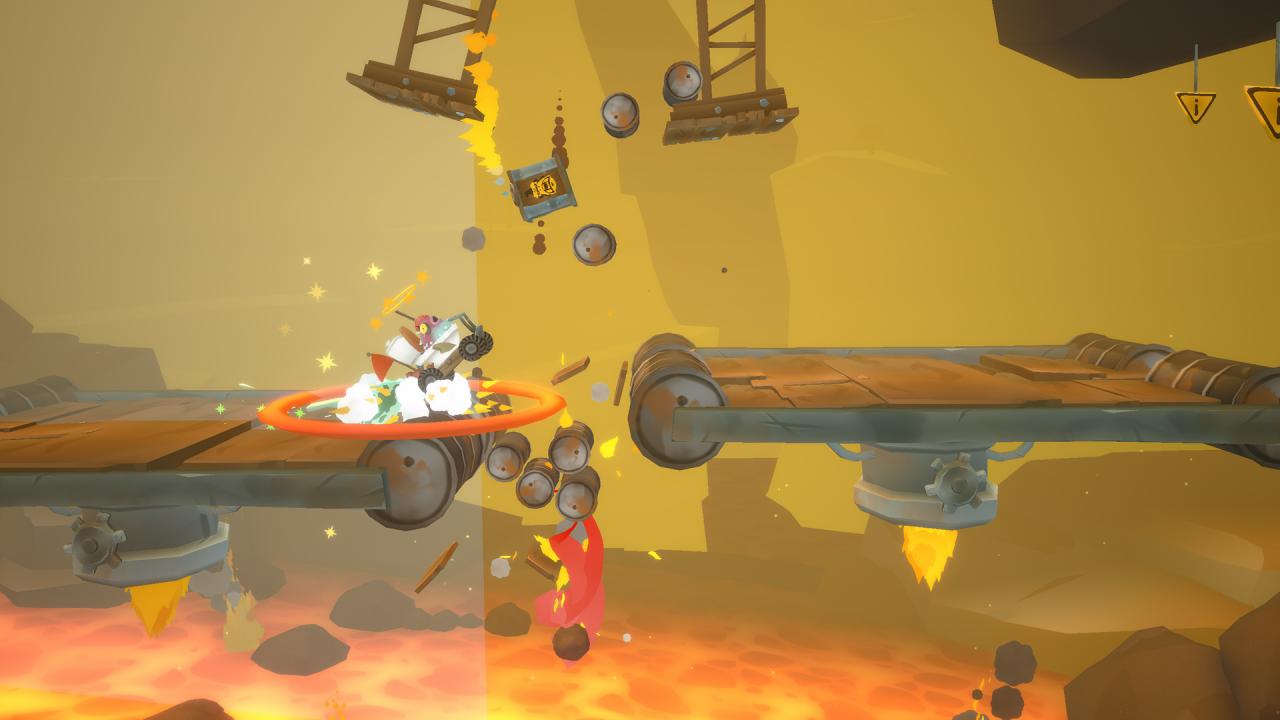
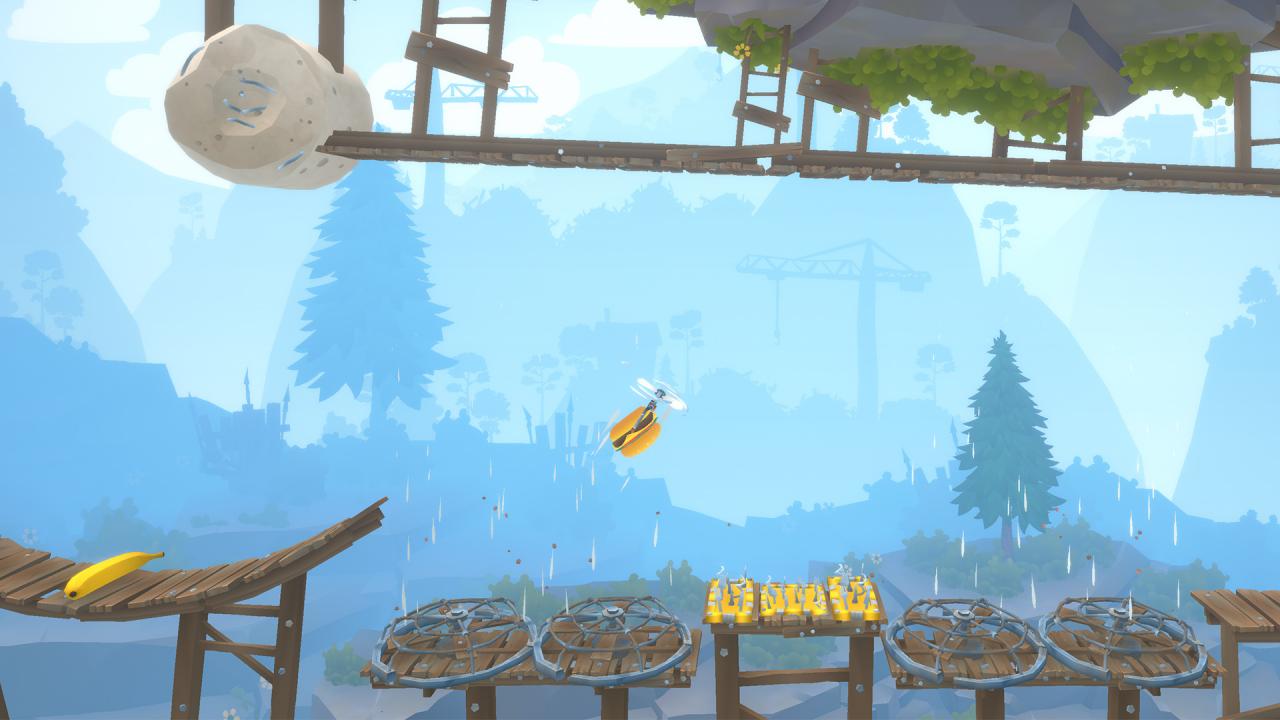
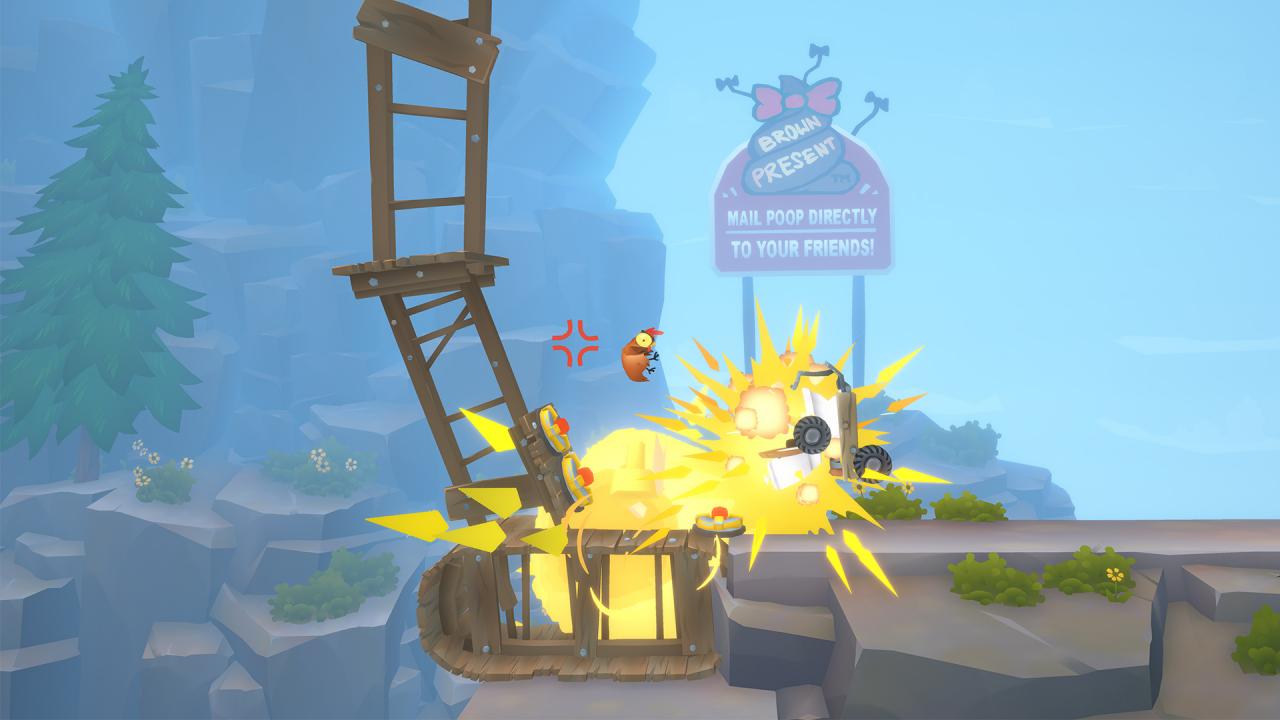
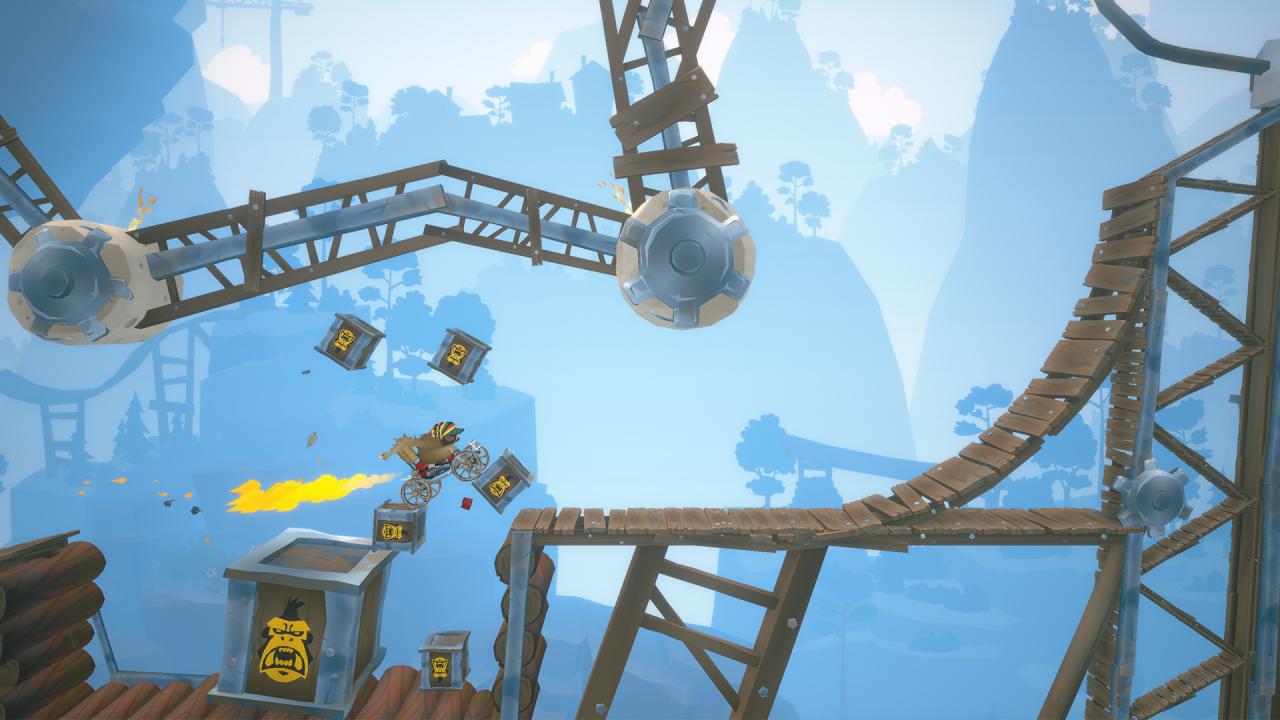
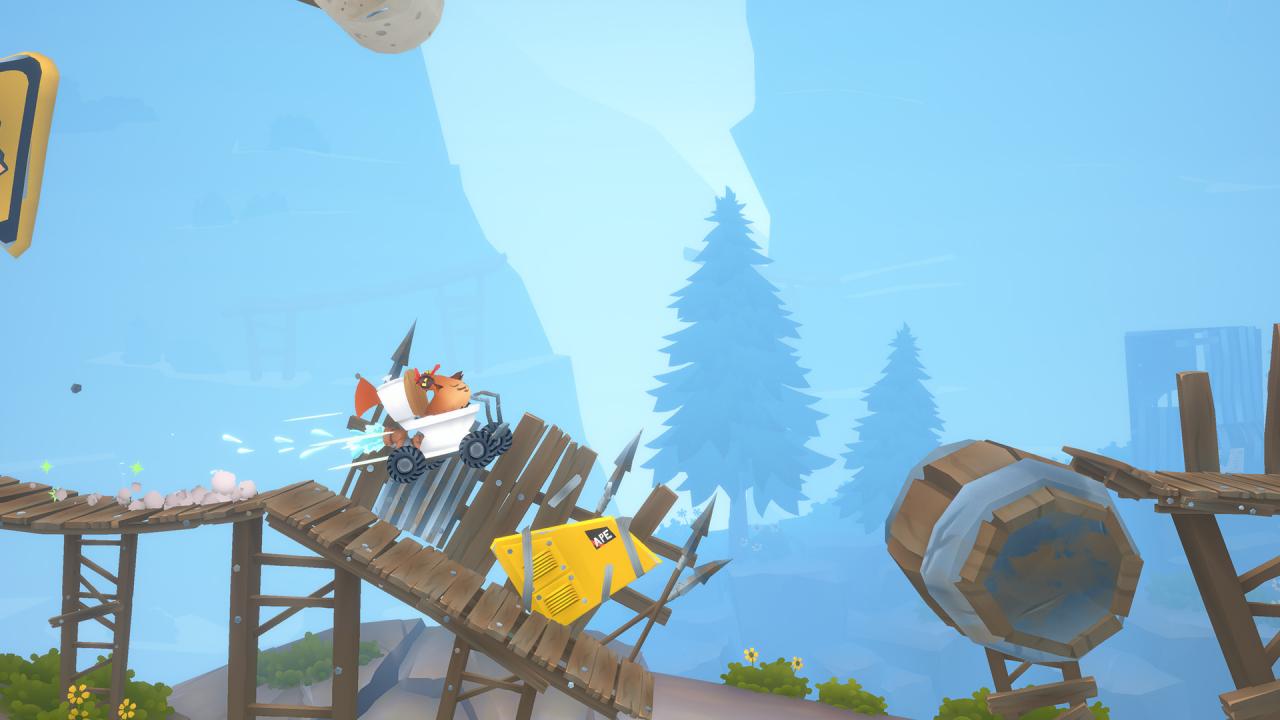
Animal Super Squad is a new and creative game where a big part of the gameplay is created and shared by the community. Players can create their own maps, upvote the best maps, and once a week, have a chance at being featured in the Weekly Spotlight. All gameplay assets used by the developers of the game are available for the players to use in the level editor, consisting of hundreds of assets and easy-to-use scripts. However, if you just want to play other people’s maps instead of creating your own, that’s perfectly fine too, we won’t judge you, everyone’s welcome here buddy.Naturally, you can play the developer-made Adventure Mode as well, which feature a smooth learning curve in the beginning, and frustratingly impossible levels in the end. Features Play as your favorite animalAs long as your favorite animal is either a chicken, a fish, or a sloth Choose from a variety of vehiclesEach with different controls, don't worry, you'll figure them out along the way Get to the other side of the level to winYou know how this works, you’ve played games before, jeez Unlock stuff!Like a useful tinfoil hat or a dead octopus on your head Don’t cake your pants Community-driven level editorgives endless replayability by letting you make and share levels, and compete in making the best (or worst) level Physics-based gameplayis 100% accurate in 90% of the time, (to be honest, we don't really know how physics works)