Get 10% back in Relic Coins on every order
Pinball FX3 - Star Wars Pinball Season 1 Bundle DLC cover

Steam Rest Of The World (Row) - Custom· DLC

Pinball FX3 - Star Wars Pinball Season 1 Bundle DLC

€6.41

+€0.64 cashback eligibility in Relic Coins

Check before you play

Platform
Steam
Region
Rest Of The World (Row) - Custom
Product type
DLC

Check the required base game and edition before purchasing this add-on.

Developer
Zen Studios
Publisher
Zen Studios
Supplier release date
2017-09-26
Genres
Simulation

About this product

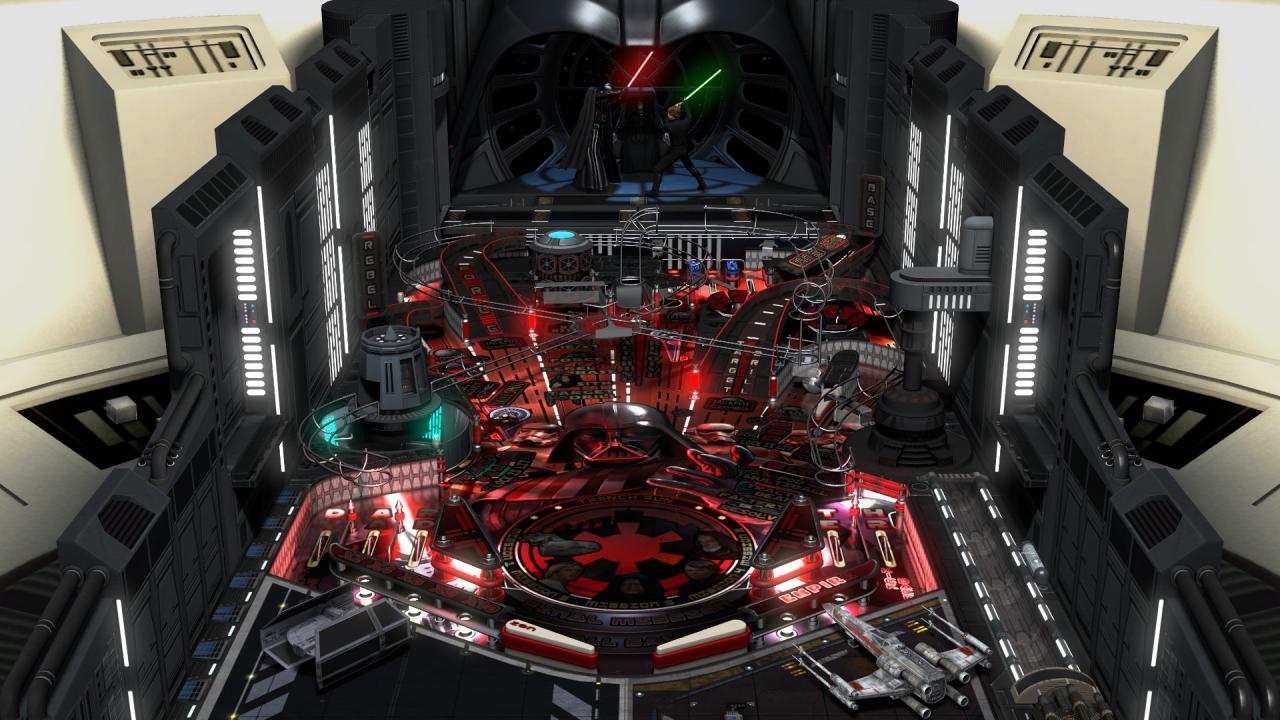
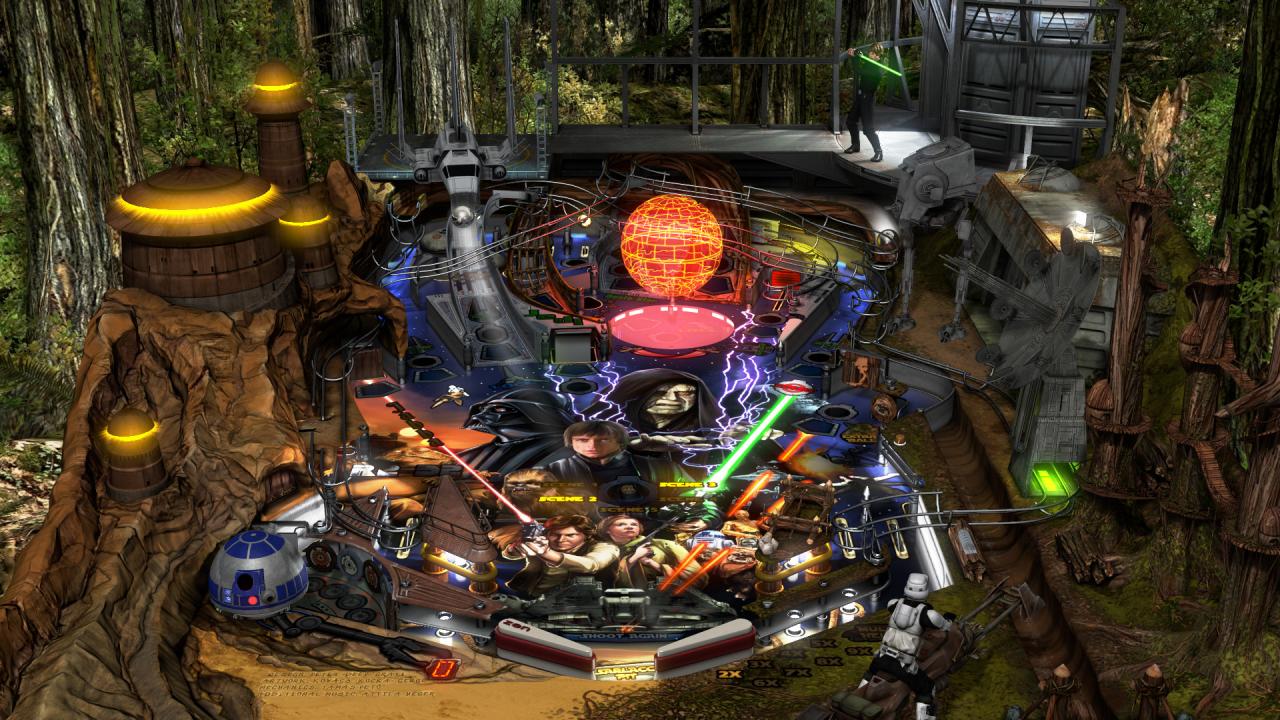
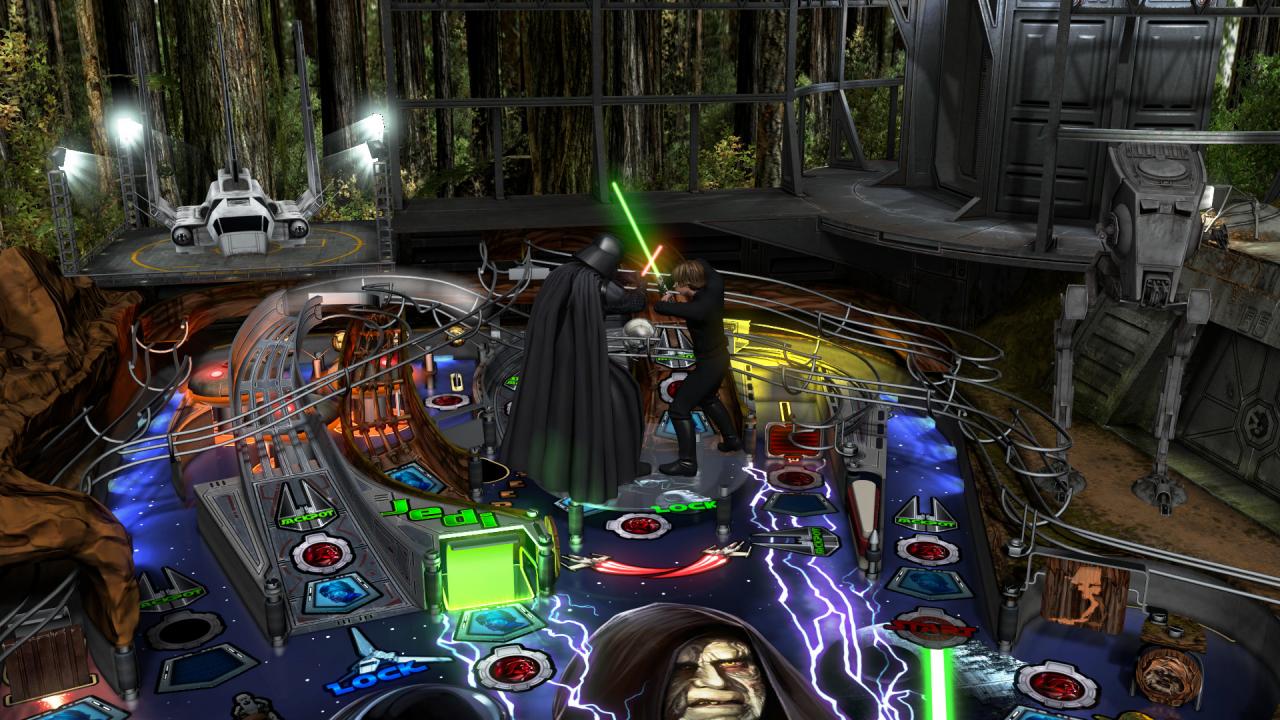
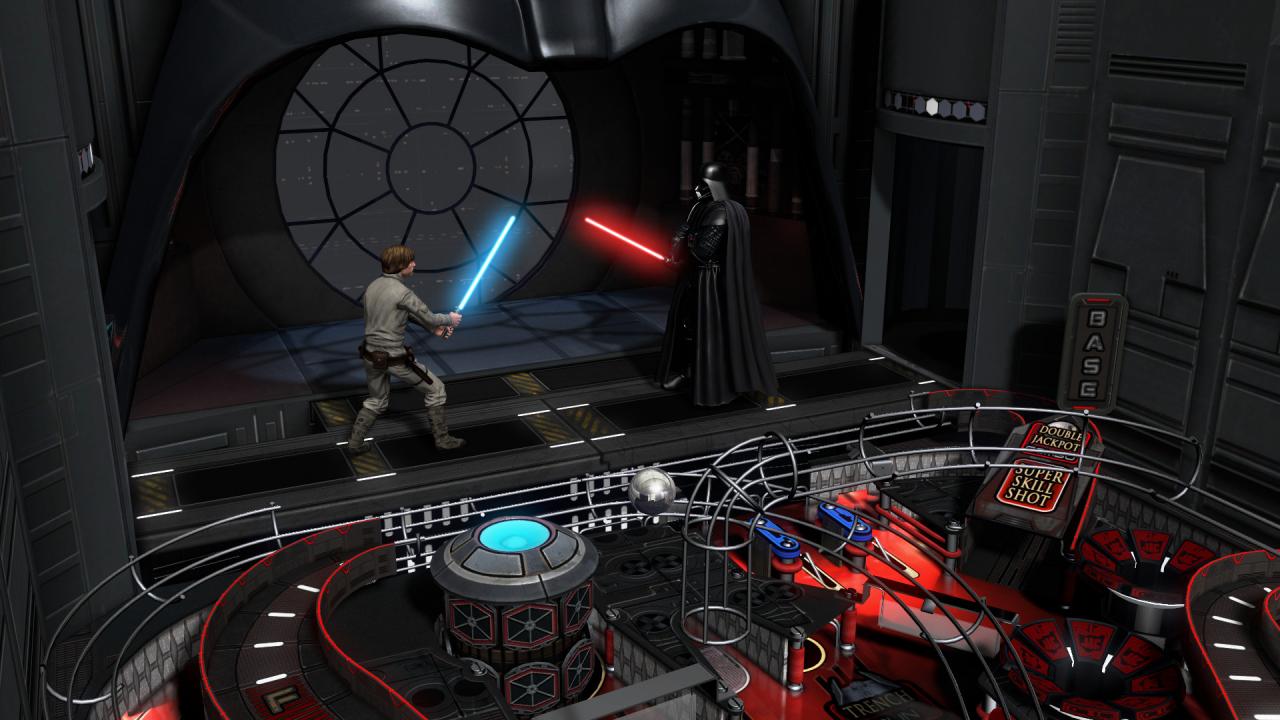
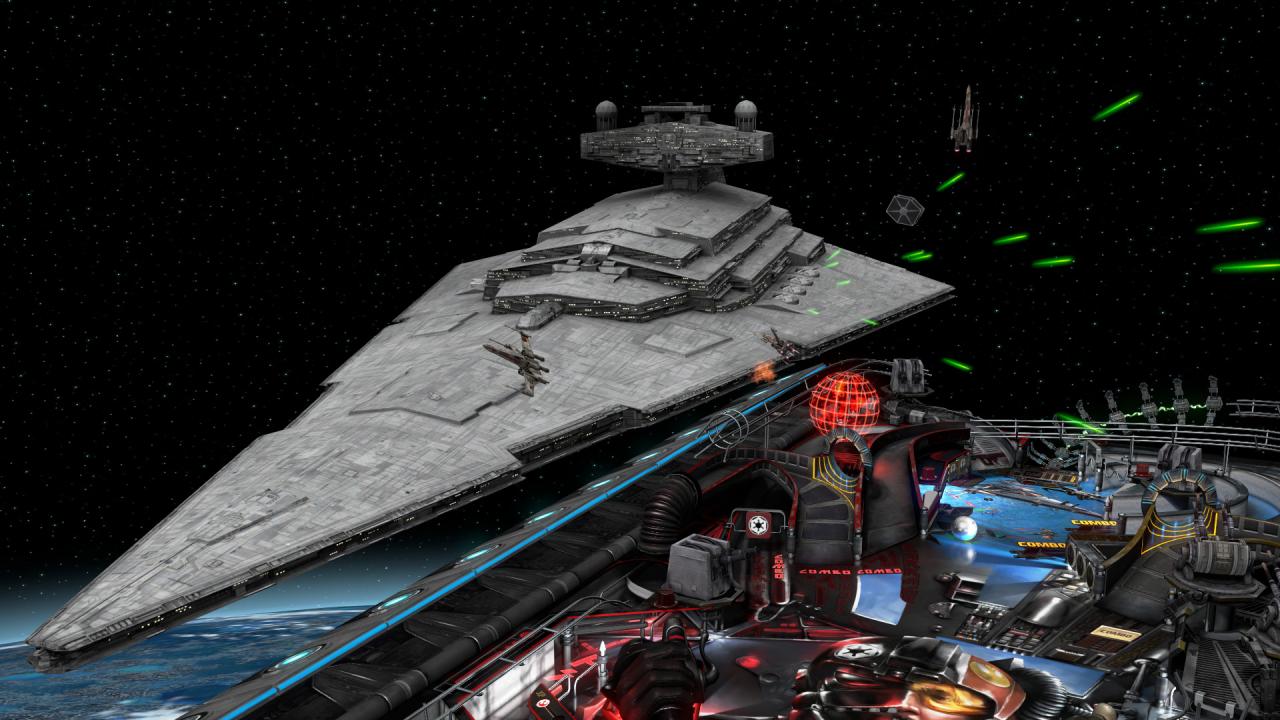
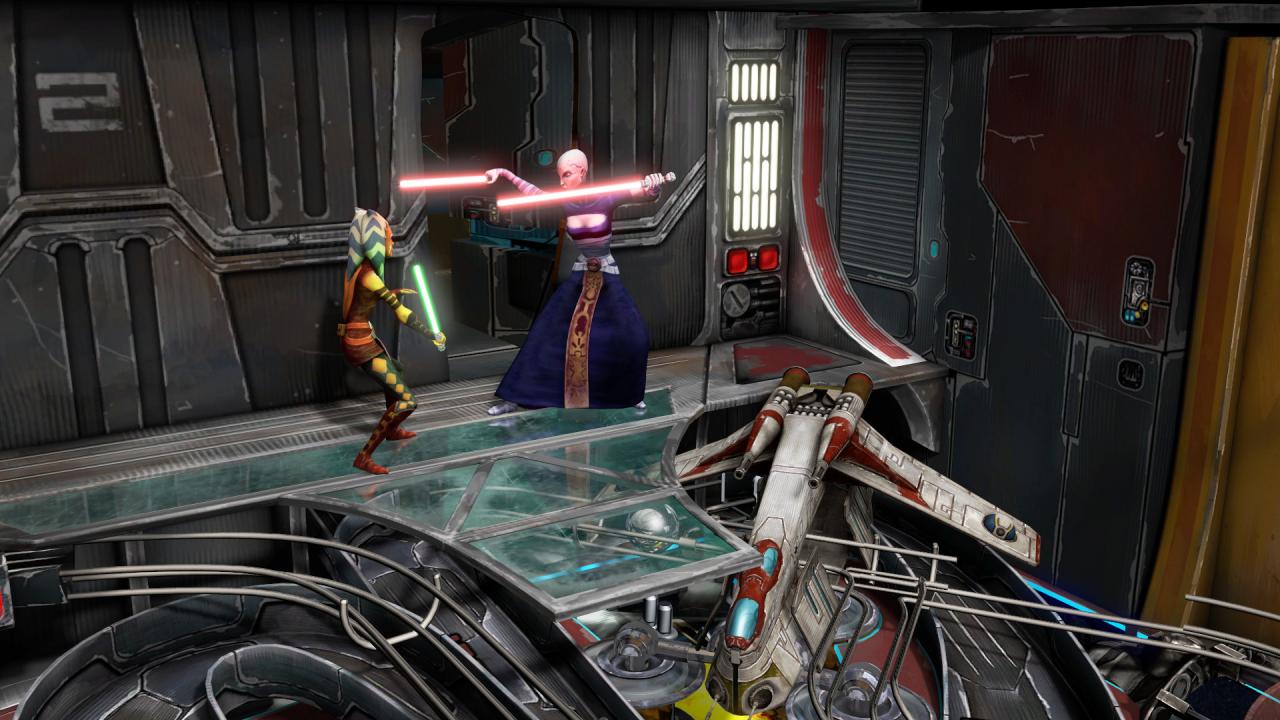
Includes: Star Wars: Episode V: - The Empire Strikes Back Star Wars: The Clone Wars Boba Fett Star Wars Pinball: Balance of the Force Darth Vader Star Wars: Episode VI: - Return of the Jedi Star Wars: Starfighter Assault Star Wars Pinball: Heroes Within Han Solo Droids Star Wars™: Episode IV: - A New Hope Feel the disturbance in the Force in Star Wars Pinball: Balance of the Force, featuring three brand new original pinball tables immersing fans in the most iconic moments of the Star Wars™ universe.

Pinball FX3 - Star Wars Pinball Season 1 Bundle DLC screenshotPinball FX3 - Star Wars Pinball Season 1 Bundle DLC screenshotPinball FX3 - Star Wars Pinball Season 1 Bundle DLC screenshotPinball FX3 - Star Wars Pinball Season 1 Bundle DLC screenshotPinball FX3 - Star Wars Pinball Season 1 Bundle DLC screenshotPinball FX3 - Star Wars Pinball Season 1 Bundle DLC screenshot

How to redeem

  1. 1Check the required base game, platform and edition before purchasing.
  2. 2Find the code or supplier activation instructions in your confirmed order.
  3. 3Redeem on Steam using the supplied instructions, then install the add-on with the compatible base game.

Supplier instructions

Go to: http://store.steampowered.com/ and download STEAM client Click "Install Steam" (from the upper right corner) Install and start application, login with your Account name and Password (create one if you don't have). Please follow these instructions to activate a new retail purchase on Steam: Launch Steam and log into your Steam account. Click the Games Menu. Choose Activate a Product on Steam... Follow the onscreen instructions to complete the process. After successful code verification go to the "MY GAMES" tab and start downloading.

You might also like