Get 10% back in Relic Coins on every order
NASCAR Heat 2 - October Jumbo Expansion DLC cover

SteamRest of the world· DLC

NASCAR Heat 2 - October Jumbo Expansion DLC

€0.20

+€0.02 cashback eligibility in Relic Coins

Check before you play

Platform
Steam
Region
Rest of the world
Product type
DLC

Check the required base game and edition before purchasing this add-on.

Developer
Monster Games
Publisher
704 Games Company
Supplier release date
2017-10-24
Genres
Racing, Sport

About this product

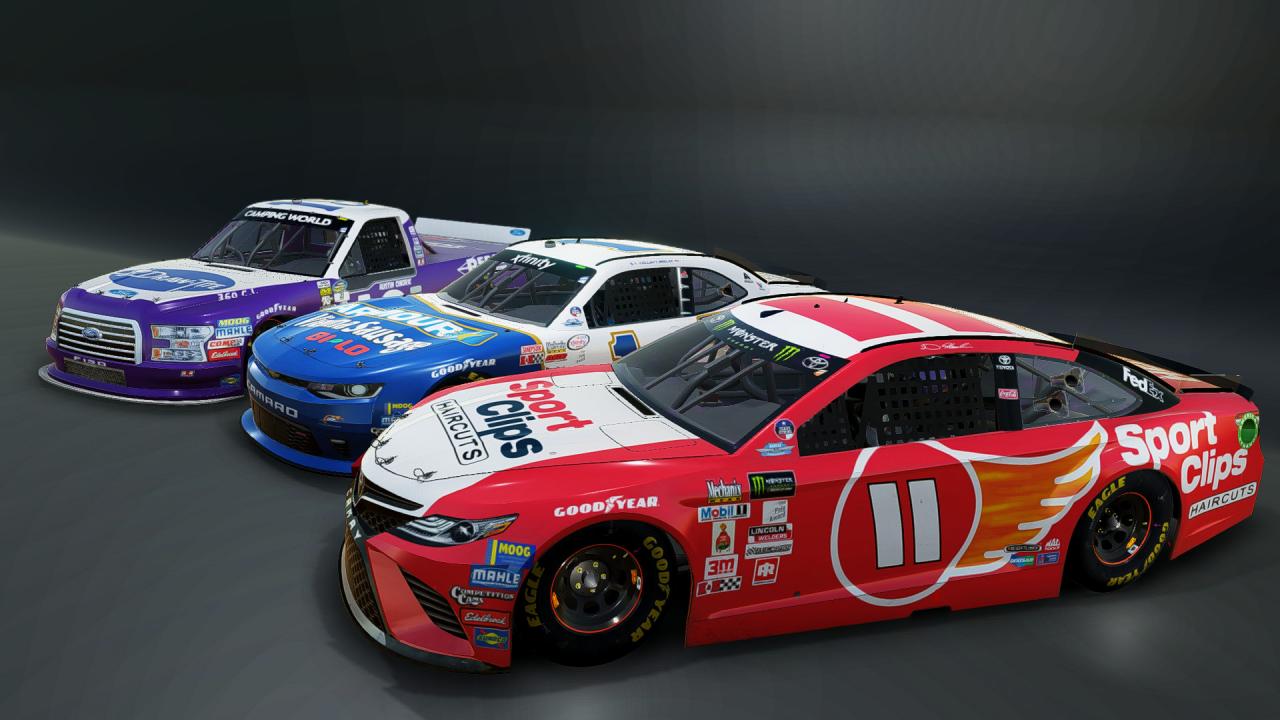
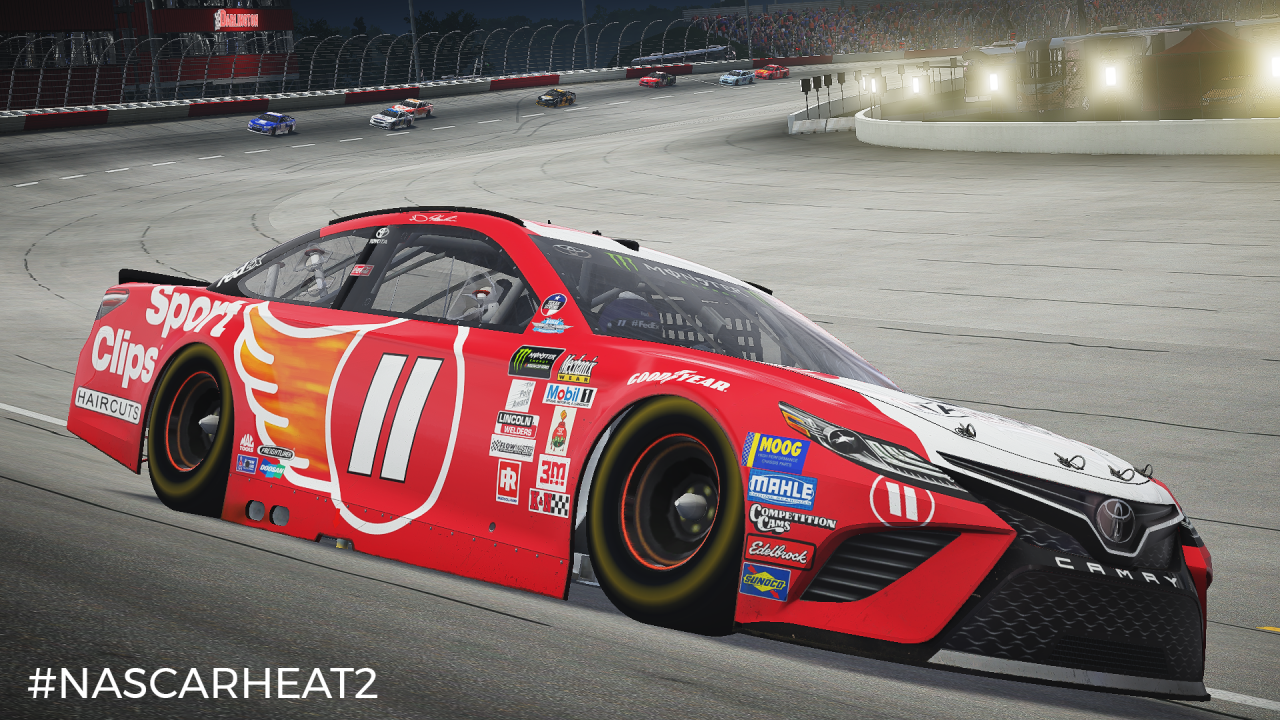
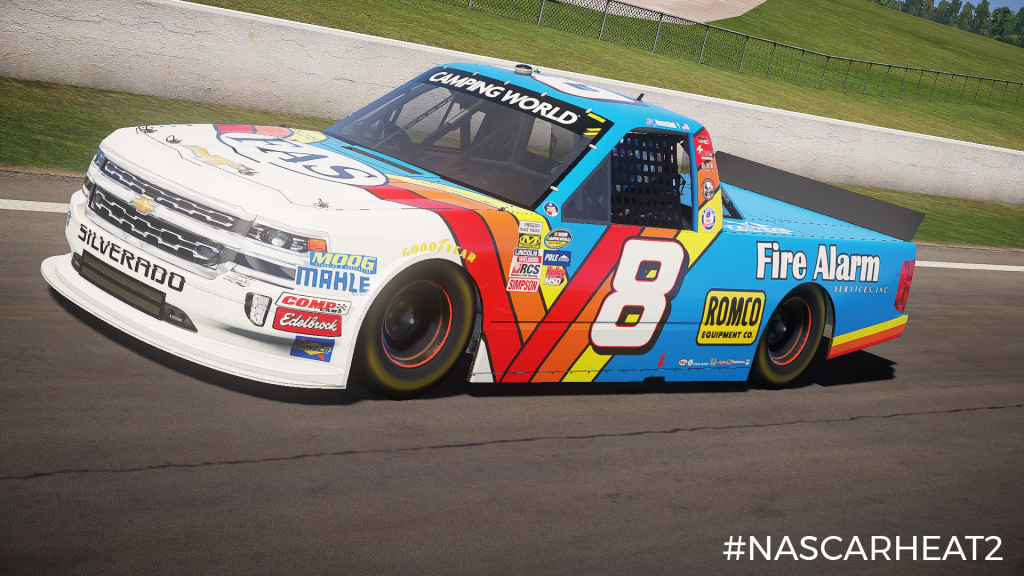
Celebrate 2017 Darlington NASCAR Throwback Weekend with 41 throwback paint schemes! This expansion includes throwback schemes for all 3 National series! Also included are 3 new Challenges and spotter guidance courtesy of Alex Hayden of MRN. Expect paint schemes like the following:MENCS: Joey Logano #22 Shell Pennzoil Ford Throwback Dale Earnhardt Jr. #88 Nationwide Chevrolet Throwback Jimmie Johnson #48 Lowe's Chevrolet Throwback Chase Elliott #24 NAPA Chevrolet Throwback NXS: Cole Custer #00 Haas Automation Ford Throwback William Byron #9 Liberty Chevrolet Throwback Kevin Harvick #41 Hunt Brothers Pizza Ford Throwback CWTS: John Hunter Nemechek #8 Fire Alarm Services Chevrolet Throwback Austin Cindric #19 Draw Tite Ford Throwback Plus, many more! This content is also included in the 2017 Hot Pass!

NASCAR Heat 2 - October Jumbo Expansion DLC screenshotNASCAR Heat 2 - October Jumbo Expansion DLC screenshotNASCAR Heat 2 - October Jumbo Expansion DLC screenshotNASCAR Heat 2 - October Jumbo Expansion DLC screenshotNASCAR Heat 2 - October Jumbo Expansion DLC screenshotNASCAR Heat 2 - October Jumbo Expansion DLC screenshot

How to redeem

  1. 1Check the required base game, platform and edition before purchasing.
  2. 2Find the code or supplier activation instructions in your confirmed order.
  3. 3Redeem on Steam using the supplied instructions, then install the add-on with the compatible base game.

Supplier instructions

Go to: http://store.steampowered.com/ and download STEAM client Click "Install Steam" (from the upper right corner) Install and start application, login with your Account name and Password (create one if you don't have). Please follow these instructions to activate a new retail purchase on Steam: Launch Steam and log into your Steam account. Click the Games Menu. Choose Activate a Product on Steam... Follow the onscreen instructions to complete the process. After successful code verification go to the "MY GAMES" tab and start downloading.

You might also like