Get 10% back in Relic Coins on every order
Square Head Zombies cover

SteamGlobal· Key

Square Head Zombies

€0.35

+€0.03 cashback eligibility in Relic Coins

Check before you play

Platform
Steam
Region
Global
Product type
Key
Developer
Fabio Cunha
Publisher
Fabio Cunha
Supplier release date
2017-09-25
Genres
Action, Adventure, FPS, Casual

About this product

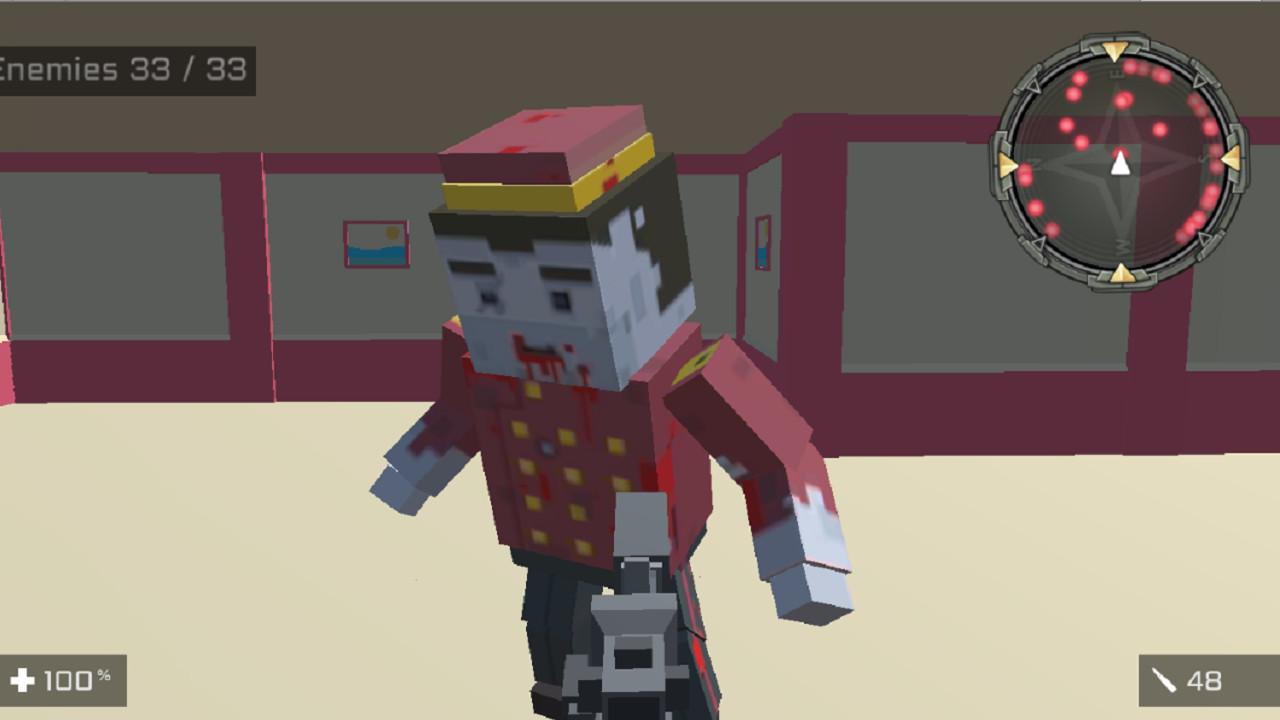
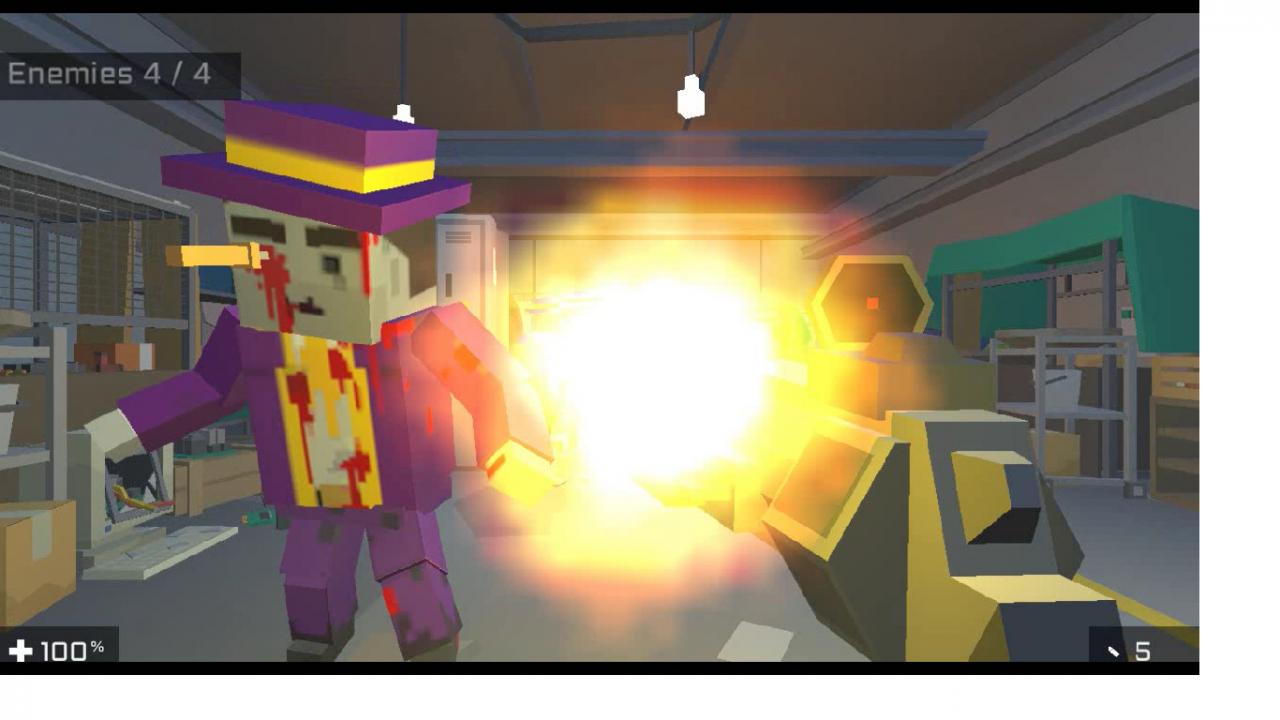
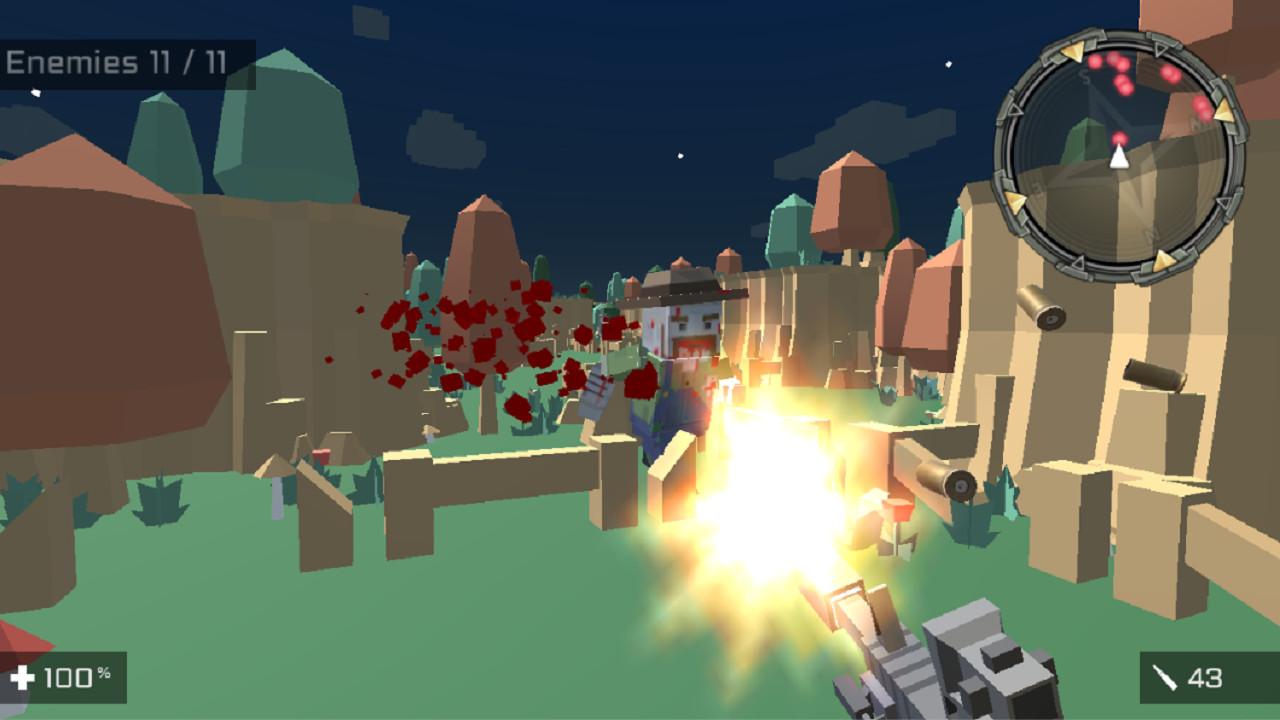
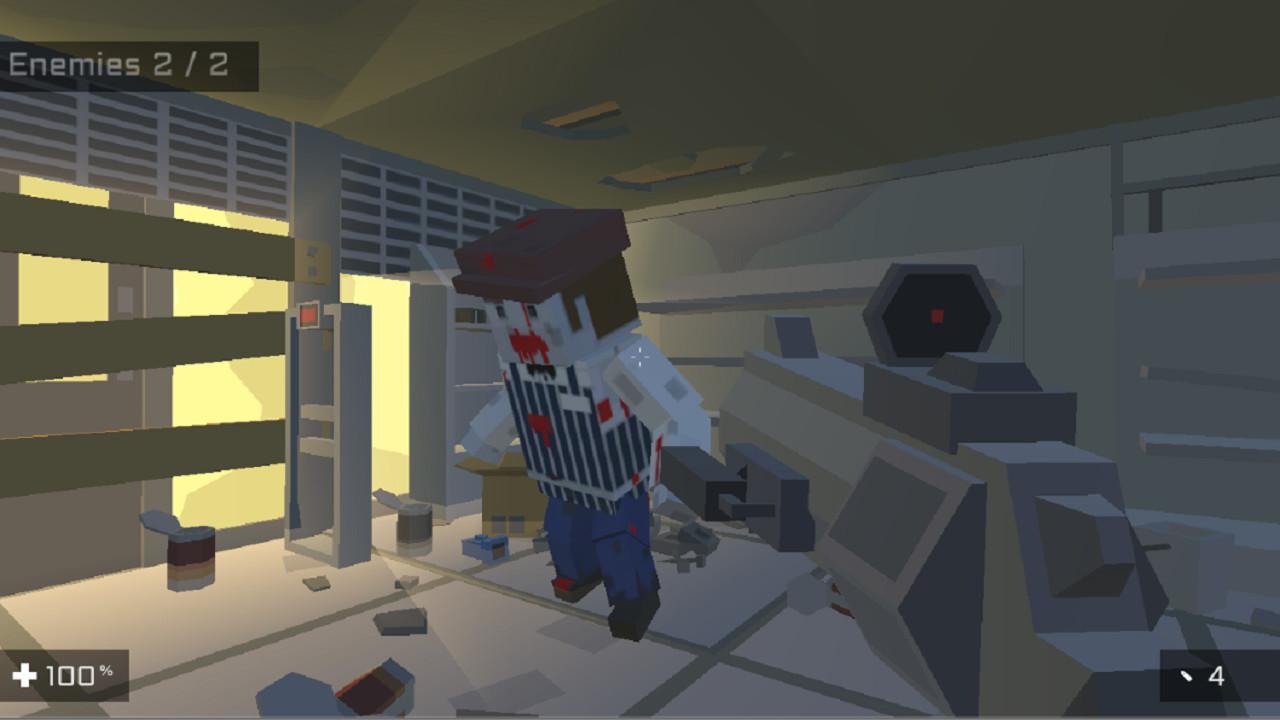
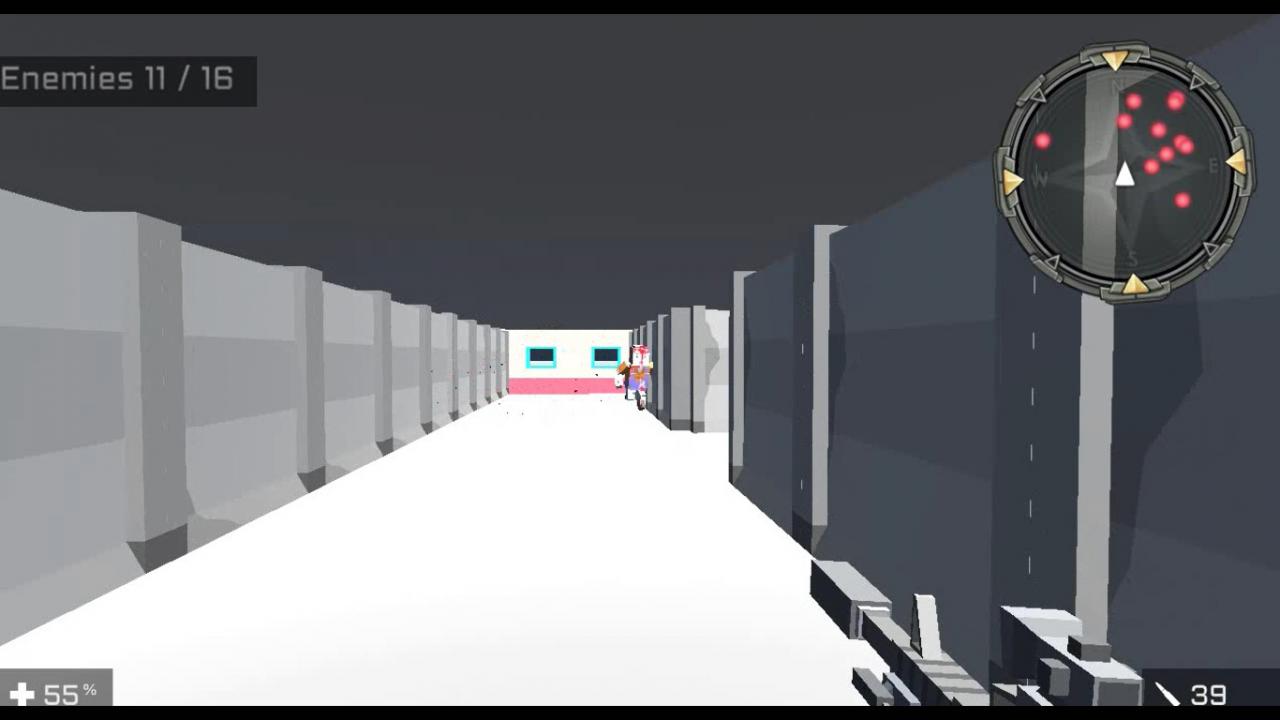
In this FPS game, you control a survivor in an apocaliptic world infested with zombies. Your gun is the only thing that can kill the undead. Watch your bullets, reload your weapon before any zombie reachs you. Zombies are very strong, 3 to 4 hits usually will kill you, watch out. This is a classic First Person Shooter ( FPS ) game with pixelated ( low poly ) graphics. Don't attack zombies desperately, if they didn't detect you reload you gun and shoot when you see the undead in your sights. The apocalypse is coming now, don't hesitate to shoot anything that moves around you. Each level has a specific number of undeads to be killed. Hold your weapon firmly and them. Kill undeads separately, it's easier this way. If two or more zombies see you, run for your life. Don't let any invader attack you, get all of them. This is an offline FPS game, it's only you against the AI ( artificial intelligence ), it's not possible to play against your friends, I mean, no multiplayer option. If an undead strike and do not hit you, this is an excellent opportunity to go away and reload your ammunition. If you with full ammunition, counter attack them immediately. Pull the trigger as fast as you can. You need to survive at any cost. Features Nostalgic and classic gameplay Don't forget to reload your weapon


Square Head Zombies screenshotSquare Head Zombies screenshotSquare Head Zombies screenshotSquare Head Zombies screenshotSquare Head Zombies screenshotSquare Head Zombies screenshot

How to redeem

  1. 1Check your Steam account and the listed region before purchasing.
  2. 2Find your code and supplier activation instructions in your confirmed order.
  3. 3Open the redeem-code section on Steam, enter the code and follow the platform’s prompts.

Supplier instructions

Go to: http://store.steampowered.com/ and download STEAM client Click "Install Steam" (from the upper right corner) Install and start application, login with your Account name and Password (create one if you don't have). Please follow these instructions to activate a new retail purchase on Steam: Launch Steam and log into your Steam account. Click the Games Menu. Choose Activate a Product on Steam... Follow the onscreen instructions to complete the process. After successful code verification go to the "MY GAMES" tab and start downloading.

You might also like