Get 10% back in Relic Coins on every order
The Surge - A Walk in the Park DLC cover

Steam Europe - All Countries· DLC

The Surge - A Walk in the Park DLC

€3.91

+€0.39 cashback eligibility in Relic Coins

Check before you play

Platform
Steam
Region
Europe - All Countries
Product type
DLC

Check the required base game and edition before purchasing this add-on.

Developer
Deck13 Interactive
Publisher
Focus Entertainment
Supplier release date
2017-12-05
Genres
Action, RPG

About this product

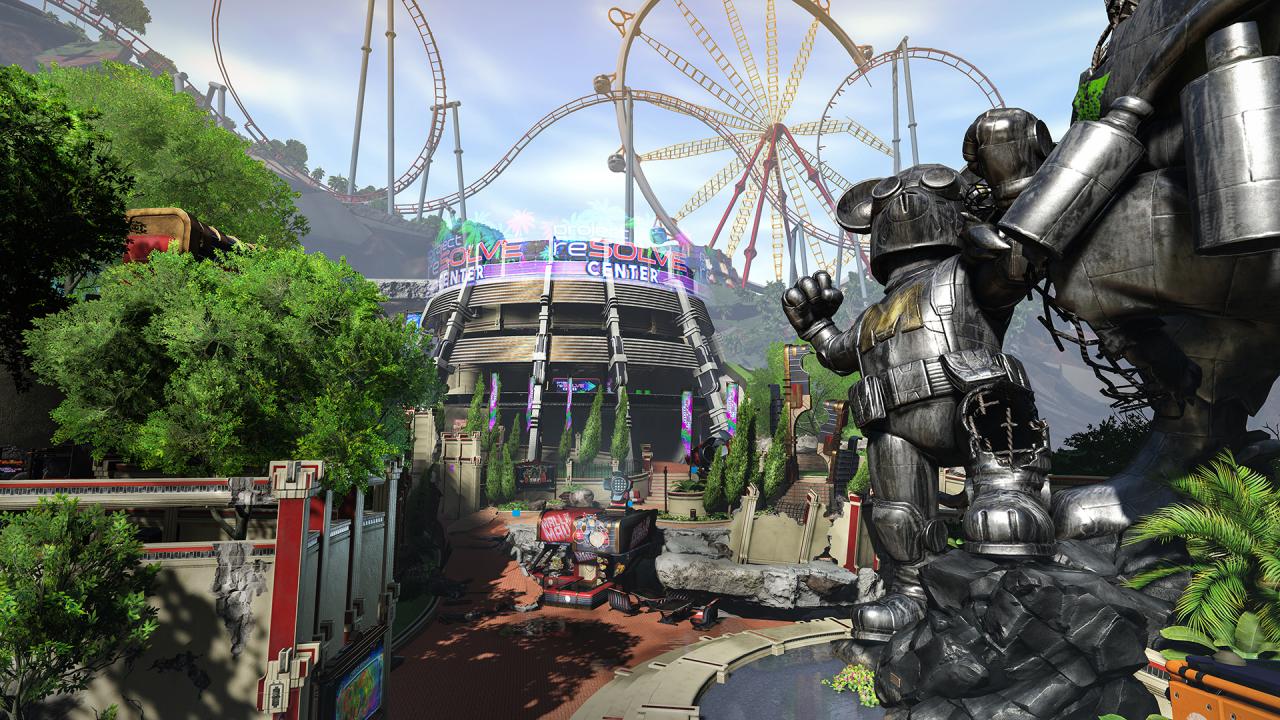
Welcome to CREO World, the amusement park built for CREO employees and families!Forget your cravings for cotton candy though – CREO World was not spared from the disaster. The entire park is a death trap, where roaming rescue teams have gone insane and robotic mascots patrol freely, patiently waiting for new visitors to offer a deadly welcome.CREO World presents a wealth of fresh challenges for players. Originally built to celebrate CREO and its mission, the park is a radically different setting from the rest of the complex, full of branching paths and secrets to discover. Survive the raging mascots and explore the park's attractions, before taking on a fearsome boss in the devastated park. Face this new threat, cutting and equipping 16 all-new weapons, new sets of armor, and new implants to upgrade and further customize the way you want to play.

The Surge - A Walk in the Park DLC screenshotThe Surge - A Walk in the Park DLC screenshotThe Surge - A Walk in the Park DLC screenshotThe Surge - A Walk in the Park DLC screenshotThe Surge - A Walk in the Park DLC screenshotThe Surge - A Walk in the Park DLC screenshot

How to redeem

  1. 1Check the required base game, platform and edition before purchasing.
  2. 2Find the code or supplier activation instructions in your confirmed order.
  3. 3Redeem on Steam using the supplied instructions, then install the add-on with the compatible base game.

Supplier instructions

Go to: http://store.steampowered.com/ and download STEAM client Click "Install Steam" (from the upper right corner) Install and start application, login with your Account name and Password (create one if you don't have). Please follow these instructions to activate a new retail purchase on Steam: Launch Steam and log into your Steam account. Click the Games Menu. Choose Activate a Product on Steam... Follow the onscreen instructions to complete the process. After successful code verification go to the "MY GAMES" tab and start downloading.

You might also like