Get 10% back in Relic Coins on every order
Emily Wants to Play Too cover

SteamGlobal· Key

Emily Wants to Play Too

€3.74

+€0.37 cashback eligibility in Relic Coins

Check before you play

Platform
Steam
Region
Global
Product type
Key
Developer
Shawn Hitchcock
Publisher
SKH Apps
Supplier release date
2017-12-13
Genres
Action, Adventure, Strategy, Horror

About this product

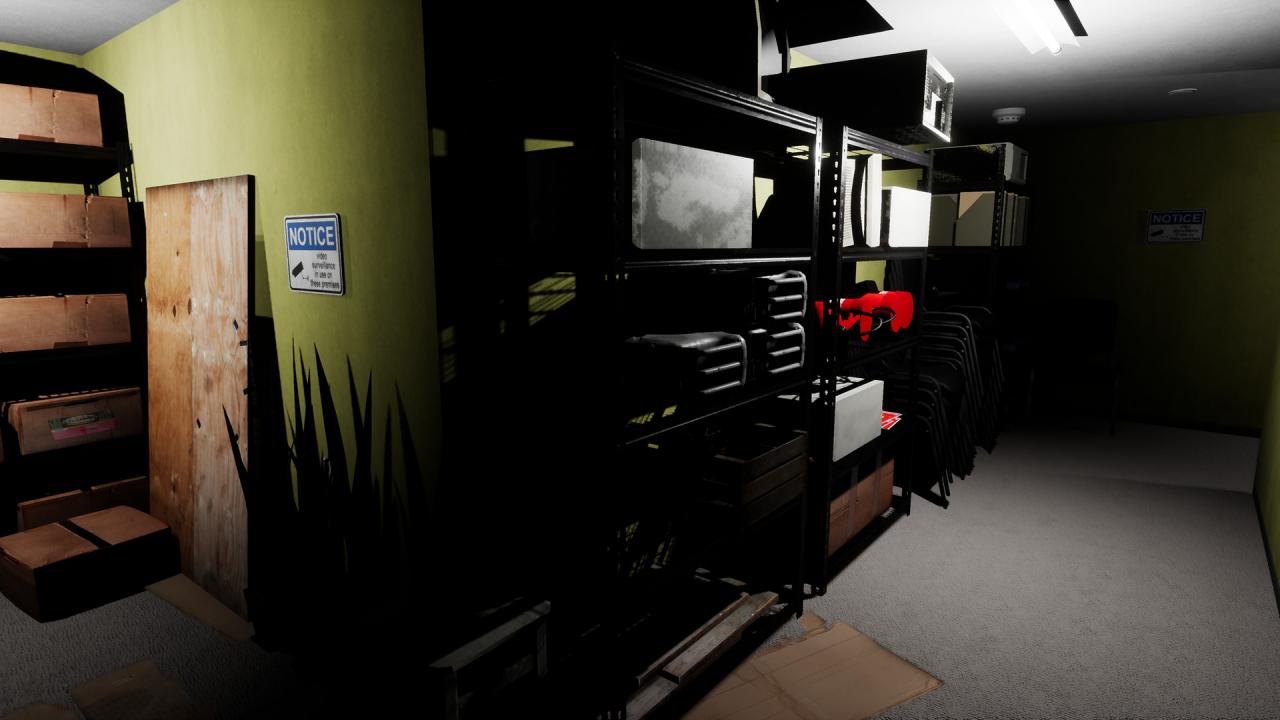
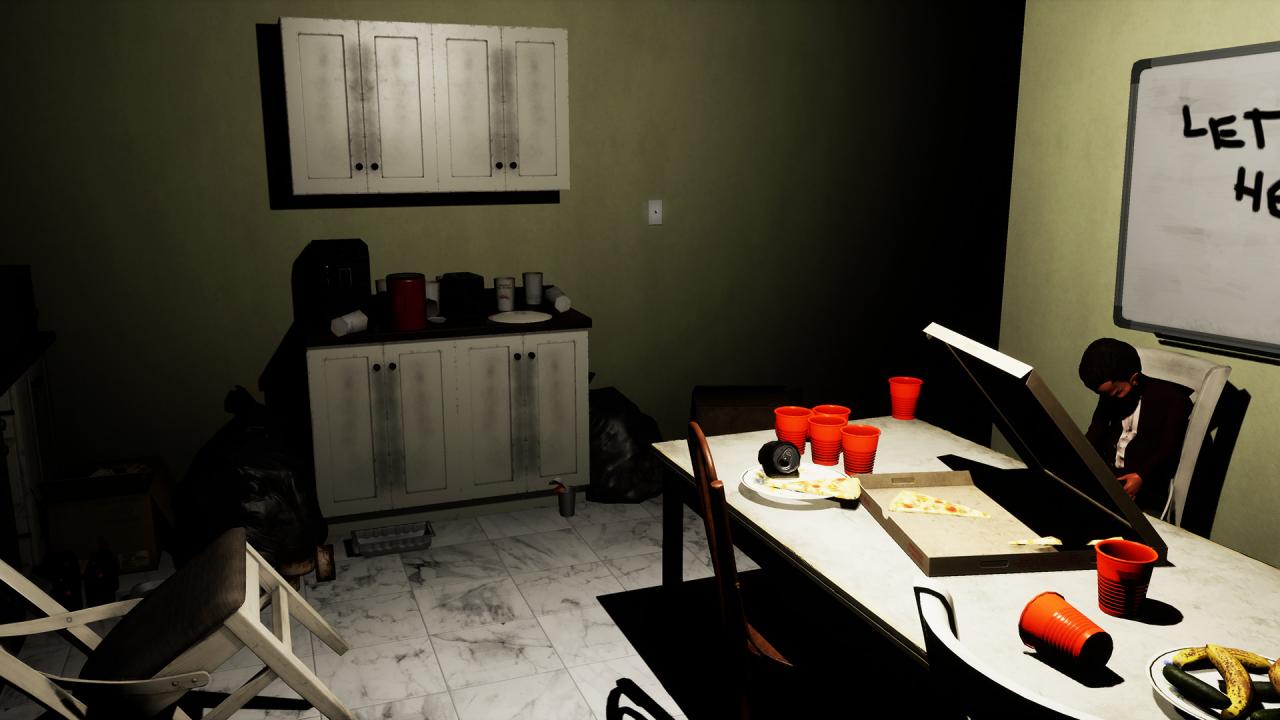
Emily is back with all new scares in Emily Wants to Play Too.It's about 7pm on Friday and you are headed to your next delivery destination. You work for Timmy Thom's Fast Sandwiches and tonight your job is to deliver sandwiches from 4pm to 11pm. Your next stop is an interesting location. It is some sort of crime research facility where evidence from crime scenes around town is processed and stored.What you didn’t know, was that three very strange dolls were recently brought there for processing and storage. These dolls aren’t ordinary; they have a mind of their own. Your night is about to take a turn for the worse, and it will be one of the strangest and scariest nights of your life.Emily Wants to Play Too is a survival horror game with stealth and strategy elements about a sandwich delivery guy that gets locked inside an evidence processing and storage office building by living dolls. The dolls have "work" to do here and are gathering new friends. They didn’t expect you to show up, so don’t get in their way. Throughout the night you will be looking for an exit out of the office. At some point, Emily will join in on the fun, along with the dolls’ new “friends”. You better play their games or else! Learn what you have to do and be on the lookout for a way to escape.


Emily Wants to Play Too screenshotEmily Wants to Play Too screenshotEmily Wants to Play Too screenshotEmily Wants to Play Too screenshotEmily Wants to Play Too screenshotEmily Wants to Play Too screenshot

How to redeem

  1. 1Check your Steam account and the listed region before purchasing.
  2. 2Find your code and supplier activation instructions in your confirmed order.
  3. 3Open the redeem-code section on Steam, enter the code and follow the platform’s prompts.

Supplier instructions

Go to: http://store.steampowered.com/ and download STEAM client Click "Install Steam" (from the upper right corner) Install and start application, login with your Account name and Password (create one if you don't have). Please follow these instructions to activate a new retail purchase on Steam: Launch Steam and log into your Steam account. Click the Games Menu. Choose Activate a Product on Steam... Follow the onscreen instructions to complete the process. After successful code verification go to the "MY GAMES" tab and start downloading.

You might also like