Get 10% back in Relic Coins on every order
Odyssey VR: The Deep Space Expedition cover

SteamGlobal· Key

Odyssey VR: The Deep Space Expedition

€1.01

+€0.10 cashback eligibility in Relic Coins

Check before you play

Platform
Steam
Region
Global
Product type
Key
Developer
Juho Kastemaa
Publisher
TouchDown Creations
Supplier release date
2017-11-29
Genres
Action, Adventure, Simulation, Indie, VR Games

About this product

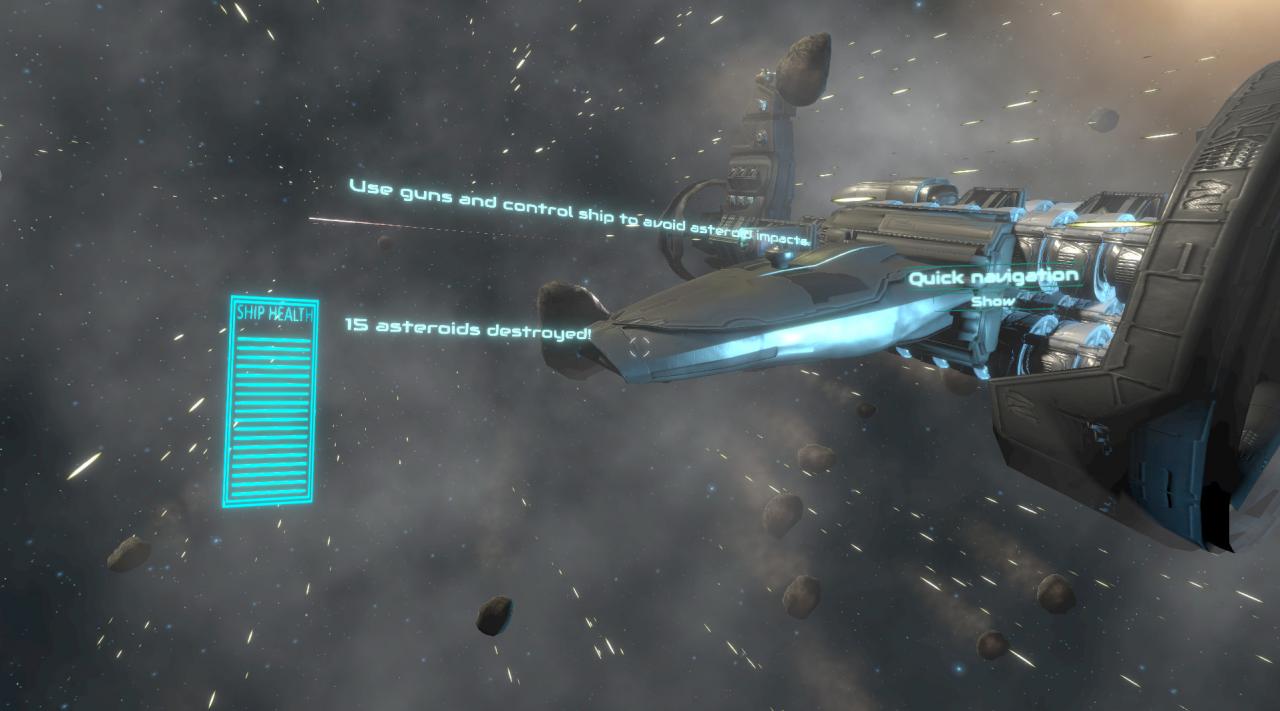
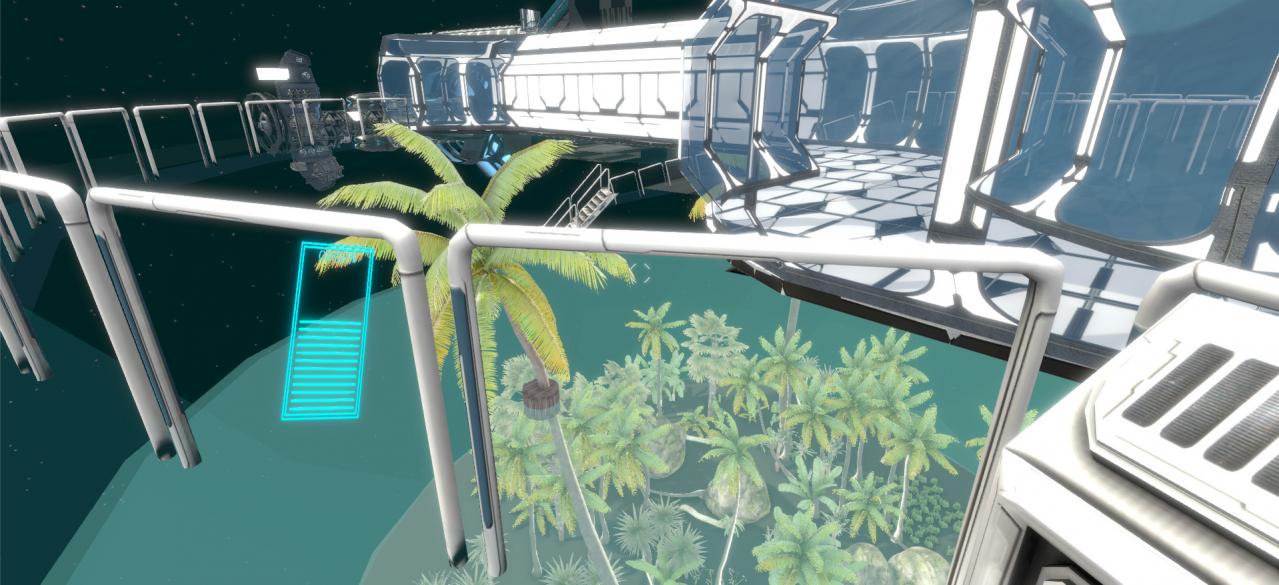
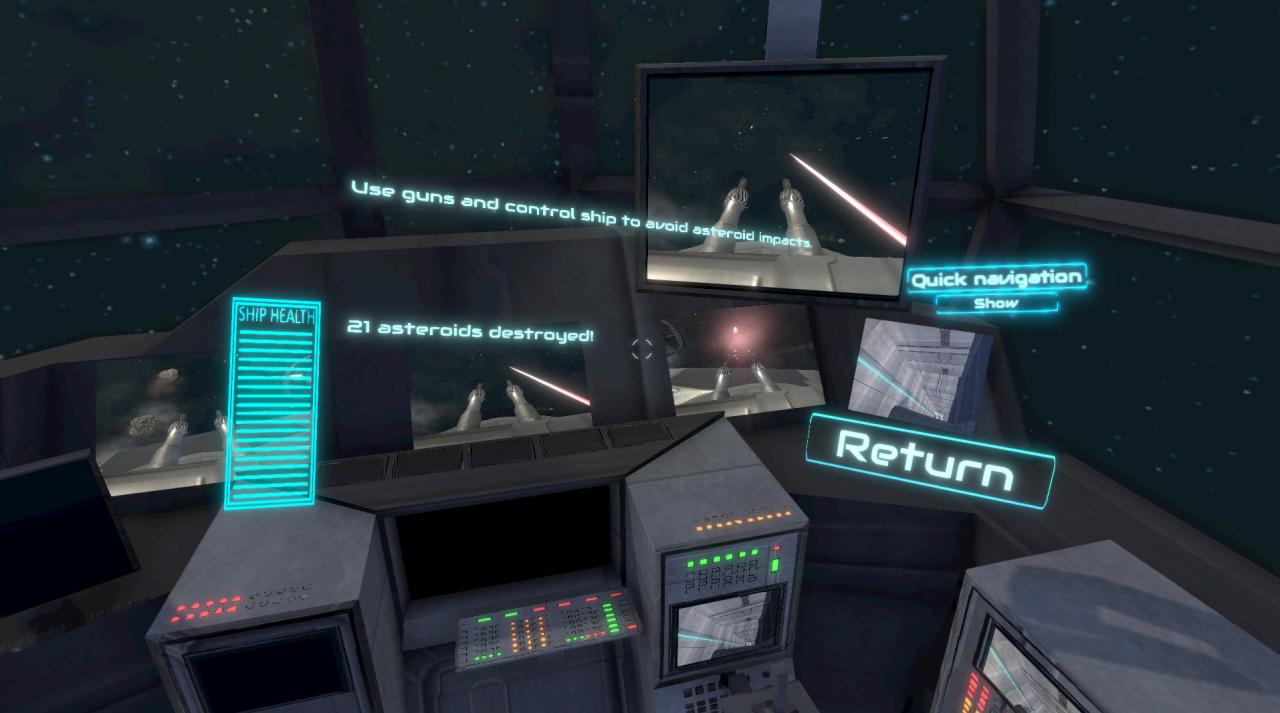
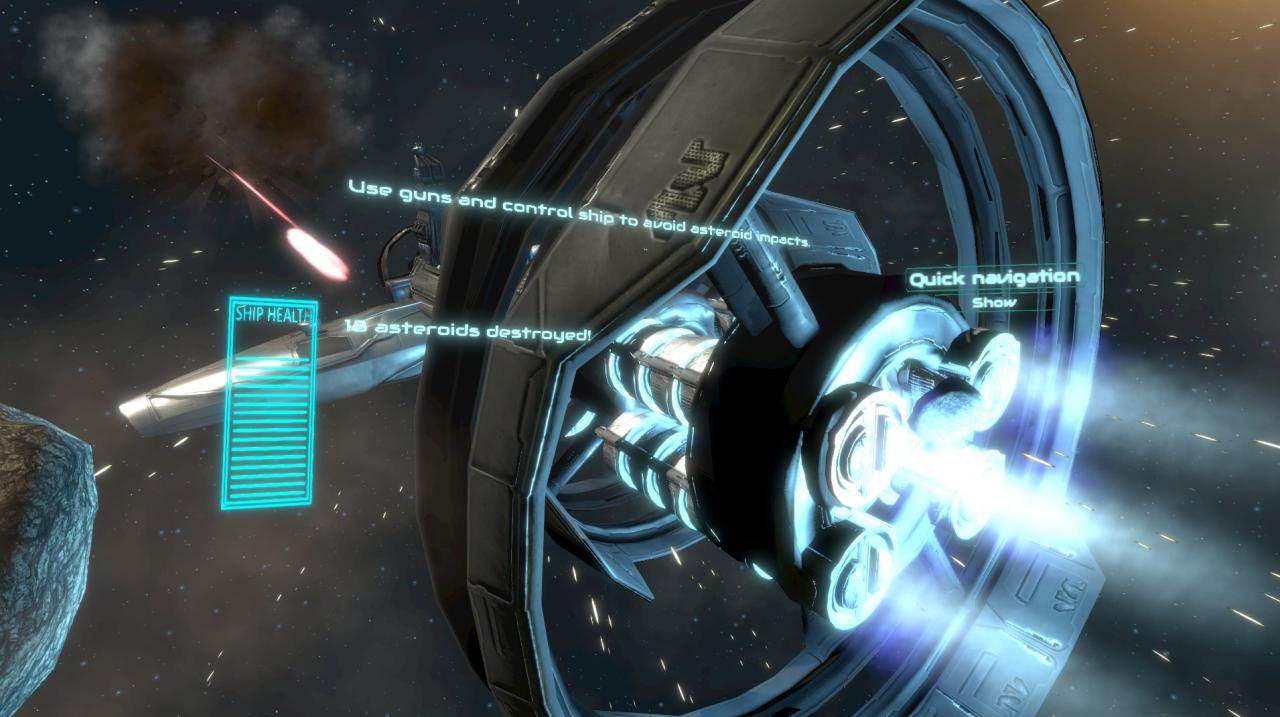
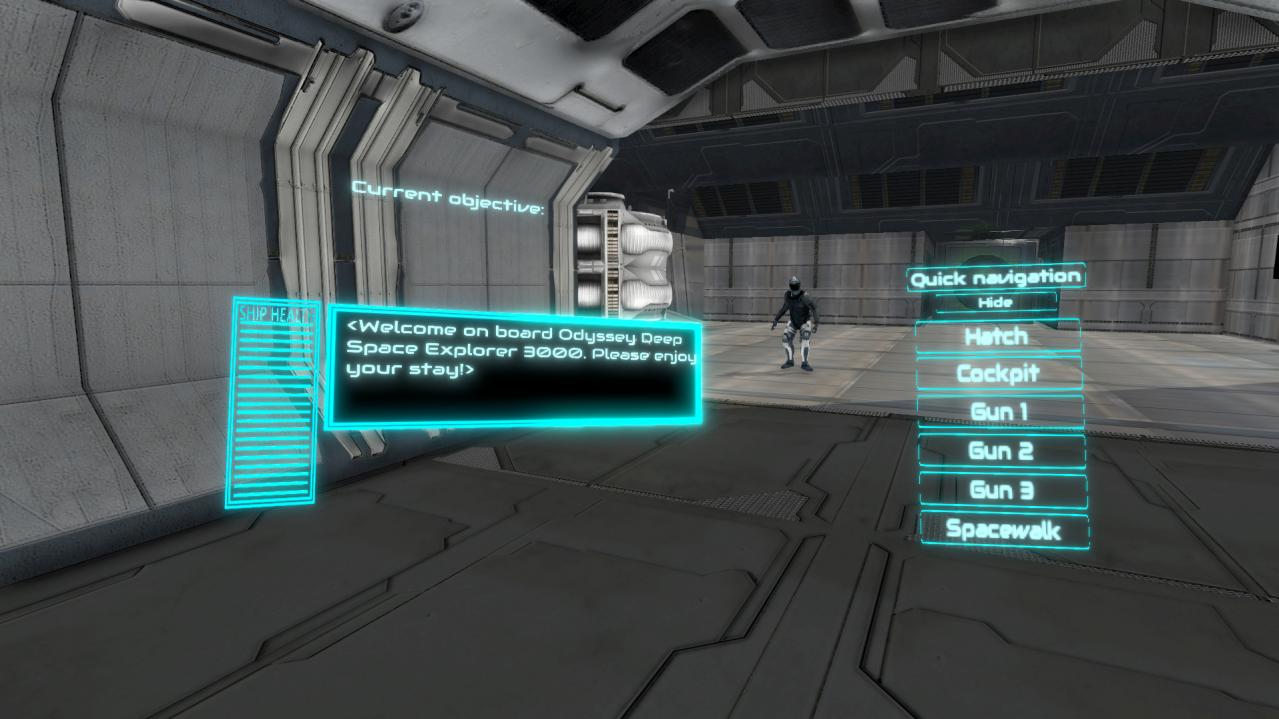
Odyssey VR is a story driven space adventure single/multiplayer game that you can play on Desktop or in Virtual Reality (VR). The actual gameplay is approximately 20 minutes in duration and allows the player (the explorer) to experience different tasks in a spaceship. The tasks include locating and handling different tools and protecting the spaceship from asteroid fields. At the end of the game, the explorer can review their performance and improve their personal or social score by playing again. The game is multi-modal and allows explorers to learn interesting facts about space through narrative.A maximum of three players per game can experience a post-apocalyptic world after the Earth became unable to sustain life. Be a crew member of a large space station inhabited by a group of scientists in search of a new home. The scientists hope to preserve parts of the Earth’s biodiversity in isolated ecosystem bubbles connected to the station. You must protect the ecosystem bubbles, because they carry the last remaining plants and animals from Earth. Travel through space and look for the answers, because humanity is counting on you.ControlsThe game works both in desktop and Virtual Reality using HTC VIVE. There is an in-game option to switch between the two versions. The game is fully functional using either one. However, there are slight differences in movement controls and user interactions.


Odyssey VR: The Deep Space Expedition screenshotOdyssey VR: The Deep Space Expedition screenshotOdyssey VR: The Deep Space Expedition screenshotOdyssey VR: The Deep Space Expedition screenshotOdyssey VR: The Deep Space Expedition screenshot

How to redeem

  1. 1Check your Steam account and the listed region before purchasing.
  2. 2Find your code and supplier activation instructions in your confirmed order.
  3. 3Open the redeem-code section on Steam, enter the code and follow the platform’s prompts.

Supplier instructions

Go to: http://store.steampowered.com/ and download STEAM client Click "Install Steam" (from the upper right corner) Install and start application, login with your Account name and Password (create one if you don't have). Please follow these instructions to activate a new retail purchase on Steam: Launch Steam and log into your Steam account. Click the Games Menu. Choose Activate a Product on Steam... Follow the onscreen instructions to complete the process. After successful code verification go to the "MY GAMES" tab and start downloading.

You might also like