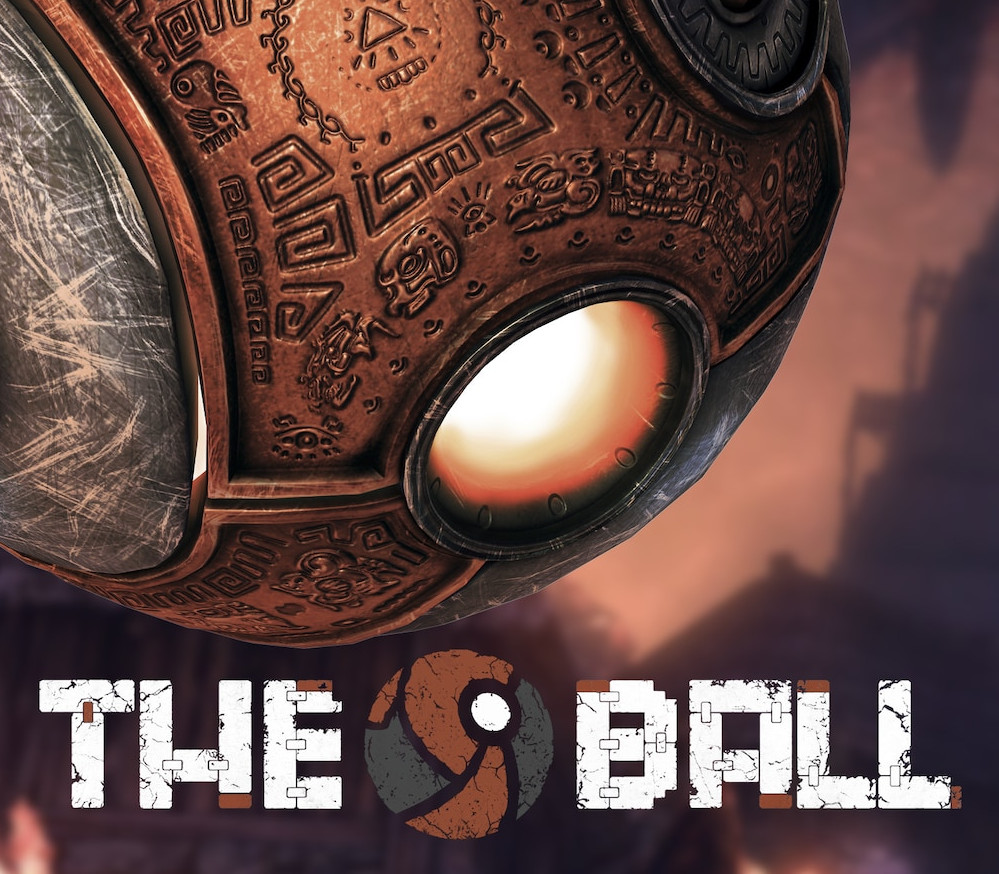
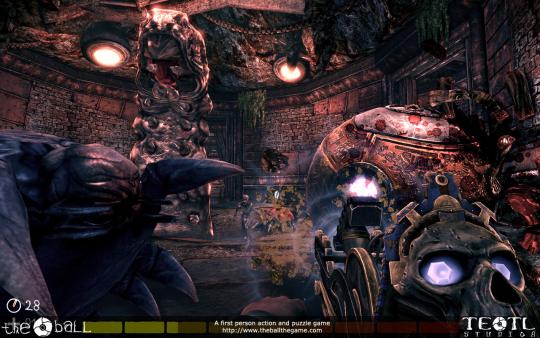
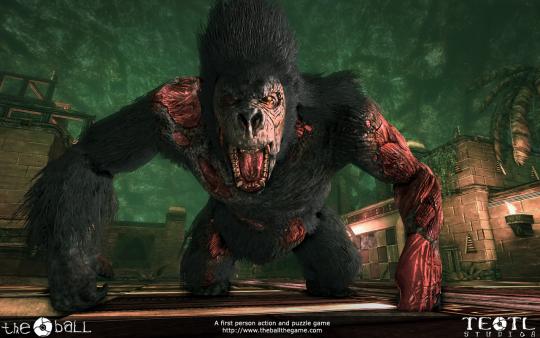
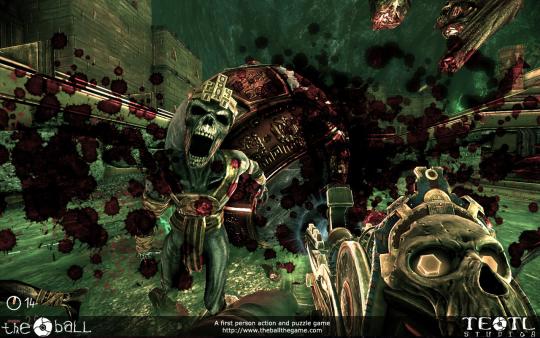
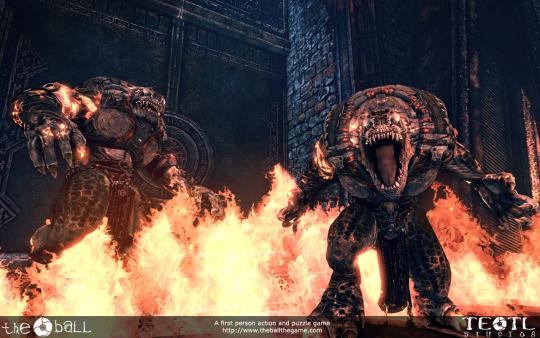
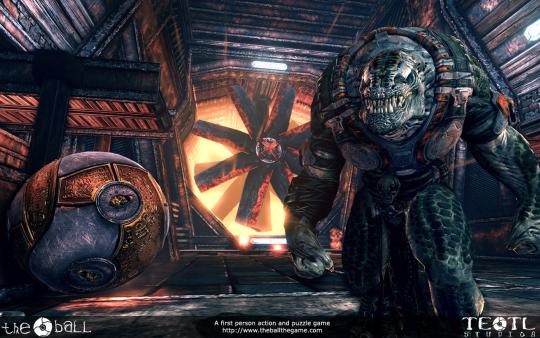
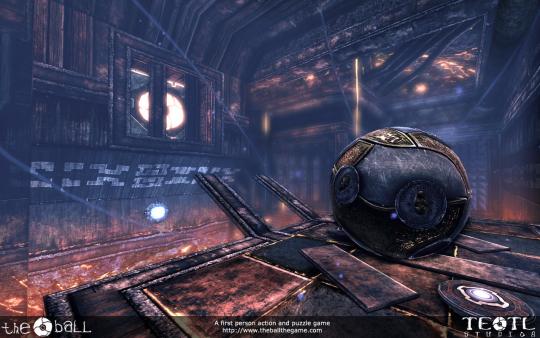
The Ball is a first person action-adventure game featuring a full single-player experience built on Epic’s Unreal™ Engine 3 technology. As a swashbuckling archaeologist working on the slopes of a dormant volcano somewhere in Mexico, you get stuck in a cavern. It doesn’t take long before you realize this is more than just a cave. You reveal ancient ruins that have been hidden from outsiders for centuries and discover a mysterious artifact, a gold and metal shelled Ball. As you progress towards solving the mystery of this amazing place you must unlock the secrets of the Ball and learn to control this ancient artifact. Venturing deeper into the volcano, you reveal some of mankind’s greatest secrets and you will start to encounter not just puzzles and traps, but also various strange creatures – the guardians of this mystery. These creatures have to be overcome, using only the Ball to defend you. Features 8 hours of single-player adventure Game mechanics that are very simple to pick up, immersing the user in the physics-based gameplay right from the start 8 huge levels to explore Includes bonus Survival game mode, with 4 additional levels Wide range of enemies to overcome, including mummies and an undead gorilla Unique vehicles – an underground train and the mysterious “Ball Chariot” 35 secrets hidden away to be discovered, as well as multiple achievements for the player to earn Steamworks™ features including achievements and leaderboards